A temp email for Avoma can help with a quick trial, a one-off signup, or an early product comparison, but it becomes risky once the account starts holding recurring meeting notes, CRM-linked workflows, or team access.
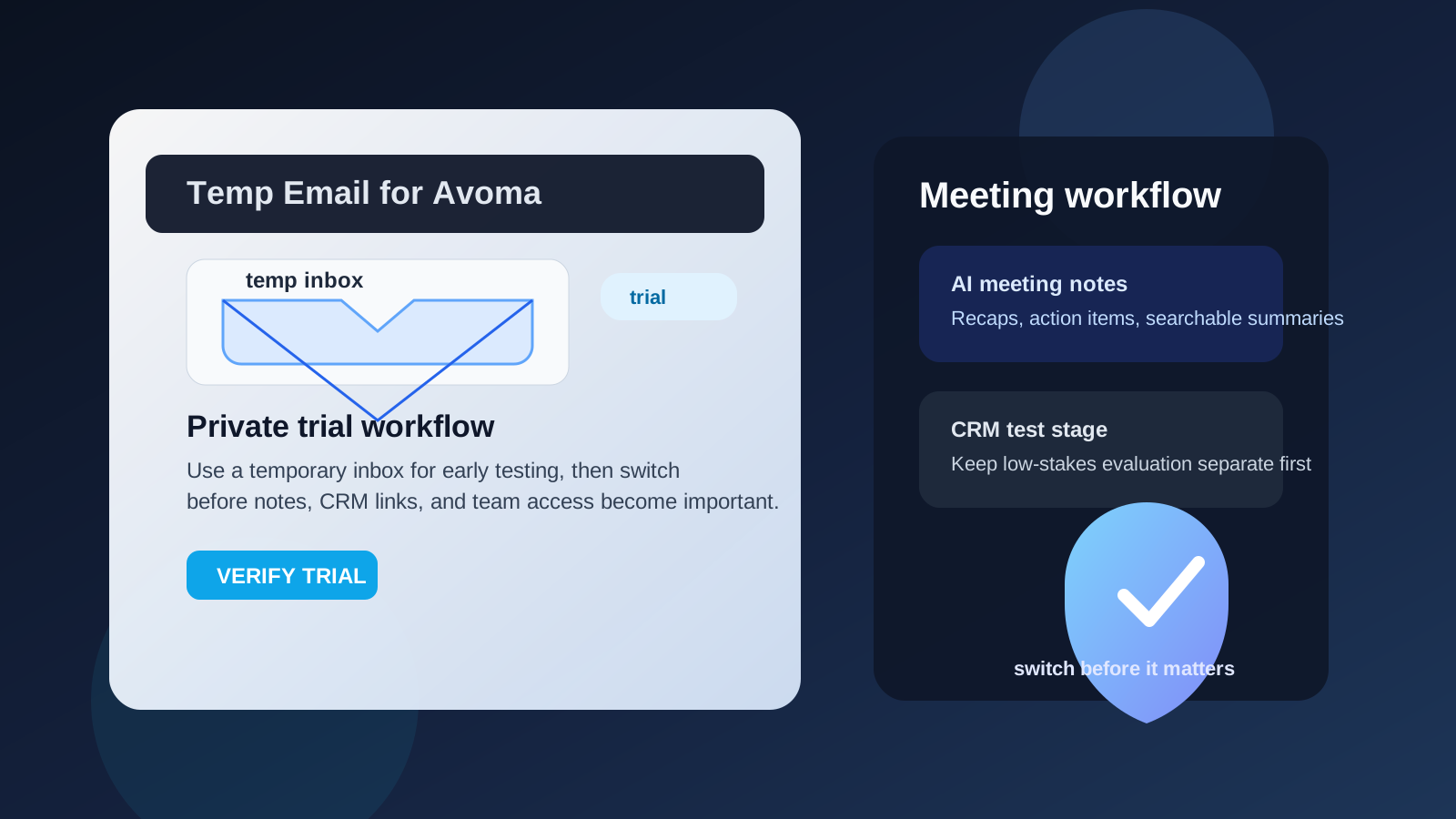
Yes, you can use a temporary inbox for Avoma during low-stakes evaluation. Switch to an email address you actually control before the workspace becomes important, searchable, or shared with other people.
Why people look for a temp email for Avoma
Avoma sits in a part of the software stack that gets valuable quickly. It is not just a basic note-taking app. People use it to capture meeting notes, organize follow-ups, review conversations, test coaching workflows, and sometimes connect those insights to sales or customer-facing systems. That makes the first signup feel small, but it can turn into something you rely on faster than expected.
That is why the privacy question matters. If you are only comparing tools, you may not want another vendor pushing onboarding sequences, trial reminders, webinar invites, and demo prompts into your everyday inbox. A temporary email keeps that first stage cleaner. It helps you verify the account, read the welcome messages, and decide whether the product is even worth deeper attention.
The mistake is treating a throwaway inbox like a permanent foundation. For an early test, it is practical. For a real meeting workflow, it can become a liability.
When a temporary inbox for Avoma makes sense
A disposable address is usually fine when your goal is narrow, short-term, and easy to walk away from. Good examples include:
- Testing the signup flow: you want to see how quickly Avoma gets you into the product and what the first-run experience looks like.
- Comparing meeting tools: maybe you are reviewing Avoma next to Otter AI, Fireflies AI, Fathom AI, Grain, or Read AI and do not want all of them feeding your main inbox at once.
- Running a solo trial: you want to inspect the dashboard, sample templates, and note organization without inviting teammates yet.
- Keeping vendor research separate: if you are doing early buying research, a temp inbox helps keep low-commitment testing away from your real work inbox.
- Avoiding long-tail follow-up email: even a short trial can trigger weeks of reminders and promotional messages.
That is the best use case for a service like Anonibox. You still get the verification email and the first onboarding steps, but you do not immediately hand over the inbox you use for everyday work.
When a temp email becomes the wrong tool
The risk changes as soon as the account starts acting like real infrastructure rather than a throwaway trial. Avoma is the kind of tool that can quietly cross that line.
1. Your meeting notes stop being disposable
At first, a test workspace may only contain one or two calls. A week later, you may have notes, summaries, action items, or recordings you actually want to revisit. If the account is tied to an inbox you do not control long term, account recovery becomes more fragile than it should be.
2. Team invites raise the stakes
The moment coworkers, clients, candidates, or collaborators enter the picture, the email address behind the account matters more. Shared access, invite acceptance, ownership changes, and permissions are all easier to manage when the workspace sits behind a stable inbox.
3. CRM and workflow connections create dependency
If you are exploring Avoma because of call intelligence, follow-up workflows, coaching, or CRM-linked meeting insights, you are no longer in a low-stakes situation. Once the tool is connected to a meaningful process, you want predictable access, not a temporary mailbox that may disappear or become inconvenient later.
4. Admin ownership matters
Even if you start as “just testing,” trial accounts often become the first real account. That can leave the throwaway address attached to billing notices, password resets, or owner-level controls. It is much better to switch before that happens.
A good temp-email workflow for Avoma
If you want the privacy and inbox-control benefits without creating a mess, keep the workflow disciplined.
Start with the temporary inbox before signup
Create the address first so the entire evaluation stays separated from your everyday mail from the beginning. That way the welcome emails, verification links, and first product tips do not mix with real work.
Use it only for verification and early onboarding
The sweet spot is the first checkpoint: verify the account, read the first few messages, explore the interface, and judge whether the product deserves more time. If it does, plan your switch early instead of letting the temporary address remain attached by accident.
Test one realistic but limited scenario
Do not build your long-term meeting system on top of a disposable inbox. Run one or two sample meetings, inspect how summaries are organized, and test whether the workflow feels useful. That is enough to learn whether Avoma belongs on the shortlist.
Save what matters right away
If the product sends useful setup instructions, onboarding notes, or invite details, save them while the inbox is still active. Temporary inboxes are great because they stay lightweight, but that also means you should not assume every message will wait around forever.
Make a clean yes-or-no decision
After the first evaluation round, either drop the account or move it to a permanent email address. The bad middle ground is “I will switch later,” followed by weeks of real usage on an account that was supposed to be disposable.
What to evaluate inside an Avoma trial
Once you are in, the important questions are not about the email itself. They are about whether the product actually helps.
Note quality and readability
Are the summaries clear? Can you find decisions, next steps, and key points without digging? A meeting tool is only useful if the output saves time instead of creating more reading.
Search and organization
Look at how easy it is to find older notes, organize conversations by team or topic, and move between meetings without feeling lost. This matters a lot if the tool may become part of a regular workflow.
Sharing behavior
Check how invites, shared notes, and workspace collaboration work before you involve other people. A tool may look fine in solo mode but become awkward once several people need access.
Workflow fit
Does the product feel like something your team would actually keep using? Fast trial excitement is not the same thing as daily usefulness. Pay attention to friction, not just features.
Sales or CRM-linked value
If Avoma is interesting because of sales-call review, coaching, or CRM alignment, focus on whether those workflows feel practical. It is better to learn early whether the product is helpful than to judge it only by the marketing around the trial.
Why meeting tools deserve more caution than ordinary newsletters
A throwaway email is easy to justify for coupons, one-time downloads, or lightweight tools that do not hold meaningful work. Meeting software is different. These accounts can accumulate searchable notes, recurring summaries, collaboration patterns, and history that people actually depend on.
That means the downside of losing the inbox is not just missing some marketing mail. You may lose easy access to a workspace, miss an invite, struggle with account recovery, or create confusion for coworkers later. The more closely the tool touches real conversations and team process, the less suitable a disposable inbox becomes.
When you should switch to a permanent email
Move the account to a real inbox once any of the following becomes true:
- You plan to keep using the workspace beyond a quick trial.
- You are inviting teammates, clients, candidates, or other collaborators.
- You may need the notes, summaries, or action items later.
- You want reliable access to password resets, alerts, or account notices.
- You are evaluating the product seriously enough to discuss rollout, support, or pricing.
That transition point is important. A temporary inbox is a useful screening tool. It is not a good long-term owner for an account tied to ongoing work.
Mistakes to avoid
- Using one disposable inbox for several products: it gets harder to separate verification messages and follow-up from each tool.
- Letting the trial become production by accident: a low-stakes test can quietly become the real workspace if you never switch.
- Inviting other people too early: the moment teammates depend on the account, the temporary phase should be over.
- Ignoring recovery risk: if losing the inbox would be annoying tomorrow, it is probably already too important for throwaway use.
- Judging the product by email polish: what matters is whether the meeting workflow is genuinely useful, not how many onboarding messages the vendor sends.
A simple privacy-first checklist
- Create one temporary inbox for the Avoma trial.
- Use it for signup, verification, and the first round of onboarding.
- Test a small, realistic scenario instead of a full team rollout.
- Review note quality, organization, sharing, and workflow fit.
- Save any important setup details before the inbox expires.
- Switch to a permanent email if the tool earns a place in real work.
This keeps the privacy benefit while reducing the chance that a disposable setup turns into a longer-term access problem.
Final answer
A temp email for Avoma is a sensible choice for short trials, early product comparisons, and low-stakes testing. It helps you keep vendor outreach and onboarding noise out of your main inbox while you figure out whether the platform is worth more attention.
It stops being a good idea once the account starts holding meeting knowledge, team access, or CRM-linked workflow value. Use the temporary inbox to evaluate, then switch to a permanent address before the account becomes something you would care about losing.
That gives you the best of both worlds: cleaner privacy during the research phase and more reliable ownership once the tool actually matters.