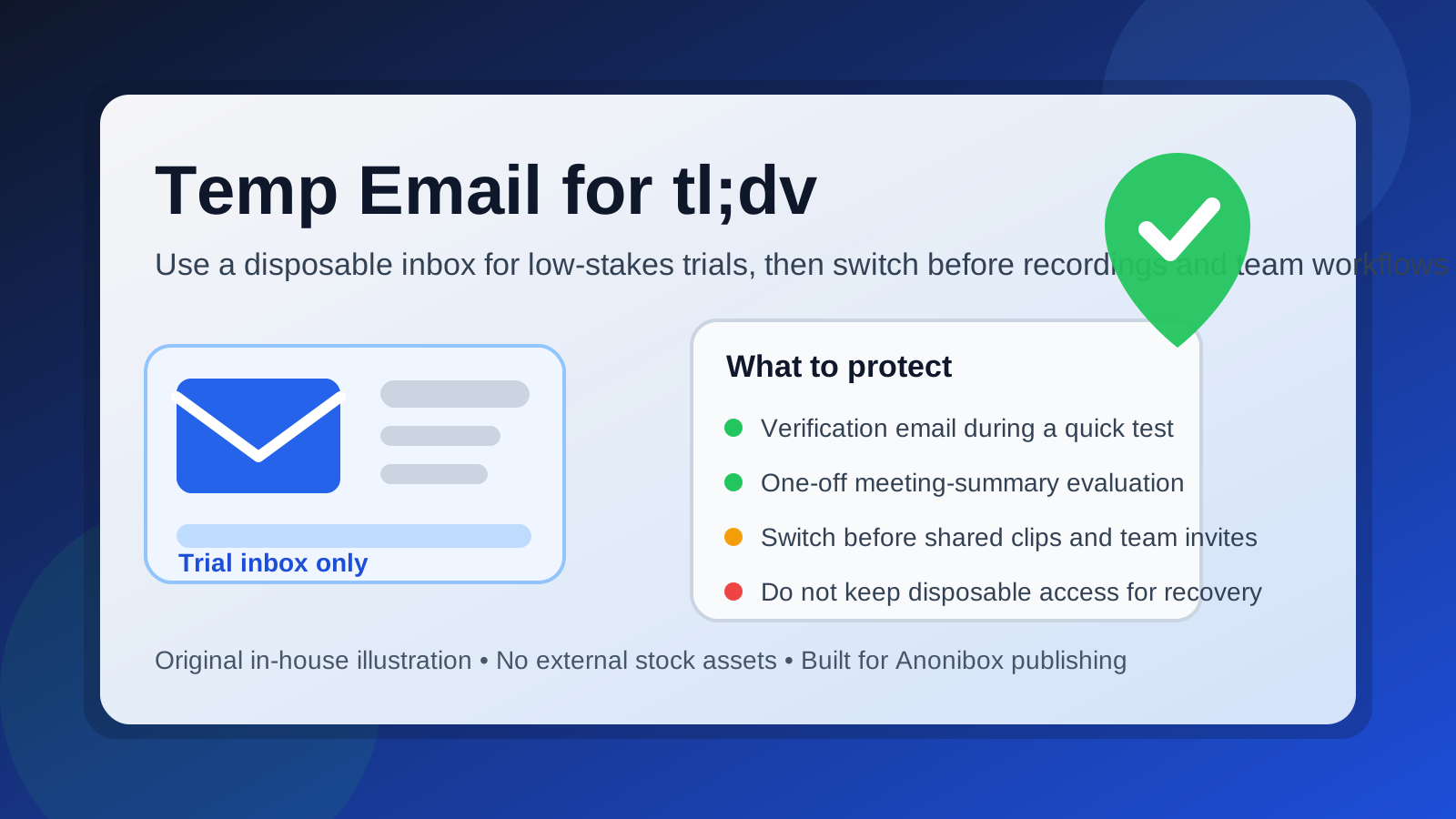
Yes, you can use a temp email for tl;dv if you only need a short trial, a one-off signup, or a quick look at the product without feeding your main inbox into another software sales funnel. It becomes a bad long-term choice once meeting summaries, shared clips, workspace invites, and account recovery actually matter.
That is the real tradeoff. A disposable inbox can make early testing cleaner and more private, but tl;dv is the kind of tool that gets more valuable as it becomes part of your real workflow. If your trial turns into recurring meetings, saved recordings, or collaboration with teammates, you should stop treating the email address like a throwaway and switch to something permanent.
Why people consider a temporary email for tl;dv
tl;dv sits in a category where curiosity is high and commitment is often low at the start. People want to see how the tool handles meeting summaries, clips, notes, and follow-up workflows before they decide whether it belongs in their real stack. That makes a disposable address appealing for a few simple reasons.
- You want to verify a trial without long-term inbox clutter. Many software tools start with a harmless confirmation email and then continue with onboarding sequences, sales nudges, webinar invites, and product education campaigns.
- You are comparing several meeting tools at once. If you are testing tl;dv next to tools like Otter AI, Fireflies AI, Fathom AI, Grain, Read AI, or Avoma, separate signups help keep the evaluation organized.
- You do not yet know whether the tool will become part of your real workflow. At the very beginning, you may only want a quick test rather than a lasting relationship with the platform.
- You want better privacy during product research. Some people simply prefer not to hand their main inbox to every app they try, especially when they are still in the “just checking” stage.
That is where a service like Anonibox makes sense: create a temporary inbox, verify the account, look around, and decide whether the tool is worth moving into a more permanent setup.
When a temp email for tl;dv makes sense
A temp email is most useful when the stakes are still low. The common thread is that you are testing access, not building long-term dependence.
1. Quick solo evaluation
If you want to understand the dashboard, see how the summaries look, or test whether the interface matches your workflow, a temporary inbox is usually fine. You get in, confirm the account, and learn what you need to learn.
2. One-off trial signup
If the goal is simply to unlock a free trial and see whether the product is promising, a disposable address can keep that early experiment separate from your daily inbox. This is especially practical if you test a lot of software and do not want weeks of follow-up messaging for every product you touched once.
3. Comparing alternatives before choosing one
Maybe you are deciding between multiple meeting assistants or note-taking tools. In that situation, a temporary email helps you isolate the evaluation phase. You can focus on product fit rather than mixing all of the welcome emails together in one personal or work inbox.
4. Low-risk feature sampling
If you only want to answer questions like “Does this summary format make sense?” or “Does the clip-sharing flow look useful?” then a throwaway address may be enough for the first pass.
When it gets risky fast
tl;dv stops being a disposable-account kind of tool the moment your account begins to hold something you actually care about. That shift happens faster than many people expect.
Shared clips and meeting history
If the account starts holding useful clips, notes, timestamps, or recurring meeting outputs, losing access becomes annoying at best and disruptive at worst. A temporary inbox that expires too soon can lock you out of information you meant to keep.
Team invites and collaboration
The risk grows once coworkers, clients, or collaborators are involved. If your tl;dv account is tied to shared workspaces, invitations, or review links, a burner inbox creates avoidable friction. People will assume your account is stable even if the email behind it is not.
Account recovery
Recovery is the most obvious weak point. If you cannot receive password resets or login notices because the inbox has expired, the short-term convenience of the temp email can become a long-term headache.
Billing or plan changes
If you upgrade, connect more data, or treat the tool as part of a real process, you should not keep a disposable inbox attached. At that point you need a reachable address that you control for the long haul.
How to use a temp email for tl;dv safely
If you want the privacy benefits without creating a mess later, the best approach is to treat the temporary address as a staging tool, not a permanent identity.
1. Create the inbox before you sign up
Do not improvise halfway through the process. Start with the temporary address so the entire trial stays separated from your primary inbox from the beginning.
2. Use it only for the early test window
Be honest about what phase you are in. If this is a quick evaluation, great. If you already know you plan to keep the account, skip the disposable step and use a permanent address from the start.
3. Save the important messages right away
Verification links, welcome emails, and setup notes are often the only messages that matter during the first session. Capture what you need early. Do not assume the temporary inbox will be there forever.
4. Test the product quickly and intentionally
Do not waste the trial window. During the first session, focus on the features that actually matter to your decision:
- How useful are the summaries?
- Are the clips easy to review and share?
- Does the interface fit the way you run meetings?
- Would you trust this tool in a real workflow?
5. Switch to a permanent inbox before the account becomes important
This is the step people forget. If tl;dv passes the test and you want to keep using it, move the account to a stable email address before shared history, account ownership, or recovery matters.
Better alternatives than a disposable inbox
A burner email is not always the best answer. Sometimes you want privacy without the fragility.
Email alias
An alias gives you separation without giving up control. You still receive messages in a real inbox, but you can filter, label, or disable the alias later if it becomes noisy.
Dedicated software-testing inbox
If you sign up for a lot of products, a separate permanent inbox for trials can be more practical than using a purely temporary address every time. You keep the clutter away from your main email while preserving recovery access.
Temp email for the first pass, then migrate
This is often the best middle ground. Use Anonibox or another temporary inbox for the first low-stakes evaluation, then switch to a permanent address if the product proves useful.
Common mistakes to avoid
- Leaving a disposable inbox attached after the trial is successful. If the account has value now, treat it like it has value.
- Forgetting about recovery. A meeting tool is not very helpful if you cannot get back into it later.
- Using the same temp inbox everywhere. That defeats some of the organization and privacy benefits.
- Confusing privacy with permanence. A temp email reduces exposure, but it does not create a stable identity for long-term work.
- Waiting too long to switch. The safest time to move to a permanent inbox is before the account becomes tied to shared workflows.
A practical example
Imagine a consultant comparing several meeting-summary tools for client calls. A temporary inbox makes sense on day one because they only want to see which product feels best. They sign up, verify the account, test a few summaries, and compare workflows. At that stage, privacy and inbox cleanliness matter more than long-term account ownership.
Now imagine the same consultant starts saving clips for clients, sharing notes with a teammate, and relying on the tool for recurring work. The disposable inbox that looked convenient on day one now becomes the weakest part of the setup. That is the point where switching to a real address stops being optional and starts being sensible.
Quick checklist before you use a temp email for tl;dv
- Am I only testing the product, or do I expect to keep using it?
- Will this account hold anything I care about later?
- Will anyone else rely on this account or its shared outputs?
- Have I saved the key verification or onboarding messages?
- Do I have a plan to switch to a permanent inbox if the tool works out?
If your answers point to a short, low-stakes trial, a temporary inbox is reasonable. If your answers point to ongoing collaboration, saved history, or real operational use, go with a stable inbox instead.
Final verdict
A temp email for tl;dv is a smart move for quick evaluation, low-stakes signup verification, and keeping your main inbox out of another software nurture sequence. It is not a smart long-term home for an account that may end up holding meeting summaries, shared clips, workspace access, or recovery importance.
The simplest rule is this: use a temporary inbox for testing, not for ownership. If tl;dv turns out to be useful, promote the account to a permanent email address before it becomes part of real work.