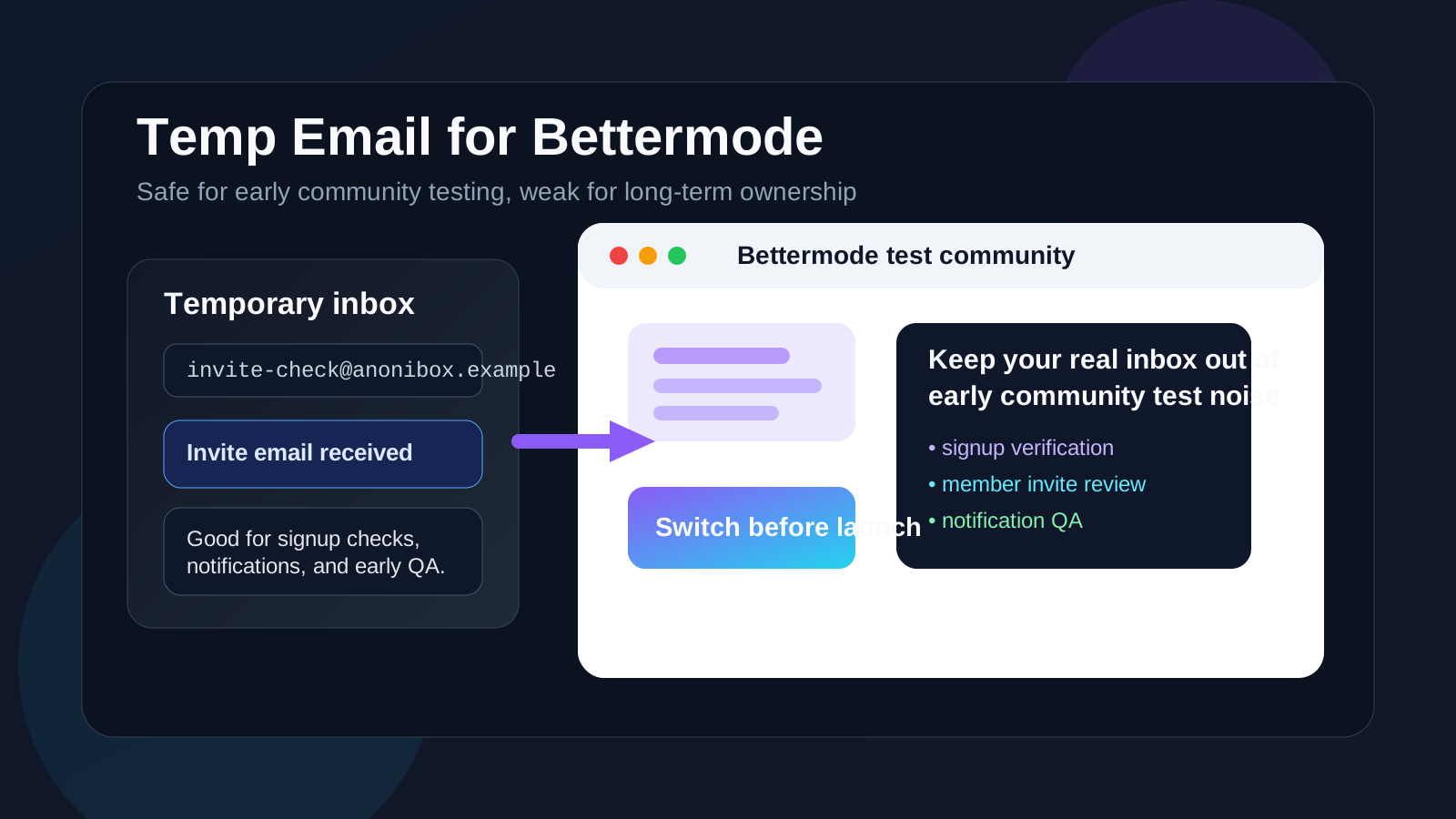
Yes — a temp email for Bettermode can help with early community setup, test invites, and signup checks when you want to protect your main inbox. No — it is a poor choice for production admins, real member access, account recovery, and any live community your team depends on.
That is the real trade-off. A disposable inbox is useful while you are experimenting, comparing community platforms, or reviewing how Bettermode handles onboarding and notifications. But the same setup becomes risky once the community is tied to actual members, moderators, billing, or long-term ownership. The safe move is to use temporary email only during the short testing phase, then switch to a durable inbox before the project becomes real.
Why people look for a temp email for Bettermode
Bettermode is often evaluated during a messy stage: the team is choosing a community platform, testing a new member experience, or building a proof of concept before deciding whether the project deserves long-term investment. That usually triggers a burst of email: verification links, invite emails, role changes, notification digests, onboarding prompts, and sometimes plan or sales follow-up if the evaluation turns into a serious vendor conversation.
If you are checking several community tools at once, that clutter adds up quickly. A temporary inbox gives you a clean, isolated place to catch the messages you actually need without turning your permanent inbox into a long archive of trial activity. That makes early testing easier to manage and keeps your real contact details out of every experiment.
That is where a tool like Anonibox fits naturally. It gives you a throwaway inbox for low-stakes evaluation work so you can inspect email-dependent flows before deciding whether the account deserves a more permanent home.
When a temp email makes sense for Bettermode
Temporary email works best when the Bettermode account is clearly short-lived, low-stakes, or still in evaluation mode. Good examples include:
- Testing the signup flow: you only need the verification email and the first welcome sequence.
- Reviewing invite behavior: you want to see how member, moderator, or collaborator invites arrive before you roll the process out for real.
- Comparing community platforms: you are deciding between Bettermode and nearby tools like Discourse, Circle.so, or Mighty Networks.
- Running a proof of concept: the project is still experimental and might never become a live community.
- Keeping vendor follow-up separate: you want access to the product before committing your long-term inbox to product updates and sales outreach.
In those situations, the inbox is supporting testing rather than ownership. That is the best-case scenario for using a disposable address.
When a temp email becomes a bad idea
The problem starts when the account stops being temporary but the inbox stays temporary. Community projects often begin as “just a test” and then quietly become the real thing. Once real members, real admins, and real workflows depend on the account, a throwaway inbox becomes an operational weak point.
A temp email is the wrong tool if the Bettermode account will be used for:
- Primary admin or owner access for the community
- Real member signups that may need recovery later
- Moderator or staff permissions tied to daily operations
- Password resets and account recovery you may need weeks or months later
- Billing, plan changes, or legal notices that should never disappear
- Any live community where losing inbox access would create confusion or downtime
If the inbox expires, becomes inaccessible, or simply gets forgotten, recovering control of the community can become slow and painful. What looked like a privacy shortcut during week one can create a governance problem by week six.
A simple rule that prevents most mistakes
If the account exists to test the community, temporary email can be fine. If the account exists to own the community, recover the community, or receive important notices for the community, use a permanent inbox you control.
That rule sounds obvious, but it is easy to ignore when a sandbox evolves into a real launch. Treat the first inbox decision as temporary only if the entire project is temporary too.
How to use a temp email for Bettermode safely
1. Decide whether the project is truly experimental
Before signup, ask a blunt question: is this a real future community, or is it just a short trial? If there is a serious chance that the same workspace will survive into production, it is smarter to start with a stable inbox from day one.
2. Use one inbox per environment
If you are running multiple tests, do not push every verification email and invite into one disposable inbox. Separate inboxes make it easier to tell which email belongs to which workspace, especially when you are comparing tools or reviewing different audience flows.
3. Save the messages that matter
During the first round of testing, you usually only need a few messages: the verification link, one or two invites, maybe a password reset test, and a sample notification. Capture those while you still have them. Disposable inboxes are useful precisely because they are lightweight, but that also means you should not treat them like a long-term archive.
4. Move to a durable inbox early
The best time to switch away from a temp inbox is before the community matters, not after. If the trial starts feeling serious, update the account email before more teammates join, before members depend on it, and before the workspace becomes a true operational asset.
5. Separate privacy from continuity
Temporary email helps with privacy during evaluation. A permanent inbox, shared team address, or controlled alias helps with continuity once the account matters. Use the right tool for the right stage instead of expecting one inbox strategy to do both jobs well.
Common mistakes teams make
Most temp-email problems around community software are not dramatic security failures. They are ordinary operational mistakes that compound over time.
- The “we will change it later” trap: nobody updates the inbox because the test keeps growing without a clean relaunch point.
- Unclear ownership: one person opened the account with a disposable address, and months later nobody knows who can recover it.
- Disposable admin access: the owner account is still tied to a temporary inbox even though the community now has paying members or serious staff workflows.
- Overvaluing privacy, undervaluing continuity: keeping the real inbox hidden is useful, but not if it makes long-term recovery fragile.
These are avoidable mistakes. The fix is simply to treat the temp inbox as a staging tool, not a permanent operating model.
Better alternatives once the community is serious
If you still want privacy without relying on a throwaway inbox forever, there are safer middle-ground options:
- A dedicated evaluation inbox: useful for trials, demos, and early vendor research without exposing a personal address.
- An email alias: keeps the inbox manageable while preserving long-term control.
- A role-based team address: helpful when more than one person needs visibility into admin notices and recovery workflows.
- A controlled internal sandbox policy: ideal if your team regularly evaluates community or SaaS products and wants a repeatable process.
Those options preserve most of the privacy benefit while avoiding the “we can no longer access the original inbox” problem that disposable email often creates in long-lived accounts.
How to decide in practice
If you are unsure whether to use a temp email for Bettermode, ask four quick questions:
- Is this just an early test? If yes, a temp inbox is usually reasonable.
- Will this account own anything important? If yes, use a durable address.
- Will real members or teammates depend on it? If yes, avoid disposable ownership.
- Could I safely lose access to this inbox next month? If the answer is no, do not use a throwaway email.
That checklist catches most bad decisions. Temporary email is best for short-lived evaluation, not long-lived responsibility.
Final takeaway
A temp email for Bettermode is a practical choice when you are checking signup flows, reviewing invite emails, comparing community platforms, or running an early proof of concept. It helps protect your main inbox and reduces the clutter that comes with trial activity and early vendor follow-up.
But once the workspace is tied to real admins, real members, or any account you may need to recover later, switch to a stable inbox quickly. Use temporary email for testing, not for long-term ownership. That balance gives you the privacy benefit without creating avoidable recovery headaches later.