Yes, you can use a temp email for Circle.so when you are joining a test community, checking invite flows, or exploring a new workspace without handing your main inbox to every trial. No, you should not use a disposable inbox for the long-term owner account, paid member access, or anything tied to billing, moderation, and recovery.
That is the practical line. Temporary email is helpful during the evaluation stage, but it becomes risky once the Circle.so space matters to real members, real teammates, or real revenue.
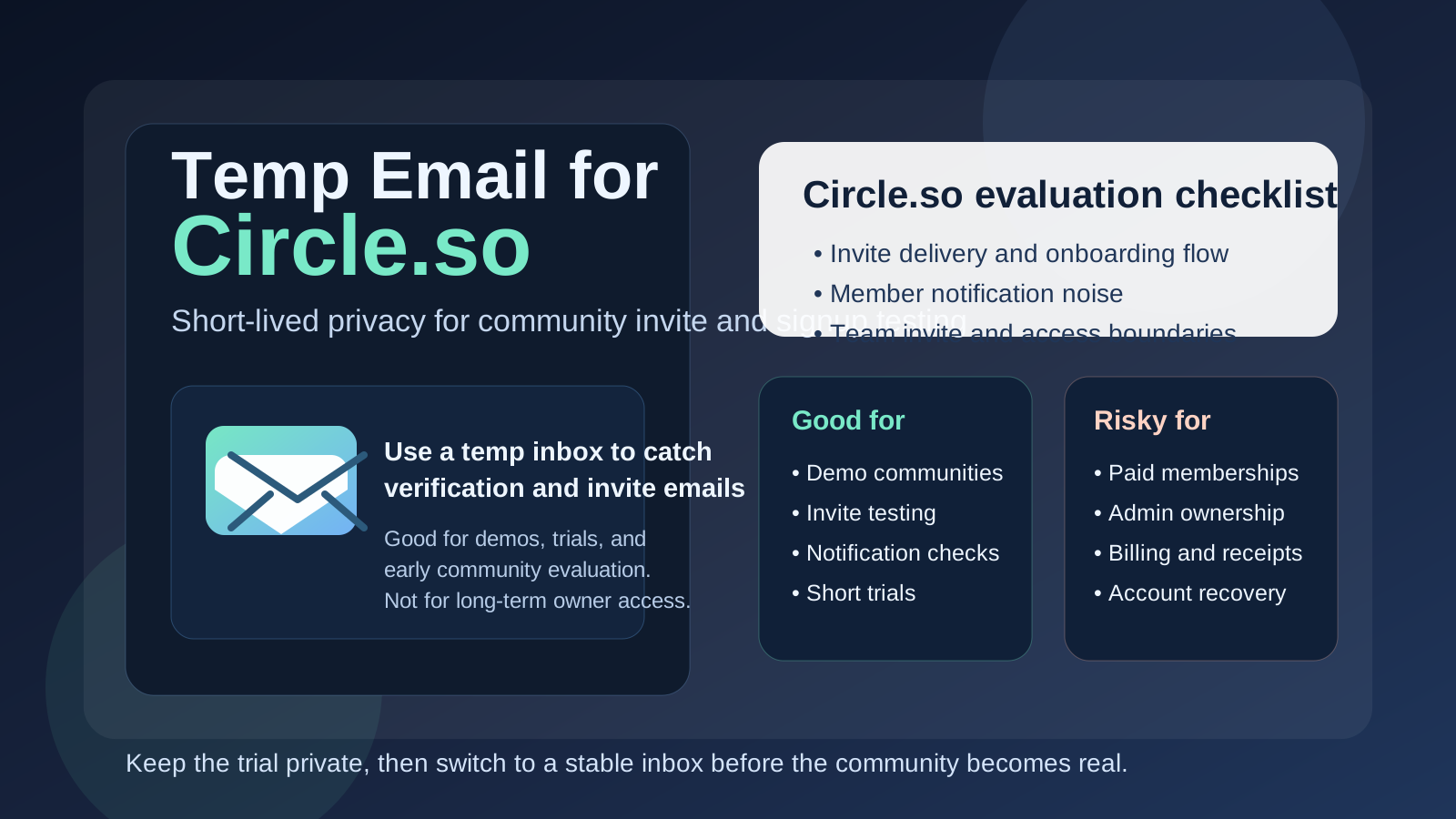
Why people look for a temp email for Circle.so
Circle.so is often tested before it is fully adopted. A creator wants to compare community platforms. A coach wants to see how spaces, events, and member onboarding feel in practice. A startup wants to evaluate whether it should host an early beta group, customer community, or private cohort there. In that stage, it is normal to want access without turning your main inbox into a permanent stream of welcome emails, digest notifications, admin prompts, and follow-up messages from communities you may never use again.
A temp inbox solves that early problem well. You can accept the invite, verify the address, and see how onboarding works without sending every trial and demo through your everyday email. A tool like Anonibox fits neatly into that workflow because it keeps the test isolated while still letting you complete the messages you actually need.
When a temp email makes sense for Circle.so
A temporary inbox is most useful when the Circle.so account is clearly short-lived, exploratory, or disposable. Good examples include:
- Joining a demo community just to review the member experience
- Testing a creator or team invite before rolling out a real launch
- Comparing Circle.so against alternatives like Discourse, Skool, or Mighty Networks
- Checking whether onboarding emails, magic links, or community notifications arrive as expected
- Reviewing a client or colleague’s prototype workspace without mixing it into your permanent inbox
- Keeping early research separate from your real work or creator address
In those situations, you usually only need the verification message, the initial invite, and a few short-term notifications. A disposable inbox gives you just enough access to evaluate the setup without making a long-term commitment.
When a temp email is a bad idea
The problems start when the account stops being temporary but the inbox stays temporary. Circle.so can move quickly from experiment to real operating system for a paid membership, customer community, mastermind, or internal group. Once that happens, email ownership matters much more than it did on day one.
A temp inbox is a bad fit if it is connected to:
- The main owner or administrator account for the community
- Paid memberships, subscription receipts, or billing notices
- Member-facing communications you may need to reference again later
- Moderator or team accounts that multiple people rely on
- Password resets, security alerts, or recovery workflows
- Important launch emails, course cohorts, or live event reminders
If the inbox disappears, expires, or becomes inaccessible, recovering the account can become slow and irritating at best. At worst, you create avoidable risk around community ownership, billing, or important member access.
A simple rule that keeps you out of trouble
If the account exists to test something, a temp email can be reasonable. If the account exists to own something, use a permanent address you control.
That rule works because it forces a clean handoff. Early testing stays lightweight. Real operations move to an inbox that can safely receive resets, invoices, invitations, and support messages for as long as the community exists.
How to use a temp email for Circle.so safely
1. Decide whether this is a trial account or a real account
Do not blur the two. If you are just reviewing a community experience, a temp inbox is fine. If you are creating the actual home for paying members, clients, or a long-lived team community, start with a durable inbox instead.
2. Use one inbox per workspace or invite
Mixing multiple communities into one throwaway inbox gets messy fast. You forget which invite belongs to which workspace, which digest came from which test, and which reset applies to which account. Keeping one inbox per trial makes it much easier to track what you are evaluating.
3. Save the important links immediately
Temp inboxes are useful because they are lightweight, but that also means you should treat them like short-term tools. Save the invite link, note the workspace name, and record anything you need before moving on.
4. Switch to a permanent inbox before the community becomes active
The right moment to switch is earlier than most people think. Move to a stable inbox before you add real members, start taking payments, assign moderator roles, or depend on notification emails for operations.
5. Separate privacy from continuity
A temporary inbox protects your main address during research. A permanent project inbox protects your future self when the account matters. Those are different jobs. Use the right tool for each one.
What to test while you still have the disposable inbox
If you are going to use a temp email during the evaluation stage, make the test worthwhile. Focus on the workflows that actually matter instead of just confirming that signup technically works.
Invite and onboarding flow
How clean is the first-run experience? Does the invite email arrive quickly? Is it obvious what to click next? Can a new member understand what the community is and where to start?
Notification behavior
Circle.so communities can send digests, discussion alerts, event reminders, and other notifications. Early testing is the right time to see whether those emails are useful, noisy, delayed, or easy to misread.
Member access boundaries
If the space includes locked areas, paid access, or tiered content, test how that access behaves. You want to understand what a new member receives by email and whether the journey makes sense before real people start using it.
Team invite workflow
If moderators, assistants, or collaborators will join later, test the invite process early. That is often where account confusion starts, especially if one temporary inbox owns the original setup and the project grows faster than expected.
Digest overload vs useful updates
Many communities look fine in a product tour but feel very different once real notification volume starts arriving. A throwaway inbox lets you see the email side of the experience without sacrificing your main inbox to a test that may not last.
Common mistakes people make
- Leaving the temp inbox attached for too long: the test community quietly becomes the real one.
- Using a disposable inbox for paid access: receipts, renewals, and membership messages become harder to manage.
- Forgetting who owns the admin account: later, nobody remembers which email controls recovery.
- Testing only signup, not notifications: email quality is part of the member experience too.
- Treating privacy as the only goal: long-term continuity matters just as much once the community grows.
Better long-term alternatives
If Circle.so is moving from experiment to real operation, there are better options than staying on a disposable inbox forever.
- A dedicated project inbox: useful for a team-run or client-run community
- An email alias: keeps your main address less exposed while preserving control
- A role-based address: better for moderator teams or shared ownership
- A documented handoff inbox: useful when the community is part of a business process rather than one person’s side project
These options still keep your setup organized, but they avoid the fragility that comes with a short-lived inbox controlling something important.
A practical workflow that usually works best
- Create a temp inbox for the Circle.so trial or invite review.
- Use it to verify the account, inspect onboarding, and test notifications.
- Decide whether the community is disposable, ongoing, or likely to become production.
- If it survives the trial stage, migrate ownership to a permanent controlled inbox.
- Only then attach real member operations, billing, or shared moderator responsibility to the account.
That sequence gives you the privacy benefit at the start without leaving a fragile inbox in charge of a serious community later.
Final takeaway
A temp email for Circle.so is a smart move when you are evaluating a community, reviewing invite flows, or checking how notifications behave without exposing your primary inbox to every early trial. It is especially handy when you are comparing platforms or stepping into a short-lived demo environment.
But once the space becomes tied to paid members, important moderators, billing, or long-term account recovery, switch to a permanent inbox immediately. Temporary email is excellent for early community testing. It is not the right foundation for real ownership.