A temp email for BookStack can be useful when you are only testing a wiki or knowledge-base setup and want to keep trial messages out of your main inbox.
It becomes a poor long-term choice once the BookStack account matters to a real team, stores real docs, or needs dependable access recovery.
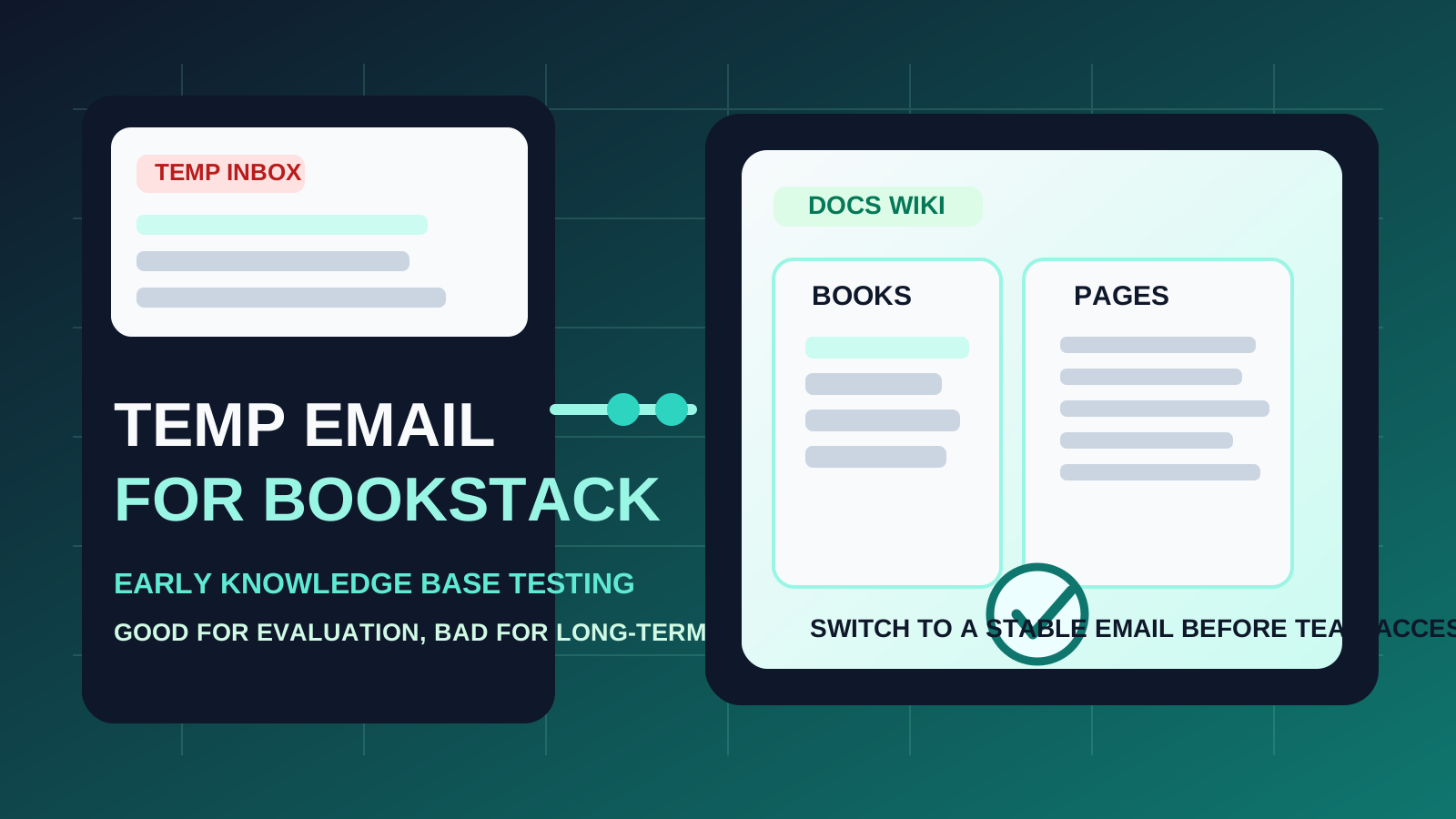
If you are evaluating documentation tools, internal wikis, or self-serve knowledge bases, it is normal to sign up for a few platforms in a short period and compare how they feel. The problem is that even a lightweight product test can create extra inbox clutter through verification emails, onboarding steps, admin notices, and future follow-up. A temporary inbox gives you a clean way to inspect the signup flow without automatically handing another tool permanent access to your main email address.
BookStack fits that early-evaluation pattern well. Many teams use it for internal documentation, SOPs, onboarding notes, project references, or shared wiki pages. During the testing phase, a disposable address can be practical if your goal is simply to verify access, explore the interface, and decide whether the platform belongs in your real workflow. But once the instance becomes useful to other people or starts holding information you care about, disposable email stops being a tidy shortcut and starts becoming a weak link.
When a temp email for BookStack makes sense
There are a few situations where using a temporary inbox is reasonable.
- Quick product evaluation: you want to compare BookStack with adjacent docs and knowledge-base tools like GitBook, Document360, Confluence, ReadMe, or HelpDocs without filling your primary inbox with every test.
- One-off verification: you only need to confirm access and take a first look around before deciding whether the setup is worth more time.
- Short-lived sandbox testing: you are checking the editing flow, navigation model, or page structure rather than launching a real team knowledge base.
- Inbox hygiene: you want to separate low-stakes testing from the inbox you use for real work, customers, or recruiting.
That is the right mental model. Temporary email is most useful when the account itself is temporary too. If the whole point is quick evaluation, a throwaway inbox can reduce noise and keep your main address from collecting another long trail of messages you probably will not need later.
Where temporary email becomes risky
Documentation tools are different from one-time signups because they often become more valuable over time. The more useful the workspace becomes, the more fragile a disposable inbox looks.
1. Shared docs need stable ownership
BookStack is often used for shared reference material, process documentation, and team knowledge. The moment an account or instance starts to matter to more than one person, stable ownership matters too. A disposable address is rarely the right foundation for something other people may depend on.
2. Team access adds long-tail complexity
Even if you start alone, documentation usually expands. Teammates may be invited later. Permissions may change. Admin responsibilities may shift. All of that is easier when the core account is attached to an inbox you still control, not one that was meant to disappear after day one.
3. Password resets and recovery become more important later
The biggest problem with temp email is often delayed, not immediate. Early on, everything works. Weeks later, you need to reset a password, confirm a change, or prove account ownership after a break in activity. That is when a disposable inbox can turn from convenient to annoying very quickly.
4. Real documentation deserves real continuity
If you are storing onboarding guides, runbooks, internal policies, support references, or customer-facing knowledge, the email address tied to the admin or primary owner should be dependable. Documentation has a habit of becoming operationally important even when it started as “just a test.”
A simple rule that keeps you out of trouble
Use a temp email for BookStack if you are evaluating the setup. Do not use one if you already expect the account, instance, or owner access to matter later.
That single distinction solves most of the confusion. Disposable inboxes are good at filtering low-stakes experimentation. Stable inboxes are better for recovery, accountability, and long-term administration. Problems happen when people treat a serious documentation setup like a casual trial for too long.
How to test BookStack safely with a temporary inbox
1. Decide whether the test is actually disposable
Before you sign up, be honest about what you are doing. Are you simply checking whether the interface feels good and whether the page structure suits your team? Or are you already half-expecting the setup to become your real wiki? If it looks likely to become real, start with a permanent address and save yourself the migration headache.
2. Use the temporary inbox only for early access
A disposable address works best for the narrowest possible stage:
- verification emails
- initial setup access
- first-run onboarding
- early product comparison notes
That keeps the inbox serving its intended job instead of becoming a hidden dependency for something more important.
3. Capture the useful setup details while you test
If you are comparing multiple tools, save the details that actually help you decide:
- how the initial login and setup feel
- whether page organization is intuitive
- how easy it is to create books, chapters, and pages
- whether search and navigation feel clean enough for long-term use
- what parts of the workflow you would want a real team to use
That way, the test produces something useful even if the account itself stays disposable.
4. Switch before the account starts carrying real weight
The safest time to move away from temp email is before the account matters, not after. Switch early if you decide the setup is promising. Do it before teammates join, before important content piles up, and before recovery becomes something you need to think about.
When a permanent email is the better choice from the start
Start with a stable inbox if any of these are true:
- you expect the BookStack setup to become your real documentation home
- you plan to invite colleagues or share administrative responsibility
- you want reliable recovery and ownership records later
- you are using the space for internal SOPs, onboarding, or customer-support references
- you already know the test is more than a throwaway experiment
Once one of those conditions applies, the benefit of a disposable address is usually smaller than the future friction it creates.
Realistic examples
Example 1: quick documentation-tool comparison
You are reviewing a few wiki or knowledge-base options and want to see how each one handles page creation and navigation. In that case, a temporary inbox is fine. You can verify the account, inspect the workflow, and avoid long-term email clutter from a tool you may never adopt.
Example 2: a short-lived personal test
If you are just exploring BookStack for your own learning or to test a possible internal docs structure, disposable email can still make sense. The important part is remembering that the account should stay disposable too.
Example 3: a real team wiki
This is where the temporary approach usually stops being smart. If the space may hold real procedures, onboarding notes, or shared references, stable admin ownership matters more than inbox tidiness. That is when a permanent address is the safer choice.
Common mistakes to avoid
- Using a throwaway inbox for a non-throwaway setup: this is the most common error. If the content will matter later, the email choice should reflect that.
- Waiting too long to switch: once the docs are useful, changing ownership details later becomes more annoying than doing it early.
- Forgetting the recovery problem: the inbox matters most when something goes wrong, not when everything works on day one.
- Letting “just testing” turn into “we are using this now” without changing the email foundation: plenty of internal tools become real by accident.
- Optimizing only for spam reduction: less inbox clutter is nice, but continuity and control matter more once documentation becomes part of a real workflow.
A cleaner way to evaluate documentation platforms
- Use a temporary inbox for first-pass access if the test is genuinely low stakes.
- Verify the account and inspect the basic workflow.
- Judge the tool quickly on navigation, editing, organization, and search.
- Decide whether the setup is disposable to you or operationally promising.
- If it is promising, move to a stable email before team access, admin responsibility, and recovery matter.
That keeps the benefits of temporary email in the right place: early filtering, cleaner evaluation, and less clutter. It also avoids the classic mistake of building something real on top of something meant to disappear.
Where Anonibox fits naturally
If your goal is to reduce noise while comparing multiple tools, Anonibox is useful at the evaluation stage. It lets you receive the verification email and early access messages you need without giving every experiment a permanent place in your main inbox. That is helpful when you are testing docs, wiki, onboarding, or knowledge-base software and want clearer separation between curiosity and commitment.
Just keep the boundary clear: a temporary inbox is a good evaluation tool, not a long-term ownership strategy.
Final takeaway
A temp email for BookStack is useful when you want to test the setup, compare documentation tools, and keep low-stakes verification out of your main inbox.
It is the wrong long-term choice once the account starts holding real documentation, serving a team, or needing dependable recovery. Use temporary email during the trial phase, then switch to a stable address before shared docs and real ownership start depending on it.