A temp email for HelpDocs is useful when you are only testing the platform, verifying a trial, or checking invite and notification flows. It is a bad long-term choice for a live help center, shared team access, or anything tied to account recovery.
Use a disposable inbox to keep early evaluation noise out of your main mailbox, then move to a stable address before the workspace becomes production-facing or shared with real teammates.
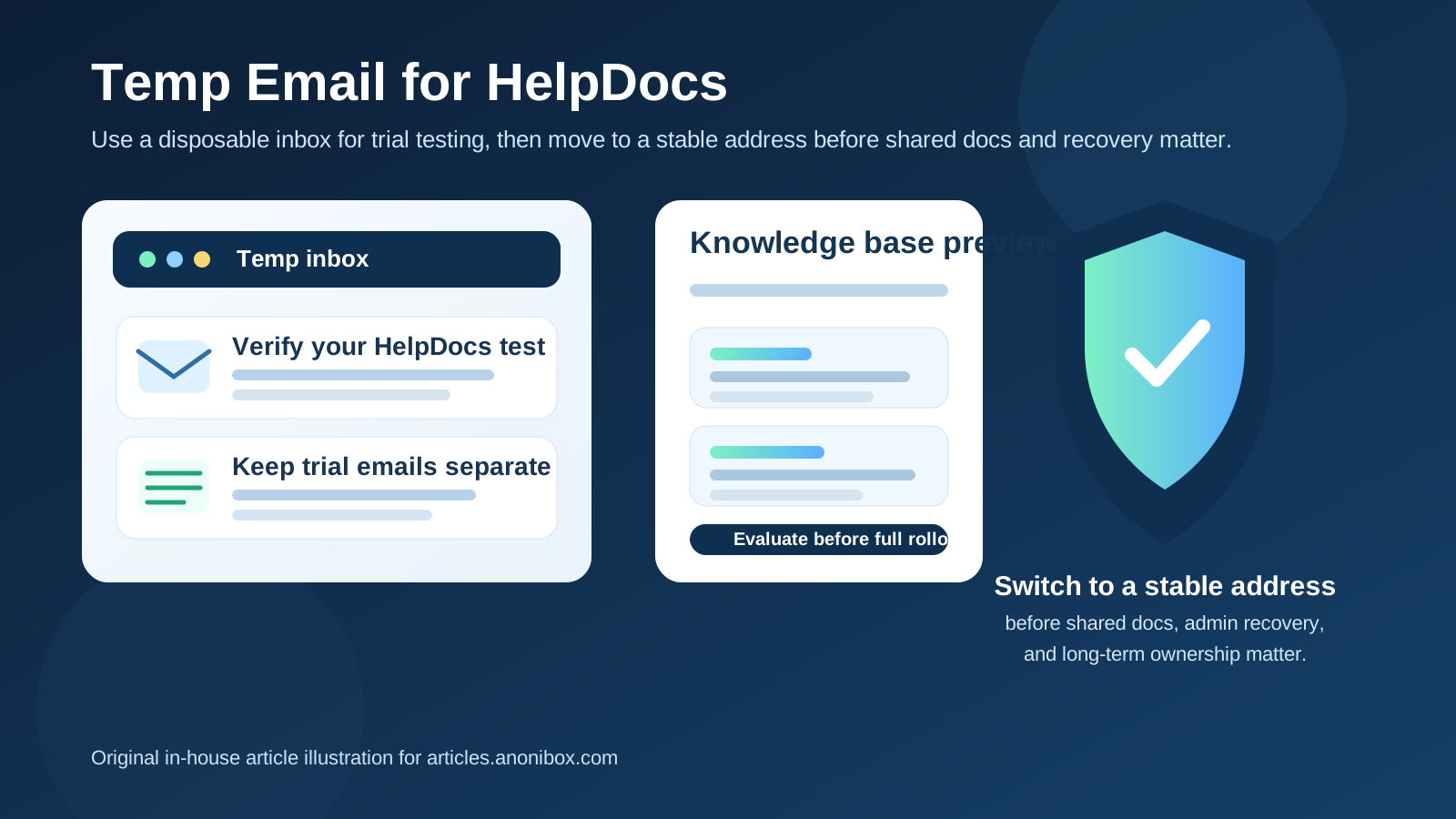
Why someone would use a temp email for HelpDocs
HelpDocs sits in the kind of category where people often want to look around before they commit. A team may be comparing knowledge base tools, checking editor usability, reviewing branding options, or testing how an invite and verification flow works before a real rollout. In that early stage, it is completely reasonable to want the signup emails somewhere other than the inbox you use for everyday work.
A temp inbox helps with that. Instead of mixing trial confirmations, welcome emails, and follow-up messages into your permanent mailbox, you can isolate the evaluation in one place. That makes it easier to judge the product itself without also signing up for long-term inbox clutter. If you use a service like Anonibox for short-lived testing, you can verify the account, review the first messages, and keep your main address in reserve until HelpDocs actually earns a place in your stack.
The catch is that a help center is rarely a throwaway asset forever. Once a knowledge base becomes customer-facing or team-owned, the email address behind the account matters a lot more. That is the line to keep in mind throughout the evaluation.
When a temporary email makes sense
1. You are just evaluating HelpDocs
If you are in comparison mode and want to see whether HelpDocs feels better than other documentation platforms, a temporary inbox is a practical starting point. You may only need access long enough to confirm the account, skim the onboarding sequence, and understand the workspace layout. There is no reason to permanently expose your primary address during that first pass if you are still deciding whether the product even belongs on the shortlist.
2. You want to test a signup or invite workflow
Sometimes the goal is not deep adoption yet. You may simply want to see how the initial emails look, how fast they arrive, whether links work correctly, and whether the early workflow is smooth. A temp email is well suited to that kind of limited, low-stakes verification.
3. You are running an internal proof of concept
Agencies, support teams, and operations leads often build short-lived pilots before rolling a knowledge base out more broadly. A disposable inbox keeps those experiments separate from long-term operations. If the proof of concept dies, the inbox can die with it and your main mailbox stays cleaner.
4. You want to avoid long vendor follow-up too early
Documentation platforms, like most SaaS products, often send onboarding prompts, feature suggestions, demo invitations, and trial reminders. None of that is unusual, but it can become noisy when you are evaluating several tools at once. A temporary address lets you collect the messages you need without volunteering your main inbox for every follow-up sequence from day one.
When a temp email becomes risky
1. The help center is becoming real
Once the workspace moves from experiment to actual implementation, the disposable phase should end. A live help center may become part of your support operation, onboarding flow, customer education, or internal documentation habit. At that point you need continuity, not convenience.
2. More than one person will rely on the account
Shared docs and team access are where disposable email starts to look careless. If editors, support managers, or administrators may need invites, ownership changes, or security notices later, the mailbox behind the account should be stable, monitored, and controlled by the right people.
3. Account recovery matters
This is the biggest practical reason to switch early. A temporary inbox can work perfectly at signup and still turn into a problem the first time you need a password reset, a confirmation link, or a security notice. If you lose the inbox, you risk turning a minor admin task into an avoidable mess.
4. You are tying the workspace to production systems or real stakeholders
The moment customers, coworkers, or client deliverables depend on the documentation workspace, a throwaway address is the wrong foundation. Stability matters more than inbox tidiness once the project has real operational consequences.
A simple workflow that keeps the benefits without the long-term risk
Start with the temp inbox only for low-stakes evaluation
Create the disposable address before signup and use it only for the early HelpDocs phase. That keeps the trial neatly separated from your permanent mailbox from the first click.
Save the useful emails right away
In most evaluations, you only need a small handful of messages: the verification email, the first welcome note, maybe an invite or setup prompt, and anything you want to reference later. Save those while the inbox is still active instead of assuming they will always be available.
Use the trial to test the right things
Do not spend the whole evaluation thinking about the inbox. Use the window to judge whether the platform actually works for your team. Is the writing and editing experience clear? Does the structure make sense for a growing knowledge base? Can people find what they need quickly? Does the early workflow feel simple or heavy? The email is just a tool for getting in the door; the real decision should be about the product.
Switch to a stable address before rollout
If HelpDocs becomes a real contender, move the account to a business-owned or team-owned mailbox before launch, before handoff, and before several people depend on it. That way the temporary inbox does its job during testing without lingering into production.
Good use cases for a temp email with HelpDocs
- Trial signup and account verification
- One-off invite-flow testing
- Short-lived internal proofs of concept
- Comparing multiple knowledge base tools without filling your main inbox
- Keeping vendor follow-up separate during the research stage
Bad use cases for a temp email with HelpDocs
- Primary admin ownership for a live help center
- Shared production workspaces with multiple teammates
- Password recovery or security-critical access
- Anything connected to customer-facing support operations
- Long-term documentation programs that need continuity
Common mistakes to avoid
Forgetting to replace the address later
The biggest mistake is not using a temp email at all. It is using one, then forgetting to migrate the account when the workspace becomes important. That small oversight is harmless until the day you need recovery, ownership transfer, or a security confirmation.
Using the same disposable inbox for every tool
If you are reviewing several documentation platforms, giving all of them the same throwaway inbox can create confusion. Separate inboxes make it easier to understand which product sent which message and reduce the chance of missing something you actually wanted to keep.
Treating temp email like a complete privacy strategy
A disposable inbox solves one problem well: it limits inbox exposure during early testing. It does not automatically solve broader security, access-control, or operational ownership issues. You still need a sensible handoff plan once the trial becomes real work.
What to use after the testing phase
If HelpDocs graduates from experiment to implementation, move to a stable address that the right people can access and manage. In many teams that means a monitored business mailbox, a shared operations inbox, or another dependable address with clear ownership. The exact choice depends on how your organization handles admin responsibility, but the principle is simple: production documentation should not depend on an email address you expect to abandon.
This is also where a temporary email and a permanent alias can complement each other rather than compete. A temp inbox is great for low-commitment testing. A permanent alias or controlled team mailbox is better when you want separation without sacrificing continuity.
Quick checklist before you use a temp email for HelpDocs
- Is this just a trial or proof of concept?
- Will more people need access later?
- Could the account become important for recovery or ownership?
- Are you only testing the early email flow, or building a real documentation operation?
- Do you already know which stable address should replace the temp inbox if the rollout continues?
If the setup is short-term and low-stakes, a temp inbox is usually fine. If the answer to several of those questions points toward long-term ownership, switch sooner rather than later.
Final answer
A temp email for HelpDocs is a smart move for early knowledge base testing, invite checks, and low-commitment trial work. It keeps your main inbox cleaner while you decide whether the platform is worth deeper adoption.
But it is the wrong tool for a real shared docs environment. Before the workspace becomes customer-facing, team-owned, or important to recovery, replace the disposable address with a stable one. That gives you the privacy and spam-control benefit up front without creating a preventable access problem later.