A temp email can work for a quick Chatwoot signup or private test, but it is a poor choice for any workspace that will handle real customer conversations, teammate access, billing notices, or account recovery.
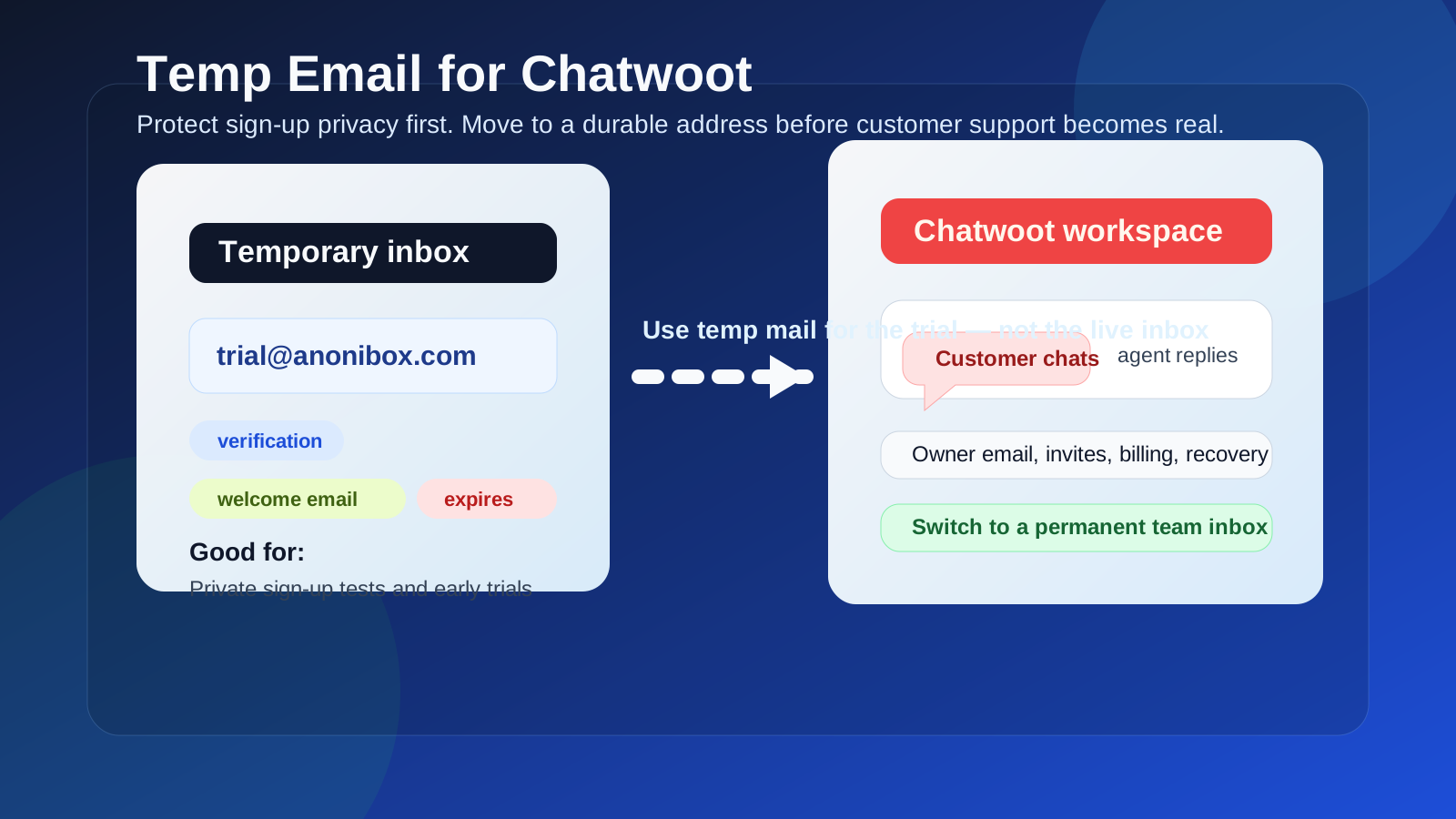
If you only want to compare features or protect your main inbox from trial follow-ups, use a temporary address for the first verification step and switch to a durable team-controlled email before Chatwoot becomes part of real support operations.
Why people consider a temp email for Chatwoot
Chatwoot sits in the same decision zone as tools like Crisp, Intercom, LiveChat, and Tidio. Teams often want to test the inbox layout, live chat widget, automation rules, agent assignment flow, and reporting before they hand over a permanent company address. That is completely reasonable. Trial signups can trigger welcome sequences, sales follow-ups, webinar invites, and product update emails that you may not want landing in your main inbox while you are still comparing options.
In that early stage, a temporary address can reduce clutter and let you verify the account without committing your long-term inbox to another vendor. If you use a temporary inbox from a service like Anonibox, you can collect the confirmation email, open the workspace, and look around before deciding whether Chatwoot deserves a proper production setup.
Short answer: yes for low-stakes testing, no for the real support stack
The key question is not whether Chatwoot accepts a temporary email. The better question is what you expect the account to do next.
- Private trial or feature check: a temp email is usually fine.
- Real shared inbox with live customer conversations: a temp email is a bad long-term choice.
- Team onboarding, billing, or account ownership: switch to a permanent address first.
- Password resets, alerts, and recovery: always use an address your team can keep.
That distinction matters because Chatwoot is not just a throwaway signup tool. Once it becomes your actual support hub, the email tied to the workspace starts carrying operational weight.
When a temp email makes sense for Chatwoot
1. You are only evaluating the interface
If you want to see how the dashboard feels, how conversations appear, or how agents move between inboxes, a temporary address is a practical way to get past the signup gate without feeding your normal inbox into another nurture funnel.
2. You are comparing several support tools in one week
Maybe you are testing Chatwoot alongside Help Scout, Re:amaze, Front, or GrooveHQ. In that case, disposable sign-up privacy is useful. Each trial can produce multiple emails, and a temporary address keeps the noise contained while you compare products on their actual merits.
3. You want to protect a founder or operator inbox
Early-stage teams often sign up for tools using a founder’s personal inbox or a catch-all operations address. That is convenient in the moment, but it can turn into a mess later. A temp address can help you avoid exposing a high-value inbox during the first round of casual testing.
4. You are doing a short technical proof of concept
If the goal is simply to confirm that the platform loads, the widget can be installed, or the inbox structure roughly fits your process, using a temporary address is usually low risk. The proof of concept is temporary, so the inbox can be temporary too.
Where a temp email becomes risky
Shared inbox ownership
Chatwoot is designed for real teamwork. Once more than one person is involved, the owner email matters. Invitations, ownership changes, login problems, and important notices all become much harder to manage if the original address expires or disappears.
Customer conversations and continuity
If the workspace is tied to live website chat, social channels, or support inboxes, you are no longer in a harmless trial. You are handling real conversations that may need follow-up, audit trails, and dependable account access. A temporary email is the wrong foundation for that kind of system.
Billing and account notices
Even if the tool starts as a free test, pricing upgrades, invoice notices, product changes, and service alerts often go to the account email. If that address vanishes, your team can miss information that actually affects operations.
Password resets and recovery
This is the biggest practical problem. If you lose access to the workspace or need to recover the owner account, a disposable inbox becomes a liability immediately. The support tool may still contain all your customer history, but the recovery path is gone.
Compliance and internal accountability
Even for smaller teams, support platforms create records. If your company cares about visibility, ownership, and repeatable admin practices, anchoring the workspace to an expiring inbox is sloppy. It may not break on day one, but it creates avoidable future risk.
A safer way to use temporary email with Chatwoot
You do not have to choose between total exposure and total avoidance. The smarter approach is staged.
- Use a temp email only for the first look. Sign up, verify the account, and test the basic workflow.
- Decide quickly whether the tool is a serious contender. If it is not, let the temp inbox die and move on.
- If Chatwoot makes the shortlist, switch to a permanent team-controlled address. Do this before connecting real channels, inviting multiple agents, or relying on the workspace operationally.
- Document ownership. Make sure the long-term address is one your company controls, not a random personal inbox that will create future cleanup work.
This gives you the privacy benefit of a temp email without pretending that a production support platform should live forever on a disposable identity.
What to check during the trial
If you are going to use a temporary address for a Chatwoot evaluation, make the trial count. Focus on the questions that actually matter:
- How easy is it to route and assign conversations?
- Does the inbox feel workable for your team size?
- How clean are the notes, labels, and internal collaboration features?
- Does the live chat widget fit your site and support style?
- How strong are the automation, canned reply, or macro features?
- Will your team need a cloud setup, self-hosted setup, or both?
- What happens when you add agents, channels, and ongoing ownership?
Those answers matter far more than whether the signup process itself was convenient.
Chatwoot-specific scenarios
Good use of a temp email
You want to test the UI, open a demo workspace, connect a sandbox channel, or check whether the platform broadly fits your needs. The account may never become permanent. In that case, a temporary inbox is fine.
Bad use of a temp email
You plan to put the live chat widget on your production site, onboard agents, manage real customers, or use Chatwoot as part of your daily support process. At that point, the temp email is only saving you a tiny amount of inbox exposure while creating a much larger recovery and ownership risk.
Mixed case
You are fairly sure the product is right, but you still want one private afternoon of testing before involving the team. That is reasonable. Just treat the temp address as a short-lived front door, not the long-term owner identity.
Simple decision checklist
- Use a temp email if you only need trial verification and a private first look.
- Do not use a temp email if the workspace will hold live customer conversations.
- Switch immediately if you are inviting teammates, adding billing, or depending on the workspace for support operations.
- Prefer a durable team inbox for the final account owner, especially if multiple people may need access later.
Final verdict
A temp email for Chatwoot is useful for sign-up privacy, short evaluations, and keeping trial follow-up out of your main inbox. It is not a smart long-term identity for a platform that may end up holding customer conversations, team permissions, billing messages, and recovery links.
If your goal is a quick private test, temporary email is fine. If your goal is a real support workspace, promote the account to a permanent team-controlled address before Chatwoot moves from experiment to infrastructure. That balance gives you the privacy benefit upfront without building future problems into your support stack.