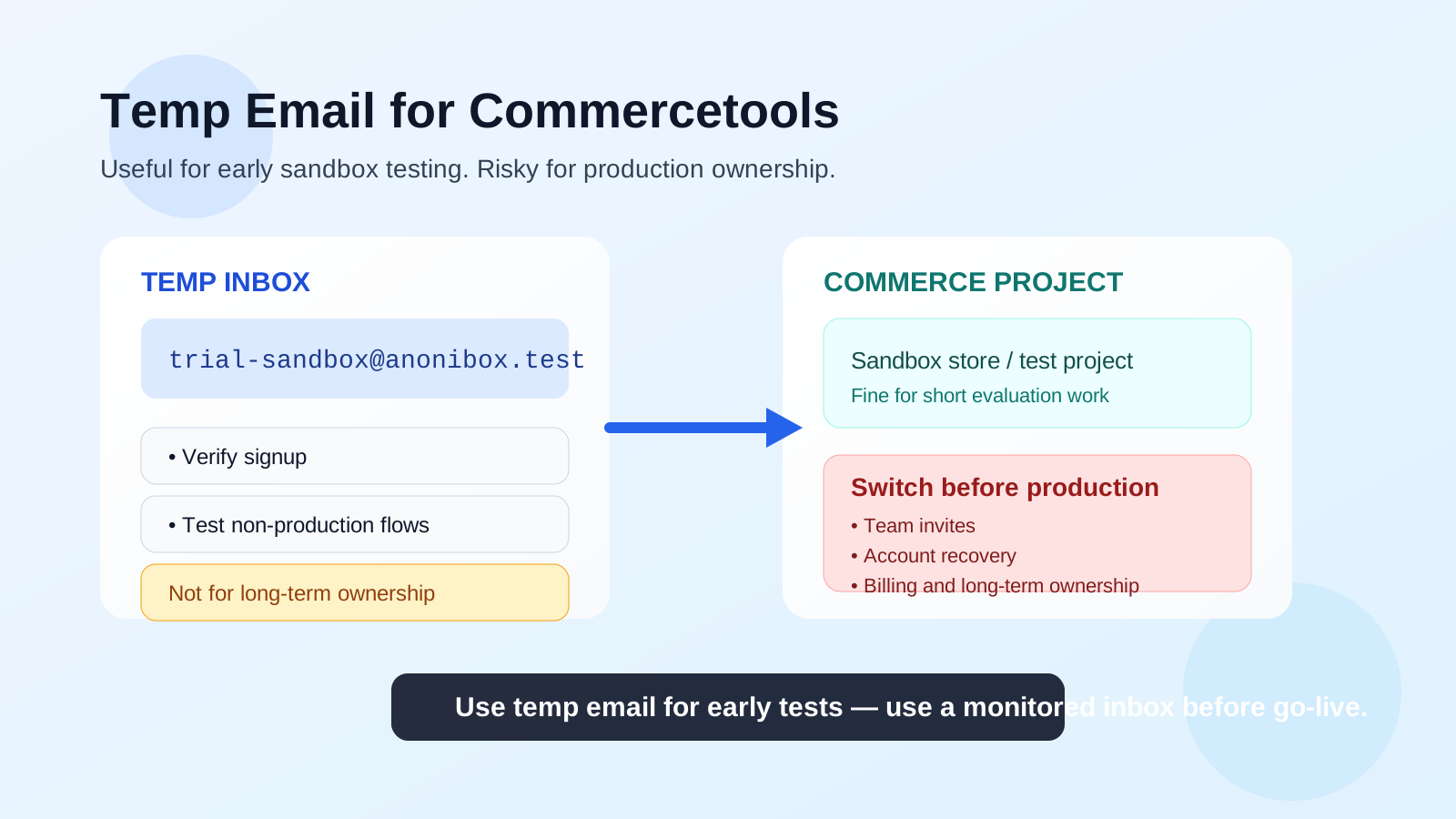
A temp email for Commercetools can be useful when you are doing early sandbox testing, quick signup experiments, or short-lived evaluation work. It becomes a bad idea once production projects, team invites, recovery flows, or long-term account ownership depend on that inbox.
If you are only comparing platforms or testing a non-production setup, a temporary inbox can keep your main address cleaner and reduce long-tail sales email. If the project is becoming real, though, switch to a permanent monitored inbox before anything important relies on it.
Why people use a temp email for Commercetools in the first place
Commercetools often enters the picture during a serious ecommerce evaluation. A brand, agency, or internal product team may be testing a composable commerce stack, reviewing admin flows, checking implementation options, or spinning up a proof of concept. At that stage, people usually want two things: privacy and less inbox clutter.
That is where a temporary inbox can help. Instead of putting every early test, demo request, or one-off platform signup into a personal or shared work inbox, you keep the first round of evaluation separate. You still receive the confirmation email and can move through setup, but you avoid mixing low-commitment experiments with the inbox that handles real vendor communication.
This is especially practical when your team is comparing several platforms at once. A disposable inbox can isolate the first wave of onboarding messages, trial nudges, and product marketing so you can focus on the actual product fit instead of the follow-up email stream.
When a temp email makes sense for Commercetools
There are real situations where using a temporary inbox is reasonable.
1. Early sandbox or proof-of-concept work
If you are testing whether Commercetools fits a client project, internal rebuild, or migration plan, a temporary inbox can be fine for a short-lived sandbox signup. You get access to the first setup emails without tying the experiment to your permanent address before the team has even decided whether the platform is staying on the shortlist.
2. Comparing multiple ecommerce platforms
Many teams review several options side by side. They may look at Commercetools next to Shopware, Saleor, Magento, BigCommerce, or another architecture entirely. A temporary inbox helps keep that first comparison round tidy. Each platform trial does not have to live forever in the same procurement or personal inbox.
3. Short-term developer and QA testing
If the goal is to test a basic signup flow, password-reset behavior, role invite flow in a controlled environment, or a mock storefront account journey, a temporary inbox can be acceptable as long as you are working with non-production data and you understand that the mailbox may disappear later.
4. Limiting vendor-email spillover during research
Platform evaluations often generate welcome sequences, webinar invitations, follow-up demos, and sales check-ins. That is not unusual, but it can become noisy fast. A disposable inbox lets you collect the early messages you actually need without turning one product test into months of low-priority email in your main inbox.
When a temp email is the wrong choice
This is the more important half of the decision. Even if a temporary inbox works for early testing, it should not remain attached once the account matters.
1. Production project ownership
If a Commercetools project is moving from evaluation into real implementation, the email on the account should belong to a permanent, monitored owner. Production systems need continuity. A temporary inbox is not a stable source of truth for long-lived access.
2. Team invites and permission management
As soon as multiple people need access, shared accountability matters more than inbox cleanliness. Invite flows, admin confirmations, role changes, and ownership handoffs should go to an email address that the right people can actually monitor over time.
3. Account recovery and security events
If the inbox disappears, password resets and recovery links may disappear with it. That is a needless risk on any important account. The same logic applies to unusual-login notices, confirmation messages, or any security-related email you may need later.
4. Billing, procurement, and legal review
Once the conversation touches contracts, billing, procurement, architecture review, or long-term vendor relationships, a temporary inbox stops being useful and starts being messy. Important notices need to land somewhere stable.
5. Live customer-facing or partner-facing workflows
If your project starts involving real teams, real partners, or customer-facing flows that matter beyond a quick test, use a permanent inbox. Disposable addresses are best for throwaway experimentation, not for ongoing operational ownership.
How to use a temp email for Commercetools safely
If you do use one, use it intentionally rather than casually.
Start with a narrow purpose
Decide exactly what the inbox is for before you sign up. Good examples include: verifying a sandbox registration, receiving a one-time setup email, testing a non-production invite flow, or isolating a short evaluation cycle.
Keep the project clearly marked as non-production
If a temporary inbox is attached, treat the environment like an experiment. Use test data, avoid real customer information, and do not assume you will be able to recover the inbox later.
Save the important setup details immediately
If the signup sends you credentials, links, or onboarding instructions you may need after the inbox expires, document them in the right internal system right away. Do not assume the mailbox will still be there next week.
Switch early, not late
Do not wait until you are already depending on the account. Once the platform moves past a quick trial and starts looking like a real project, replace the temporary inbox with a permanent monitored address immediately.
Practical examples
A solo developer testing architecture options
A developer exploring composable commerce options may want to sign up, inspect the admin experience, review docs access, and validate whether the platform fits a prototype. Using a temporary inbox here can be reasonable because the work is exploratory and short-lived.
An agency building a client proof of concept
An agency team may want a clean trial account during the first week of evaluation so client-facing inboxes do not start collecting vendor outreach before a recommendation is even made. That is a fair use case, but the account should move to a durable address as soon as the client decides to proceed.
A QA lead testing controlled invite and reset flows
For a non-production test plan, a temporary inbox can help validate whether basic email-triggered flows work as expected. The key condition is that the test must stay low-stakes. If the same environment starts turning into the shared team workspace, the inbox should be upgraded right away.
Temp inbox vs email alias vs dedicated team inbox
A temporary inbox is not the only option, and in many cases it is not the best one.
- Temporary inbox: best for short, disposable evaluation work where long-term access does not matter.
- Email alias: better when you want inbox filtering and privacy without losing long-term control.
- Dedicated team inbox: best when the account belongs to a real project, multiple stakeholders, or an implementation that may continue for months.
That middle option matters. If your real goal is just to reduce spam or keep vendor outreach separate, an alias or dedicated project inbox is often smarter than a fully disposable address. It keeps ownership intact while still protecting your primary inbox from clutter.
A simple rule for deciding
Ask one question: Will I care about this account in a month?
If the honest answer is no, a temp email may be fine for the initial test. If the answer is maybe or yes, skip the disposable inbox and use something durable from the start. That saves cleanup later and reduces the chance of ownership problems, lost recovery access, or confusion between team members.
Where Anonibox fits
If you just need a quick disposable address for early testing, Anonibox is useful for the low-stakes phase: sandbox signup, one-time confirmation messages, and initial evaluation workflows. It is a practical privacy tool, not a permanent identity layer. For anything tied to production operations, real team access, or long-term platform ownership, move to a stable inbox you control and monitor.
Final takeaway
Using a temp email for Commercetools is sensible in a narrow window: early evaluation, sandbox access, and short-lived testing. It stops being sensible once the account becomes important to a real project.
Use the disposable inbox to reduce clutter and protect privacy during the first pass, then switch to a permanent monitored address before production work, team invites, recovery, or account ownership matter. That gives you the convenience of a throwaway inbox without creating avoidable risk later.