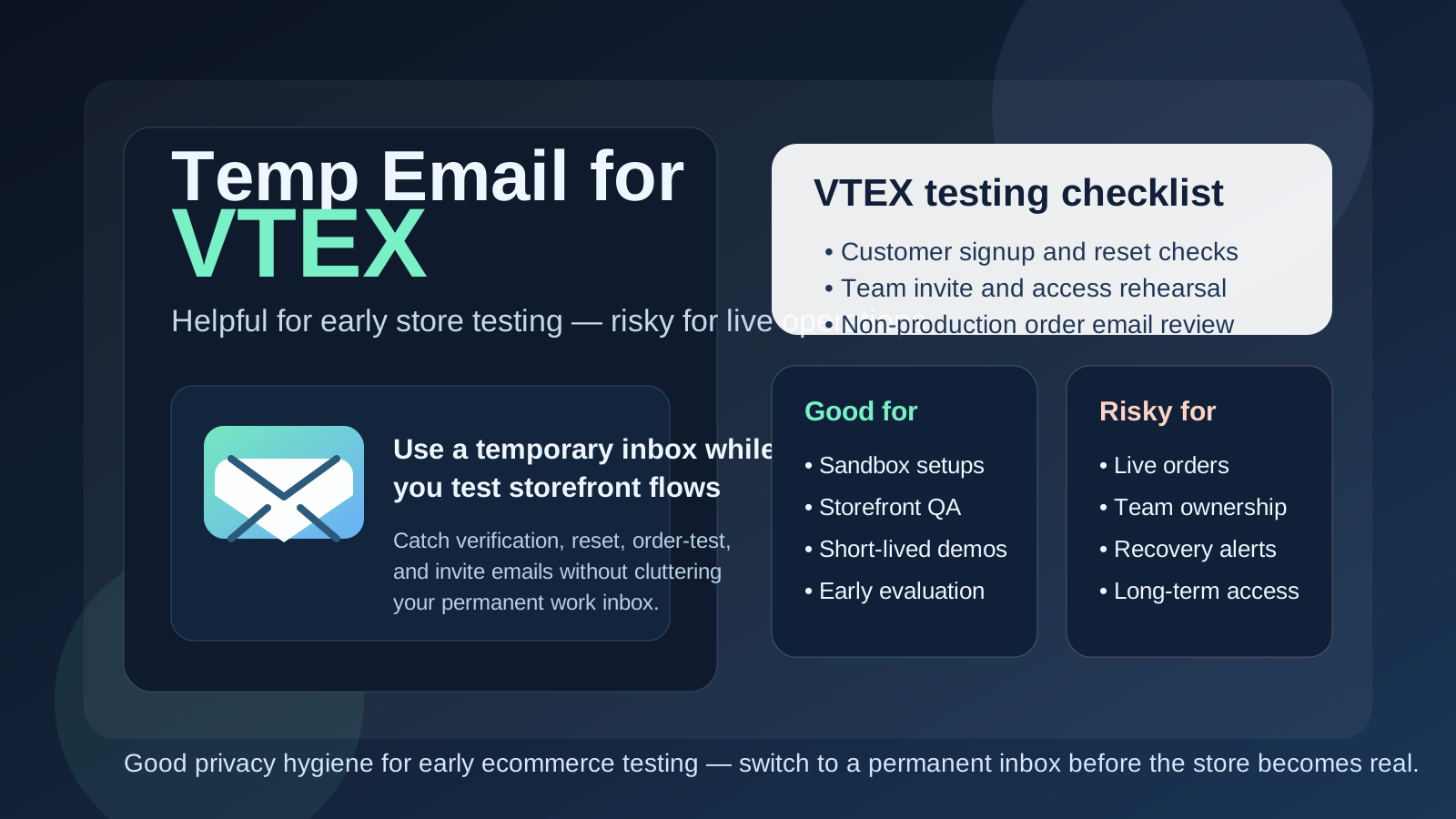
Yes, you can use a temp email for VTEX when you are doing early store testing, storefront sign-up checks, or short-lived sandbox work. It is useful for evaluation and QA, but it is a poor choice for live orders, real team ownership, and long-term account recovery.
That makes temporary email a practical tool for early VTEX experiments, not a smart home for anything your store, team, or customers will depend on after launch.
Why people consider a temp email for VTEX in the first place
VTEX usually comes up during serious ecommerce work, not casual browsing. A merchant, agency, or in-house ecommerce team may be evaluating platforms, testing a new storefront setup, reviewing customer account flows, checking admin access, or comparing how several commerce stacks feel in practice. That kind of hands-on testing creates email quickly.
You may trigger welcome messages, account verification emails, password resets, admin invites, order-confirmation tests, or follow-up messages tied to demos and setup. If you are comparing multiple platforms at once, your normal inbox can become noisy fast. A temporary inbox gives you a clean lane for that early testing phase so you can finish the setup work without turning your main address into a permanent archive of platform experiments.
That is where a tool like Anonibox fits naturally. You can isolate the test, catch the messages you need, and decide later whether the project deserves a permanent monitored inbox.
When a temp email makes sense for VTEX
Temporary email is most useful when the work is clearly limited, exploratory, or disposable. Good examples include:
- Checking whether VTEX belongs on your shortlist during a platform evaluation
- Testing storefront sign-up, login, or password-reset flows in a non-production environment
- Reviewing customer-account emails during QA before anything real goes live
- Running short-lived sandbox or proof-of-concept work for a client or internal team
- Separating one-off demos and setup messages from your long-term work inbox
- Comparing onboarding noise across several ecommerce platforms without giving each test your main address
In these situations, a temp inbox is doing a useful job. It keeps the evaluation tidy while still letting you verify the parts of the setup that depend on email.
When a temp email is a bad idea
The problem starts when the inbox is tied to something that is no longer temporary. Ecommerce projects have a habit of becoming real faster than expected. A quick proof of concept can turn into the storefront everyone keeps working on, and then the disposable address becomes an avoidable risk.
A temp email is a bad fit if it controls or receives messages for:
- The primary store owner or long-term admin account
- Real customer orders, shipping updates, or support follow-ups
- Shared team access, employee invites, or operational handoffs
- Password recovery, security notices, or account-change alerts
- Billing contacts, vendor communication, or anything tied to commercial ownership
If the inbox matters to revenue, continuity, or recovery, it should not be disposable. That is the line that matters most.
A simple rule that keeps you out of trouble
If the VTEX account or workflow exists to help you test something, a temp email can be reasonable. If it exists to own something, support something real, or protect something important, use a permanent inbox you control.
That rule is boring, which is exactly why it works. It stops people from letting a convenience choice drift into a production dependency.
How to use a temp email for VTEX safely
1. Decide whether you are testing the customer side or the operator side
Not every VTEX email use case carries the same risk. A throwaway customer-account test is very different from an admin or business-owner login. Before you sign up, decide whether the inbox is for storefront QA, an internal evaluation, or a real operational account. If there is any chance the account will become a durable owner account, start with a permanent inbox instead.
2. Keep one temporary inbox per test scenario
Do not pile everything into one address. If you are checking customer signup in one environment and admin access in another, separate them. That makes it much easier to tell which verification email, password reset, or order test belongs to which scenario.
3. Save the messages that matter immediately
Temporary inboxes are lightweight by design. If you trigger a reset link, confirmation step, or important test email, capture what you need right away. That could mean saving the link, copying the message into notes, or documenting the scenario for the team.
4. Switch to a permanent inbox before launch or team rollout
The right time to swap is earlier than most people think. Move to a permanent monitored address before you invite real collaborators, before live customers depend on the flow, and definitely before the store becomes operational. It is much easier to clean up ownership before a launch than after a real issue appears.
What to test while you still have the disposable inbox
If you are using a temp email during the evaluation stage, make it count. A good test is not just “did an email arrive?” It is whether the email-driven parts of the experience feel clear, reliable, and appropriate for the way your store will actually operate.
Customer account creation and reset flows
Test the basic user journey. Can a shopper sign up, verify access if needed, and reset a password without confusion? Are the messages understandable? Do they arrive when expected? Temporary email is especially useful here because it lets you observe the whole sequence from the customer side without involving your primary inbox.
Order-related test messages in non-production scenarios
If you are simulating checkout or test orders, pay attention to the messages that follow. Are order confirmations easy to understand? Is the sequence sensible? Do you have any duplicated or missing messages? This kind of checking belongs in testing, not in a real customer communication setup tied to a disposable address long term.
Admin and team invite flows
If collaborators will eventually need access, test the invite path early. A team may not care about this on day one, but weak invite or recovery flows become painful later. The early test phase is exactly when you want to find friction.
Inbox noise and follow-up volume
There is also a simpler reason to use temporary email in early VTEX evaluation: vendor and platform-related follow-up can get noisy. If your team is comparing several tools, a disposable inbox helps you measure the real product experience without blending every exploratory signup into your permanent work mailbox.
Common mistakes people make
- Leaving the temp inbox attached too long: a staging or proof-of-concept account quietly becomes the real account.
- Using a disposable address for live customer communication: this creates obvious continuity problems.
- Mixing multiple tests into one inbox: resets, verification links, and order emails become hard to track.
- Forgetting to document who owns what: later, nobody remembers which inbox controls the important account.
- Testing signup but not recovery: password-reset and invite paths often reveal the bigger operational risk.
Temp email vs a separate permanent work inbox
It helps to keep these two ideas separate:
- Temp email: best for short-lived testing, one-off signups, and disposable evaluation work
- Separate permanent work inbox: best for real ownership, operational continuity, shared team access, and account recovery
People sometimes treat both as generic privacy tools, but they solve different problems. A temp inbox reduces short-term clutter and exposure. A separate permanent inbox gives you long-term control. For serious ecommerce work, you often want both at different stages rather than trying to force one solution to do everything.
A practical VTEX workflow that works well
- Create a temp inbox for sandbox, storefront, or QA testing.
- Use it to check sign-up emails, reset flows, invite behavior, and non-production message sequences.
- Decide whether the project is disposable, still exploratory, or moving toward real operational use.
- If the project survives the test phase, move ownership to a permanent monitored inbox immediately.
- Only then rely on it for real team access, live orders, and long-term recovery.
This keeps the early evaluation cleaner without creating a store-management problem later.
Final takeaway
A temp email for VTEX is useful when you are exploring, comparing platforms, or testing storefront and account flows in a non-production context. It can keep your main inbox cleaner while still letting you complete the email-dependent parts of setup.
But once the store, team, or customer journey becomes real, switch to a permanent monitored inbox. Temporary email is good for early testing. It is not the right foundation for live operations, account recovery, or anything your business cannot afford to lose access to.