Use a temp email for Delighted when you want to test signup, survey delivery, and early customer feedback workflows without tying another software trial to your main inbox.
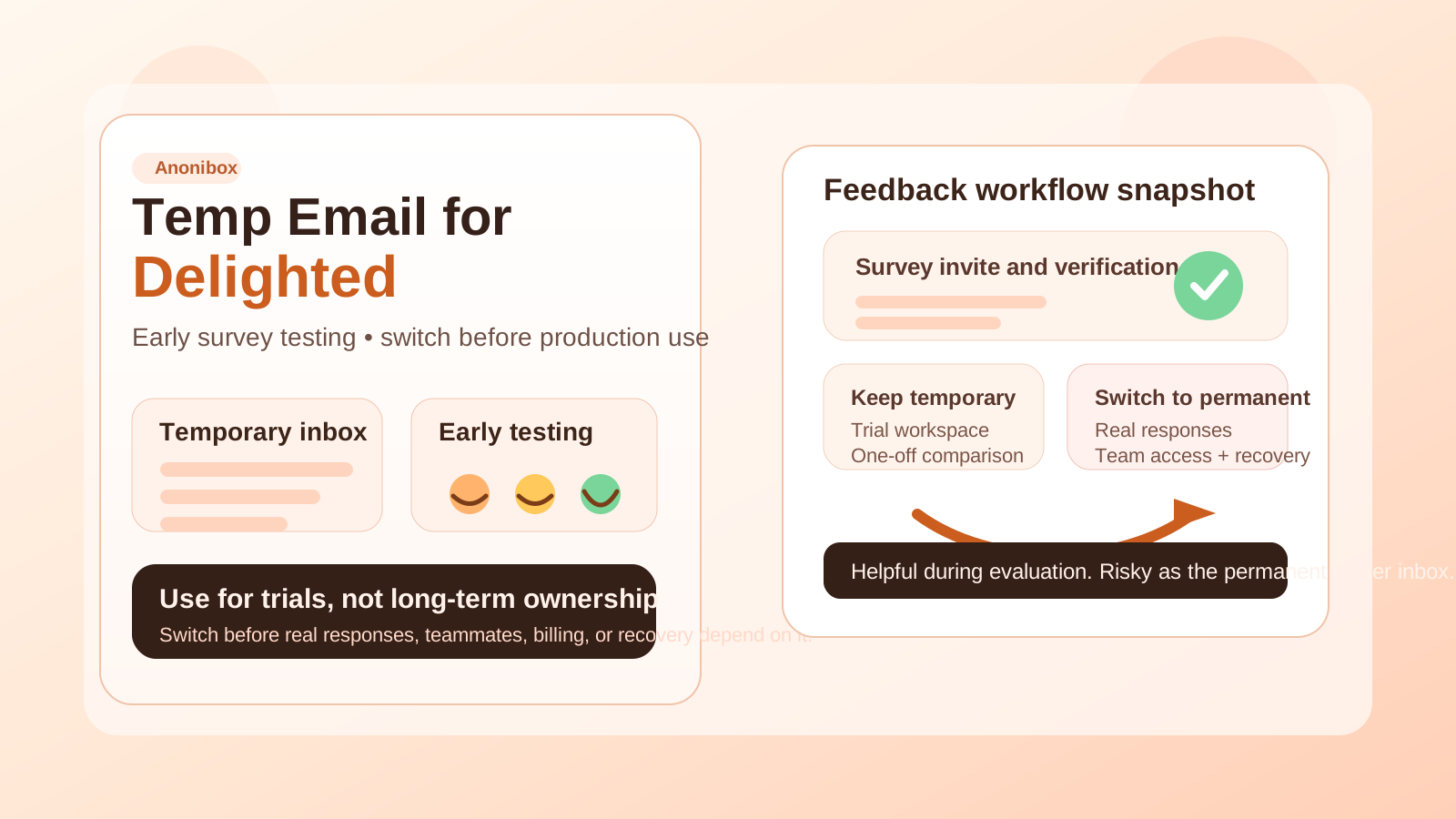
Yes, a temp email for Delighted can be practical for short trials and sandbox work. No, it becomes a bad idea once real responses, team access, billing, or account recovery depend on that address.
Why people look for a temp email for Delighted
Delighted sits in a category where teams often want to test fast before they commit. A founder may want to review the onboarding. A product manager may want to compare Delighted with other feedback tools before recommending a stack. An agency may want to see whether the workflow fits a client project without handing over a permanent team inbox on day one.
That is where a temporary inbox can help. You can receive the verification email, review the welcome messages, and test the first setup steps without immediately attaching another vendor account to the address you use every day.
Used carefully, a temp inbox creates separation during evaluation. It gives you room to decide whether the account is a disposable trial, a shortlist candidate, or something your team will actually keep.
When a temp email makes sense for Delighted
A temp inbox makes the most sense when the Delighted account is clearly exploratory, short-term, and low stakes. Common examples include:
- Testing the signup and verification flow
- Comparing Delighted with tools like Survicate, Qualtrics, SurveyMonkey, Typeform, or Formbricks
- Reviewing early survey setup, notifications, or response routing in a sandbox environment
- Checking whether the product feels right before choosing the real owner inbox
- Keeping trial emails and sales follow-up out of your primary work inbox
- Running a quick proof of concept before anyone on the team depends on the account
In those situations, the account is supporting an experiment rather than owning an important business process. That is exactly where temporary email is useful.
What a temp email actually helps with
A temp email does not magically secure your feedback program, and it does not replace normal account hygiene. What it does help with is limiting clutter and reducing how quickly your permanent inbox becomes the identity behind yet another SaaS trial.
Cleaner trial management
If you are evaluating several survey or feedback tools at once, your inbox can fill up fast with welcome emails, onboarding reminders, upgrade nudges, webinar invites, and product announcements. A temporary inbox keeps that noise in a separate lane.
Better short-term privacy
Not every product deserves your long-term contact path immediately. If you are only checking whether Delighted fits your workflow, it is reasonable to create some distance before you hand over the inbox your team uses every day.
Easier cleanup if the test goes nowhere
If the platform is not a fit, you are not left unsubscribing from a trail of trial messages months later. You can end the experiment cleanly without carrying the inbox baggage forward.
Clearer separation between experiments and production tools
A separate inbox makes it easier to see which accounts are real business systems and which ones were only part of a short evaluation. That sounds minor, but it helps prevent sloppy admin habits later.
Where a temp email becomes risky
The main mistake is not using a temp inbox at the beginning. The main mistake is forgetting to stop using it once the account starts to matter.
Delighted is often used close to real customer interaction. A simple trial workspace can turn into a live feedback program once survey links go out, response notifications matter, teammates get invited, and someone starts relying on the account as part of day-to-day operations. That is when a disposable inbox changes from convenient to risky.
You should not rely on a temporary email if it is tied to:
- The main workspace owner or long-term admin
- Real customer feedback or live survey responses
- Team invites, shared access, or permissions management
- Password resets and recovery
- Billing notices, renewals, or vendor communication
- Any production workflow where losing inbox access would cause confusion
Once the account controls something your team cares about, reliability matters more than separation.
Temp email vs a dedicated project inbox
People often treat these as the same thing, but they solve different problems.
A temp email is useful for low-commitment trials, quick platform comparisons, and isolated testing. A dedicated permanent project inbox is better for long-term ownership, recovery, team continuity, and vendor communication.
For many teams, the right answer is not choosing one forever. It is starting with temporary email during evaluation, then switching to a durable project inbox once Delighted makes the shortlist or begins supporting a real feedback program.
If you use Anonibox for the first step, treat it as an evaluation layer rather than the permanent owner identity. It helps you control the early stage, but it should not stay in charge once the workspace becomes operational.
How to use a temp email for Delighted without creating future headaches
1. Decide whether the workspace is truly disposable
Before you sign up, be honest about the likely outcome. Is this just a quick trial? A side-by-side comparison? A sandbox for testing survey behavior? Or is there a real chance this exact account could become your live environment? If it might become production, starting with a permanent inbox is usually safer.
2. Keep one inbox per test
Do not pile several unrelated product trials into the same temporary inbox if you can avoid it. One inbox per experiment makes verification, notifications, and later cleanup much easier.
3. Save the messages that matter early
If the trial includes verification emails, setup links, or documentation you may need again, save them while the account is still new. Temporary inboxes are useful because they are lightweight, but that also means they should not be treated as permanent archives.
4. Switch before inviting real teammates
The safest time to migrate away from the temp inbox is before the workspace becomes collaborative. Once other people depend on the account, keeping a disposable inbox as the owner creates unnecessary risk.
5. Move earlier than feels necessary
The common failure mode is waiting too long. A team thinks, “We will change it later,” then the workspace slowly becomes real. If the test is going well, switching ownership early is usually easier than untangling things later.
What to test while the temp inbox is still attached
If you are going to use temporary email during a Delighted trial, make that window useful. Do more than confirm that one email arrives.
Signup and verification flow
Check how easy it is to create the account and verify access. If the first-run experience is confusing or noisy, that tells you something about the broader product experience too.
Notification behavior
Look at the first admin or response-related messages you receive. Are they clear? Too frequent? Hard to distinguish from one another? Feedback tools can generate more email traffic than people expect once they go live.
Workflow fit
The bigger question is whether Delighted matches the way your team gathers and acts on feedback. Temporary email helps keep the trial tidy, but it should not distract you from the real decision: does the platform fit your process?
Recovery path
It is worth seeing how account recovery works before the workspace matters. Recovery flows often reveal whether a temporary inbox is still acceptable or already becoming risky.
Common mistakes to avoid
- Leaving the temp inbox in place too long so the trial quietly turns into the real workspace
- Reusing one inbox across many tools and creating a messy verification trail
- Inviting teammates before changing ownership
- Ignoring recovery flows until a password reset becomes urgent
- Treating a privacy shortcut like a long-term admin plan
When to switch to a permanent inbox
You should move to a permanent, monitored address as soon as any of these become true:
- You plan to keep the workspace past the initial test
- Real customer or user responses are coming in
- Team members need stable shared access
- The account will be tied to billing, contracts, or longer-term ownership
- You would care if a recovery email went missing
That is the clean handoff point. The temp inbox did its job during evaluation. After that, the account needs durable ownership.
A practical checklist before you sign up
- Is this clearly a short-term Delighted test?
- Will I monitor the temporary inbox closely while the trial is active?
- Do I already know which permanent inbox should own the account if we keep it?
- Could missing a recovery email cause a problem later?
- Am I inviting anyone else before ownership is sorted out?
If you can answer those questions clearly, using a temp email becomes a deliberate workflow choice instead of a random shortcut.
Final takeaway
A temp email for Delighted is a practical option when you want to test signup, survey behavior, or early feedback workflows without tying another trial to your primary inbox immediately. It is most useful during evaluation, comparison, and short-lived sandbox work.
Once the workspace starts handling real responses, team access, or anything that depends on reliable recovery, switch to a permanent inbox. Temporary email is great for early testing. It is the wrong foundation for a production feedback system.