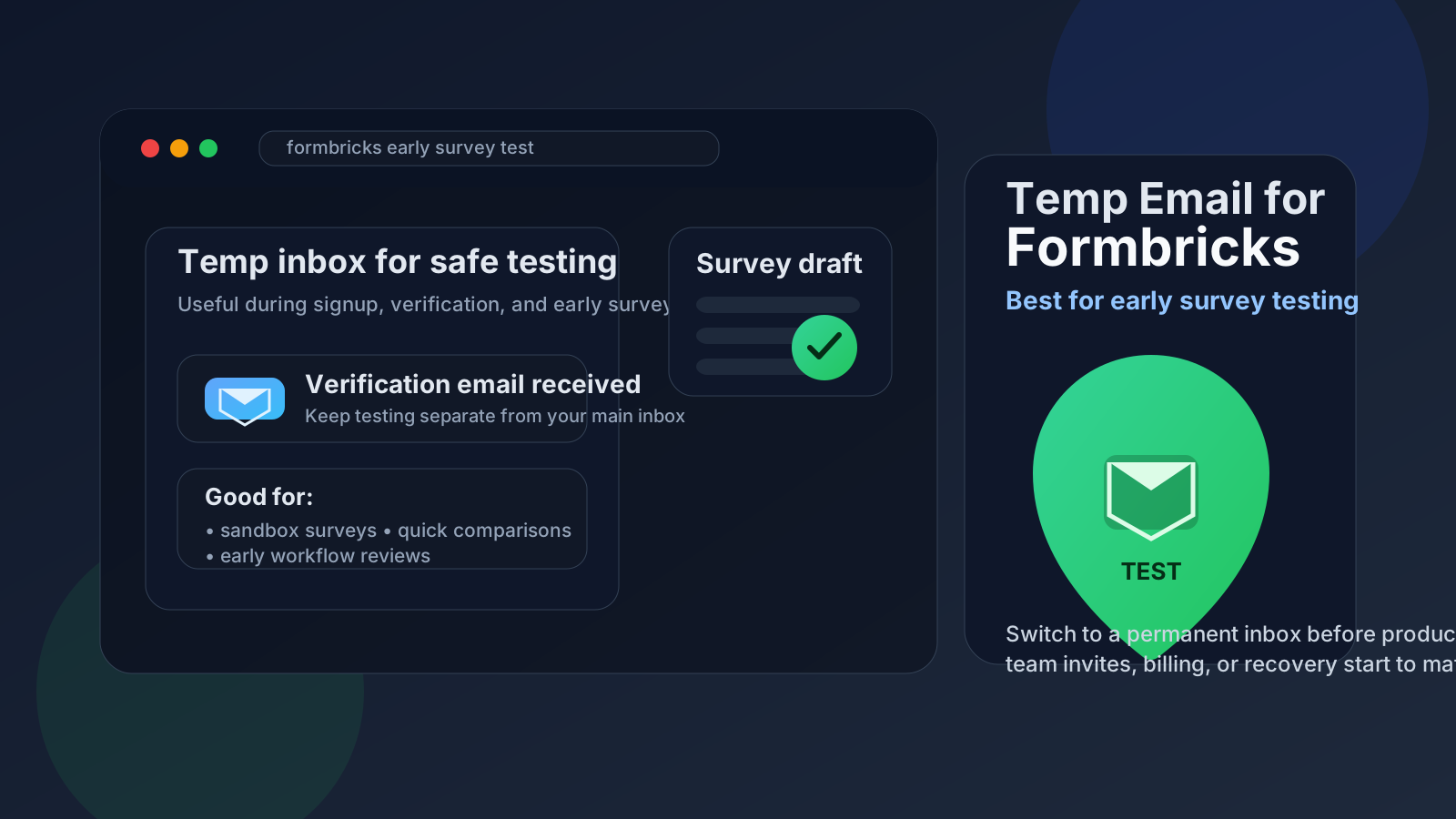
Yes, a temp email for Formbricks can be useful when you are only testing signup, surveys, and early workspace setup and do not want another software trial tied to your main inbox.
No, it stops being a good idea once real responses, production automations, team access, billing, or account recovery depend on that address, so you should switch to a permanent inbox before the project matters.
Why people look for a temp email for Formbricks
Formbricks fits a pattern that makes temporary email appealing. Teams often want to compare survey and feedback tools quickly before they commit. A product manager may want to see how the onboarding feels. A founder may want to test a feedback flow before showing it to the rest of the team. An agency may want to validate whether a tool is even worth adding to a shortlist.
In that early phase, the account is not yet a permanent business asset. It is an experiment. That is where a disposable or temporary inbox can help. You receive the verification message, read the welcome emails, and test the first steps without immediately handing your long-term address to another vendor workflow.
Used carefully, a temp inbox reduces clutter more than risk. It keeps trial emails, onboarding nudges, and follow-up campaigns out of your primary inbox while you decide whether Formbricks deserves a real owner email later.
When a temporary inbox makes sense
A temp email works best when the Formbricks account is clearly short-term, low-stakes, and still in the evaluation stage. Practical examples include:
- Testing the signup and workspace setup flow
- Comparing Formbricks with tools like Typeform, SurveyMonkey, Survicate, Qualtrics, or Formstack
- Reviewing survey creation, response notifications, or early logic in a sandbox environment
- Checking whether the interface fits your team before anyone depends on the account
- Keeping trial emails separate from your main work inbox during research
Those are all normal evaluation situations. In each case, you are trying to answer a simple question: “Is this tool worth deeper time and trust?” A temp inbox is fine when the answer may still be no.
When a temp email becomes a bad idea
The problem starts when the Formbricks account stops being disposable but the email behind it still is. That gap creates avoidable headaches. You should move to a permanent address before any of these become important:
- Real survey responses or customer feedback are flowing into the workspace
- Multiple teammates need access or invite links matter
- Billing, contracts, or renewal messages are tied to the account
- Password resets or account recovery may be needed later
- The workspace is connected to production websites, apps, or internal reporting
- You plan to keep historical response data long term
A temporary inbox is a poor permanent owner. If the account matters, the email should be stable enough to support recovery, permissions, and continuity.
What a temp email actually helps with
It helps to be realistic about what temporary email does and does not do. A temp inbox can reduce inbox clutter, limit the spread of your primary address during early testing, and keep disposable signups separated from your normal workflow. That is useful.
What it does not do is turn a trial into a secure long-term identity system. It does not replace normal security practices, team governance, or careful account ownership. It is just a practical boundary for early-stage testing.
If you use Anonibox or another temporary inbox during evaluation, treat it like staging infrastructure: helpful for testing, not ideal for long-lived ownership.
How to use a temp email for Formbricks safely
1. Decide whether this is a trial or a real rollout
Before you sign up, be honest about the purpose. Are you just exploring the product for an hour, or are you already planning to connect it to a live workflow? If it is a real rollout, skip the temp inbox and use the permanent email that should own the account.
2. Generate the inbox first
Create the temp address before you start the signup. That keeps the whole experiment clean from the beginning, including verification messages and welcome sequences.
3. Use it only for early access and setup
Temporary email is best for the first layer of interaction: account creation, verification, onboarding messages, and initial product walkthroughs. That is the safe zone. Stay aware of the moment the account starts becoming operational.
4. Save anything you may need later
If the first emails contain setup links, documentation, or useful implementation notes, save them somewhere permanent before the inbox expires. This is especially important if you are comparing several tools in one session.
5. Switch to a permanent inbox before collaboration starts
If Formbricks moves from “interesting trial” to “real contender,” update the account to an address your team can keep. Do this before inviting colleagues, collecting real responses, or connecting the workspace to anything important.
A practical test workflow
For most people, the cleanest workflow looks like this:
- Create a temporary inbox.
- Sign up for Formbricks with that inbox.
- Verify the account and review the first setup flow.
- Create a sample survey or feedback form.
- Check notifications, response views, and the general admin experience.
- Decide whether the tool is staying on the shortlist.
- If yes, change the account email to a permanent owner address before the workspace becomes important.
This approach keeps the low-commitment phase lightweight without creating long-term account ownership problems later.
Risks to watch for
Even in a normal software trial, temporary email has tradeoffs. The biggest ones are easy to miss because nothing seems urgent on day one.
Losing recovery access
If the inbox disappears and you never changed the account email, password resets become harder or impossible.
Breaking team continuity
If several people start using a workspace that still points to a throwaway inbox, ownership becomes messy. That is a governance problem waiting to happen.
Missing meaningful notifications
At first, product emails may feel disposable. Later, they may include notices that matter: access changes, security reminders, billing updates, or workflow alerts.
Forgetting what stage the account is in
This is the most common failure. A temp inbox is fine during a short test, but teams often forget to replace it when the trial quietly turns into a real project.
Signs you should switch to a permanent email immediately
- You are inviting teammates
- You are connecting the workspace to a live site or app
- You want to preserve historical data or response history
- You are discussing payment, renewal, or procurement
- You expect the account to be used next month, not just today
- You would be annoyed or blocked if you lost the inbox tomorrow
If any of those are true, you are past the “temporary” stage. Update the email now rather than after something breaks.
Is temp email for Formbricks suspicious?
Usually not in the context of basic product evaluation. Many people test software before deciding whether it deserves a permanent work identity. That is ordinary behavior. What matters is how you use the account afterward.
If the workspace stays a throwaway test, a temp inbox is reasonable. If you try to run a real production setup on a disposable address forever, that starts looking careless rather than privacy-conscious.
How Formbricks fits the broader temp-email pattern
Formbricks sits in a cluster of tools where temporary email often makes sense during evaluation: survey platforms, feedback systems, and form products that ask for a signup before you can judge the real workflow. The logic is similar to testing Survicate, Typeform, Qualtrics, Canny, or Formstack. You want enough access to evaluate the product, but you may not want another long-term signup attached to your main inbox unless the tool proves itself first.
That makes Formbricks a strong candidate for an early temp-email workflow, but only during the “we are testing this” phase.
Final answer
A temp email for Formbricks is a smart choice when you are only exploring the product, verifying signup, and testing surveys or feedback workflows in a low-stakes environment. It helps keep early evaluation cleaner and reduces unnecessary inbox clutter.
It is the wrong choice once the account becomes part of a real team workflow. When production data, team invites, billing, or recovery matter, switch to a permanent address that your organization can actually keep. That balance gives you the privacy and convenience of temporary email without creating avoidable ownership problems later.