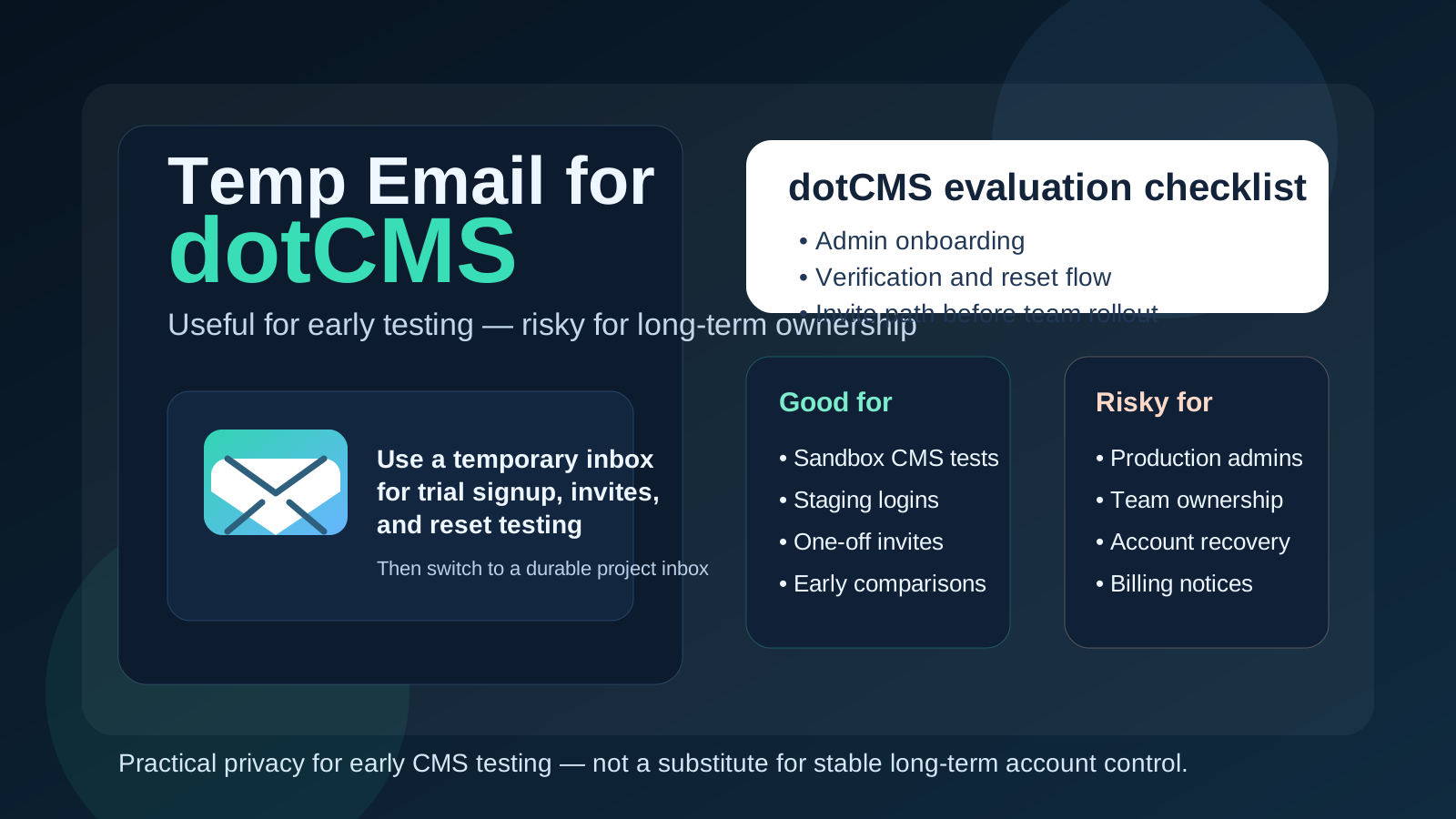
Yes — a temp email for dotCMS can be useful when you are testing a new CMS setup, reviewing an invite flow, or checking whether the platform fits your team before you commit your real inbox. No — it is a bad choice for the long-term owner account once the project becomes production, shared, or dependent on stable password recovery.
That is the practical line. Temporary email is helpful during early evaluation, sandbox work, and throwaway admin tests. It becomes risky the moment the account controls a real website, a real team workflow, or anything you may need to recover weeks later. The safest approach is to use a disposable inbox only for the short test phase, then switch to a durable inbox before dotCMS becomes operational.
Why people look for a temp email for dotCMS
dotCMS is usually not something people sign up for casually just to read a brochure. Teams tend to evaluate it in a more hands-on way. They want to open a workspace, see how the admin side feels, test roles or invites, review content modeling, and decide whether the platform belongs in a real publishing workflow. That often means email verification, onboarding messages, password resets, and collaboration invites early in the process.
If you are comparing several CMS options at once, your inbox can get noisy fast. You may receive welcome emails, setup prompts, marketing follow-up, event invitations, and reminders from products you never end up keeping. A temporary inbox gives you a controlled way to complete the signup and catch the first important emails without attaching your primary address to every trial. That is the basic appeal.
A tool like Anonibox fits naturally into that stage. You can verify the account, review the first admin emails, and keep your main inbox cleaner while you decide whether the project deserves a permanent address.
When a temp email makes sense for dotCMS
A temp inbox is most useful when the dotCMS account is clearly short-lived, experimental, or isolated from long-term ownership. Good examples include:
- Early product evaluation: you want to see how the platform feels before sharing a permanent work address.
- Sandbox or staging tests: you are checking a temporary environment that may not survive the week.
- Admin flow rehearsal: you want to test verification messages, login behavior, or reset emails in a low-risk way.
- Invite and access checks: a teammate or consultant wants you to review a limited test space.
- Keeping research separate: your team is comparing multiple CMS platforms and does not want every trial tied to the same everyday inbox.
In these cases, a temporary address solves a real problem. It reduces clutter, limits exposure of your main email, and gives you just enough access to complete the test responsibly.
When it becomes a bad idea
The trouble starts when a disposable inbox gets attached to something that is no longer disposable. That can happen quietly. A promising prototype becomes a client pilot. A team test becomes the real internal content workflow. A short evaluation becomes the workspace that now owns actual pages, users, and publishing access.
A temp email is a poor fit if the dotCMS account will be used for:
- Primary admin or owner access for an ongoing project
- Password recovery that may matter months later
- Shared editorial operations where multiple people depend on continuity
- Team invites and user management for a real production environment
- Billing or contract communication that should not disappear with the inbox
- Client handoff or governance where access needs to stay clear and stable
If the inbox expires, gets lost, or is no longer accessible, recovering control becomes harder than it needs to be. Privacy is useful, but not when it undermines long-term account ownership.
A simple rule that avoids most mistakes
If the account exists to test dotCMS, a temp email can be reasonable. If the account exists to own dotCMS, use a permanent inbox you control.
That rule sounds obvious, but it prevents most of the messy edge cases people create for themselves. Disposable inboxes are for disposable stages. Stable inboxes are for stable responsibility.
How to use a temp email for dotCMS safely
1. Decide the purpose before signup
Do not create the inbox first and invent the workflow afterward. Be clear about what you are doing. Is this a two-hour trial? A staging environment? A one-off admin check? A vendor comparison? If the answer is short-term evaluation, a temp inbox can work. If the project may become the real environment owner, start with a durable inbox instead.
2. Use one inbox per project or per test
It is tempting to reuse the same temporary address for several trials, but that creates confusion fast. Verification links, reset emails, and invite messages blend together, and it becomes harder to tell which message belongs to which environment. A cleaner one-project-one-inbox habit keeps the trail understandable.
3. Save anything important immediately
Temporary inboxes are convenient because they are lightweight, but that also means you should not treat them like a permanent archive. If you receive a verification message, a reset link, or a setup email you still need, save the relevant information right away.
4. Switch before the environment becomes shared
The best time to move to a permanent inbox is earlier than most teams think. If more people are about to join, if the environment may become client-facing, or if the account is about to matter operationally, make the switch before that dependency grows.
5. Separate privacy from ownership
Temporary email is a privacy and clutter-control tool. It is not a long-term governance strategy. You can use it to limit exposure in the early stage, then move ownership to a stable team-controlled inbox when the project becomes serious.
What to test while you still have the disposable inbox
If you are going to use a temp email for dotCMS, use the short window well. The goal is not just to confirm that a signup message arrives. The goal is to learn whether the platform feels workable in the areas that actually matter to your team.
Admin onboarding
Can you get into the admin side smoothly? Does the initial setup make sense? Are the first steps obvious enough for the kind of team that will actually use the platform? A disposable inbox is perfectly fine for this early check.
Verification and reset emails
If your workflow depends on email-based account actions, test them deliberately. Do the messages arrive reliably? Is the reset flow understandable? Are the instructions clear enough that you would trust them in a real environment later?
Invite paths
If you expect editors, developers, or outside collaborators to be invited into the system, test at least one invite path. It is better to notice friction now than after a real team rollout begins.
General operational fit
The bigger question is whether dotCMS suits the way your organization works. Does it feel manageable? Does the structure make sense for the team that will use it? Does the early experience feel like something you would want to own long term? Temporary email helps you answer those questions without overcommitting your main inbox too early.
Common mistakes people make
- Leaving the temp email attached too long: a trial quietly turns into the real environment.
- Using a throwaway inbox for the only admin account: recovery becomes awkward or impossible later.
- Mixing several tests in one inbox: messages become hard to trace.
- Assuming privacy and stability are the same thing: a disposable inbox protects your main address, but it does not create reliable long-term access.
- Delaying the handoff: teams wait until the project is already important before cleaning up account ownership.
Most of those problems are easy to avoid if you choose the inbox based on the stage of the project rather than habit.
Better long-term alternatives
If the privacy benefit matters to you but a throwaway inbox feels too fragile for the next phase, there are better middle-ground options:
- A dedicated evaluation inbox for software trials and vendor comparisons
- An email alias that keeps your real mailbox organized without losing control
- A role-based team inbox for shared platform ownership
- A permanent project address reserved for real CMS operations, billing, and recovery
These give you more continuity than a disposable inbox while still keeping your main personal or work address from being sprayed across every test environment.
A practical workflow that works well
- Create a temp inbox for the early dotCMS evaluation or staging test.
- Use it to complete verification, invite review, and reset-flow testing.
- Decide whether the project is disposable, ongoing, or likely to become production.
- If the project survives the test stage, move important access to a permanent controlled inbox.
- Only then rely on the account for real publishing, real teams, or long-term recovery.
This approach gets you the privacy and convenience benefits of temporary email without creating long-term ownership problems later.
Final takeaway
A temp email for dotCMS is a practical tool for short-lived CMS evaluation, admin testing, and low-stakes invite checks. It helps you keep your main inbox cleaner while you decide whether the platform deserves deeper adoption.
But once dotCMS becomes tied to real publishing, shared team access, or anything you may need to recover later, switch to a stable inbox immediately. Use temporary email for experimentation, not for permanent ownership. That balance gives you the upside of privacy without the downside of fragile account control.