A temp email for EdApp can be useful for a short mobile learning trial, but it becomes risky once the workspace controls real learner invites, admin ownership, and recovery messages.
Yes — use a temporary inbox if you only want to verify sign-up, inspect the dashboard, and test a few lessons. No — do not leave a disposable address attached if the account is becoming part of a real team rollout, because learner access, admin changes, and password resets can end up depending on it.
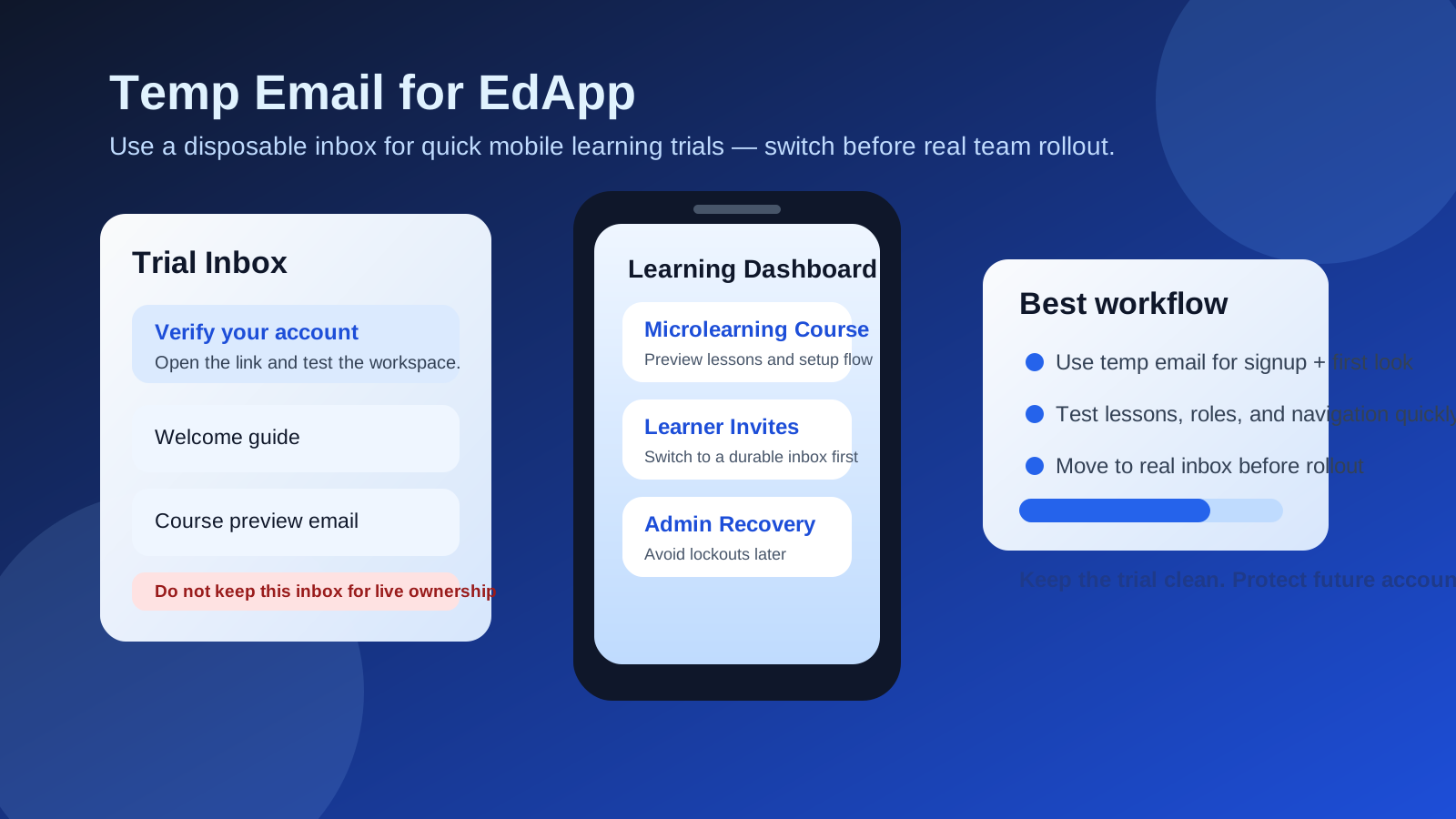
That distinction matters because EdApp sits in a category where people often start casually and then go live faster than they expected. A training lead may only want to compare a few platforms, preview lesson creation, and decide whether the mobile experience feels strong enough. A week later, that same workspace may be tied to onboarding, compliance reminders, field training, or frontline learning that people actually rely on.
That is why people look for a temp email for EdApp, a disposable email for EdApp, or a burner email for EdApp. Usually the goal is not to abuse the product. It is to protect a real inbox during the early evaluation stage, keep vendor follow-up contained, and avoid attaching permanent ownership too early.
Why someone would use a temp email for EdApp
There are sensible reasons to separate a first trial from your main inbox. If you are comparing training tools, you may need to verify several accounts in one afternoon, click through welcome emails, and see which product feels easiest to manage. That kind of research can create a surprising amount of inbox noise if every platform starts sending setup tips, reminders, and demo nudges to your real work address.
A temporary inbox gives you a clean staging area. You can receive the verification email, complete the sign-up flow, and judge the product on its actual interface instead of letting your main inbox absorb a long vendor sequence before you have even decided whether the platform deserves a second meeting.
This is especially practical when the test is still low stakes. Maybe you want to preview microlearning lessons, inspect the admin area, or see whether the platform feels right for frontline training, onboarding, or internal enablement. In that stage, a short-lived inbox can help you stay organized without overcommitting.
When using a temporary inbox makes sense
A temporary address is usually fine when the evaluation is narrow, reversible, and not yet connected to real people. Good examples include:
- Verifying the initial sign-up and opening the first welcome message
- Previewing the admin interface before the rest of the team is involved
- Testing how lesson creation, navigation, or learner views feel on a first pass
- Comparing EdApp against other LMS or mobile learning options during shortlist research
- Keeping trial-related outreach out of your everyday work inbox
In those situations, the email address mainly acts as a gatekeeper. You need it to receive the verification link and maybe a few onboarding notes. If that is all the account is doing, a temporary inbox can be a perfectly reasonable choice.
Where a disposable address starts to become risky
The problem begins when the workspace stops being a throwaway test and starts becoming operational. Training platforms often gain importance gradually rather than all at once. First you explore the layout. Then you build a sample lesson. Then a manager says, “Could we use this for the next cohort?” Suddenly the account matters more than it did on day one.
At that point, email is no longer just about sign-up. It may be tied to:
- Admin verification and password resets
- Workspace ownership and role changes
- Learner invitations and access messages
- Reminder emails or completion-related notifications
- Security alerts connected to recovery and account protection
If the inbox behind those events disappears, expires, or is not monitored, the account becomes harder to manage at exactly the wrong time. That is the real downside of leaving a burner address attached for too long. The early convenience can turn into a preventable ownership problem later.
A practical two-stage workflow
If you want the privacy benefits of a disposable inbox without creating future account headaches, the safest approach is a simple two-stage workflow.
1. Use a temporary inbox for the first pass only
Start with the throwaway address if your goal is quick triage: sign up, confirm the email, and inspect the product. Treat this as a short evaluation window rather than the start of a permanent workspace.
2. Test the right things quickly
Do not spend your whole trial clicking around without a plan. In the first session, answer practical questions:
- Is the admin area easy to understand?
- Does lesson creation look fast enough for your team?
- Is the mobile learning experience clear and intuitive?
- Would managers and learners likely adopt it without too much friction?
- Does it feel like a real shortlist candidate or an easy no?
If the answer is no, you can walk away cleanly. If the answer is yes, move to the next step right away.
3. Switch to a durable inbox before real setup begins
The moment you think the workspace might become real, change the account to an email your team controls. Do this before inviting coworkers, assigning meaningful training, or letting the platform become the home of anything important. That one step removes most of the long-term risk.
4. Treat learner communication as a signal
If you notice invite flows, admin alerts, access messages, or reminder emails becoming part of the process, assume the inbox now matters. That is your cue to stop treating the account like a disposable sandbox.
Two realistic examples
Good use: an L&D manager wants to compare several tools in one afternoon. They create a temporary inbox, verify EdApp, inspect the lesson builder, preview the learner experience, and decide whether it belongs on the shortlist. No live team members are invited and no important training depends on the account. That is a sensible use of a temporary address.
Bad use: a team likes the platform and keeps the disposable inbox attached while building real training content, inviting supervisors, and preparing a rollout. A few weeks later someone needs a password reset, the original admin is unavailable, or a critical message is missed. Now the workspace matters, but the inbox behind it was never meant to last. That is the avoidable mess you want to prevent.
Checklist: is it time to stop using the temp address?
If you are unsure whether the account has crossed the line from trial to real use, ask yourself:
- Will more than one person need admin access?
- Are you about to upload real training or onboarding content?
- Will actual learners receive invitations or reminders?
- Would losing the inbox make recovery painful?
- Has the tool moved from “just testing” to “likely rollout”?
If even two of those answers are yes, switch to a monitored inbox now. Waiting rarely makes ownership cleaner.
How Anonibox fits the right stage
Anonibox is most useful in the exact moment when you want to explore a platform without giving permanent inbox access too early. That means short trials, one-off verification steps, and quick product comparisons. It helps separate “I want to see what this is” from “I am ready to tie this to a real operational account.”
That separation is valuable because many software evaluations end quickly. If EdApp turns out not to fit your training workflow, budget, or rollout style, you can simply move on. Your main inbox stays cleaner, and you do not spend the next several months unsubscribing from follow-up emails tied to a tool you rejected after one session.
But the point is not to hide behind a disposable inbox forever. The smart move is to use it as a clean first step, then migrate to a durable address once the workspace starts carrying real responsibility.
Common mistakes to avoid
- Using a temporary inbox for a real admin owner long after the trial stage is over
- Inviting coworkers or learners before updating the account email
- Forgetting which inbox was used to create the workspace in the first place
- Assuming password recovery will be easy later even if the temporary inbox is gone
- Letting a quick test quietly turn into a live training environment without basic ownership cleanup
None of those problems are dramatic at the moment they happen. They become painful later, when the training workspace is already useful and someone needs access fast.
Bottom line
A temp email for EdApp is a smart idea for early, low-stakes mobile learning evaluation and a bad idea for long-term account ownership. Use it when you need a quick sign-up, a clean verification flow, and a fast first look at the platform. Replace it before real team rollout, learner access, or recovery workflows depend on the inbox.
That way you get the privacy and inbox-control benefits of a burner address without turning a promising training tool into an avoidable admin problem later.