A temporary inbox can be useful for an early Enboarder demo or low-stakes workflow test, but it is a poor choice for real employee onboarding, manager tasks, and any account you may need to keep long term.
Use temp email for short evaluation and spam control; switch to a stable address you control before any real employee journey, team access, or account recovery depends on it.
If you searched for temp email for Enboarder, you are probably in one of two situations. You may be an HR leader, people-ops manager, or operations buyer who wants to test an onboarding platform without turning one quick evaluation into months of product emails. Or you may be wondering whether a disposable inbox is safe for actual employee onboarding messages. Those are very different use cases, and the safest answer changes fast once real people, real tasks, and real records are involved.
Enboarder sits close to sensitive workflows. Even when the first touchpoint looks simple, the account can quickly connect to onboarding journeys, reminder sequences, internal coordination, manager actions, and access you may need later. That is why a temporary inbox can be fine for curiosity and early product research, but it becomes risky once the platform is tied to live onboarding activity.
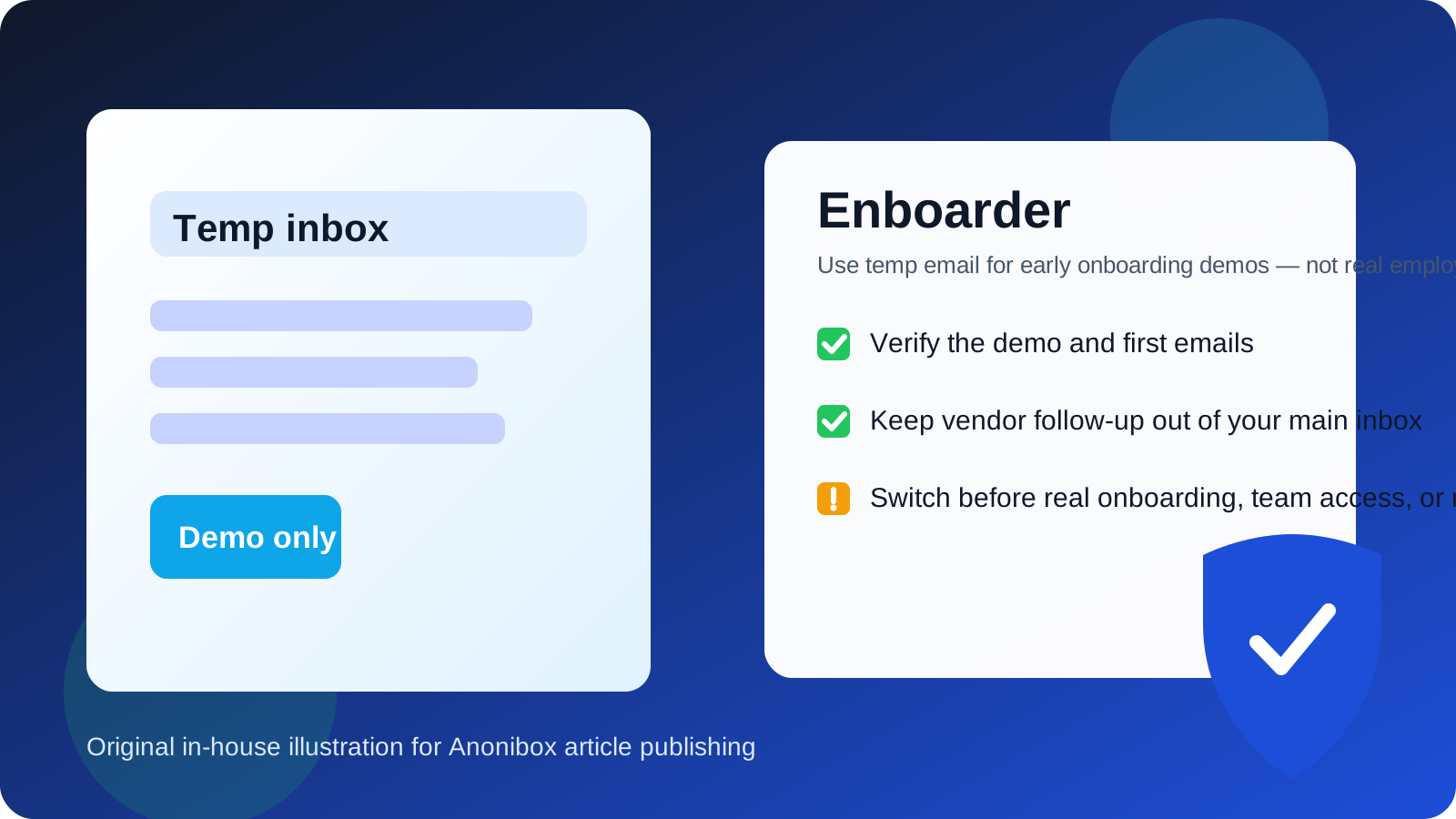
When a temp email for Enboarder makes sense
There are legitimate cases where using a temporary inbox is practical. The most obvious one is an early demo or product evaluation. If your goal is simply to see how the signup flow works, whether the welcome email arrives, or what the first onboarding sequence looks like, a disposable address can keep the process clean and contained.
- Vendor comparison: you want to compare Enboarder against other onboarding or HR tools without filling your main inbox with sales follow-up.
- Low-stakes testing: you only need to confirm access, review the interface, and understand the early workflow.
- Spam control: you want to separate trial emails, nurture campaigns, webinar invitations, and follow-up sequences from your day-to-day work mailbox.
- Research before buying: you are not ready to connect a real long-term admin identity to the tool yet.
In these cases, a temporary inbox works as a buffer. It helps you test the front door without immediately handing over your permanent address. If you use a tool like Anonibox for that kind of early screening, the main benefit is organization: you can review the product without making your primary inbox carry the cost of every trial you touch.
When a disposable inbox becomes the wrong choice
The trade-off changes the moment the account stops being a casual evaluation and starts becoming part of a real onboarding process. At that point, the inbox is no longer just receiving marketing messages. It may hold reminders, next steps, manager prompts, employee-facing communications, or account recovery links that matter later.
A temp email is usually the wrong choice for Enboarder when any of the following are true:
- You are using the platform for live employee onboarding rather than a simple demo.
- You need dependable access for admins, coordinators, hiring managers, or people-ops staff.
- Real employees or new hires may rely on the workflow completing correctly.
- You may need password resets, ownership transfer emails, or audit-friendly access later.
- The inbox is connected to records, approvals, or communication trails that could matter after the first week.
That does not mean Enboarder itself is unsafe. It means a throwaway email is a weak foundation for anything operational. Disposable inboxes are built for convenience, not continuity. Real onboarding needs continuity.
Why this matters more with onboarding tools than with ordinary trials
Not every software signup carries the same risk. A temp email for a design mockup tool or casual newsletter test may be harmless. Onboarding software is different because it sits at the edge of employment workflows and internal trust. Even when you are only testing, the context is more serious.
Here is why the risk is higher:
- Multiple stakeholders: onboarding often touches HR, managers, IT, recruiting, and the employee.
- Time-sensitive tasks: missed reminders and broken journeys can slow down real work.
- Recovery dependency: if an admin loses access, email is often part of getting back in.
- Privacy expectations: employee onboarding naturally creates more sensitivity than a generic app signup.
That is why the safest rule is simple: temporary email is best for evaluation, not for production workflows.
Risks of using a temp email for real Enboarder workflows
1. You can lose access at the worst time
Many disposable inboxes are short-lived by design. That is fine when you only need a one-time confirmation link. It is a problem if you later need a reset email, a verification code, or a reminder that was sent after the inbox expired.
2. Team ownership gets messy
If a platform starts as a quick experiment and becomes useful, teams often forget to migrate the account cleanly. Then a real admin login, workspace owner account, or billing-related identity is still tied to an inbox nobody truly owns. That creates unnecessary operational risk.
3. Important onboarding messages may disappear
Even if you are only piloting with a small group, onboarding emails can include timing-sensitive nudges, action prompts, or links people may need again. A disposable inbox is a poor place to keep messages that may become part of an ongoing process.
4. You increase confusion during handoff
Tools like Enboarder often move from evaluator to owner. A people-ops lead may test first, then hand the platform to another team member. If the original account was created with a throwaway inbox, that handoff becomes harder than it should be.
How to use temp email for Enboarder the safe way
If you still want the privacy benefits of a disposable inbox, there is a sensible way to do it.
Use it only for stage-one evaluation
Keep the test narrow. Use the temporary address to confirm signup, review the first messages, inspect the product, and decide whether Enboarder deserves more time. Do not let that same inbox quietly become the long-term admin identity.
Save the useful information right away
If the vendor sends setup instructions, product tour links, or onboarding overviews you care about, save them outside the temporary inbox. Treat the inbox as a short-term gateway, not a permanent archive.
Switch to a stable address before inviting real users
The right moment to switch is before the tool becomes operational. Once real employee journeys, manager checklists, or internal ownership matter, move the account to an email address the organization can maintain.
Keep trial identity separate from production identity
One clean approach is to evaluate with a temporary inbox, then create or migrate to a proper shared or role-based company address for live use. That preserves privacy during research without creating long-term access problems.
A practical checklist before you keep using a temporary inbox
Ask these questions before you go further:
- Am I only testing the demo, or am I starting a real onboarding workflow?
- Will anyone else on the team need to recover or manage this account later?
- Could this inbox receive messages that matter after today?
- Would losing this inbox create confusion for HR, hiring managers, or new hires?
- Am I trying to reduce spam, or am I accidentally using a short-term tool for a long-term process?
If your honest answer points toward real use, switch away from the disposable inbox now rather than later.
What to do instead for real onboarding
For live Enboarder usage, use an address you control for the long term. In practice, that usually means a stable work email or a role-based inbox that the right people can maintain over time. The goal is not just deliverability. The goal is reliable ownership.
A stable address is the better choice when you need:
- consistent login recovery,
- shared admin continuity,
- message history that does not disappear,
- clear accountability for who owns the account, and
- a communication trail that still exists after the pilot ends.
That is especially important if the platform becomes part of real onboarding operations. A short-lived inbox may feel convenient in the moment, but it creates avoidable friction once the product starts doing important work.
Is temp email for Enboarder good for job seekers or new hires?
Usually no. If you are a real candidate or new hire receiving onboarding-related emails, a temporary inbox is rarely the best choice. Even if the first message only looks like a basic invite, the workflow can expand into checklists, reminders, identity verification steps, or instructions you may need to revisit. Using a stable address protects you from losing access to something that later matters for your job start.
If your concern is privacy, a better compromise is to use a dedicated long-term email address for job-search and onboarding activity rather than a disposable one that may disappear. That keeps your personal inbox cleaner while still preserving continuity.
Final answer
Temp email for Enboarder is useful for early evaluation, but it is a bad long-term choice for real onboarding. If you only want to test the signup flow, review the first emails, and keep vendor follow-up out of your main inbox, a disposable address can help. But once real employee onboarding, shared admin access, or account recovery enter the picture, switch to a stable email you control.
That balance gives you the best of both worlds: privacy and less inbox clutter during research, then reliability and continuity when the workflow becomes real.