A temp email for Formidable Forms is fine for short plugin evaluation, staging-site setup, and notification testing.
It becomes a bad long-term choice once real leads, admin alerts, payment confirmations, or workflow ownership depend on that inbox.
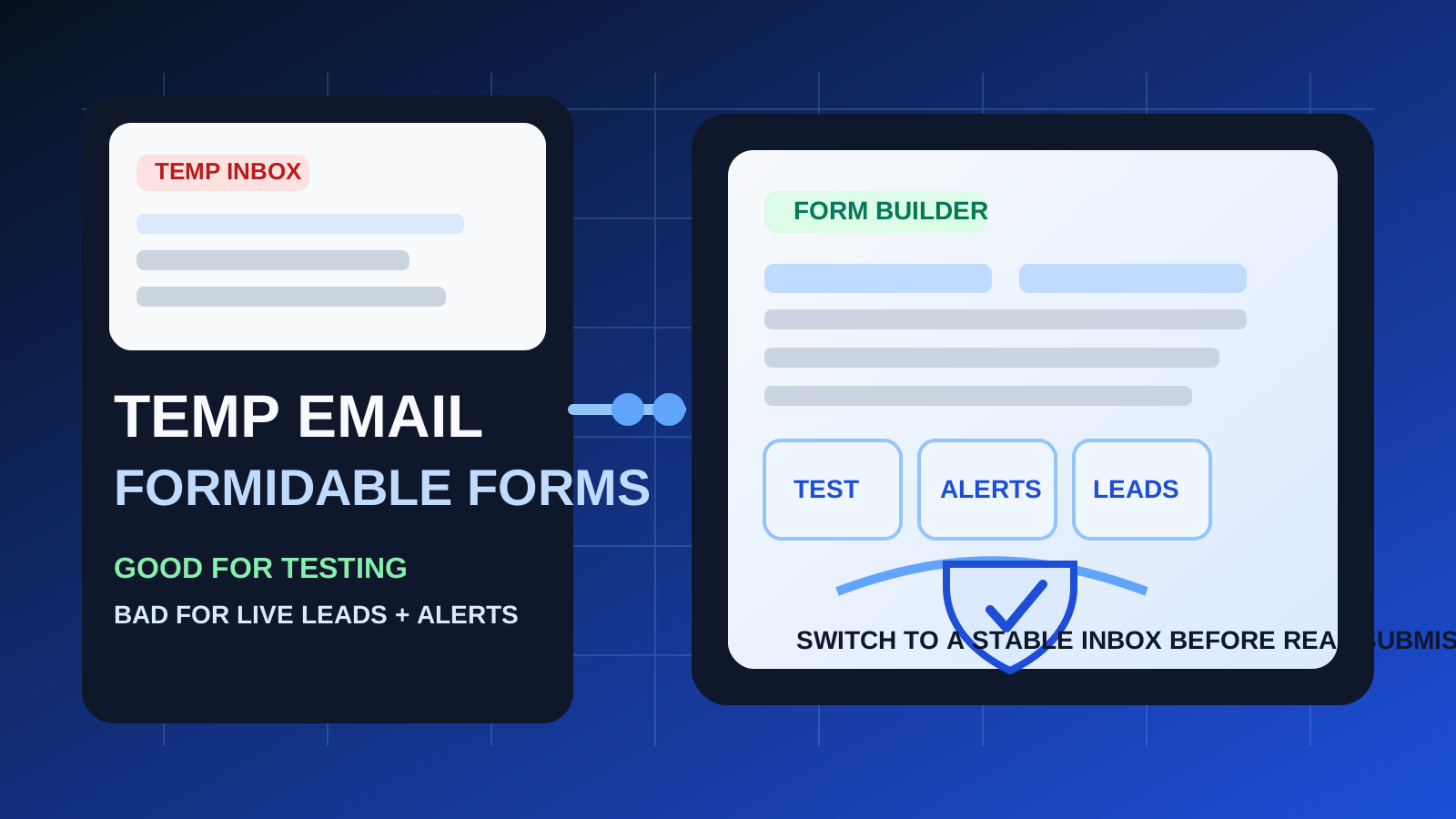
Formidable Forms is exactly the kind of tool people test before they fully commit. You may want to spin it up on a staging site, build a contact form, try a multi-step workflow, connect email notifications, or compare it against other form builders without filling your main inbox with every onboarding message and follow-up campaign. That is where a temporary inbox can help.
The catch is that Formidable Forms sits close to workflows that become important very quickly. Lead capture, quote requests, client intake, registrations, file uploads, internal notifications, and payment-related messages can all look harmless during setup and turn mission-critical the moment the form goes live. A disposable inbox is useful while you are testing the workflow. It is risky once the workflow starts carrying real business value.
When a temp email for Formidable Forms actually makes sense
There are several low-risk situations where a temporary inbox is practical.
- Early plugin evaluation: you want to inspect the signup flow, onboarding emails, or initial account setup before deciding whether Formidable Forms belongs in your stack.
- Staging-site experiments: you are building forms in a development environment and do not want test submissions, notices, or setup emails mixed into your permanent inbox.
- Notification testing: you are checking whether admin alerts, confirmation emails, autoresponders, or routing logic behave the way you expect.
- Comparing form builders: you are testing Formidable Forms alongside tools such as Gravity Forms, Formstack, Fillout, Tally, or Google Forms and want each trial isolated.
- Short troubleshooting sessions: you want to confirm whether a delivery problem is tied to the form setup or to your normal mailbox.
In those cases, a throwaway inbox can save time and reduce noise. You verify what you need, collect the key setup emails, and keep your main address out of long nurture sequences until you know whether the tool is worth keeping. A service like Anonibox fits that first-pass evaluation stage well.
Why the same setup gets risky fast
The main problem is not the first confirmation email. It is everything that comes after it.
1. Real submissions need continuity
Production forms do not just send one test message. They may send lead notifications, quote requests, intake responses, event registrations, file-upload notices, payment confirmations, approval steps, and internal follow-ups. If those messages depend on an inbox you stop monitoring, the form may keep accepting submissions while the people responsible for acting on them hear nothing.
2. Ownership becomes blurry
Formidable Forms often ends up in shared workflows. One person installs the plugin, another configures the form, a third person expects the leads, and someone else may need access later for edits or recovery. A disposable inbox makes that ownership fuzzy. If no one clearly owns the mailbox, no one clearly owns the workflow behind it either.
3. Payment and approval flows are less forgiving
Some forms stay simple. Others quickly become tied to payment collection, gated downloads, intake approvals, booking requests, or document gathering. Those workflows are far less tolerant of missed messages than a basic test form. A temporary inbox is convenient right up until a real customer action depends on it.
4. Account recovery matters later
Even if you only planned a short test, a good setup often sticks around. That is when renewal notices, login recovery, support replies, and account-change emails matter more than they did on day one. A disposable address is great when the whole setup is disposable too. It is a weak foundation for anything you may need again next week.
A simple rule that keeps you out of trouble
Use a temp email for Formidable Forms when you are testing the workflow, not when you are depending on the workflow.
If the form is temporary, the inbox can be temporary. If the form is live, collecting real leads, routing real notifications, or tied to money, approvals, or support, the inbox behind it should be stable, monitored, and clearly owned.
How to use a temp email for Formidable Forms safely
1. Decide whether this is a trial or a real implementation
Before you sign up or connect notifications, be honest about the goal. Are you exploring the dashboard, testing integrations, or seeing whether the builder feels better than alternatives? If yes, temporary email is reasonable. If you already expect this form to go live or remain part of a production site, start with a permanent address instead.
2. Keep testing inside a staging or low-risk environment
Disposable inboxes make the most sense when the surrounding environment is temporary too. Use them with staging domains, sandbox forms, draft workflows, or internal QA rounds. That keeps the whole evaluation clean and prevents an accidental test setup from quietly becoming your live operating setup.
3. Test specific messages on purpose
Instead of casually clicking around, run a focused checklist:
- Does the account verification email arrive quickly?
- Do admin notifications reach the expected mailbox?
- Do confirmation emails send correctly after a submission?
- Do multi-step or conditional forms still trigger the right notices?
- If you connect integrations, do they fail loudly or silently when email is wrong?
A temporary inbox is most valuable when it helps you answer those practical questions quickly.
4. Save the setup details you actually need
During the first session, capture the messages that matter: verification links, onboarding instructions, setup URLs, and any integration notes you may want later. Do not assume the inbox will still be available when you circle back. Temporary means temporary.
5. Switch before the form becomes customer-facing
This is the step people delay too long. If a real visitor, lead, client, member, or teammate is about to interact with the form, swap the disposable inbox out before launch. Do not wait until after the first useful submission arrives.
Better long-term alternatives than staying disposable
If your main reason for using a temp inbox is privacy or clutter reduction, you do not have to jump straight from a throwaway address to your most personal mailbox. There are safer middle-ground options.
- A dedicated work inbox: good for production forms, shared monitoring, and clear ownership.
- An email alias: useful if you want filtering and separation while keeping full recovery and continuity.
- A role-based address: something like forms@, leads@, or support@ can be more practical than tying everything to one person.
- A monitored shared inbox: better when multiple people need visibility into submissions or approvals.
The goal is simple: keep the privacy benefits of separation without introducing the fragility of a mailbox that may disappear or be ignored.
Signs you have outgrown the temp inbox
Switch immediately if any of these are true:
- the form is collecting real leads or client inquiries
- someone on the team is expecting submission alerts
- the form handles quotes, bookings, or payments
- file uploads or approval chains are involved
- you may need account recovery, licensing, or support replies later
- the form is no longer a one-day experiment
If you read that list and think, “that already sounds like us,” the disposable setup has probably outlived its safe phase.
Practical examples
Example 1: comparing builders on a staging site
You are deciding between Formidable Forms, Gravity Forms, and FormAssembly for a new internal workflow. You only need to review the onboarding experience, test a few notifications, and compare how quickly you can build a usable form. A temporary inbox works well here because the goal is evaluation, not continuity.
Example 2: checking a multi-step intake form before launch
You are building a staged intake form for a live site and want to confirm each step triggers the right confirmation and admin emails. A disposable inbox is still reasonable during that testing window, as long as you replace it before the form opens to real users.
Example 3: running a quote request or lead capture form in production
This is where temporary email stops making sense. Once real prospects can submit the form, every missed admin alert can turn into a lost lead or delayed response. Stability matters more than inbox cleanliness.
Common mistakes to avoid
- Letting a test setup become the live setup: the biggest failures usually come from inertia, not from the first decision.
- Only thinking about signup verification: the real risk is the second, third, and tenth important email.
- Using a disposable inbox for payment or approval forms: these workflows are too easy to break silently.
- Assuming the team knows where notifications go: unclear ownership creates missed submissions.
- Waiting until after launch to switch: once real traffic arrives, fixing the mailbox is already late.
A quick checklist before you decide
- Is this a short evaluation or a real production rollout?
- Will anyone depend on submission notifications after today?
- Could a missed message cost you a lead, payment, or follow-up?
- Does the account need clear long-term ownership?
- Would an alias or dedicated work inbox solve the same privacy problem better?
If most answers point to “testing,” a temp inbox is probably fine. If they point to “operations,” move to a permanent monitored address.
Final takeaway
A temp email for Formidable Forms is useful for early plugin evaluation, staging-site setup, and notification testing.
It is a poor long-term setup for real leads, live form notifications, payment-related workflows, and anything that needs dependable ownership. Use temporary email to test the workflow quickly and cleanly, then switch to a stable inbox before the form becomes something your business actually relies on.