A temp email for Gravity Forms is fine for short account setup, plugin evaluation, and notification testing.
It becomes a weak long-term choice once real submissions, admin alerts, payment notices, or account recovery depend on that inbox.
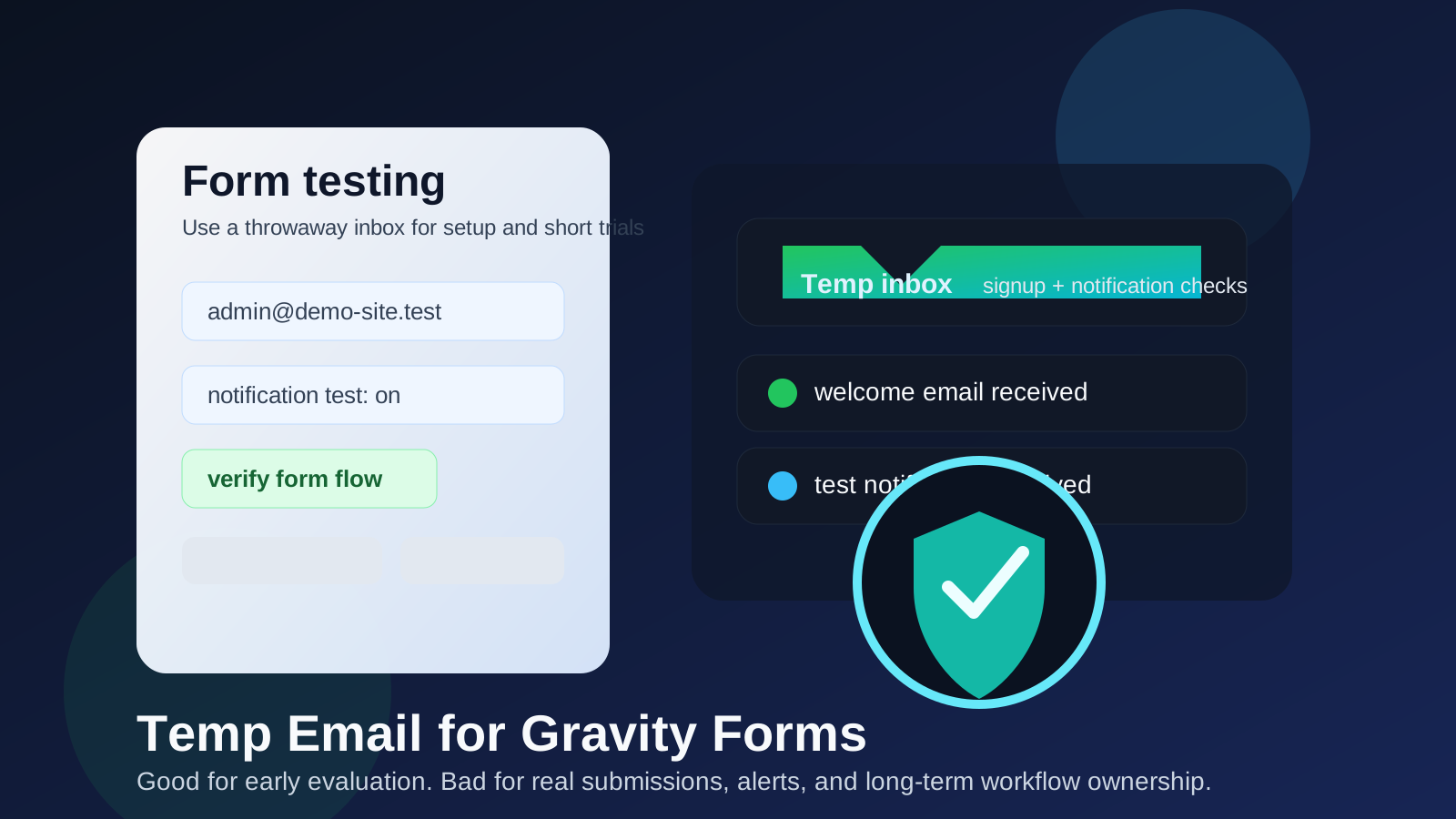
Gravity Forms is the sort of tool people often test before they fully commit. You may want to install it on a staging site, connect a few notifications, try a lead form, see how confirmations behave, or compare it against other form builders without dumping every signup and follow-up message into your permanent inbox. That is where a temporary email can help.
But Gravity Forms also sits close to workflows that become important very quickly. Contact forms, intake forms, gated downloads, quote requests, event registrations, payment flows, and internal notifications are all easy to test with a throwaway address and easy to break with one too. If the address behind the setup disappears, the form may still look fine on the front end while the communication chain behind it quietly fails. A tool like Anonibox is useful for the first pass, not for the long haul.
When a temp email for Gravity Forms actually makes sense
There are several low-risk situations where using a disposable inbox is practical.
- Early plugin evaluation: you want to review onboarding, licensing emails, or welcome messages before deciding whether Gravity Forms belongs in your stack.
- Notification testing: you are checking whether admin notifications, confirmation emails, or routing logic fire correctly during setup.
- Staging-site experiments: you are building a form on a development site and do not want every test submission landing in your main inbox.
- Short comparison projects: you are comparing Gravity Forms with other builders such as Formstack, Paperform, Fillout, Tally, or Microsoft Forms and want cleaner inbox separation.
- One-off troubleshooting: you need a fresh mailbox to confirm whether a delivery issue is tied to your normal address or to the form setup itself.
In those cases, a temporary inbox helps you move fast. You get the essential messages, verify the setup, and avoid clutter while you are still deciding what deserves a permanent place in your workflow.
Why the same setup becomes risky in real use
The trouble is not usually the first email. The trouble is everything that happens after the first successful test.
1. Real form notifications need continuity
Production forms do not just send one welcome email. They may send admin alerts, lead details, appointment requests, invoice or payment notices, file-upload notifications, approval messages, and follow-up instructions. If those messages are tied to an inbox you stop watching, the form may keep collecting data while the people responsible for acting on it miss the signal entirely.
2. Ownership gets blurry fast
Gravity Forms often sits inside a broader site workflow. One person installs it, another person edits the form, and someone else expects to receive the submissions. A throwaway mailbox can make that ownership fuzzy. If nobody clearly controls the inbox, nobody clearly controls the notifications either.
3. Account recovery and license management can matter later
Even if your first goal is only to test, Gravity Forms can become a keeper. At that point, license notices, renewal reminders, account recovery steps, and support-related messages matter more than they did during the first ten minutes. A disposable address is convenient right up until you need it again.
4. Temporary email is easy to neglect
That is the feature and the flaw. Disposable inboxes are great for reducing noise, but they also invite you to stop checking them. For a throwaway test, that is fine. For a live contact form, it is how silent failures happen.
A simple rule that keeps you out of trouble
Use a temp email for Gravity Forms when you are testing the workflow, not when you are depending on the workflow.
If the form is temporary, the inbox can be temporary too. If the form is going live, collecting real leads, or routing messages that people need to act on, the email behind it should be stable, monitored, and clearly owned.
How to use a temp email for Gravity Forms safely
1. Decide whether this is evaluation or production
Before you touch the setup, ask what problem you are solving. Are you evaluating the plugin, checking whether notifications work, or confirming that a staging form behaves correctly? If yes, temporary email can be a clean fit. If you already expect the form to serve real users, start with a permanent inbox instead.
2. Keep testing focused and time-boxed
Disposable email works best when you move with purpose. Create the address, complete the signup or test, confirm the key messages arrive, and note the results in the same session. Do not leave a half-finished setup sitting around and assume you will remember which inbox held the important message.
3. Test the parts that matter, not just the first confirmation
Many people stop once the first email lands. That is not enough. A better Gravity Forms test checks:
- whether admin notifications arrive consistently
- whether autoresponders or confirmations look right
- whether spam filtering or routing rules interfere
- whether integrations introduce delays or formatting problems
- whether the message reaches the right owner, not just any inbox
This matters because a form can appear functional while its notification chain is messy, delayed, or tied to the wrong address.
4. Switch to a stable address before launch
The right time to swap is earlier than most people think. Do it before you publish the form to real traffic, before you connect money or high-value leads to it, and before teammates assume the current notification path is permanent. Waiting until after launch turns a clean test into a preventable risk.
Real examples
Example 1: staging a lead form on a dev site
This is a good use case for temporary email. You are only trying to confirm that submissions fire, fields map correctly, and basic notifications work. No customer is depending on that inbox, so the cost of using a disposable address stays low.
Example 2: comparing form builders for a client project
If you are deciding between Gravity Forms and several alternatives, a throwaway inbox can keep each product’s onboarding separate. That makes it easier to compare what each tool sends you and how noisy the evaluation process becomes.
Example 3: launching a real intake form for a business
This is where you should stop using temporary email. If the form collects quote requests, service inquiries, patient intake details, job applications, support tickets, or payment-related actions, a monitored permanent inbox is the safer move. Missing one real submission is usually more expensive than receiving a few extra setup emails.
Common mistakes people make
- Leaving the temp inbox in place after testing: the form goes live, but nobody changes the notification target.
- Confusing successful submission with successful workflow: a form submit button can work while the actual messages go somewhere useless.
- Treating admin alerts like marketing email: they are operational messages, not optional reading.
- Using a disposable inbox for shared ownership: teams need clarity about who watches what.
- Forgetting about recovery and licensing: setup emails feel trivial until you need them later.
A better long-term alternative
If your real goal is privacy and separation, not pure disposability, a dedicated permanent address is often better than a throwaway one. For example, you might use one monitored inbox for forms, another for job-search tools, and another for software trials. That gives you cleaner boundaries without the fragility of a mailbox you may lose or ignore.
Think of temporary email as the fast filter. It helps you keep your main inbox clean while you are deciding what deserves trust. Once Gravity Forms becomes part of a real workflow, the safer upgrade is a stable address that someone actually owns and checks.
Final takeaway
A temp email for Gravity Forms is useful when you want to test notifications, evaluate the plugin, or keep staging-site experiments out of your main inbox. It is not the best foundation for live forms, real leads, admin alerts, or anything that depends on reliable follow-up.
The practical approach is simple: use temporary email for evaluation, verify the setup thoroughly, and switch to a permanent monitored inbox before real traffic and real responsibility enter the picture. That gives you the privacy benefits up front without creating invisible problems later.