A temp email for Formstack can be a smart move for early testing, trial signup, and first-pass product evaluation.
It becomes a weak setup once you are dealing with real form submissions, approval chains, client intake, payment-related workflows, or any account you may need to keep.
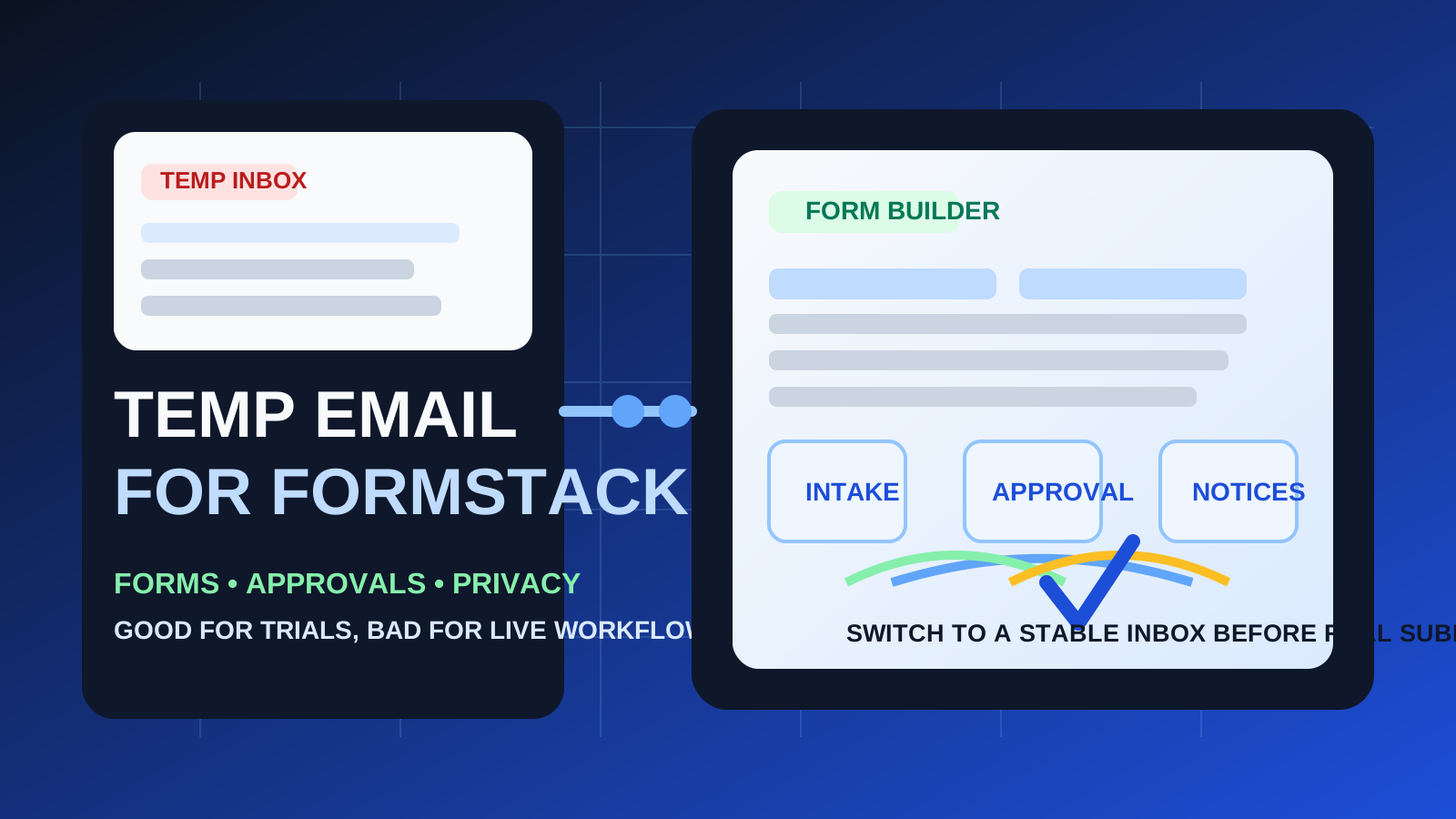
If you are looking into Formstack, there is a good chance you are trying to solve a practical workflow problem: collecting client intake, routing internal requests, handling approvals, organizing submissions, or testing a form-based process before rolling it out more widely. In that early stage, using a temporary inbox can be genuinely helpful. It lets you see the signup flow, verify the account, read the first onboarding emails, and compare the platform without automatically adding another long sales and nurture sequence to your permanent inbox.
That said, Formstack sits closer to real business processes than a casual newsletter signup. Once a form is connected to actual leads, real client intake, internal handoffs, or any ongoing notification flow, email continuity starts mattering fast. Missing one alert, approval request, password reset, or submission notice can turn a convenience choice into friction. The safest rule is simple: use a temp email for temporary evaluation, then switch to a stable address before the workflow becomes real.
Why people consider a temp email for Formstack in the first place
The appeal is easy to understand. A lot of software trials start with the same pattern: create an account, verify your email, receive a welcome sequence, get nudged toward a demo, and then keep hearing from the vendor long after you already decided whether the product was a fit. If you are comparing multiple form and workflow tools at once, that clutter adds up quickly.
A temporary inbox gives you a clean testing lane. You can verify the account, inspect the product, and decide whether Formstack deserves a deeper look without immediately tying the trial to the email address you use for long-term work. If you already use a service like Anonibox to keep early product research separate from your main inbox, Formstack is the kind of platform where that approach makes sense at the very beginning.
When using a temp email for Formstack makes sense
There are several situations where a disposable address is reasonable.
- First-pass product evaluation: you want to see the dashboard, builder, templates, and onboarding before you commit to deeper testing.
- Comparing form tools side by side: you are reviewing Formstack alongside tools such as Typeform, Paperform, or SurveyMonkey and do not want every vendor follow-up in your main inbox.
- Short-lived internal prototypes: you are just testing how a form or approval flow might work before anyone relies on it.
- Low-stakes demo requests: you want to unlock product access, check the interface, and decide whether the platform is even worth more serious attention.
In those scenarios, the account itself is part of an evaluation process. You are not promising yourself long-term continuity. You are simply collecting enough information to judge whether the platform fits your needs.
Where disposable email becomes risky fast
Formstack is not only about forms. It often sits inside workflows where messages matter after the initial signup. That is where a temporary inbox starts to break down.
1. Real form submissions can trigger important notifications
If a form is collecting genuine leads, support requests, patient intake, event responses, or business inquiries, notification emails stop being background noise. They become part of the operating process. A disposable inbox is fine when the submission is fake and the workflow is only a test. It is a bad fit when missed messages could slow down real work.
2. Approval chains are only useful if someone actually sees them
Many workflow tools become valuable because they route information to the right person at the right time. If your email address is temporary, any approval request, status notice, or follow-up instruction tied to that address becomes fragile. The workflow may still exist in the platform, but the person responsible is easier to lose track of when notifications are attached to an inbox nobody intends to keep.
3. Client intake needs continuity
Early intake forms often feel simple, but the value is rarely limited to the first submission. There may be clarifications, reminders, revisions, missing documents, or later follow-up messages. If the email address behind the account is disposable, your process can become messy just when it starts being useful.
4. Account recovery matters more than people expect
Lots of trial accounts feel temporary until they are not. Maybe you build a form faster than expected. Maybe a teammate likes the workflow. Maybe the trial turns into a real proof of concept. If that happens, password resets and access recovery suddenly matter. A throwaway inbox is fine for a throwaway account. It is frustrating for an account that accidentally became important.
5. Connected workflows raise the stakes
Even without assuming any special integration or security promise, it is common for form platforms to sit near other systems: documents, spreadsheets, CRMs, payment-related steps, or internal routing. The closer the workflow gets to real operations, the less sense a disposable inbox makes. The trial can be temporary; the live process should not be.
A better rule than “always use temp email”
The best rule is not “always use a disposable address” and it is not “never do it.” It is this:
Use a temp email for Formstack when you are testing whether the product is worth attention. Use a stable email when the account is part of work you actually want to keep.
That distinction sounds obvious, but it saves people from a lot of preventable mess. Temporary evaluation and durable workflow ownership are two different phases. The mistake is acting like they need the same email strategy.
How to use a temp email for Formstack safely
1. Decide upfront whether this is a trial or a real build
Before creating the account, ask a basic question: is this a quick evaluation, or do you already suspect the build might become part of a real process? If the second answer feels likely, start with a permanent inbox or at least a dedicated long-term secondary inbox you control.
2. Save the messages you actually need
During an evaluation, you usually only need a small number of emails:
- the verification message
- the welcome email or quick-start guide
- any template or onboarding links worth referencing later
- important trial or account notices
Capture those while the inbox is active. Do not assume you will remember where everything is once the test session is over.
3. Test the workflow in one focused block
Temporary inboxes work best when the evaluation is deliberate. Instead of signing up and drifting away, spend a focused session answering the real product questions:
- Is the builder intuitive enough for your team?
- Can you create the form or intake experience you actually need?
- Are notifications and routing clear?
- Does the workflow feel like something you would trust in production?
If the answer is no, you avoided unnecessary inbox clutter. If the answer is yes, you know it is time to move to a stable address.
4. Switch early if the tool is becoming real
Do not wait until a live form is already collecting meaningful submissions. If Formstack is clearly heading toward real use, replace the temporary address before the workflow depends on it. That is the easiest moment to avoid future headaches.
A dedicated secondary inbox is often the better middle ground
Some people use disposable email because they do not want vendors to have their main address, but they also know the product might become important later. In that case, a dedicated secondary inbox is usually the best compromise. It keeps trials separated from your personal or primary work email, while still giving you account continuity, recoverability, and a place to keep important notices if the test grows into something real.
That approach is especially useful for workflow software. A totally temporary inbox is great for low-stakes experimentation. A controlled secondary inbox is better when you want privacy without sacrificing ownership.
Practical examples
Example 1: comparing Formstack against other form builders
You are reviewing several products in one week and mostly care about the builder, submission flow, and early onboarding. A temp email is perfectly reasonable here. You are evaluating, not operating.
Example 2: building an internal prototype for a team process
You want to see whether an approval flow or intake process makes sense before anyone commits to it. A disposable address can still work, as long as nobody expects that account to become the long-term owner of the workflow.
Example 3: publishing a real intake form for clients or leads
This is where a temporary inbox stops being smart. If the form is going live and real people will submit useful information through it, you want a stable address behind the account from day one or as early as possible.
Common mistakes to avoid
- Using a disposable inbox for production by accident: what starts as a test can quietly become a real workflow.
- Ignoring notification risk: the initial signup email is not the only message that matters.
- Waiting too long to switch: once live submissions and approvals are flowing, migration becomes more annoying.
- Confusing privacy with invisibility: a temp email can reduce clutter and exposure, but it is not a magic shield for bad process choices.
- Skipping documentation during the test: save the few setup details you may want later before the inbox disappears.
Quick checklist before you sign up
- Am I just testing Formstack, or do I expect to keep this account?
- Will this account receive real submissions, approvals, or ongoing notices?
- Would a dedicated secondary inbox serve me better than a fully temporary one?
- Am I prepared to switch to a stable email before the workflow becomes live?
If your answers point toward short-term evaluation, a temp email for Formstack is a sensible choice. If they point toward continuity, ownership, or live intake, start with something durable.
Final answer
Using a temp email for Formstack is practical for early testing, product comparison, and low-stakes trial access when you want less long-term inbox clutter. It is a poor long-term setup for real workflows, approvals, client intake, and any account you may need to recover or keep.
The cleanest approach is to use disposable email only for disposable interest. If Formstack is just a quick evaluation, it can help. If it becomes part of your real process, move to a stable inbox before convenience turns into a broken workflow.