Yes, a temp email for Fillout can be useful when you only want to test the platform, preview a signup flow, or keep another software trial out of your main inbox.
No, it is not a good long-term setup once real client intake, submission alerts, automations, approvals, or payment-related notifications depend on that address.
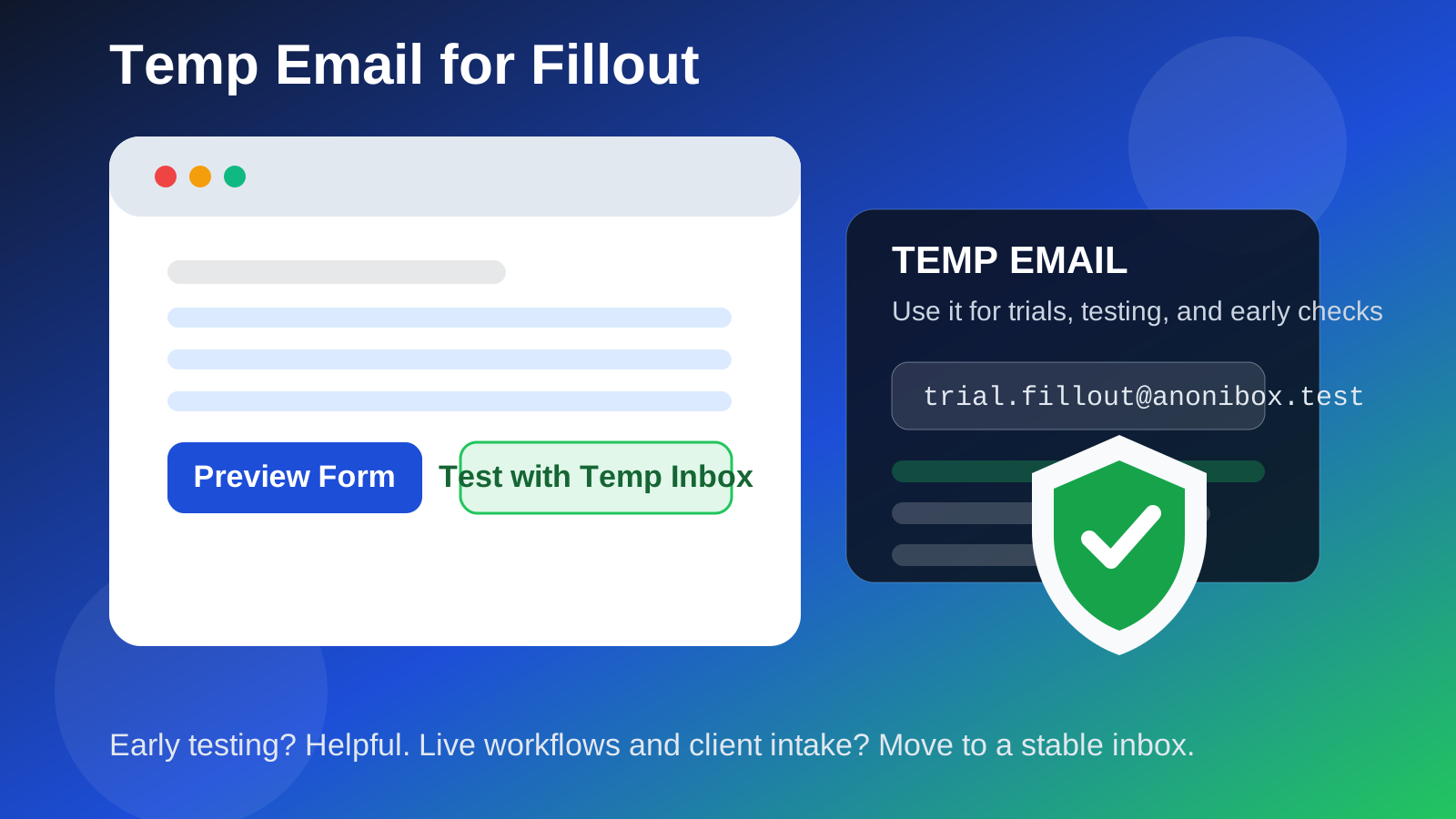
That is the practical answer, and for most people it is the one that matters. Fillout sits in an awkward but very common middle zone: it can start as a low-stakes form-building experiment, then quickly turn into something operational. A temporary inbox helps at the beginning, but if you leave it in place too long, the same convenience that made testing easy can become the reason you miss something important later.
If you are using a service like Anonibox to keep trials, templates, and one-off tests separate from your everyday inbox, Fillout is a reasonable candidate for that approach in the early stage. The key is knowing exactly when a disposable address is still helping and when it has become the weakest link in the workflow.
Why people consider a temp email for Fillout in the first place
Most people do not look at a form builder and think, “this is risky.” They think about speed. They want to check the editor, test a template, see how the submission flow feels, compare form builders, or try a small internal use case before committing to another recurring tool in the stack. That is the normal context where temporary email makes sense.
Software evaluation almost always creates inbox spillover. Even when a product is solid, the signup often leads to onboarding sequences, feature announcements, webinar invites, sales follow-ups, upgrade nudges, and “just checking in” campaigns that keep arriving after you already made your decision. A temp inbox gives you a way to verify the account, read the first few product emails, and decide whether the tool deserves a more permanent place in your workflow.
With Fillout specifically, the temptation is easy to understand. A form platform can look lightweight on day one. Then on day ten it is handling lead capture, client intake, internal requests, event signups, application forms, waitlists, surveys, or connected automation steps. The more real the workflow becomes, the more the email address behind it starts to matter.
When a temp email for Fillout is actually a smart move
There are several situations where using a temporary inbox is genuinely practical rather than reckless.
1. You are just comparing form builders
If you are evaluating Fillout against tools like Typeform, Paperform, or Formstack, a temp email can keep that research isolated. You can verify the account, click through the editor, test the overall product feel, and avoid adding another vendor sequence to your primary inbox before you even know if the platform fits.
2. You want to test the onboarding and template experience
Sometimes you are not choosing a tool yet. You just want to see how the dashboard is organized, how quickly you can build a form, what the default email flow looks like, and whether the platform feels intuitive. For that kind of short-lived exploration, a disposable inbox is fine.
3. You are running a one-time internal experiment
Maybe you want to mock up a sample request form, test a short survey, or preview how a simple intake flow behaves before moving the project somewhere more permanent. In that kind of sandboxed use, the email address is often just there to get you through account creation and the first round of notifications.
4. You do not want another permanent trial attached to your main address
This is the most obvious reason and still one of the strongest. If you are already juggling software trials, recruiter emails, newsletter signups, and vendor outreach, protecting your main inbox is not paranoia. It is basic organization.
Where a temp inbox starts becoming a bad idea
The problem is not that Fillout exists. The problem is that forms have a habit of turning into real business infrastructure. Once that happens, disposable email stops being a neat privacy trick and starts becoming operational debt.
Real leads and client intake
If the form is meant to collect actual customer interest, new client inquiries, intake submissions, or time-sensitive responses, you do not want the owning account tied to an inbox that may disappear, rotate, or become inconvenient to monitor. Missing an alert is one thing. Missing a warm lead or a real intake form is another.
Approval flows and internal handoffs
Many form workflows stop being simple the moment someone else depends on them. If a form is part of approvals, routing, internal requests, team reviews, or handoffs between people, continuity matters. A temporary inbox makes the setup fragile, especially when you need predictable access later for troubleshooting, changes, or account recovery.
Automations and notification chains
Once a form is connected to downstream actions, email stops being a cosmetic detail. Notifications about submissions, failures, edits, account changes, or integration issues can matter a lot. A temp inbox might help during setup, but it is a poor foundation for workflows you want to trust over time.
Payments, uploads, or records you may need later
If your form is anywhere near payment-related activity, uploaded files, important submissions, contracts, or records you may need to revisit, move to a stable email address early. The moment a workflow starts involving money, client documentation, or anything with retention value, disposable email becomes much harder to defend.
Shared ownership
If multiple people may need to access or administer the account, a temp inbox is usually the wrong tool. Shared systems need durable ownership, clear recovery paths, and an email address someone is actually responsible for managing.
A better way to use Fillout with a temp inbox
The strongest approach is not “never use a temp email” and it is not “use one forever.” It is phased use.
- Use the temp inbox for the first look. Create the account, verify it, open the editor, test one or two form ideas, and read the first onboarding emails.
- Decide whether the tool is casual or real. If it is just research, you are done. If it is becoming a real workflow, do not keep the disposable address attached out of habit.
- Switch to a stable email before launch. Move the account to an address you control long term before public traffic, real clients, internal dependencies, or meaningful notifications stack up.
- Document who owns the account. If Fillout becomes part of a business workflow, make ownership boring and obvious. That is what you want.
This gives you the privacy benefit at the beginning without baking fragility into the finished setup.
How Anonibox fits into that workflow naturally
Anonibox makes sense when you want separation, not when you want permanence. That distinction matters. Using Anonibox or another temporary inbox for an early Fillout trial can help you avoid turning every software test into a long-term inbox relationship. It is especially useful if you are comparing several tools in the same week and do not want all of them following you around afterward.
What Anonibox should not become is the invisible owner of a live form operation. If the form is now receiving real inquiries, triggering operational steps, or acting as a public front door for your work, the temporary address has already done its job. That is when you graduate to a stable inbox and keep the disposable one for what it was good at: low-stakes evaluation.
Practical signs it is time to stop using the temp email
- You have embedded the form on a real website.
- You are collecting real customer, applicant, patient, student, or client information.
- You expect submission alerts to matter quickly.
- You are connecting the form to other apps or business processes.
- You may need account recovery later.
- Someone besides you may need to manage the account.
- You are launching something you would be annoyed to lose access to.
If two or three of those are true, the temporary inbox phase is probably over.
Best practices if you still want to test Fillout privately
Keep the trial purpose narrow
Do not mix a quick experiment with a real launch. Use the temporary inbox for a short evaluation window, not as a placeholder you keep postponing forever.
Save anything important early
If the onboarding email contains a useful setup link, note, or configuration detail, save it while you still have easy access. Disposable inboxes are convenient because they are temporary, which is also why they are easy to outgrow or forget.
Do not attach sensitive or irreplaceable workflows too soon
The early test account should stay early and test-like. The more real the data and workflow become, the less sense disposable email makes.
Use a clean handoff point
Pick a moment when you switch from “trial mode” to “real mode.” For example: before embedding the form, before sharing it with clients, or before enabling business-critical notifications. A clear threshold prevents lazy drift.
Quick decision checklist
Before using a temp email for Fillout, ask yourself:
- Am I only testing, or am I already building something real?
- Would I care if I lost access to this inbox next week?
- Will real people depend on this form?
- Are alerts, automations, or submissions going to matter operationally?
- Is this account eventually going to need stable ownership?
If the answers lean toward trial, testing, and comparison, a temp inbox is reasonable. If they lean toward live workflows, client communication, and long-term ownership, switch to a permanent address sooner rather than later.
Final verdict
A temp email for Fillout is useful in the early stage because it keeps trials, test forms, and onboarding noise out of your main inbox. That part is real and practical.
But once Fillout becomes part of real client intake, internal routing, notifications, or automations you care about, a disposable address stops being clever and starts being a liability. Use the temporary inbox to evaluate the tool, then move the account to an address you actually intend to own long term.
That balance gives you the privacy benefit without sacrificing reliability when the form stops being a test and starts being part of actual work.