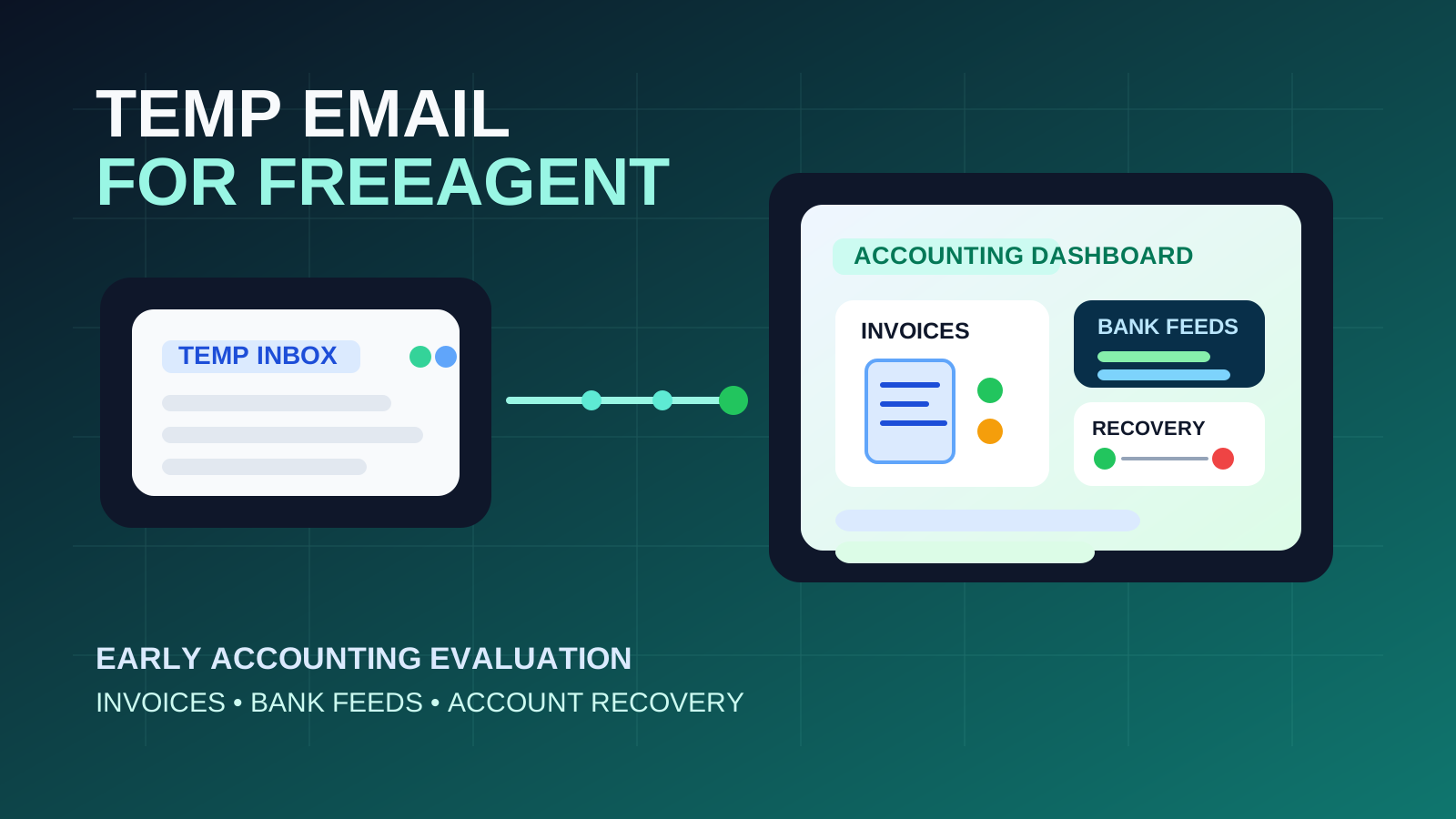
A temp email for FreeAgent is fine for a quick trial, but it becomes risky once live invoices, bank feeds, tax-related reminders, or account recovery depend on that inbox.
Use a disposable inbox only for early evaluation, then switch to a stable business email before FreeAgent becomes part of your real bookkeeping workflow.
That is the practical answer behind this keyword. Most people searching for temp email for FreeAgent are not trying to do anything shady. They are usually comparing accounting tools, checking whether the product feels right for a freelancer or small-business workflow, and trying to avoid dropping their main inbox into yet another vendor follow-up sequence before they even know if the software deserves a serious second look.
That use case is legitimate. A service like Anonibox can help you receive the verification email, open the account, and inspect the product without immediately tying your everyday work inbox to another stream of onboarding emails, reminders, discount nudges, and “finish your setup” prompts. The important limit is that accounting software stops being disposable quickly. Once the account starts holding real invoices, expense history, bank connections, client information, or recovery value, the email behind it becomes part of the reliability of the whole setup.
Why someone would use a temp email for FreeAgent in the first place
FreeAgent tends to attract freelancers, consultants, contractors, and small service businesses that want accounting software without the feeling of a heavyweight finance stack. It often ends up in the same shortlist as Xero, QuickBooks Online, FreshBooks, Wave Accounting, Zoho Books, and Sage Accounting.
That evaluation phase creates more inbox clutter than people expect. Even one trial can trigger account-verification messages, getting-started checklists, educational emails, product tours, upgrade prompts, and follow-up from sales or support. If you are comparing multiple accounting tools at once, those messages pile up fast. A temporary inbox can make sense when your real goal is simply to see whether the product feels usable before giving it a permanent place in your communication stack.
The same logic also fits the broader guidance in temporary email generator for accounting software free trials. The temp inbox is there to contain the research stage, not to become the long-term owner of a live finance workflow.
When a temp email for FreeAgent makes sense
You are only doing a first-pass product review
If your questions are still basic — does the dashboard make sense, is the invoicing flow clear, do the reports look useful, and does the setup feel manageable — then a disposable inbox is usually fine. At that stage, the email mostly acts as a gate into the trial.
You are comparing several accounting tools side by side
Separate inboxes can keep comparisons cleaner. Instead of mixing every onboarding message into one permanent work address, you can isolate each evaluation and avoid carrying long-tail follow-up from tools that never make the shortlist.
You want to protect your main inbox until the tool earns it
This is one of the strongest reasons to use a burner inbox. You may be curious about FreeAgent, but not ready to let another product claim the same email address that already handles clients, contractors, banking alerts, receipts, and day-to-day work.
You can abandon the account without losing anything important
A temporary inbox works best when the account is still easy to walk away from. If there are no live invoices, no real expense records, no teammate access, and no business-critical settings, the risk is relatively low.
Where the temp-email approach starts to break down
The danger usually does not appear during signup. It appears later, when the account quietly becomes valuable while still being tied to an inbox that was never meant to last.
Live invoices raise the stakes immediately
The moment you start drafting or sending real invoices, payment reminders, or customer-facing documents, the account stops being a harmless experiment. Even if the trial began as simple research, it now touches real business activity. That is not where you want an owner email you may stop monitoring or lose.
Bank feeds and transaction history need continuity
Accounting software becomes useful when it starts reflecting reality. If you move into bank-feed setup, transaction review, expense categorization, or reconciliation-related testing, the account gains operational weight quickly. A temporary inbox is a weak foundation for anything that may require a later confirmation, reset, or ownership check.
Tax-related reminders and filing workflows are not throwaway details
Depending on how you use the platform, the inbox may end up connected to reminders, filing-related prompts, or other time-sensitive accounting messages. You do not need to claim any legal guarantee here to see the problem: once timing and recoverability matter, the disposable inbox stops being the smart choice.
Accountant, partner, or assistant access changes the risk profile
A solo evaluator is one thing. Shared access is another. If an accountant, co-founder, bookkeeper, or admin support may need the workspace, ownership should already be attached to a stable business-controlled address rather than a leftover trial inbox.
Account recovery becomes the delayed headache
This is the trap most people underestimate. The temp inbox feels convenient on day one. Then, days or weeks later, someone needs a password reset or a security email, and the original inbox is gone, forgotten, or mixed into a throwaway workflow nobody has maintained. That is when a small shortcut turns into avoidable friction.
Why this keyword was worth publishing
The live site already has strong adjacent coverage around accounting and finance-tool evaluations, including vendor-specific pages for Xero, QuickBooks Online, FreshBooks, Wave Accounting, Zoho Books, and Sage Accounting. But there was no dedicated page for temp email for FreeAgent at publish time.
That makes this a real gap rather than a stale rewrite. It also fits the site well because the search intent is clear: people want to know whether a disposable inbox is okay for trying FreeAgent, and when that choice becomes risky. That is exactly the kind of practical privacy-and-workflow question Anonibox content should answer directly.
A safer way to evaluate FreeAgent with a temporary inbox
You do not need an all-or-nothing rule. The better approach is to use the temporary inbox only while it genuinely helps, then switch before the account gains real weight.
1. Decide whether this is research or a likely implementation path
Before signup, ask one blunt question: are you only exploring, or is there already a serious chance this becomes your accounting home? If the answer is “probably yes,” starting with a durable business address may be cleaner from the beginning.
2. Keep the first session focused
Go in with a short checklist instead of drifting into half-built setup. You might ask:
- Is the dashboard understandable within a few minutes?
- Does the invoicing flow feel practical for how you actually work?
- Can you see how expenses and transactions would fit into your routine?
- Does the product seem better suited to your business than the alternatives?
- Who would own the account if the trial moved forward?
A focused first pass helps keep the account disposable in practice, not just in theory.
3. Save your evaluation notes outside the platform
Write down what looked strong, what felt clumsy, and what questions came up. If you later recreate or transfer the account under a permanent address, you keep the learning without depending on the first inbox forever.
4. Move finalists to a permanent address early
The best time to switch is before you send anything live, invite another person, or rely on the account for real bookkeeping context. If FreeAgent makes the shortlist, move ownership while the transition is still easy.
What to evaluate during the temporary-inbox stage
If a temp inbox gives you breathing room, use that space to judge the product itself instead of getting distracted by the marketing sequence around it.
Invoice workflow clarity
Can you create, edit, and review invoices without hunting around the interface? You do not need to send a real invoice to decide whether the workflow looks sensible for your business.
Day-to-day bookkeeping usability
Good accounting software should feel manageable during normal work, not only during a polished demo. Ask whether the navigation seems intuitive enough that you or your team would actually use it consistently.
Expense and transaction organization
Even without connecting real financial data, you can still inspect how the product appears to handle expenses, categories, and ongoing financial housekeeping. If that logic feels messy during a trial, that is useful signal.
Reporting usefulness
Do the reports seem like tools for running a business, or just attractive screenshots? A short trial should still reveal whether the software can help answer real questions rather than simply look modern.
Shared-use practicality
Accounting software rarely belongs to only one person forever. Even a solo business may eventually involve an accountant or assistant. During the trial, look at whether ownership and collaboration seem deliberate or awkward.
Common mistakes to avoid
Letting the trial account become the real account by accident
This is the biggest one. A quick test account turns into the live account simply because it already exists. If the inbox was temporary, that shortcut creates a messy ownership problem later.
Assuming a disposable inbox is automatically “more secure”
A temp inbox can reduce spam and keep research tidy, but it does not automatically improve long-term account safety. It solves one problem while potentially creating another if you keep using it after the trial stage.
Waiting until something breaks to switch
If the first serious conversation about the owner email happens after a missed message or failed reset, the transition is already late.
Using one throwaway inbox across multiple unrelated trials
If you are testing several tools, separate them. Reusing the same disposable address across unrelated products makes verification and follow-up harder to track, not easier.
Quick checklist before you use a temp email for FreeAgent
- Is this truly early-stage evaluation?
- Can the account be abandoned without consequences?
- Will anyone else need access soon?
- Could the account turn into a real invoicing or bookkeeping workflow quickly?
- Would losing the inbox create a recovery problem later?
If the honest answers still point to a short, low-stakes evaluation, a temp email is reasonable. If not, start with a durable business address immediately.
Final takeaway
A temp email for FreeAgent is useful when you want a low-friction way to verify the trial, inspect the interface, and keep another stream of vendor email out of your main inbox during the research stage. That is a legitimate and practical use case.
But once live invoices, bank feeds, tax-related reminders, shared access, or account recovery could matter, the disposable inbox stops being the smart choice. Use the temporary address for the disposable stage only, then switch to a stable business-controlled inbox before the account becomes part of something real. That is where Anonibox helps most.