A temp email for FreshBooks can be useful for a quick first-pass trial, but it becomes risky once live invoices, client records, recurring billing, or account recovery depend on that inbox.
Yes — use a disposable inbox for early evaluation if you only need signup verification and a product tour. No — do not leave it attached once FreshBooks starts touching real customers, payments, bookkeeping history, or shared business workflows.
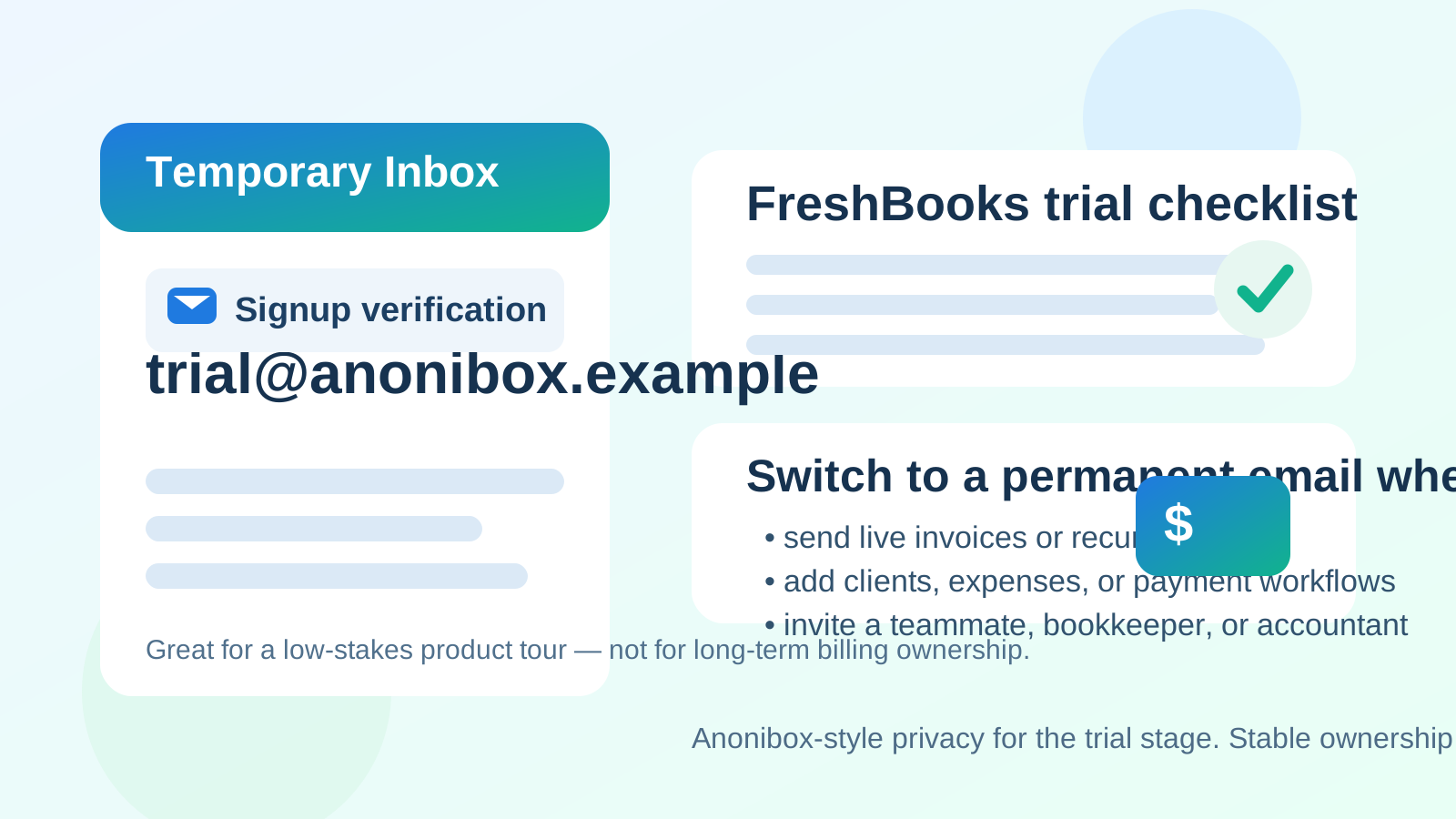
That is the practical answer behind searches for temp email for FreshBooks. Most people are not trying to hide anything suspicious. They are usually comparing invoicing or accounting tools, trying to avoid another wave of follow-up emails, and wanting a clean way to receive the confirmation link without tying a permanent inbox to a platform they may never adopt.
That use case is reasonable. A service like Anonibox can help you open the trial, receive the welcome email, and inspect the product without immediately adding your main business address to another long sales-and-onboarding sequence. The important limit is that software like FreshBooks stops being disposable quickly. Once the account begins to hold real invoices, client details, payment settings, expense records, or recovery value, the owner inbox becomes part of the reliability of the whole setup.
Why people look for a temp email for FreshBooks
FreshBooks often sits on the shortlist for freelancers, consultants, agencies, and small businesses that want a lighter invoicing and bookkeeping workflow than more complex accounting systems. People compare it against tools like QuickBooks Online, Xero, and Wave, and those evaluations usually begin with a signup wall.
One trial can trigger a surprising amount of inbox traffic:
- verification emails and welcome messages,
- setup checklists and guided tours,
- feature education around invoicing, expenses, or time tracking,
- upgrade nudges and discount prompts,
- sales follow-up, demo offers, or support outreach.
If you are testing several tools at once, that noise adds up fast. A temporary inbox can make sense when your real goal is simply to inspect the product before deciding whether it deserves your main business address.
When using a temp email for FreshBooks makes sense
1. You are only doing a first-pass product review
If your questions are still basic — does the dashboard feel intuitive, is invoicing easy to understand, do the navigation and reports fit your workflow — then a disposable inbox is usually fine. At that stage, the email address is mostly a gate to the trial and the early onboarding flow.
2. You are comparing multiple accounting or invoicing tools
Using a separate inbox for each evaluation keeps vendor follow-up organized. It also makes it easier to compare products side by side without burying your normal business inbox under trial confirmations, nurture sequences, and “book a demo” prompts.
3. You want to protect your main inbox until the product earns it
This is one of the strongest reasons to use a temporary address. You may be interested in FreshBooks, but not interested enough to commit your long-term inbox before you know whether the workflow actually fits your business.
4. You can abandon the account without losing anything important
If the trial account contains no live client relationships, no real billing history, no payment settings, and no teammate access, the risk is relatively low. A temporary inbox works best when the account can still be discarded with no operational fallout.
Where the temp-email approach starts to break down
The problem usually does not appear during signup. It appears later, when the account quietly becomes useful while still being tied to an email address that was never meant to last.
Live invoices and estimates change the stakes immediately
The moment you start drafting real invoices, estimates, proposals, or payment reminders for actual clients, the FreshBooks account stops being a harmless experiment. Even if you originally opened it just to explore the interface, the account now affects real work. A throwaway inbox is a shaky foundation for something tied to revenue.
Client data and billing history are not disposable
FreshBooks is not just a sign-up page with a few demo screens. It can quickly accumulate client names, project details, invoices, notes, recurring billing settings, expense records, and communication history. If the owner inbox disappears or goes unmonitored, access problems become much more painful.
Payments and recurring workflows need continuity
If you move beyond a simple tour and start testing payment collection, recurring invoices, automated reminders, or client portal behavior, the account begins to require continuity. A temporary inbox can create friction exactly when you need password resets, ownership verification, or security notifications the most.
Shared access raises the risk
Once a bookkeeper, co-founder, admin, or teammate may need access, the owner email should be durable and business-controlled. Shared financial workflows are a bad place for inbox shortcuts that made sense only during day-one exploration.
Account recovery becomes the delayed problem people forget about
This is the trap many people miss. The temporary inbox feels harmless during the first 20 minutes. Two weeks later, someone needs a reset link, a login challenge, or a verification email, and the original inbox is gone or no longer monitored. That is when a small convenience becomes a real annoyance.
FreshBooks-specific moments when you should switch to a permanent email
If any of the following is about to happen, it is time to replace the disposable inbox with a stable address you control:
- you are adding real clients or contact records,
- you plan to send live invoices or estimates,
- you are enabling recurring billing or payment collection,
- you are storing expense records or other business history,
- you are inviting a teammate, accountant, or assistant,
- you are planning to keep the account beyond the initial trial window.
Those are all signs the account is becoming part of actual operations rather than simple research.
A safer workflow if you still want the privacy benefit
You do not have to choose between total exposure and total throwaway behavior. The practical middle ground looks like this:
- Use the temp inbox only for the first signup. Receive the verification email, open the trial, and inspect the product.
- Evaluate quickly. Decide whether FreshBooks is a real contender within the first session or two rather than letting the account drift in limbo.
- Switch early if the product makes the shortlist. Move the account to a durable business-controlled address before sending anything client-facing.
- Save the messages that matter. If the trial email contains setup instructions or links you may need later, store them before the disposable inbox expires.
- Keep production and experimentation separate. Treat temp-inbox testing as research, not as the beginning of your live billing setup.
That way you still get the privacy and spam-reduction benefit without building real financial workflow on top of an inbox that was never meant to last.
What not to do
- Do not keep a disposable inbox attached after real invoices go out.
- Do not invite collaborators to an account whose owner email may disappear.
- Do not assume you can always recover access later without the original inbox.
- Do not mix exploratory signups with real customer billing before deciding who owns the account long term.
- Do not judge the product only by the marketing emails it sends you; test the actual workflow instead.
Is this different for freelancers versus a larger business?
Yes, a little. A freelancer evaluating FreshBooks alone may be able to use a temporary inbox safely for longer than a multi-person business, simply because there are fewer dependencies. But even solo operators hit the same wall once the account contains live invoices, stored client details, payment records, or expense history. The bigger the operational footprint, the less appropriate a disposable inbox becomes.
For a team or agency, the switch should happen even earlier. Shared systems need predictable ownership, especially when money, client communication, and reporting are involved.
Bottom line: should you use a temp email for FreshBooks?
Yes — for a short, low-stakes evaluation, a temp email for FreshBooks is a sensible privacy move. It helps you verify the trial, inspect the interface, and keep another vendor follow-up sequence out of your main inbox.
No — it is not a smart long-term setup once the account begins to matter for real invoices, client relationships, recurring billing, expense history, team access, or account recovery. Use the temporary inbox to explore, then switch to a durable address before FreshBooks becomes part of real business operations.
Used that way, a temporary inbox is a clean research tool rather than a liability. That is the sweet spot: protect your inbox early, then move to stable account ownership before the software starts carrying work you cannot afford to lose.