A temp email for Mural is fine for a quick trial, a guest workshop, or a one-off board invite, but it becomes risky once real shared boards, comments, team ownership, or account recovery depend on that inbox.
Use a disposable inbox for short-lived evaluation only, then switch to a stable address before the workspace turns into something your team actually needs to keep.
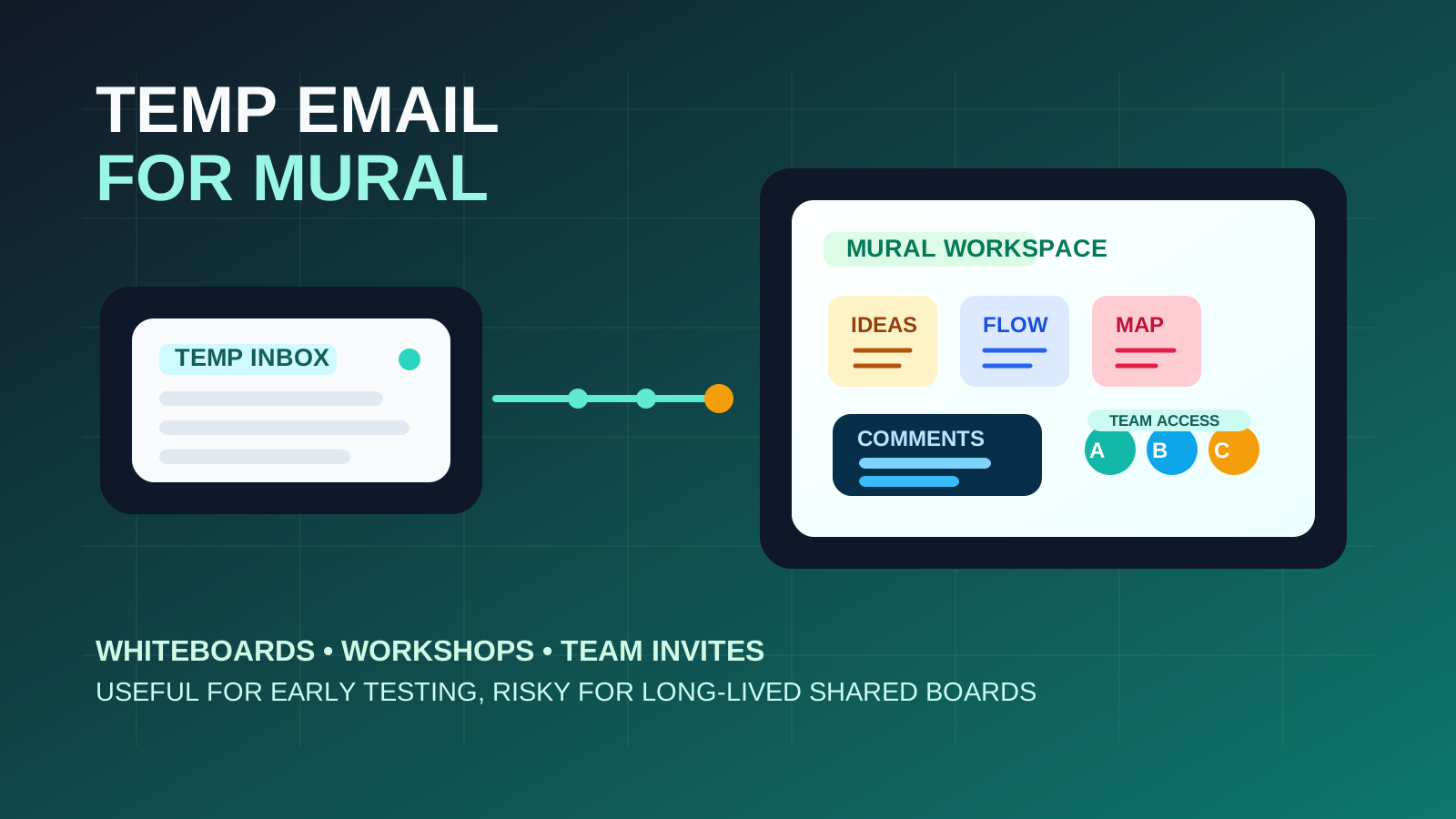
That is the practical answer behind most searches for temp email for Mural. People usually are not trying to do anything shady. They are trying to open a trial, join a workshop board, compare a collaboration tool against Miro or Figma, or accept a single invite without turning their everyday inbox into the long-term home for every notification, product update, template suggestion, and team-prompt email that may follow.
Mural is built for collaborative visual work: whiteboards, workshops, retrospectives, journey maps, brainstorms, and planning sessions. That also means accounts can become sticky fast. A board that starts as a quick experiment can turn into a client deliverable, a project artifact, or a team workspace surprisingly quickly. A disposable inbox can help during the first-pass evaluation stage, and a service like Anonibox fits that stage well. But once real work or recurring collaboration starts happening, the owner email stops being a minor detail.
The safest approach is not “always use a burner” or “never use one.” It is to match the inbox to the stage of the work. Use a temporary address when the workspace is still disposable. Move to a durable address when the workspace is not.
When a temp email for Mural makes sense
There are several situations where using a temporary inbox for Mural is practical and low-risk.
- You are only evaluating the product: maybe you want to compare the interface, template library, facilitation tools, or sharing model before deciding whether Mural belongs in your stack.
- You need one guest workshop or short project: a consultant, class, interview exercise, or client session may only require temporary access.
- You want to keep another notification stream out of your main inbox: collaboration apps can generate a lot of follow-up mail even after the original task is over.
- You are testing board creation and permissions: in the earliest stage, you may only need the verification email and a few minutes inside the product.
- You are comparing multiple visual collaboration tools at once: separate inboxes can keep experiments organized instead of blending them into one permanent account trail.
In these cases, the account is still easy to abandon. That is the key condition. If you would be comfortable deleting the board tomorrow and walking away without consequences, a temporary inbox is usually reasonable.
Where the temp-email approach starts to break
The problem usually is not getting into Mural. The problem is forgetting that the workspace stopped being temporary while the inbox stayed temporary.
Shared boards become real assets quickly
A board may begin as a rough brainstorm and then quietly become the source of truth for a workshop, roadmap, service blueprint, sprint plan, or stakeholder review. Once comments, edits, and decisions start living there, the account holding the board matters more than it did during signup.
Team invites raise the cost of weak ownership
The moment other people depend on the board, the owner email matters. If colleagues, clients, or workshop participants expect the workspace to remain accessible, tying it to a disposable inbox becomes an unnecessary risk. Lost access no longer affects only you.
Account recovery is easy to ignore until you need it
This is one of the most common mistakes with disposable inboxes. Everything feels fine until you need a password reset, login verification, security notice, or ownership confirmation. Then the throwaway inbox that felt convenient during the first hour becomes a blocker.
Notifications can include things you actually need later
Early on, Mural emails may feel like noise. Later, the same inbox may carry invite confirmations, access changes, mentions, export confirmations, or reminders tied to active work. Once that happens, the inbox is no longer disposable in practice.
Admin and compliance expectations can appear unexpectedly
If the evaluation grows into a serious team rollout, people start asking different questions: who owns the workspace, how access is managed, whether guest users are appropriate, and who gets recovery control. A burner inbox is the wrong foundation for that stage.
A safer way to evaluate Mural with a temporary inbox
If you like the privacy and anti-spam benefits of a throwaway address, the answer is not to avoid Mural. It is to use the temporary inbox in a narrow, deliberate way.
1. Treat the first session as a first session
Go in with a short purpose. Are you checking templates? Testing board performance? Seeing whether facilitation tools feel intuitive? Comparing it with another platform? The more focused the first session is, the less likely you are to let a disposable account accidentally become your real workspace.
2. Keep any important notes outside the platform
If you see useful templates, capture your evaluation notes in your own document. Write down what worked, what felt awkward, and whether the product deserves a deeper review. That way, if you later recreate the setup under a permanent address, you keep the learning without depending on the first inbox forever.
3. Move serious boards to a stable address early
If Mural makes the shortlist, do not wait for the workspace to become important before you switch. Move ownership to a monitored personal or company-controlled address before you invite more collaborators, create more boards, or rely on the account for client-facing work.
4. Separate guest access from workspace ownership
It is one thing to use a temporary inbox for a guest session or lightweight trial. It is another to use it as the long-term owner of boards that multiple people will revisit. If shared work is involved, durable ownership should win.
What to evaluate during the disposable stage
If a temporary inbox helps you contain spam and stay organized, use that breathing room to judge the product itself.
Board usability
Can you create and navigate boards quickly? Do the controls feel clear, or do basic tasks take too much hunting? Visual collaboration tools need to feel intuitive under real meeting pressure, not just during a calm solo test.
Template quality
Mural often attracts people through templates. Look past the marketing screenshots and ask whether the templates would actually help your team run retrospectives, workshops, planning sessions, or mapping exercises faster.
Facilitation features
If your use case involves workshops, review the tools that matter: timers, voting, structured activities, presenter flow, and comment handling. Good workshop software reduces friction. Bad workshop software makes the facilitator do extra work.
Sharing and permission controls
How easy is it to invite the right people without oversharing? Can you understand guest access, comments, edit rights, and board visibility quickly? That matters even in an early trial, because it tells you how messy or manageable a real rollout would feel.
Export and handoff options
If you ever need to capture results outside the platform, the export story matters. Even a short evaluation should tell you whether the tool is good at preserving work, not just creating it.
Common mistakes to avoid
- Letting a workshop trial become a permanent workspace: what starts as “just testing” can quietly become the real board everyone uses.
- Inviting too many people too soon: the more collaborators involved, the more important account continuity becomes.
- Assuming a temp inbox is always the privacy-maximizing choice: it reduces spam exposure, but it can increase account-recovery risk if you keep using it too long.
- Waiting until a login problem appears to switch: the best time to move to a stable address is before access becomes important, not after.
- Keeping valuable comments, links, and files tied to a disposable owner address: once the work matters, the inbox should be durable too.
Quick checklist before you use a temp email for Mural
- Is this truly a short-lived trial or one-off board?
- Could you abandon the workspace tomorrow with no real loss?
- Will other people depend on this board or account soon?
- Would a password reset or ownership confirmation matter later?
- Is the account likely to evolve into client, class, or team workflow?
If the honest answers still point to disposable use, a temporary inbox is fine. If the board already looks like something you will revisit, share widely, or build on, start with a stable address instead.
Final takeaway
A temp email for Mural is useful when you want a low-friction way to test the platform, accept a one-off invite, or compare visual collaboration tools without handing your main inbox to another stream of notifications and follow-up mail.
But once the workspace begins to hold real boards, shared comments, team access, or project memory, the temporary inbox stops being the smart choice. Use the disposable address for the disposable stage only, then switch to an address you can keep, monitor, and recover. That balance gives you the privacy benefits of Anonibox without turning convenience into lockout risk later.