A temp email for Helpjuice is useful for early knowledge base testing, quick verification, and low-stakes evaluation.
It becomes risky once shared docs, team access, account recovery, or long-term ownership depend on that inbox.
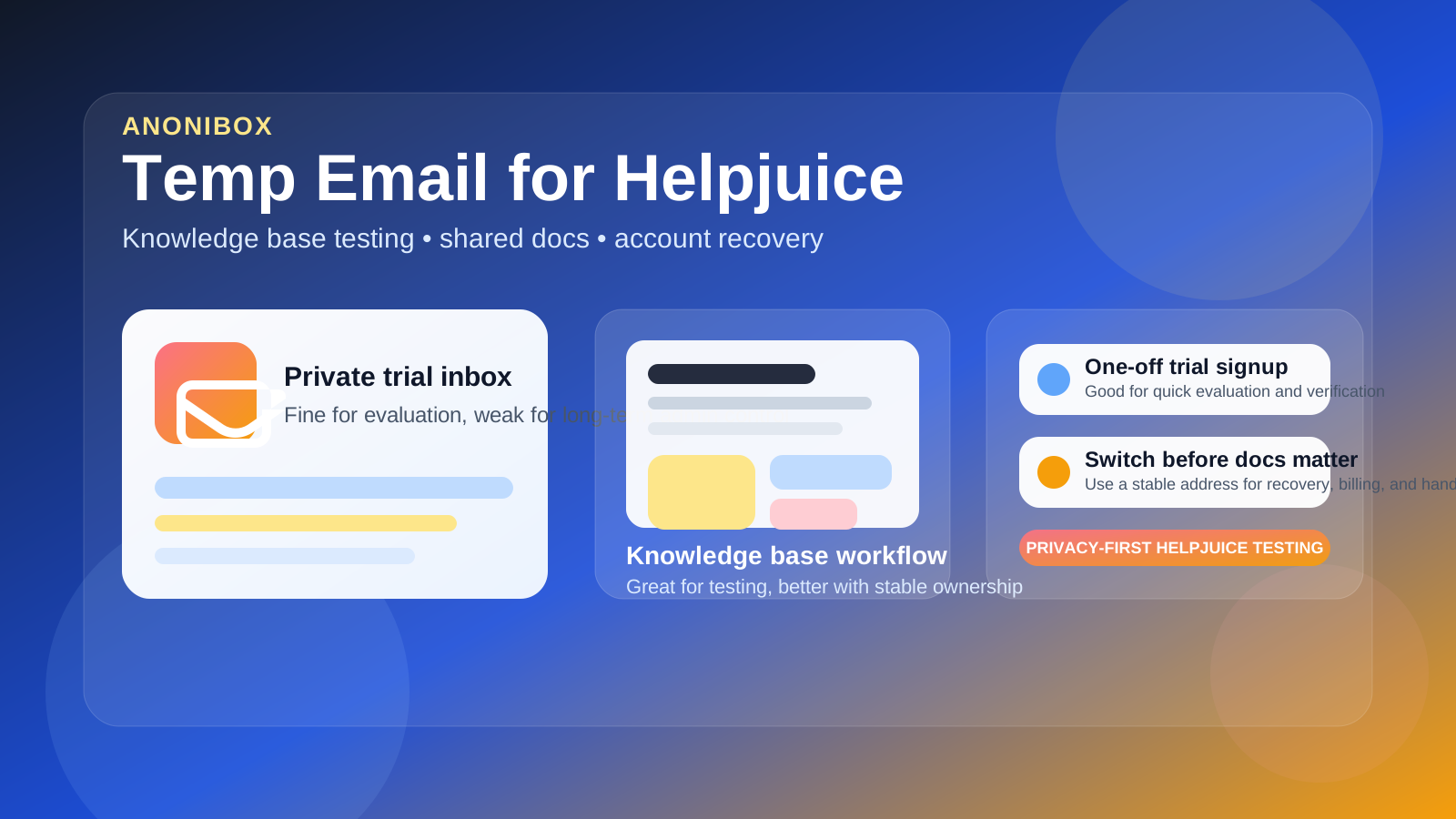
If you are comparing knowledge base tools, help-center software, or internal documentation platforms, it is easy to create more trial accounts than you ever meant to keep. One signup turns into a verification email, then a welcome sequence, then feature tips, webinar invites, follow-up reminders, and “ready to buy?” messages that hang around long after the test is over. That is why people look for a temp email for Helpjuice in the first place. They want to inspect the product without automatically turning their main inbox into long-term SaaS overflow.
That is a fair use case. A temporary inbox can help you verify the account, open the dashboard, and evaluate the editor, search, and structure without giving one more vendor permanent access to your everyday address before you know whether the platform is even a fit. If you already use Anonibox to separate early-stage trials from your real inbox, Helpjuice is exactly the kind of product where that workflow can make sense.
The catch is that documentation software stops being “temporary” fast. What starts as a harmless trial can turn into real onboarding notes, customer-facing help articles, internal SOPs, policy docs, team answers, and structured knowledge that people rely on later. Once that happens, the email behind the account matters much more than it did on day one. It becomes part of workspace control, admin continuity, billing notices, user invitations, and recovery.
When a temp email for Helpjuice makes sense
There are several situations where using a temporary inbox is practical and low risk.
- Quick product comparison: you are evaluating Helpjuice alongside tools like Document360, Confluence, Tettra, Nuclino, or GitBook and want to keep each trial separated.
- One-off workspace preview: you only want to see how the dashboard, article structure, search, and admin flow feel before going any deeper.
- Inbox hygiene: you want the verification and first setup messages without committing your primary inbox to months of follow-up if the product is not right.
- Low-stakes sandbox testing: you are exploring the product alone, not setting up a real support or documentation system yet.
- Early shortlist research: you are filtering options and do not want every trial to become a permanent sales relationship before you even know your shortlist.
That is the real sweet spot for disposable email. The account is temporary because your interest is temporary. You want access, not long-term dependence.
Why people separate trial signups from their real inbox
Most people are not doing this to be sneaky. Usually the goal is simple and practical:
- keep trial signups from cluttering the main inbox
- compare several products without mixing all the onboarding emails together
- avoid giving every vendor a long-term contact path too early
- reduce spam and follow-up noise during the research phase
That logic applies especially well to documentation platforms because they often send a lot of email once you register. Welcome messages become activation nudges. Activation nudges become feature tours. Feature tours become upgrade prompts, meeting requests, and re-engagement campaigns. A temporary inbox can keep that evaluation phase much cleaner.
Where a temporary inbox starts becoming risky
Helpjuice is not just a throwaway newsletter signup. It is the kind of product people may build inside, share with other people, and depend on later. That is where the email choice becomes more important.
1. Shared docs need durable ownership
Maybe you only meant to test the product, but then the workspace starts holding useful content: a setup guide, onboarding checklist, support answers, or internal reference pages. Once the content matters, the owner inbox matters too. A throwaway address is a weak foundation for documentation that may end up being reused, edited, or operationally important.
2. Team access raises the stakes fast
Documentation tools become more valuable when other people can contribute, review, or rely on them. The second teammates, contractors, or support staff get involved, your account is no longer just a private experiment. Invites, permissions, admin handoffs, and ownership decisions are much easier to manage when the account is tied to an inbox you can still access months later.
3. Recovery is the obvious weak point
The biggest downside often does not show up immediately. It shows up later, when you need to reset a password, approve a login alert, confirm an ownership change, or recover access after a long gap. A disposable inbox feels clever right up until the product expects you to still control it.
4. Billing and account notices belong somewhere stable
If the account ever moves beyond a trial, important messages like renewal notices, payment issues, admin alerts, and security notifications should not go to a fragile inbox. Even if the product starts as a test, accounts that survive past evaluation need a more durable home.
5. “Temporary” trials often become real systems
This is one of the most common mistakes. A team tests a platform casually, adds a little real content, and then never quite circles back to fix the email setup. Months later, the workspace matters, the owner inbox is weak, and a tiny early convenience has turned into a future admin headache.
A simple rule of thumb
Use a temp email for Helpjuice if you are evaluating the product. Do not keep using one once the account starts becoming your real knowledge base.
That one distinction keeps the decision easy. Temporary email is good for filtering, comparing, and reducing inbox clutter. Stable email is better for ownership, permissions, recovery, and continuity. Most problems happen when people blur those two stages together.
How to use a temp email for Helpjuice without creating future problems
1. Decide whether this is truly a trial
Before you sign up, be honest about the goal. Are you just checking whether Helpjuice feels right, or is there already a strong chance the workspace could become a real documentation system? If it is truly a quick evaluation, a temporary inbox is fine. If it may turn into a real team resource, starting with a permanent inbox is usually smarter.
2. Keep the first session focused
The whole point of using a temporary inbox is to reduce friction and noise. Use that advantage. In your first session, check the things that actually decide whether the product is useful:
- is the article editor comfortable enough for repeated use?
- does the knowledge structure feel manageable as content grows?
- can people find answers quickly through search and categories?
- do admin and contributor controls feel clear enough for a team?
- is the product meaningfully better than the other tools you are comparing?
That is more useful than spending all your energy reacting to welcome emails and onboarding prompts. A temporary inbox helps you get into the product quickly so you can judge the workflow, not the drip campaign.
3. Save what matters early
During evaluation, you usually only need a few messages: the verification link, maybe the first onboarding note, and anything you want for comparison later. Save the useful parts while the trial is fresh. Do not assume you will still have the inbox or remember every setup detail later.
4. Switch before the workspace becomes shared infrastructure
The best time to move from a temporary inbox to a stable one is before anyone else depends on the account. Do it before you invite teammates, before you start building serious documentation, and before the workspace becomes something you would be annoyed to lose.
5. Do not leave admin control on a disposable inbox
Even if the test started with a burner address, administrative ownership should not stay there once the account has value. Recovery, security, and long-term control belong on an inbox you actively control and monitor.
When a permanent inbox is the better choice
Start with a stable email address if any of these are already true:
- you expect to keep the workspace beyond a short evaluation
- you plan to invite teammates or stakeholders soon
- you want a dependable recovery path later
- you are documenting real procedures, support answers, or internal knowledge
- the account may become tied to billing, ownership, or production operations
Once one of those conditions is true, the convenience of a disposable inbox is usually smaller than the future hassle it can create.
Realistic examples
Example 1: comparing documentation tools in one afternoon
You want to evaluate several knowledge base products quickly and decide which one deserves a deeper test. In that case, a temp inbox is a sensible choice. You can verify the account, inspect the UI, and avoid weeks of follow-up mail from tools you may never use again.
Example 2: building a draft support center for internal review
This is where caution matters more. If the trial may turn into real articles that your team, users, or support staff will rely on, starting with a permanent inbox is usually the better move. The content may become important faster than you expect.
Example 3: testing alone now, inviting teammates later
A temporary inbox can still work for the first pass, but only if you switch before collaboration begins. Once other people are involved, stable ownership matters more than early convenience.
Common mistakes to avoid
- Using a throwaway inbox for a non-throwaway workspace: if the content matters, the account foundation should matter too.
- Waiting too long to switch: the later you move to a stable inbox, the more content, invites, and habits build around the wrong setup.
- Optimizing only for spam reduction: inbox hygiene matters, but so do continuity and recovery.
- Inviting people before fixing account ownership: collaboration makes later cleanup more annoying than it needs to be.
- Treating every SaaS trial the same way: a documentation platform that can become operational knowledge deserves more caution than a simple one-off tool.
A better evaluation workflow
- Use a temporary inbox for first-pass Helpjuice testing.
- Verify the account and review the initial onboarding.
- Test the actual article, search, and admin workflow in one focused session.
- Decide quickly whether the product is disposable to you or strategically useful.
- If it is useful, move the account to a permanent email before shared docs, admin control, and recovery start to matter.
That gives you the privacy and inbox-control benefits of disposable email without pretending a burner inbox is the right long-term choice for an important documentation system.
Final takeaway
A temp email for Helpjuice is useful when you want quick access, first-pass knowledge base testing, and less long-term inbox clutter.
It is a poor long-term choice once shared docs, team access, account recovery, or real ownership depend on that address. Use temporary email for the trial phase, then switch to a stable inbox before convenience turns into an avoidable admin risk.