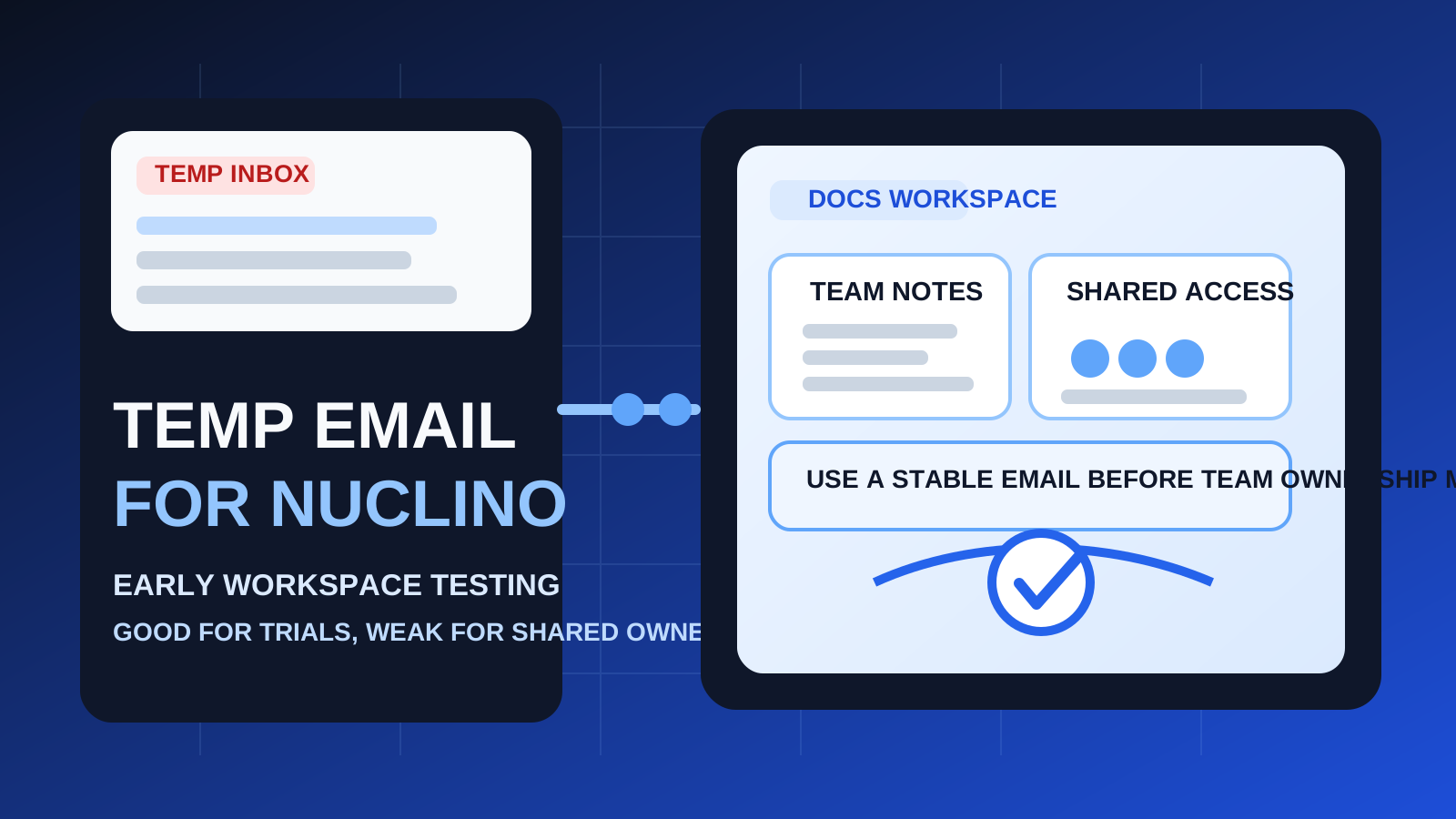
A temp email for Nuclino is useful for early workspace testing, quick verification, and low-stakes evaluation.
It becomes risky once shared docs, teammate access, workspace ownership, or account recovery depend on that inbox.
If you are comparing documentation tools, internal wikis, or lightweight knowledge bases, it is easy to collect more trial accounts than you actually want. One signup turns into a verification email, a welcome sequence, feature tips, collaboration prompts, and follow-up nudges that keep showing up long after you stopped testing the product. That is why people search for a temp email for Nuclino in the first place. They want a simple way to inspect the workspace without turning their primary inbox into a parking lot for every trial they touched once.
That logic is reasonable in the early stage. A temporary inbox can help you verify the account, open the workspace, and test the interface while keeping your real address out of one more long SaaS drip campaign. If you already use Anonibox for first-pass product signups, this is exactly the kind of scenario where it can be practical.
The problem is that documentation tools stop being temporary very quickly. What starts as a harmless test can become a real place for onboarding notes, process docs, meeting decisions, team checklists, and shared knowledge. Once that happens, the email tied to the account is no longer a throwaway detail. It becomes part of ownership, permissions, recovery, and long-term control.
When a temp email for Nuclino makes sense
There are several situations where a temporary inbox is a completely reasonable choice.
- Quick product comparison: you are evaluating Nuclino alongside tools like Confluence, Tettra, Archbee, Notion, or Coda and want to keep each test isolated.
- One-off workspace preview: you mainly want to see the editor, structure, navigation, and general workflow before deciding whether it deserves more time.
- Inbox hygiene: you do not want another trial attaching months of announcements and reminders to your permanent email before you know whether the tool is a fit.
- Low-stakes solo exploration: you are testing the product by yourself, not building a real shared knowledge base yet.
- Early research for a shortlist: you are still filtering options and do not want every vendor assuming a buying process has started.
That is the sweet spot for disposable email. It helps at the moment where access matters, but long-term continuity does not. You get inside the product without treating every first click like a commitment.
Where a temporary inbox starts becoming risky
Nuclino is not just a newsletter signup or one-page free trial. It is the kind of tool people may actually return to and build inside. That is where a disposable inbox can stop being helpful and start becoming fragile.
1. Shared docs need continuity
The minute a workspace starts holding anything useful, the email on the account matters more. Maybe you only meant to test the product, but now there are team notes, onboarding checklists, planning docs, or process pages inside it. If the inbox behind the account disappears or becomes inaccessible, you have created unnecessary risk around something your team may suddenly care about.
2. Team access gets harder to manage
Documentation tools become more valuable when other people can read, edit, and contribute. Once teammates enter the picture, your account is no longer just a private experiment. Permissions, invites, role changes, and admin decisions are easier to manage when the owner email is one you can still access next month, not just one you used for a quick test on a Tuesday afternoon.
3. Ownership questions show up later than expected
A lot of people assume they will switch to a permanent inbox later. Sometimes they do. Sometimes they forget until the workspace already matters. That is when a disposable address becomes a nuisance. The tool may still work fine day to day, but the account foundation is weaker than it should be.
4. Account recovery is the obvious weak point
The biggest downside is usually not immediate. It shows up later when you need to log back in, reset a password, approve a security change, confirm an ownership action, or prove you still control the workspace. A throwaway inbox feels clever right up until the account expects you to still have it.
5. “Temporary” tests often turn into real habits
Documentation products are sticky when they click. You may start by testing page structure or navigation, then realize the tool is useful enough to keep. If that happens, the smart move is to switch early rather than keep building on top of a fragile signup decision.
A practical rule of thumb
Use a temp email for Nuclino if you are evaluating the product. Do not use one if you already expect the workspace to become part of real team documentation.
That simple distinction keeps the decision clean. Temporary email is good for filtering, comparing, and reducing inbox clutter. Stable email is better for ownership, permissions, and recovery. Problems start when people treat a potentially long-term workspace like a disposable trial for too long.
How to use a temp email for Nuclino without creating a mess
1. Decide what kind of signup this really is
Before you register, be honest about the goal. Are you checking whether the interface feels right, or are you already halfway committed to making it a real team space? If this is just a fast test, disposable email is fine. If there is a real chance the workspace will stick, starting with a permanent inbox is usually the better call.
2. Save the important first messages
During a short evaluation, you usually only need a few emails:
- the verification message
- the first welcome or onboarding links
- anything that helps you compare the setup experience later
- any instructions you would want if you decide to recreate or migrate the account properly
Do not assume you will still have the inbox later. Capture what matters while the trial is fresh.
3. Test the real workflow, not just the marketing surface
If you are using a temporary inbox, the point is to move through the evaluation quickly and deliberately. Instead of drifting around the workspace, check the things that will actually decide whether the tool is useful for you:
- is the writing and editing experience comfortable?
- does the structure feel clear enough for a growing set of docs?
- is it easy to find information again after you create it?
- would teammates understand how to use the workspace without constant explanation?
- does the overall setup feel lighter or clearer than the alternatives you are reviewing?
That is where a temporary inbox helps most: quick access, less follow-up clutter, and a cleaner comparison cycle.
4. Switch before anything important depends on the account
The safest time to move from a temporary inbox to a stable one is before the workspace matters, not after. Do it before other people depend on the docs, before permissions start mattering, and before the account becomes a place you need to recover later.
When a permanent inbox is the better choice
Start with a stable email address if any of these are already true:
- you expect to keep the workspace beyond a short evaluation
- you plan to invite coworkers, contractors, or clients
- you want a dependable recovery path later
- you are documenting real operating procedures, onboarding steps, or internal knowledge
- you may use the workspace as an ongoing reference instead of a quick experiment
Once one of those conditions is true, the convenience of a disposable inbox is usually smaller than the hassle it creates later.
Realistic examples
Example 1: a founder doing a fast docs-tool comparison
You want to compare a few platforms over one afternoon and decide which one deserves a deeper look. In that case, a temp inbox is sensible. You can verify the account, inspect the editor, and avoid turning your main inbox into a long list of follow-up campaigns from products you may never use again.
Example 2: an operations lead replacing scattered team notes
This is where caution matters more. If the test may turn into a real internal knowledge base, starting with a permanent inbox is usually smarter. The team will care less about how tidy the trial felt and more about who controls the workspace when it becomes useful.
Example 3: a freelancer testing a client-facing documentation setup
A temporary inbox can be fine for first-pass exploration. But if the workspace may hold client processes, handoff notes, or repeatable templates, move early to an address you actually control long term. That gives you a cleaner ownership path and fewer recovery headaches later.
Common mistakes to avoid
- Using a throwaway inbox for a non-throwaway workspace: the most common mistake is creating something valuable in an account you cannot confidently recover.
- Waiting too long to switch: if the tool is clearly promising, migrate the email early instead of telling yourself you will handle it later.
- Confusing inbox hygiene with account strategy: reducing email clutter is useful, but it should not come at the cost of long-term control.
- Inviting other people before fixing the account foundation: once teammates depend on the workspace, changing ownership becomes more annoying than it needed to be.
- Treating every SaaS trial the same way: a product that stores ongoing shared knowledge deserves more care than a simple one-off signup.
A cleaner way to evaluate Nuclino
- Use a temporary inbox for first-pass evaluation.
- Verify the account and review the initial onboarding.
- Test the real workflow in one focused session.
- Decide quickly whether the workspace is disposable to you or strategically useful.
- If it is useful, move to a permanent email before team access, ownership, and recovery matter.
That gives you the privacy and inbox control benefits of disposable email without pretending a throwaway inbox is the right choice for every stage of product adoption.
Final takeaway
A temp email for Nuclino is useful when you want to test the product, compare it against other documentation tools, and keep low-stakes signups out of your main inbox.
It is a poor long-term choice once the workspace becomes something you want to keep, share, recover, or depend on. Use temporary email for the trial phase, then switch to a stable address before real documentation and real ownership start riding on that account.