Yes, a temp email for Hiver can work if you only want to sign up, verify the account, and evaluate the product privately.
It becomes a poor long-term choice once shared inboxes, teammate access, team replies, or account recovery depend on that address.
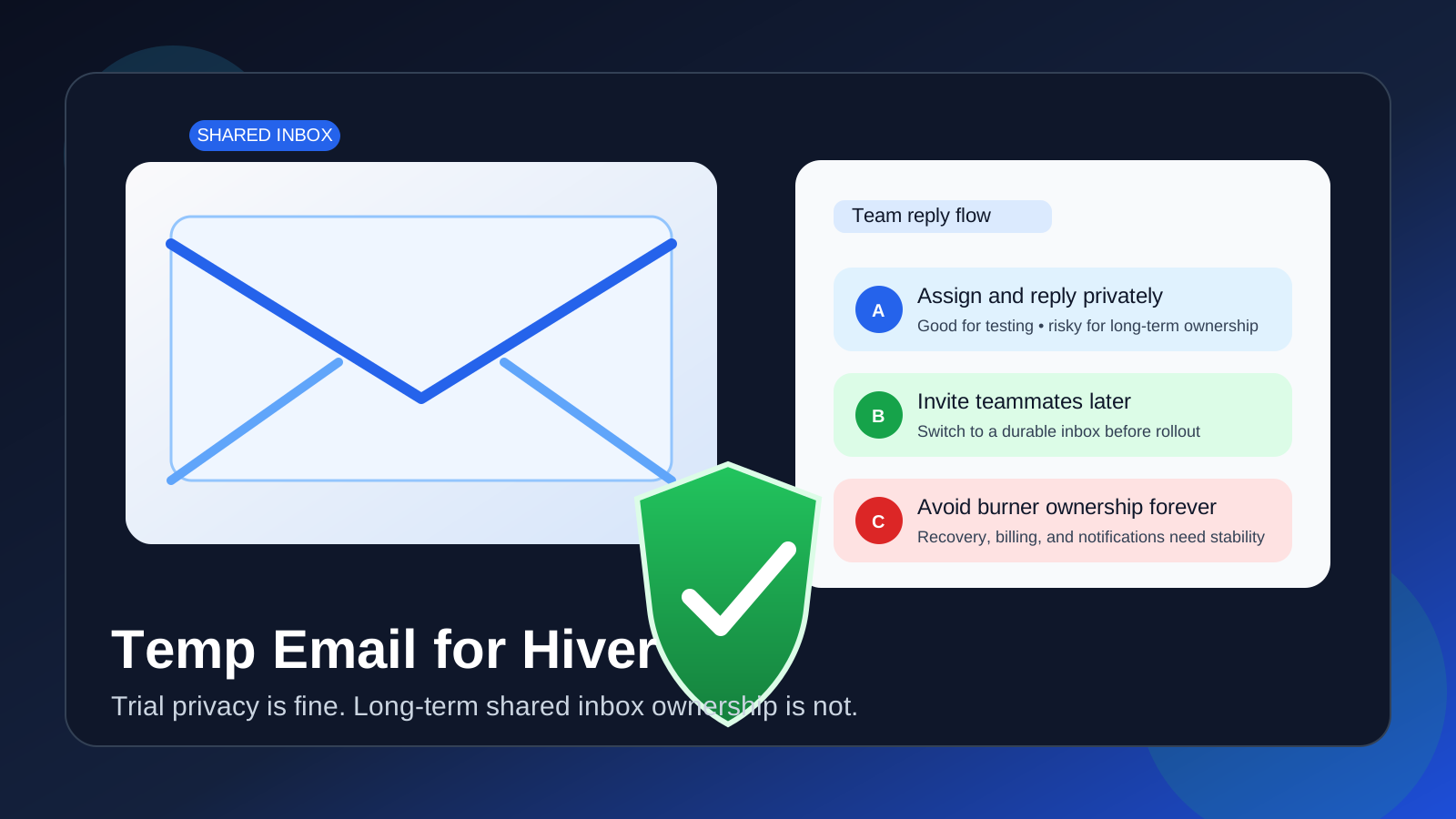
Why someone would use a temp email for Hiver
Hiver sits in a category where email can multiply quickly. Even a simple trial can trigger verification messages, welcome emails, onboarding prompts, teammate invites, admin alerts, and sales follow-up. If you are only comparing shared inbox tools or checking whether Hiver fits your support workflow, using a disposable inbox at the start is a reasonable way to keep that noise out of your main work or personal account.
That is the good use case. A temp inbox helps you create a little distance while you explore. You get the confirmation link, you open the product, and you learn what you need to learn without immediately committing your real long-term address to every follow-up sequence.
Where people get into trouble is assuming that the same temporary address still makes sense after the account becomes operational. Hiver is not just a throwaway newsletter signup. Once shared inboxes, team collaboration, ownership settings, and real customer conversations enter the picture, the stakes go up fast.
When a temporary inbox is reasonable
A temp email for Hiver is usually fine in the earliest stage of evaluation, especially if your goal is to keep trial activity separate from your normal inbox.
- you want to verify the signup and look around before sharing a permanent address
- you are comparing Hiver with other shared inbox or support tools
- you want to review the interface, setup flow, and feature positioning without committing long term
- you expect the account to be short-lived unless the product makes the shortlist
- you are trying to reduce vendor follow-up while still seeing the initial onboarding emails
In other words, a burner or disposable email for Hiver makes sense while the account is still exploratory. You are gathering information, not building durable team infrastructure.
Why Hiver becomes a bad fit for a burner inbox over time
Hiver is designed for ongoing team communication, not just a one-person test. That means the account can become important in ways that a temporary address does not handle well.
Shared inbox continuity matters
Once a team starts using a shared inbox, the email behind the account stops being a trivial signup detail. It may become the place tied to access, ownership, notices, or billing messages. If that inbox disappears, expires, or becomes hard to monitor, you create friction exactly where your team wants stability.
Team replies and assignments are not one-off actions
Support and shared inbox tools are useful because multiple people can coordinate replies, assign conversations, and keep context together. If the original account sits on a throwaway inbox, you are introducing unnecessary fragility into a workflow that is supposed to feel dependable.
Account recovery is the obvious weak point
This is the most practical reason to switch away from a temporary address before serious use. Password resets, security notices, ownership changes, and recovery steps all become much harder if the inbox no longer exists or is not consistently available. A short-term convenience can turn into a long-term headache.
Important notifications can stop being disposable
Early emails are easy to ignore. Later emails are not. Once the workspace matters, missing an admin reminder or access-related message is no longer a harmless side effect of privacy protection. It becomes an operational problem.
A better workflow: use a temp email first, then switch before real rollout
The safest middle ground is simple. Use a temporary inbox while Hiver is still in trial mode, then move to a durable address before the account becomes important.
That gives you the best parts of both approaches:
- privacy during evaluation so your main inbox does not collect trial clutter from every tool you test
- stability during adoption so the final account sits on an address your team can actually rely on
This is where a service like Anonibox fits naturally. It is useful for the evaluation step because it helps you receive the verification email and keep the trial separate. But Anonibox should be part of the early screening workflow, not a permanent substitute for a stable inbox once the tool becomes part of live team operations.
Practical signs you should switch to a permanent inbox
If any of the following are true, it is time to move away from the disposable address:
- you are inviting teammates or stakeholders into the workspace
- you are connecting the tool to a real shared inbox workflow
- the product has made the shortlist and the trial is turning into adoption
- you would care if you missed a recovery or admin email
- you are starting to rely on the account for daily work rather than product exploration
The switch does not need to happen on day one. It just needs to happen before dependence sets in.
What to check during the Hiver trial instead of obsessing over the signup email
The inbox choice matters, but it should not distract from the real goal of the trial: deciding whether Hiver is actually the right fit. Once you are inside, focus on practical questions.
Does the shared inbox workflow feel natural?
Look at how conversations are organized, assigned, and tracked. A good shared inbox should reduce internal confusion, not create more of it.
Can your team picture using it every day?
Trial software can look fine in a product tour but feel clumsy during real usage. Ask whether the workflow seems realistic for the people who will actually reply to messages and manage handoffs.
Are the notifications and collaboration features helping or adding noise?
One reason people try a temp email first is to avoid extra inbox traffic. While you test Hiver, pay attention to whether the product creates the right level of visibility or whether it seems likely to generate too much operational chatter.
Does it solve the problem you really have?
A shared inbox platform should make response ownership, coordination, and visibility easier. If the core problem is not getting clearer during the trial, the software may not deserve a permanent place in your stack, no matter how polished the signup experience is.
Mistakes to avoid
- Using a temp inbox forever: fine for testing, weak for any workflow you care about.
- Inviting teammates too early: do not build shared habits around an address you may abandon.
- Forgetting recovery risk: the real downside often appears later, not during signup.
- Treating all email from the tool as disposable: early onboarding messages may be skippable, but later account messages are not.
- Confusing privacy with permanence: a privacy-first trial workflow is smart, but it is different from long-term account management.
A simple decision rule
If you are only testing Hiver, a temp email is usually fine. If you are about to rely on Hiver, switch to a permanent monitored inbox first.
That rule keeps the decision uncomplicated. Use short-term tools for short-term evaluation. Use stable tools for stable work.
Conclusion
A temp email for Hiver is a practical choice for sign-up privacy, quick evaluation, and keeping trial follow-up away from your main inbox. It lets you verify the account, review the product, and compare options without giving every early experiment long-term access to your real address.
It stops being a good idea once Hiver becomes part of a real shared inbox workflow. Team replies, collaboration, recovery, and account continuity all work better when the account sits on a durable email address you control. Start private if you want, but switch before the workspace becomes important.