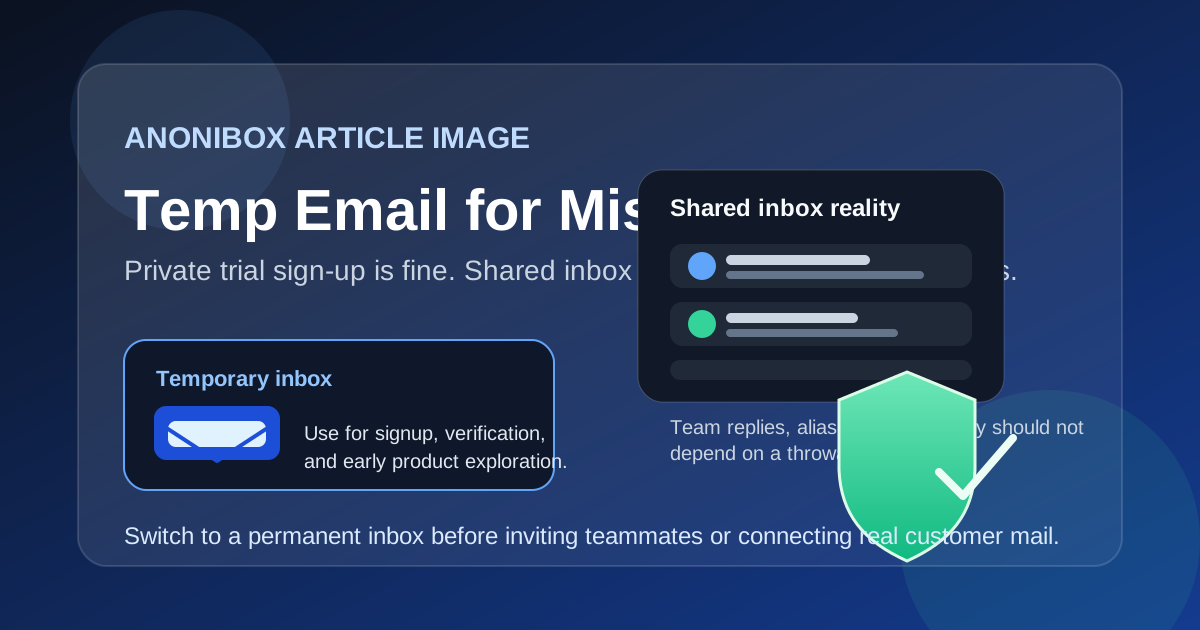
A temp email for Missive is fine for a private trial or low-stakes product tour. It becomes risky as soon as shared inboxes, team replies, aliases, or account recovery depend on that address.
If you only want to explore the interface and onboarding flow, a disposable inbox can help. If you plan to connect real work email, invite teammates, or handle live customer conversations, switch to a permanent inbox before the account starts doing real work.
Why someone would use a temp email for Missive
Missive sits in a category where privacy-minded sign-up habits make sense. People often want to test a shared inbox tool before they commit a real work address, especially when they are comparing options, avoiding vendor follow-up, or trying to keep a noisy trial out of their main inbox. A temp email for Missive can help with that early step.
In practical terms, a temporary inbox can be useful if you want to:
- verify the account and read the welcome email without exposing your main address right away
- compare Missive against nearby tools in the same shared inbox or team-email workflow
- see how setup, navigation, comments, and inbox organization feel before connecting anything real
- avoid long trial nurture sequences if you decide the product is not a fit
That is the best-case use. The mistake is assuming the same burner-email setup still works once the account becomes important.
When a temporary inbox is reasonable
A temp email for Missive is usually reasonable during the earliest stage of evaluation. Think of it as a clean-room trial. You are checking the interface, reading the first onboarding messages, and deciding whether the product belongs on your shortlist.
This is especially sensible if you are still answering questions like:
- Do I like the way conversations are organized?
- Does the shared inbox workflow feel better than regular email plus internal chat?
- Will my team actually use comments, assignments, and collaboration features?
- Is this just curiosity, or are we seriously considering rollout?
If you are still in that exploratory phase, a throwaway inbox can reduce clutter and give you a bit more privacy. A quick Anonibox address is enough for a verification link and a few onboarding emails. You do not need to hand over a durable work identity before you even know whether you like the product.
Where it starts to break down in Missive
The risk changes once the account moves from private testing to real collaboration. Missive is not only a sign-up destination. It is a workspace that can end up sitting close to live communication, shared responsibility, and business continuity. That is where a temporary email becomes fragile.
Shared inbox ownership gets messy fast
If you invite teammates, assign threads, or start treating the workspace as a real place where work happens, the original sign-up address matters more than most people expect. A disposable inbox is fine for a sandbox. It is a bad foundation for a collaborative tool that multiple people may depend on.
Even if the inboxes connected inside Missive are the real point, the account owner still matters for notifications, account changes, administrative actions, and recovery. If that owner address expires or becomes inaccessible, you create avoidable friction for yourself later.
Team replies and aliases deserve a stable identity
Once you are drafting real replies, connecting business email, or managing shared aliases, continuity matters more than privacy theater. The whole point of a shared inbox tool is to make communication more coordinated. A burner email sitting underneath the account creates the opposite effect: hidden fragility.
That fragility shows up in small but important moments:
- someone needs to confirm an account change
- the billing owner leaves the company
- a sign-in link or security notice goes to the original address
- your team needs proof of ownership during a support issue
None of those are dramatic when the account email is durable. They become annoying or risky when the foundation was a temporary mailbox you never intended to keep.
Account recovery is the quiet deal-breaker
The biggest long-term issue with a temp email for Missive is account recovery. Shared inbox tools tend to become more important over time, not less. A temporary email that disappears after sign-up may feel harmless during a trial, but it becomes a serious weakness if the workspace ends up storing real workflow history, internal context, and team habits.
If you can no longer receive recovery or verification messages, you are depending on luck, memory, and support escalation at exactly the wrong time. That is not a great place to be for a tool connected to active communication.
A safer way to test Missive without flooding your main inbox
You do not have to choose between total exposure and total throwaway behavior. The safer approach is staged adoption.
1. Use a temp email only for the first sign-up
Create the account with a temporary inbox if your goal is only to verify the product, read the welcome sequence, and explore the interface privately. Keep the test intentionally small.
2. Evaluate the product before connecting real communication
Look around first. Review the inbox layout, comments, assignment model, shortcuts, and overall collaboration flow. Ask whether the tool really fits your team before you wire anything meaningful into it.
3. Switch to a permanent email before the workspace becomes real
The moment you decide Missive might move beyond a trial, replace the temporary address with a durable inbox you control long term. Ideally, use an address that matches how your team handles ownership and recovery. For a solo user, that may be a stable personal-work account. For a team, it may be a role-based address that will not disappear when one person changes jobs.
4. Document who owns the account
Shared communication tools often outlive the initial person who tested them. Once your team is serious, document the account owner, recovery path, billing contact, and any login assumptions. That simple habit prevents a lot of needless chaos later.
Good use cases versus bad use cases
Usually fine
- quick private sign-up testing
- reading the first onboarding email
- comparing Missive with other shared inbox tools
- deciding whether the interface feels worth deeper evaluation
Usually a bad idea
- inviting teammates while the owner account still depends on a disposable inbox
- connecting real work email or customer-facing aliases
- using the workspace for live support, sales, or operations
- keeping billing, recovery, or administrative control tied to an address you may lose
Common mistakes people make
The first mistake is confusing sign-up privacy with long-term account strategy. They are not the same thing. A temp inbox is a useful shield against unnecessary follow-up email. It is not a smart permanent home for a tool your team may rely on every day.
The second mistake is waiting too long to switch. People say they will replace the burner address later, then the trial becomes a live workspace, other people join, and suddenly the original sign-up email matters. That is when a small convenience becomes technical debt.
The third mistake is treating shared inbox software like a low-stakes app. A notes app used privately is one thing. A shared communication layer used by multiple humans is another. The more coordination the tool creates, the more durable the owner identity should be.
So, should you use a temp email for Missive?
Yes, but only for the earliest stage of private evaluation. A temp email for Missive is a sensible way to verify a trial, reduce inbox spam, and explore the product without immediately tying it to your long-term address.
After that, the answer changes. If you plan to invite teammates, connect real inboxes, manage aliases, or depend on the account for recovery and ownership, move to a permanent address before the workspace becomes operational. That keeps the privacy benefit where it belongs — at sign-up — without introducing avoidable risk into a tool that may end up close to real business communication.
Used that way, a temporary email is a practical filter. Used too long, it becomes the weak link.