A temp email for LMS365 can work for a quick product evaluation, but it becomes a poor choice once admin ownership, learner access, notifications, or recovery depend on that inbox.
If you only need to verify signup, look around the platform, and decide whether LMS365 belongs on your shortlist, a temporary inbox is fine; if the workspace may become a real pilot, switch to a durable work-owned address early.
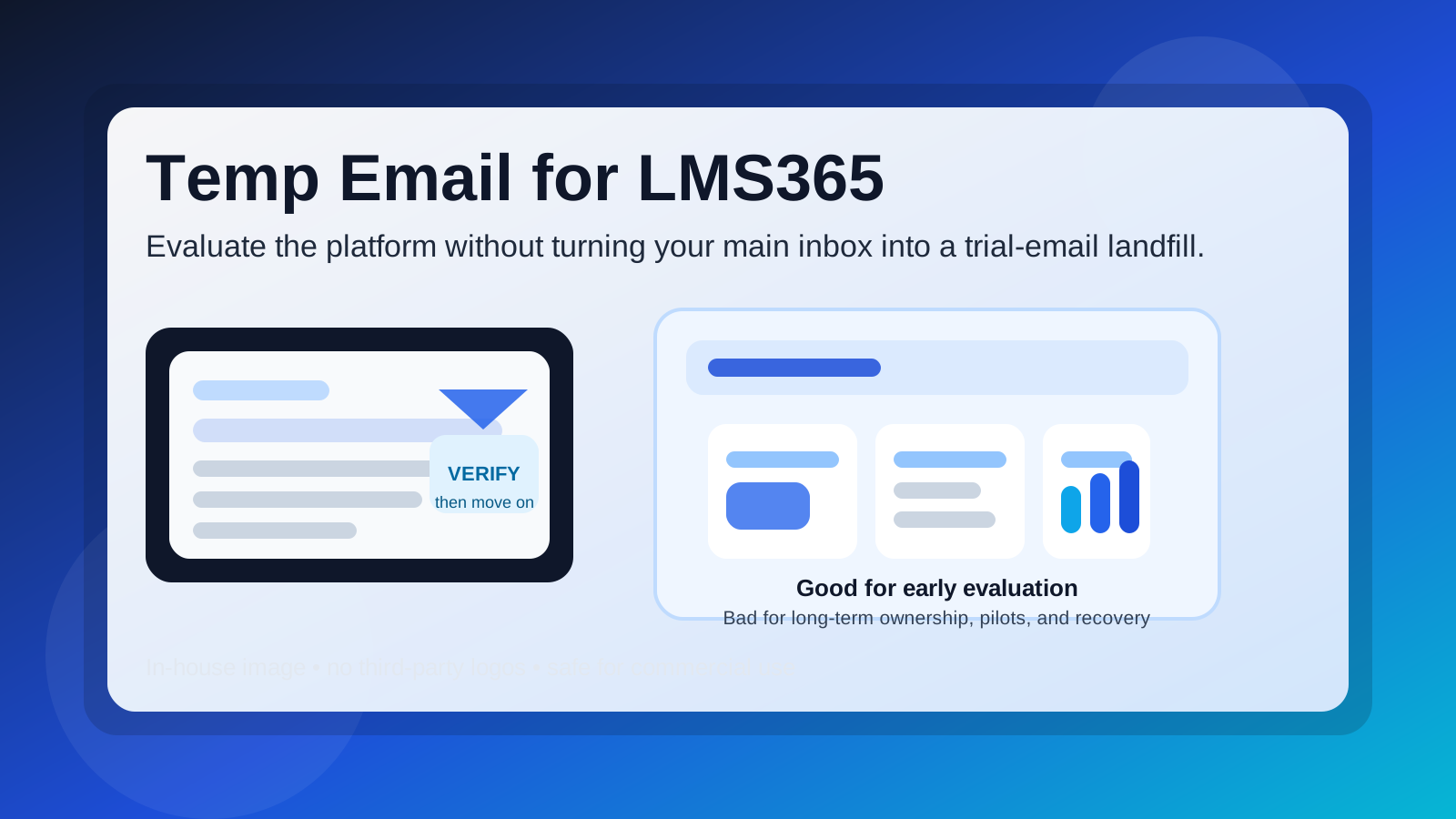
That is the practical answer behind most searches for temp email for LMS365. Teams comparing learning platforms often want to protect their main inbox during early research. That instinct makes sense. Vendor evaluations can trigger welcome emails, feature announcements, webinar invitations, sales follow-ups, and reminder sequences long before you know whether a tool is a real fit.
A temporary inbox can reduce that noise. With a service like Anonibox, you can receive the verification message, get through the first login step, and explore the product without immediately tying the evaluation to your long-term work address. Used carefully, that helps you keep research organized and avoid inbox clutter from tools that never make the shortlist.
But LMS365 is not the kind of product where the account always stays disposable. If the evaluation turns into a live pilot, a shared review, or a real rollout discussion, the email on the account starts to matter a lot more. That is when a burner inbox goes from convenient to fragile.
Why people consider a temp email for LMS365
Most people are not trying to hide when they use a temporary inbox for software research. They are trying to stay efficient. A modern LMS evaluation can involve several vendors at the same time, and each one wants attention fast. Your team might be reviewing LMS365 alongside platforms like Totara, Valamis, SkyPrep, CYPHER Learning, or Degreed, and every trial has its own email trail.
A temp inbox can be useful when you want to:
- verify the account without giving your main work address to every vendor immediately
- compare several learning platforms in parallel without mixing all follow-up emails together
- keep early research separate from everyday HR, L&D, enablement, or IT communication
- avoid long-term promotional email from tools that never make it past the first review
For that narrow job, a temporary address is practical. It buys you breathing room during the first pass.
When a temporary inbox makes sense
1. You are doing a true first-pass evaluation
If the goal is simply to see how LMS365 feels, what the admin interface looks like, and whether the product deserves a deeper review, a temporary inbox can be a reasonable choice. At that stage, the account is still disposable because the evaluation itself is disposable.
2. One person is exploring alone
The approach is least risky when a single evaluator is browsing independently and nobody else depends on the workspace yet. No teammates, learners, or department stakeholders are waiting on invitations, notifications, or access decisions. If the test account disappears, the cost stays low.
3. You only need the verification email and initial setup messages
Sometimes the real question is simple: can you get inside the product, understand the navigation, and judge whether the workflow feels promising? If that is all you need, a throwaway inbox may be enough for the first hour or two of research.
Where a temp email for LMS365 starts to become risky
Admin ownership gets more important fast
Once an LMS account starts to matter, ownership matters too. Someone needs to control settings, keep access stable, and receive the important account messages. If the main account is tied to an inbox you may lose, that foundation is weak from the start.
Even if the platform looks great on day one, you do not want a later handoff to begin with, “Who still has access to the email used for signup?” That is avoidable friction.
Learner access and team review raise the stakes
A solo evaluation can become a shared pilot quickly. You might invite internal reviewers, department managers, or test learners to look at the experience. The moment other people depend on that workspace, the account stops being a harmless experiment. Continuity matters more than inbox privacy at that point.
Notifications and training workflows need stability
Learning platforms often send ongoing messages tied to account activity. Depending on how your evaluation is structured, that can include invitations, announcements, reminders, progress prompts, or other workflow-related notices. If the email on file is disposable, those messages can become harder to track or recover later.
Account recovery problems usually appear later
The biggest weakness of a burner inbox often shows up after the trial feels successful. Password resets, ownership changes, security checks, and other account-recovery steps usually happen later, not during the first few minutes. A temporary inbox that seemed convenient at signup can become the exact reason your team loses time later.
Internal credibility matters during a serious pilot
If you are presenting LMS365 internally as a serious option, it helps to have the evaluation account tied to a stable, work-controlled address. It signals that the pilot is organized, traceable, and ready for shared ownership if the project moves forward.
A safer workflow if you want the privacy benefits without the long-term mess
You do not have to choose between total exposure and total throwaway behavior. A better workflow is to use a temporary inbox only for the earliest stage, then deliberately switch once the platform proves worth more time.
- Use the temporary inbox for first-pass access only. Get through verification, explore the interface, and decide whether the platform belongs on the shortlist.
- Save the information that matters. If the welcome email contains a useful setup link, getting-started guide, or product-tour message, capture it right away.
- Decide quickly whether the evaluation is disposable or real. If LMS365 looks promising, do not leave the account sitting on a burner inbox out of laziness.
- Move to a durable address before inviting others. Make the switch before teammates, learners, or decision-makers start depending on the workspace.
- Document ownership. Keep a simple note about who owns the evaluation account and which inbox should receive future account messages.
This approach gives you the best part of temp-email privacy without creating a brittle admin setup.
Good use cases for a temporary inbox
- you want to verify signup and browse the product without starting a long vendor email thread
- you are comparing multiple learning tools and want to keep trial messages separate
- you are still deciding whether the platform is relevant for your team at all
- you want to avoid handing your main work inbox to every product in the market too early
Bad use cases for a temporary inbox
- you expect the account to become the main admin workspace
- you plan to invite teammates, learners, or stakeholders soon
- you need reliable access to future notifications and recovery emails
- you are moving from casual trial into structured pilot or procurement review
- you know the platform may become part of a longer internal evaluation cycle
Quick checklist before you use a temp email for LMS365
- Is this just a short exploratory login, or could it become a real pilot?
- Will anyone else depend on the account?
- Would losing access to the signup inbox create confusion later?
- Are you using the temporary inbox to reduce spam, or because nobody has decided who should own the evaluation?
- Do you have a clear moment when you will switch to a durable address if the product makes the shortlist?
If your answers point to a low-stakes first look, the temporary inbox is reasonable. If your answers point to shared ownership or a likely pilot, switch sooner rather than later.
Final answer
Temp email for LMS365 is a sensible short-term tactic for early evaluation, especially if you want to protect your main inbox from unnecessary follow-up while comparing learning platforms. It helps you verify signup, review the interface, and decide whether the product deserves deeper attention.
It is not a strong long-term setup for an account that may matter. Once admin ownership, learner access, ongoing notifications, or recovery become important, the safer move is a stable work-controlled address. Use the burner inbox for the first look, not for the foundation of a real rollout decision.