A temporary email generator for learning experience platform free trials is a smart way to compare LXPs without feeding your main work inbox into every vendor follow-up sequence on day one.
It works best during early research, then you should switch to a stable work-controlled address before admin ownership, learner access, reporting, or long-term account recovery starts to matter.
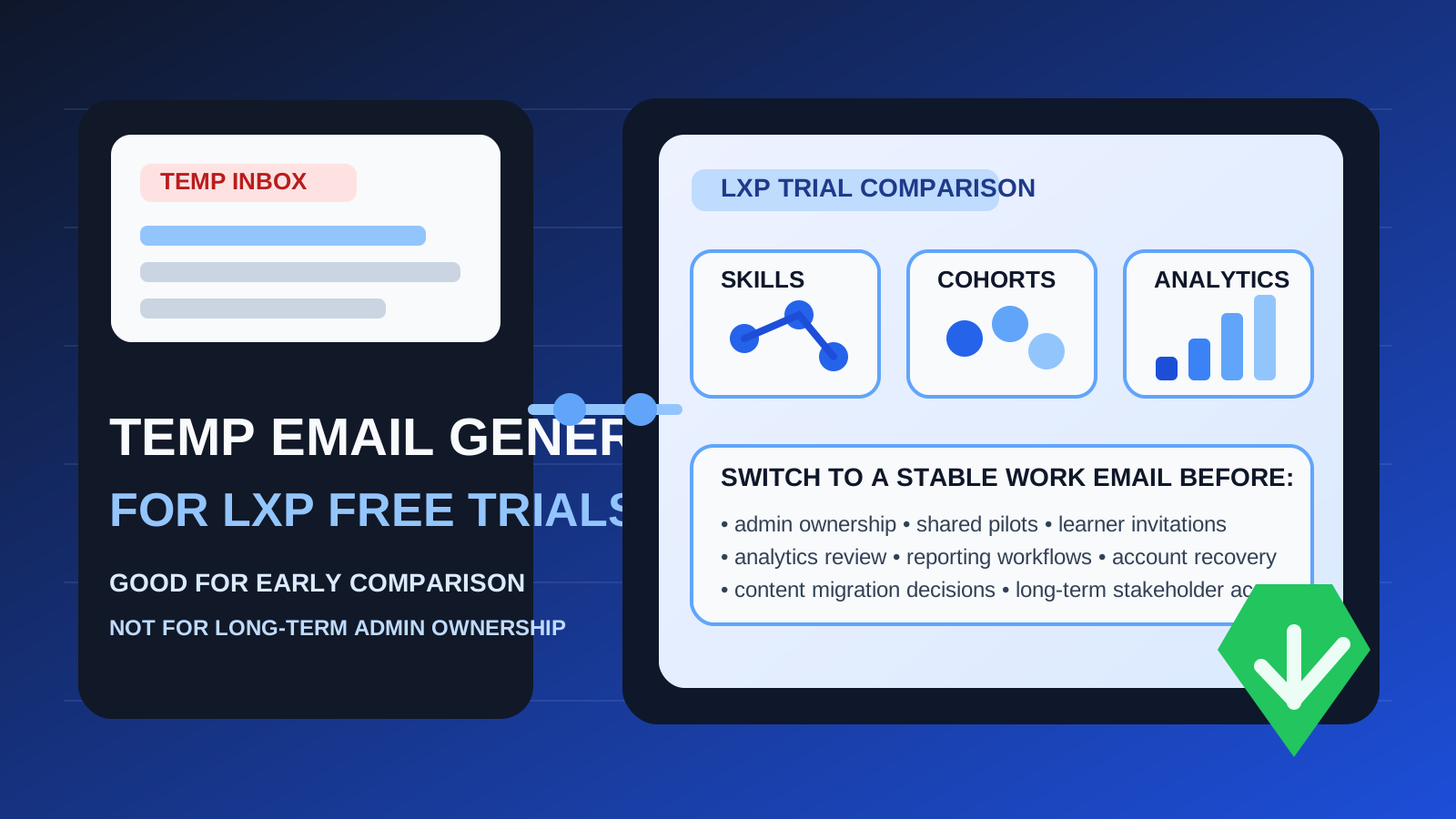
That is the practical answer behind searches for temporary email generator for learning experience platform free trials. Learning experience platforms often sit in a category where product research gets noisy fast. You may want to compare recommendation engines, skill graphs, learning paths, cohort workflows, analytics, content discovery, or AI-assisted learning features across several products before you decide which platform deserves deeper review.
The moment you sign up for multiple trials, your inbox starts filling with verification emails, onboarding sequences, calendar invites, “book your personalized demo” nudges, product education drips, and repeated sales follow-up. A temporary inbox helps you keep that first stage separate from your real work email. If you use a tool like Anonibox for the research phase, you still receive the confirmation links and welcome messages you need, but you do not hand your primary address to every platform before one earns a place on the shortlist.
Used well, this is a simple privacy and workflow tactic. Used badly, it becomes a headache later. Learning experience platforms are not throwaway tools once a trial becomes a team evaluation. Admin ownership, learner invitations, analytics access, content structures, and account recovery all become more important once the workspace starts holding real value. That means a temporary inbox is helpful at the beginning, but it is rarely the right long-term home for a promising evaluation.
Why LXP free trials create inbox clutter so quickly
Most LXP vendors do not stop at a single verification email. Their trial or demo flow often includes multiple touches because the product is relatively complex and usually bought by teams, not individuals. You may get:
- signup verification emails so you can activate the account
- welcome and quick-start sequences explaining the first admin steps
- sales or customer success outreach trying to schedule a guided walkthrough
- content and webinar invites related to skills strategy, employee development, or learning operations
- follow-up prompts after you stop using the workspace for a few days
If you are comparing several platforms at once, that quickly turns a clean evaluation into inbox noise. The point of a temporary email generator is not to avoid legitimate verification. It is to keep the research phase contained until you know which platform actually deserves your real operational attention.
When a temporary inbox makes sense for LXP trials
You are doing shortlist research
If your goal is to compare interface quality, setup friction, feature depth, or overall fit across a few learning platforms, a temporary inbox can be a good first step. At this point, you are trying to answer basic questions, not start a full rollout.
You want to separate vendor research from normal work email
Learning and development teams, HR teams, enablement leads, and operations managers already live in crowded inboxes. Keeping trial activity separate helps you review products without burying day-to-day work under promotional follow-up.
You expect most trials to be rejected quickly
Not every platform will survive the first hour of serious testing. Some tools will feel too heavy, too light, too enterprise, too niche, or simply wrong for your use case. A temporary inbox lets you reject them without carrying months of future email baggage for no real reason.
When you should switch to a permanent address
A disposable inbox should stay tied to disposable evaluation stages only. The minute a platform stops being a casual trial, the email choice matters more.
1. The workspace may become a real pilot
If the evaluation is moving beyond solo testing into something your team may actually use for a pilot, the owner email should already be stable and controlled by the organization.
2. More than one stakeholder needs access
Once L&D, HR, enablement, department managers, or IT stakeholders are reviewing the same environment, the workspace is no longer a throwaway sandbox. Shared work needs durable ownership.
3. Learner invites or real content structures are involved
An account starts to matter once it contains user invitations, pathways, content mapping, skill data, integrations, or any setup effort you would not want to rebuild from scratch.
4. Reporting and recovery become important
Password resets, verification prompts, admin changes, security checks, and account handoffs all depend on continued access to the inbox on file. That is where a temporary address stops being convenient.
A simple rule that avoids most mistakes
Use a temporary email generator for learning experience platform free trials only while the account is temporary in every other sense too.
If the workspace is just a short research container, a temporary inbox is fine. If it might become a pilot, shared evaluation, or live decision-making environment, move to a real work-controlled email early. That one rule keeps the privacy benefit without letting the trial turn into an ownership problem.
How to use a temporary email generator during LXP comparisons
1. Define the purpose before signup
Ask whether this is a comparison trial or the likely beginning of a serious pilot. If it is only for comparison, a temporary inbox is sensible. If it already looks like a front-runner you expect to keep, start with a stable address instead.
2. Create one clean inbox per product or comparison batch
If you are evaluating several tools in parallel, give yourself enough separation that verification messages and onboarding links do not blur together. Even a simple labeling habit in your notes helps.
3. Save the messages that matter immediately
During an early LXP trial, you usually need only a few core emails: the activation message, maybe a setup walkthrough, and any genuine implementation notes worth keeping. Capture what you need and move on.
4. Judge the platform by the product, not the drip campaign
A polished email sequence does not tell you whether the platform actually fits your learning strategy. Focus on the product questions that matter:
- Can it support your content and learning workflows?
- Does it make skill development and discovery easier or harder?
- Is the admin experience clear enough for your team?
- Can stakeholders understand the reporting?
- Does it feel realistic for your company’s size and complexity?
5. Move the winner to a permanent email before the account becomes sticky
Do not wait until multiple people depend on the workspace. Switching ownership earlier is almost always easier than fixing it later.
What to compare during learning experience platform free trials
If you are using a temporary inbox for evaluation, use the saved time and cleaner inbox to compare the product more carefully. Good LXP trials are about more than a pleasant signup flow.
Skills and learning paths
Does the platform make skill development clear? Can you understand how paths, recommendations, goals, and progress are organized? If the platform promises personalized learning, evaluate whether the experience actually feels useful or just heavily marketed.
Admin workflow
Look at the setup from the administrator’s perspective. Is the system easy to navigate? Are the roles, permissions, and content structures understandable? A complex enterprise platform may be powerful but still too awkward for your team to maintain comfortably.
Learner experience
Try to imagine whether actual employees, customers, or partners would find the environment intuitive. Discovery, recommendations, search, navigation, and progress visibility all matter more than flashy landing screens.
Reporting and visibility
Early reporting does not have to be perfect in a trial, but you should get a sense of whether the platform can answer the questions your organization will eventually care about.
Vendor fit
Some products are built for enterprise learning operations, some for customer education, some for frontline teams, and some for broader skills ecosystems. A clean trial only helps if the product category fit is real.
Benefits of using a temporary inbox for LXP trials
- Less long-term inbox clutter: you avoid carrying every rejected platform into your permanent email history.
- Cleaner comparisons: trial messages stay easier to separate from one another.
- More privacy in early research: you do not need to distribute your main work address before you are ready.
- Lower friction for broad scouting: you can explore more than one product without immediately creating a marketing mess.
Limits and risks to keep in mind
It is not a production identity strategy
A temporary inbox is an evaluation tool, not a serious account-governance plan. Once the platform matters, ownership stability matters more than inbox separation.
It may not fit every vendor workflow
Some vendors prefer deeper guided demos rather than self-serve free trials. Even when a temporary inbox works for the first step, serious evaluation may still move into normal work communication later.
You can lose convenience if you wait too long to switch
The longer a successful trial stays attached to a disposable inbox, the more annoying it becomes to handle resets, admin changes, or account continuity later.
Common mistakes
- Letting a throwaway trial quietly become the real team workspace
- Inviting colleagues before stabilizing the owner email
- Confusing vendor-email avoidance with good account ownership
- Failing to save the few important messages before the evaluation moves on
- Choosing convenience now over recovery and governance later
Quick checklist before you sign up
Before using a temporary email generator for learning experience platform free trials, ask:
- Am I just comparing vendors, or do I already expect a serious pilot?
- Will other stakeholders need access soon?
- Could this account end up holding meaningful setup work or reporting?
- Would losing the inbox make later ownership messy?
- Am I trying to protect privacy sensibly, or am I delaying a permanent account decision that should happen now?
If the trial is truly early-stage research, a temporary inbox is a smart move. If the evaluation already feels durable, use a stable work address from the start.
Final takeaway
A temporary email generator for learning experience platform free trials is useful because it lets you compare LXPs, collect the verification emails you need, and keep your main inbox out of long follow-up chains until a platform proves itself.
It becomes the wrong tool once the account starts to matter operationally. When admin ownership, learner access, reporting, integrations, or recovery enter the picture, move to a permanent work-controlled address. That gives you the best of both worlds: privacy and inbox control early, stable ownership later.