A temp email for Memberstack can be useful for early membership testing, staging signups, and one-off gated-site checks, but it is a bad long-term choice once real site logins, password resets, billing alerts, or member access matter.
If you only want to test a membership flow or preview a gated site, disposable email is reasonable; if the account will control a live project, paid members, or ongoing access, move it to an inbox you actually keep.
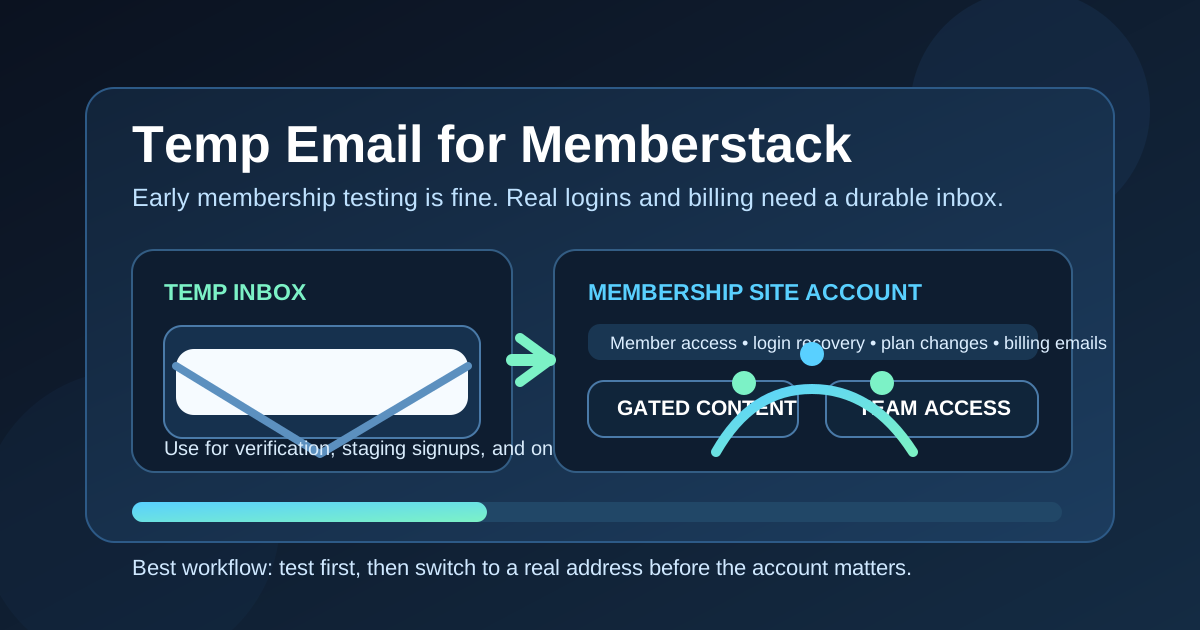
What Memberstack changes about the temp email decision
Memberstack is not just another casual app signup. It often sits directly between a website and the people who need access to that website. Depending on how it is used, the email tied to the account may end up connected to member login links, password resets, gated content, trial onboarding, subscription changes, admin invitations, receipts, or important notices when something breaks.
That is why the answer here is more nuanced than “temporary email good” or “temporary email bad.” A burner inbox can be handy during early evaluation, especially if you are testing a build, reviewing a client setup, or comparing membership tools without wanting another software vendor in your main inbox forever. But the moment the account starts to matter operationally, a disposable address becomes weak infrastructure.
When a temp email for Memberstack actually makes sense
There are several normal, low-risk situations where using a temporary inbox is practical.
- You are testing a gated-site flow: maybe you want to confirm that signup, verification, and first-login steps work on a staging site.
- You are comparing tools: if you are deciding between Memberstack, Memberful, Ghost, or another membership setup, a temp inbox keeps each trial separate.
- You only need a one-off preview: a client or teammate may want you to inspect a draft member area without attaching your main email yet.
- You are checking how onboarding emails behave: sometimes you just need to see the confirmation message, welcome sequence, or access email once.
- You want less inbox clutter: software trials, launch updates, and upsell emails stack up quickly when you test several tools in the same week.
Those use cases are short-term, reversible, and low stakes. In that stage, a temporary inbox is acting like a sandbox. It helps you verify the flow without turning every experiment into a permanent contact channel.
Why people use disposable email with membership tools in the first place
Membership software tends to create more email than people expect. Even before you launch anything, you may get verification messages, setup instructions, product tours, invite notices, workflow prompts, billing nudges, and feature announcements. If you are a founder, freelancer, agency, or solo creator testing multiple stacks, that overhead gets noisy fast.
A tool like Anonibox can be useful in that narrow phase because it gives you a clean place to receive the first few messages without exposing the inbox you use for real work. That separation is often enough to answer the practical questions you actually care about:
- Does the signup flow work?
- Do the verification emails arrive?
- What does the member journey feel like?
- How quickly can a test user get through the gate?
- What kind of follow-up email does the platform send?
If that is all you need, temporary email can be a tidy solution.
Where temporary email starts to break down on Memberstack
The trouble begins when the test account stops being disposable but the inbox still is.
1. Real site logins become harder to manage
On membership sites, email is often part of the access chain. If a user cannot receive the right login link or reset message, the account becomes frustrating to recover. That may be a minor inconvenience on a throwaway test, but it becomes a real problem on a live property.
2. Password resets depend on inbox continuity
Many people only think about email at signup time. The bigger issue often shows up later, when someone forgets a password, gets locked out, or needs to prove account ownership. A temporary address is fine until you need it again and it is gone, expired, or unmonitored.
3. Billing alerts and receipts are easy to lose
If a membership or site plan becomes tied to money, the inbox suddenly matters much more. Failed payments, renewal reminders, plan changes, tax receipts, and account notices are not marketing fluff. They are operational messages. Losing them is an easy way to create avoidable admin work.
4. Admin and client handoffs get messy
Memberstack is often part of a broader website build. A freelancer may test a flow today, but a client may need clean ownership tomorrow. If the account was created with a burner inbox and nobody formalized the handoff, future maintenance gets awkward fast.
5. Support gets slower when the email is not durable
When you contact support, one of the first things a platform may rely on is the account email. If that address was temporary and you no longer control it reliably, basic account questions become harder to resolve.
A better workflow if you want privacy without creating future problems
The most sensible approach is not “always use a temp inbox” or “never use one.” It is to use one at the right stage.
- Use a temporary inbox for the first look. Test a signup flow, a preview member area, or a staging experience without giving away your main address immediately.
- Decide quickly whether the project matters. If the site is just a short experiment, keep it disposable. If it is becoming real, treat the email like production infrastructure.
- Move to a durable address before launch. Change the account email before paid members, real team invites, or recurring billing depend on it.
- Save key setup details. Keep a clean record of which inbox owns the account, who controls it, and whether any teammate or client will inherit it.
- Test recovery on purpose. Before launch, verify that reset emails, admin notifications, and access-change messages arrive where they should.
This workflow keeps the privacy benefit of disposable email while avoiding the classic mistake of accidentally building a real business process on top of a throwaway address.
Examples of smart use versus bad use
Smart use
- You are checking a staging signup flow before handing the project to a client.
- You want to compare the onboarding feel of two membership tools in one afternoon.
- You need to verify that an access email sends correctly to a test user.
- You are reviewing a draft gated resource and do not want long-term follow-up mail.
Bad use
- You keep a live production account on a disposable inbox for months.
- You tie paid member access or billing notices to an address nobody actively monitors.
- You invite teammates or clients before documenting who really owns the login.
- You assume a temporary inbox will still be convenient when a password reset is needed later.
If you are a creator, agency, or freelancer, be extra careful
Memberstack often appears in creator businesses, no-code projects, client sites, paid communities, and digital product setups. In those environments, the email attached to the account can influence more than one person. It may affect who can log in, who gets launch notices, who receives billing emails, and who has evidence of account ownership during a dispute or handoff.
That means the threshold for switching away from a temp inbox should be lower than it would be for a casual consumer app. Once other people depend on the site working, convenience is no longer the main priority. Reliability is.
Common mistakes to avoid
- Leaving migration too late: if you wait until after launch to change the account email, you create unnecessary risk and confusion.
- Forgetting the “why” of temp email: a disposable inbox is for containment and testing, not permanent ownership.
- Mixing test and production identities: do not use the same throwaway flow for a staging experiment and then quietly let it become the real account.
- Ignoring email-dependent features: access recovery, account verification, and notices often matter more than people expect.
So, should you use a temp email for Memberstack?
Yes, if your goal is early membership testing, staging validation, or a one-off gated-site check. No, if the account is about to matter for real users, long-term login recovery, or billing-related communication.
That is the practical rule. Disposable email is strongest at the edge of commitment, when you are still testing and deciding. Once the Memberstack account becomes part of a live site, a paying member experience, or a client handoff, move to a durable inbox you control consistently.
Final takeaway
A temp email for Memberstack is a useful short-term privacy tool, not a strong long-term account foundation. Use it to test signup flows, confirm onboarding messages, and keep early experiments out of your primary inbox. Then switch to a real address before site logins, password resets, billing alerts, and member access become important.
That gives you the upside of privacy during evaluation without creating a preventable mess once the membership site is live.