A temp email for Whop can be useful when you want to browse a creator marketplace, join a low-stakes free community, or test a signup flow without tying your main inbox to every creator funnel you touch.
It becomes a risky choice once paid communities, digital product delivery, account recovery, purchase receipts, or ongoing member access matter.
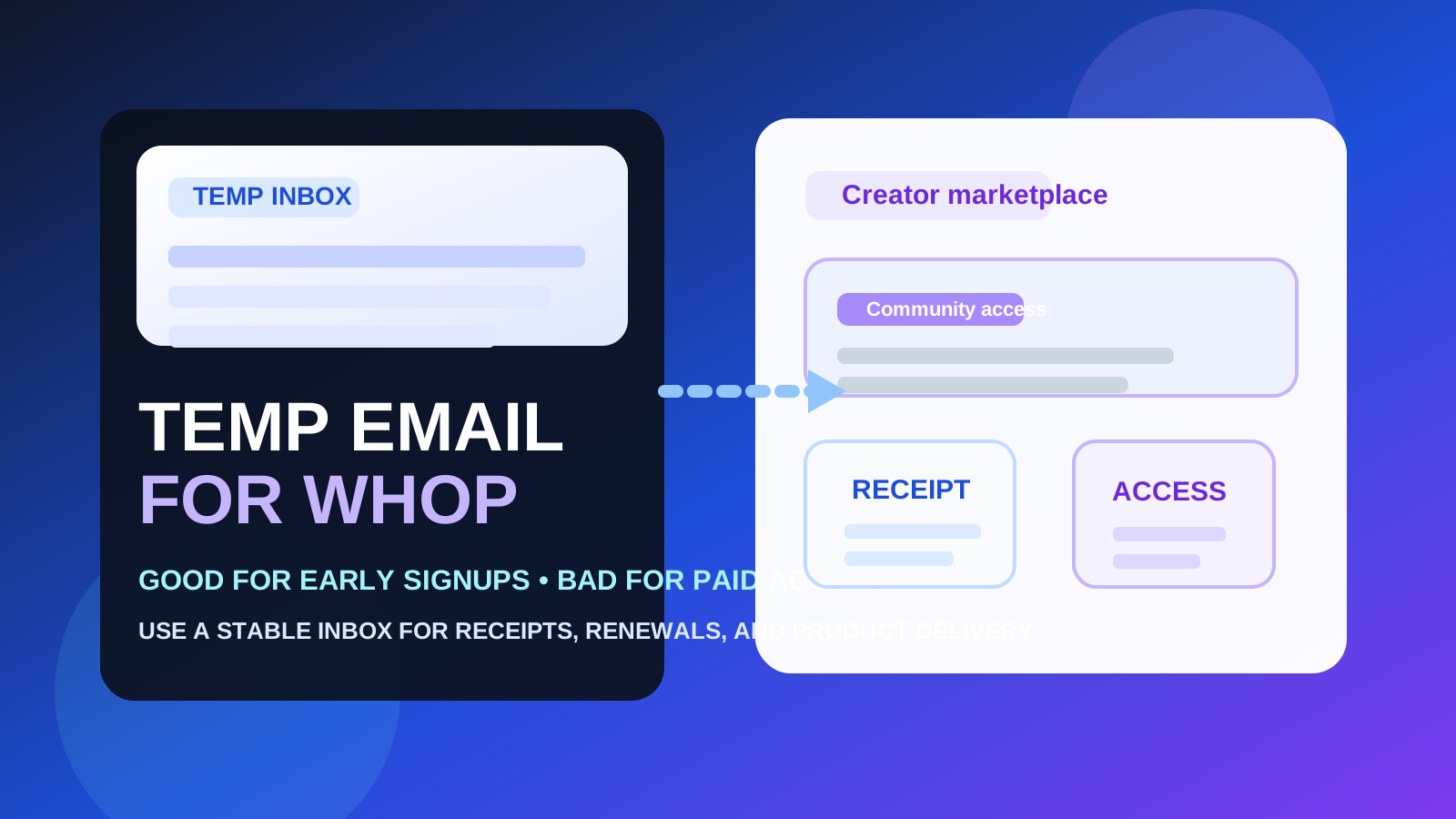
That is the practical answer most people need. Whop sits in a category where curiosity clicks happen fast. You might be comparing paid communities, creator courses, tools, templates, trading groups, newsletters, or private memberships. You may only want to see what is inside, whether the signup flow feels legitimate, or whether a product page looks worth your time before handing over the inbox you actually use every day.
In that early stage, temporary email makes sense. It creates distance between casual exploration and your real identity trail, and it keeps your main inbox from turning into a backlog of welcome sequences, launch reminders, upsells, creator broadcasts, and “last chance” messages from products you never intended to buy.
But Whop is not only about browsing. It is also about paid access, recurring memberships, community invites, downloadable products, and account-linked entitlements. The moment money, access, or long-term account ownership enters the picture, a burner inbox stops being clever and starts being fragile.
Why people look for a temp email for Whop
Most people searching this are not trying to be mysterious. They usually want one of a few normal things:
- To inspect a creator offer before committing. They want to see whether a community, course, bundle, or tool looks worth joining.
- To avoid follow-up spam. Creator marketplaces can lead to repeated promo emails, launch pushes, waitlist messages, and cross-sell funnels.
- To separate low-stakes signups from a real inbox. They want a cleaner evaluation lane while comparing several products or communities at once.
- To reduce casual data spread. They would rather not give their long-term email to every storefront or creator they check out.
Those are solid reasons. A service like Anonibox can be handy at this stage because it lets you receive the first verification or access email without immediately blending every exploratory signup into your permanent inbox.
When a temp email for Whop makes sense
1. You are only browsing or comparing offers
If you are still in discovery mode, a temporary inbox is useful. Maybe you are looking at multiple creator stores, paid communities, or resource bundles and have not decided which one deserves real attention. A burner address helps you keep that research contained.
2. You are joining a free low-stakes community first
Some Whop offers start with a free tier, preview group, waitlist, or trial-style access point. If you are only peeking at the experience and do not yet expect anything important to depend on the account, temporary email can be reasonable.
3. You want to avoid turning one click into months of marketing
This is one of the best use cases. A lot of creator funnels are designed to keep following up. If you are not sure you actually want the offer, keeping that sequence away from your main inbox is simply practical.
4. You are doing early competitive research
Whop overlaps with other creator and digital-product ecosystems the site already covers, including Stan Store, Gumroad, Patreon, and Ko-fi. If you are comparing several platforms and communities in one round of research, a separate inbox keeps the noise manageable.
Where a temp email for Whop becomes a bad idea
Paid access changes the stakes immediately
If you are purchasing a membership, course, bundle, download, private Discord access, or recurring subscription through Whop, your email address stops being a throwaway detail. It becomes part of how you receive confirmations, receipts, access instructions, cancellation notices, and support follow-ups.
Receipts and billing messages matter more than the first verification email
People often focus on the initial signup email and forget everything that comes later. In practice, the ongoing messages are usually more important: payment confirmations, renewal reminders, community invite links, failed-charge notices, refund communication, and account recovery steps. Those are not messages you want tied to an inbox you may lose or stop checking.
Account recovery and product ownership need continuity
Whop products can involve more than one touchpoint. You may need access again next week, next month, or when a creator updates a product. If the inbox behind the account was temporary and you can no longer reach it, a small privacy shortcut can turn into a genuine access problem.
Community invites can be one-time or time-sensitive
Some creator communities send onboarding steps, invite links, or next actions that are time-sensitive. Missing those emails is not just annoying. It can slow down access, complicate support, or make it harder to prove what you purchased.
Buyer use case vs creator use case
The right answer also depends on which side of Whop you are on.
If you are a buyer exploring offers
You have more freedom to use a temporary inbox during the earliest evaluation stage. If you are only browsing or testing a free signup, the downside is lower and the privacy benefit is clear.
If you are a creator or operator setting up products
A temporary inbox is usually a bad foundation. If you are the one selling access, managing members, reviewing payouts, or handling support conversations, you need a stable email from the start. Operational ownership is not a burner-email job.
That distinction matters because many people start as casual testers and then drift into real use. A storefront or community that looked like a quick experiment can become something you actually rely on. That is where people get caught: they keep the temporary inbox long after it has stopped being appropriate.
What a temp email actually helps with
- Less inbox clutter: You can avoid mixing every exploratory creator signup into your daily email.
- Cleaner comparisons: When you are checking several communities or products at once, separation helps.
- Less casual exposure of your long-term inbox: Not every creator page needs your primary address before you even know whether the offer is real or useful.
What it does not solve
- It does not replace judgment. A temporary inbox does not make a shady offer trustworthy.
- It does not guarantee anonymity. What you buy, click, or join can still reveal plenty of context outside the email field.
- It does not protect you from losing important messages later. The real downside is often simple fragility, not surveillance.
How to use a temp email for Whop without creating problems
1. Decide whether this is just exploration or the start of a real purchase
Ask the obvious question before you type any address: if I end up wanting this access later, do I need a reliable inbox attached to it? If the answer is yes, skip the burner and use a durable email from the beginning.
2. Use temporary email only for free or low-stakes first-pass signups
If you are only opening a free preview, waitlist, or nonessential community signup, that is the safer zone for disposable email. Keep the experiment clearly low-stakes.
3. Save important links right away
If the signup sends a code, access link, community invite, or setup note you may need later, save it immediately. The entire point of a temporary inbox is that it might not be there when you come back.
4. Switch to a real inbox before paying
This is the cleanest rule. If money is about to change hands, or if you are about to depend on the account for product delivery or recurring membership, switch to an address you control long term.
5. Use an alias or dedicated secondary inbox if you want both privacy and continuity
For many Whop use cases, the best middle ground is not a pure burner address. It is a separate inbox or alias you can keep. That still protects your primary inbox while giving you durable access to receipts, login help, and account communication later.
Practical examples
Example 1: browsing free communities and comparing creator offers
This is a good temporary-email use case. You are evaluating, not committing. You want to see what the funnel looks like, whether the page feels credible, and whether the offer is worth deeper attention.
Example 2: buying access to a paid private community
This is not a good temp-email use case. The purchase may involve receipts, renewal reminders, invite links, access recovery, and support. Use a stable inbox.
Example 3: downloading a one-off low-value free resource
This can go either way. If you truly do not care about future access and only want the first message, temporary email may be fine. If the download might matter later, a durable alias is safer.
Example 4: launching your own Whop product
Definitely use a permanent monitored inbox. As a creator or operator, you are not just signing up. You are creating an account that may affect support, customer trust, and revenue operations.
Red flags before giving any email address
- The offer makes unrealistic income or results promises.
- The creator page is vague about what you actually get.
- The signup feels aggressive, manipulative, or overly urgent.
- The support or refund path is hard to understand.
- The product depends on private groups or invite links but gives little clarity about access terms.
A temp email can reduce inbox spam, but it should not be used as a way to talk yourself into sketchy offers. If the product page feels off, the smarter move may be not signing up at all.
Quick checklist before using a temp email for Whop
- Am I just browsing, or am I about to pay for something?
- Will I need receipts, renewals, or support later?
- Could this account end up holding access to a community, course, or digital product I care about?
- Would an alias or secondary inbox be safer than a true burner?
- Have I saved any important invite links or confirmation details already?
Final takeaway
A temp email for Whop is smart for early exploration, free low-stakes signups, and creator-marketplace research when your main goal is reducing clutter and limiting where your permanent inbox gets shared.
It stops being smart once the account becomes valuable. If paid communities, digital product access, receipts, renewals, or support matter, switch to a stable inbox you control. Use temporary email to explore, not to hold something you may need tomorrow.