Yes, a temp email for Olark can make sense for a quick private trial or early evaluation.
It becomes a poor long-term choice once shared inbox access, live chat leads, billing notices, or account recovery depend on that address.
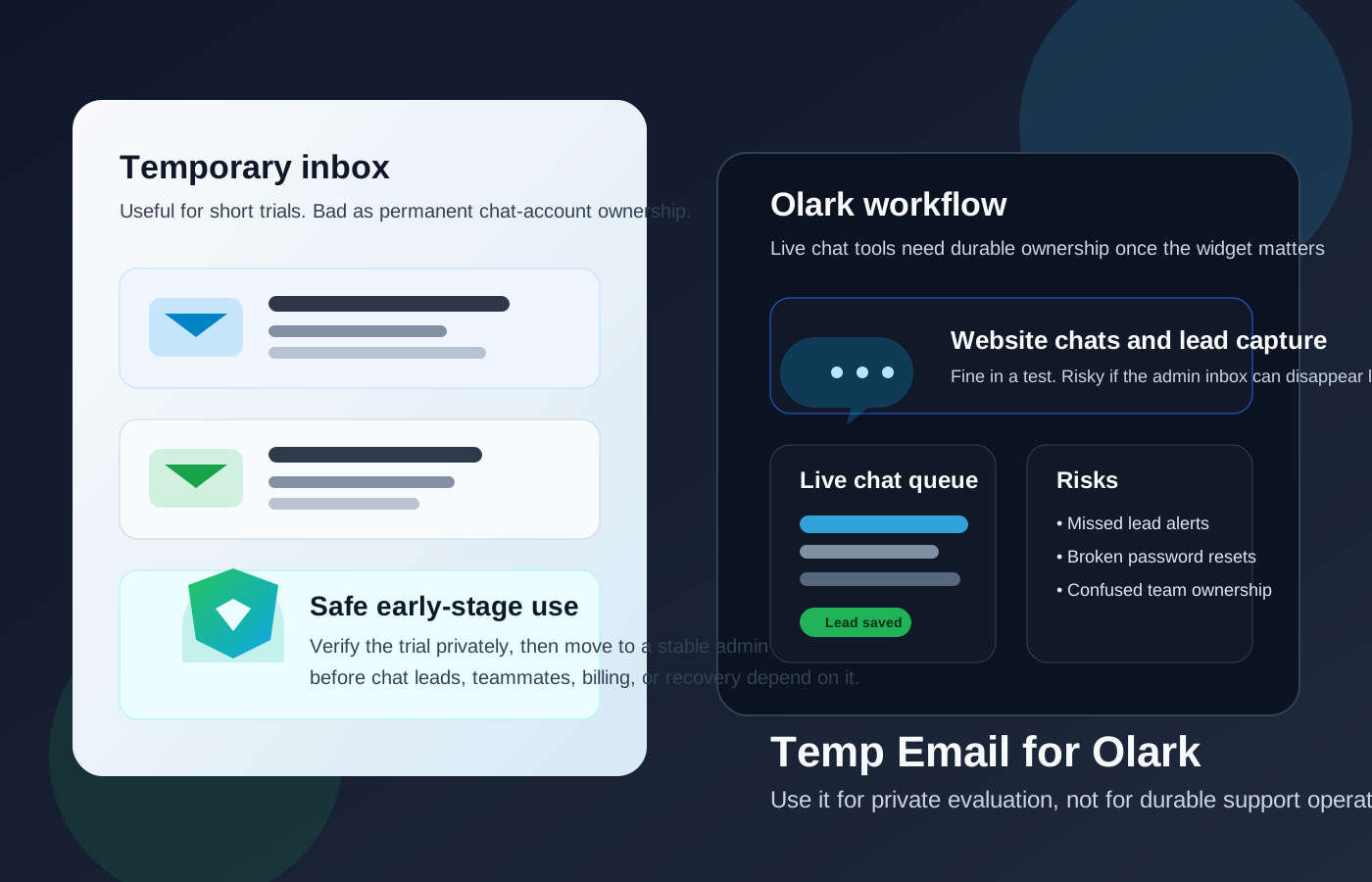
That is the practical answer most people need. Olark sits in the same category as other live chat and customer-support tools where a temporary inbox can be helpful at the beginning, but fragile once the account starts touching real business workflows. If you only want to see the dashboard, verify the signup, test the widget, or compare Olark with other support platforms, a disposable inbox can keep your main email cleaner. If the account is going to become part of how your team handles visitors, leads, or support conversations, the signup address stops being a tiny detail and starts becoming part of operational ownership.
That is why the right answer is not “always use temp mail” or “never use temp mail.” It is about stage. Temporary email is useful during low-stakes evaluation. Durable inbox ownership matters once the chat tool becomes part of real work.
Why people look for a temp email for Olark
The motivation is usually sensible. Someone wants to test the platform without handing another software vendor their main inbox right away. Maybe you are comparing multiple live chat tools in one week. Maybe you want to see whether the widget looks right on a staging site. Maybe you are a founder, marketer, or support lead doing an early pass before the wider team gets involved.
A temp inbox can help in that stage because it lets you:
- verify the signup without exposing your permanent inbox immediately,
- keep onboarding and trial follow-up separate from your daily work email,
- compare several vendors without mixing all their sales sequences together, and
- avoid long-term inbox clutter from a product you may never adopt.
That is the cleanest use case for a tool like Anonibox. The goal is not magical anonymity or pretending the account will never matter. The goal is simple sign-up privacy while you decide whether Olark deserves a deeper look.
When a temp email is a reasonable choice for Olark
Olark is a good fit for temporary email only when your use is clearly short-term and exploratory.
Good short-term use cases
- Quick product evaluation: you want to see the interface, basic setup, and first-run experience.
- Widget testing on a demo or staging site: you are checking appearance and basic behavior before anyone commits to the tool.
- Vendor comparison: you are reviewing Olark next to tools like LiveChat, Tidio, Crisp, Chatwoot, or Freshchat.
- Early internal research: one person is exploring options before a real team decision happens.
In those situations, the admin inbox mostly acts as a front door. You need it to create the account, catch the first messages, and inspect the product. A temporary address can do that job well enough.
Where a temp email starts becoming risky
The risk changes fast once Olark moves from “interesting trial” to “tool that matters.” Live chat software tends to sit close to customer conversations, website leads, and support responsiveness. That makes weak inbox ownership more expensive than it looks.
1. Shared inbox ownership gets messy
If more than one person will rely on the account, the original email address matters. It can affect who receives admin notices, who handles password resets, and who can prove ownership later. A disposable inbox is fine for one person clicking around in a trial. It is a shaky foundation for a shared support tool.
2. Live chat leads can become operationally important
Even if the signup email is not the same thing as the visitor chat queue, the account owner inbox still matters for setup changes, notifications, security alerts, and recovery steps. Once the widget is helping collect leads or manage real conversations, you do not want account control tied to an inbox that may disappear or stop being monitored.
3. Billing and account notices stop being optional
Trial emails are easy to ignore. Billing notices, renewal reminders, security messages, and ownership confirmations are not. Once money or long-term access is involved, the admin email needs to live somewhere stable.
4. Recovery becomes the moment you regret the shortcut
This is where temporary email usually turns from clever to annoying. Everything feels fine until someone forgets a password, loses access, changes a device, or needs to confirm an account change. If the original inbox is gone or no one remembers how it was created, a small convenience problem turns into an avoidable account-recovery problem.
5. Team handoffs become confusing
A lot of SaaS mess starts the same way: one person signs up quickly, the tool becomes useful, the setup survives longer than expected, and months later nobody is quite sure who controls the account. That pattern is especially bad for support tools, because response speed and ownership clarity actually matter.
Why Olark is different from a casual signup
People sometimes treat every software registration as if it carries the same risk. It does not. A throwaway inbox for a webinar download is one thing. A throwaway inbox for a tool that may sit on your site, talk to visitors, and feed leads into your workflow is another.
Live chat software is closer to the front line of customer communication. Even if you are using it primarily for sales chats, simple support, or lead capture, there is still an operational layer behind it. That means the account email matters more than it would for a low-stakes marketing signup.
A safer way to use a temp email for Olark
You do not need to choose between total exposure and total throwaway behavior. The smarter path is staged.
Start with the temp inbox only for the evaluation phase
Use the temporary address for the first gate: signup, verification, and maybe the first onboarding messages. That gives you the privacy benefit upfront.
Capture anything important right away
If the account sends useful setup information, save it in your notes. Temporary inboxes are handy because they are lightweight, but that same lightness is why you should not treat them as permanent storage.
Decide quickly whether Olark is serious
Do not let a trial drift for weeks without a decision. If Olark is clearly not a fit, drop it. If it looks promising, move to a stable inbox before your setup becomes meaningful.
Switch before production use
The best handoff point is before you invite teammates, rely on real visitor chats, connect anything important, or start paying for the tool. That is when the account should move from trial-mode privacy to durable ownership.
Prefer a team-controlled admin inbox
For long-term use, a role-based or company-controlled inbox is usually better than a throwaway address or one employee’s personal mailbox. It gives the business continuity when responsibilities change.
Examples of good and bad temp-email use
Good example: comparing chat tools in one week
A founder wants to test Olark, LiveChat, and Tidio in a short burst. They only need to see setup quality, widget behavior, and general fit. Separate temporary inboxes keep the trials organized without dumping multiple sales sequences into the founder’s main inbox.
Good example: checking a staging widget
A marketer wants to see how the chat box feels on a test page before bringing support into the decision. That is a clean, low-risk use case for a temporary inbox.
Bad example: keeping the temp inbox after launch
The team decides to keep Olark, installs the widget on the real site, and starts relying on it for inbound leads. Months later, they need an account reset and realize the original inbox was disposable. That is the exact problem worth avoiding.
Bad example: inviting multiple teammates before ownership cleanup
If several people are working in the tool while the admin address still points to a throwaway mailbox, you have created a weak point in account control for no real benefit.
Common mistakes to avoid
- Forgetting to change the email after the trial: this is the most common failure mode.
- Treating the admin inbox like a minor field: for support software, it is part of the infrastructure.
- Keeping the tool in a gray zone too long: delayed decisions create messy ownership.
- Assuming temp mail creates security guarantees: it helps with inbox privacy, not with every business-risk question.
Simple decision checklist
Before using a temp email for Olark, ask yourself:
- Am I only testing the platform, or am I setting up a real support or lead-capture workflow?
- Will more than one person need reliable account ownership?
- Would losing the original inbox create a recovery or billing problem later?
- Do I want short-term privacy, or am I delaying proper account setup?
If the answers point toward quick evaluation, a temp inbox is reasonable. If they point toward live operations, shared ownership, or paid use, switch early to a durable address.
Final verdict
A temp email for Olark is a smart move for short-term sign-up privacy, quick product comparisons, and early-stage testing. It lets you evaluate the tool without immediately tying another vendor relationship to your everyday inbox.
It is the wrong long-term choice once shared inbox access, live chat leads, billing, security notices, or account recovery depend on that address. Use temporary email to explore. Use a stable team-controlled inbox to operate. That gives you the privacy upside without creating avoidable support-account headaches later.