If you are only testing a store setup, a temp email for Payhip can keep early signup and promo messages out of your main inbox.
If you expect real customer receipts, product access links, billing alerts, or password resets, a disposable address is the wrong long-term choice.
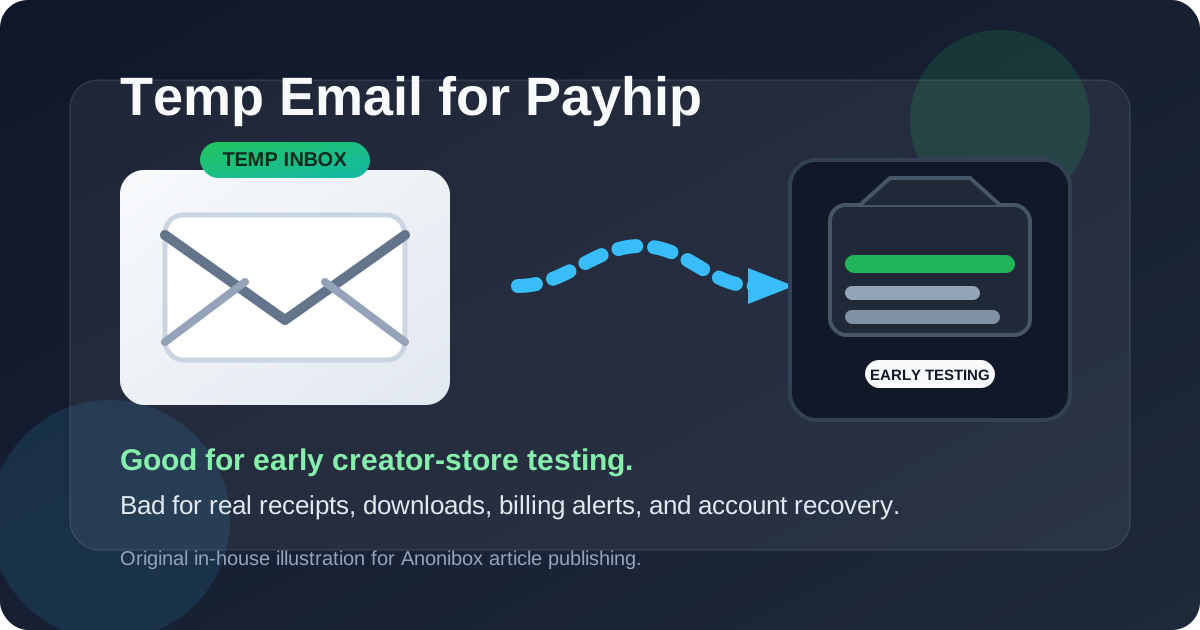
That is the practical answer most people actually need. Payhip can be a sensible place to test a digital product flow, free download, or lightweight creator store idea, and a temporary inbox can help during that early research phase. But the moment you move from casual testing into real orders, recurring payments, or account ownership, the trade-off changes. What protects your inbox during experimentation can create avoidable problems later.
The safest approach is simple: use a temporary inbox only for short-lived evaluation, then switch to an email address you control for anything you plan to keep, sell through, support, or recover later. Anonibox fits the first part of that workflow well because it helps you separate low-stakes testing from the inbox you rely on every day.
When a temp email for Payhip actually makes sense
A temporary address is most useful when your goal is limited, specific, and short term. In other words, you are trying to learn how a platform works, not build a durable business on top of a throwaway inbox.
Reasonable use cases include:
- Checking whether the signup flow is smooth before you commit your main email.
- Looking at the dashboard, product setup screens, and onboarding messages for a first impression.
- Testing a free download or simple product page during an early comparison between creator tools.
- Keeping trial-related sales follow-ups separate while you compare Payhip against Gumroad, Stan Store, Lemon Squeezy, Podia, or similar platforms.
- Running a short experiment for a side project that you may not keep.
In those situations, the inbox is just a temporary key to unlock the evaluation. You need the confirmation message, maybe one or two onboarding emails, and then you want space to judge the product itself. That is a perfectly reasonable time to avoid handing your permanent address to every platform you sample.
Why people use temporary inboxes during creator-platform trials
Creator tools almost always want an email early, and for normal reasons. They need a way to verify the account, send setup links, confirm changes, and deliver onboarding guidance. The problem is not the first email. The problem is everything that tends to follow it.
If you test several platforms in the same week, your main inbox can quickly fill with:
- welcome sequences,
- feature announcements,
- upgrade prompts,
- case studies,
- webinar invites,
- coupon offers, and
- sales outreach encouraging you to book a demo or finish setup.
A temp email keeps that clutter in a controlled lane. You still receive the verification email you need, but you do not automatically turn a quick product comparison into weeks or months of follow-up messages on your primary account.
Where a disposable address becomes risky
This is the part people underestimate. A disposable inbox is good at helping you start quickly, but it is bad at supporting anything you need to revisit later.
Using a temp email for Payhip becomes risky when the account starts handling real business activity, especially if it is tied to money, customer communication, or access to products. Problems usually show up in four places:
1. Account recovery
If you lose access to the account, forget your password, or need to confirm a security-related change, your email becomes part of the recovery path. A throwaway address may not still exist when you need it.
2. Billing and payment alerts
Even if you are just experimenting at first, platforms often send important notices about subscriptions, failed payments, plan changes, tax details, or other account events. Those are not the emails you want disappearing into an expired inbox.
3. Product access and delivery
If the account ends up tied to digital downloads, gated content, or customer-facing transactions, email stops being a convenience and starts becoming infrastructure. Missing the wrong message can mean confusion for you, your collaborators, or your customers.
4. Long-term ownership
As soon as a store, landing page, or product listing becomes something you care about, the email on the account should be stable, monitored, and under your control. Otherwise a small shortcut in week one can become a bigger operational mess later.
A practical rule: test with temporary, operate with permanent
If you want a clean rule of thumb, use this one:
Use a temporary email for Payhip only while you are evaluating whether Payhip deserves a place in your workflow. Once the account matters, move to a permanent inbox immediately.
That means you can safely use a throwaway inbox during activities like these:
- opening the account and verifying signup,
- looking around the interface,
- creating a rough draft product,
- checking whether the platform fits your sales style, and
- comparing it against a few direct alternatives.
But you should switch to a real email before activities like these:
- publishing products you intend to keep live,
- running real customer orders,
- relying on support responses,
- upgrading billing plans,
- adding collaborators, or
- depending on that account for future revenue.
Example scenarios
Good temporary-email use case
You are a creator comparing three platforms for selling a short downloadable guide. You want to see which interface feels easiest, what the setup steps look like, and whether the product page workflow matches your style. In that case, using a temporary inbox is sensible. You are testing, not committing.
Bad temporary-email use case
You already have a live product, real customers, or an active payment setup. You expect support requests, receipts, access emails, and billing notices to matter. In that case, using a throwaway inbox is asking for future friction. The account is no longer disposable, so the email should not be either.
Borderline use case
You start by testing but then realize Payhip may actually be the platform you want to keep. That is fine. Just do not leave the account on the temporary inbox out of laziness. The moment your answer changes from “I am just exploring” to “I might really use this,” update the email while everything is still fresh and easy to manage.
How to use a temp email for Payhip without creating a mess
If you want the upside without the obvious downside, follow a simple process:
- Create the temporary address first. Do not improvise midway through signup.
- Use it only for verification and short-term onboarding. Save the messages that actually matter during the test.
- Decide quickly whether the platform is a maybe or a no. The longer you drift, the more likely you are to leave important things tied to a disposable inbox.
- Switch to a permanent email before money or customer access is involved. That is the key handoff point.
- Store your long-term login details somewhere safe. Do not rely on memory if you plan to keep the account.
This workflow keeps temporary email in its proper role: a filter for low-stakes exploration, not a foundation for a real business system.
Mistakes to avoid
- Using one throwaway inbox for everything. That makes tests harder to track and important messages easier to lose.
- Forgetting which platform was tied to which address. This is common when people sign up for several tools in one day.
- Leaving a real project on a temporary account too long. The risk grows quietly until you need recovery, billing, or support.
- Assuming convenience now will not matter later. It usually does.
So, should you use a temp email for Payhip?
Yes, if your goal is short-term creator-store testing and you mainly want to protect your primary inbox while you evaluate the platform.
No, if the account will matter for real products, customer communication, billing, product access, or future recovery. At that point, the right move is a permanent inbox you actively control.
Final takeaway
A temp email for Payhip is useful when you are still in the “let me see how this works” phase. It helps you verify the account, review onboarding, and compare tools without committing your main inbox to yet another stream of sales emails.
But disposable email is a testing tool, not a durable operations tool. If Payhip becomes part of your real setup, treat the account like something you expect to keep and support. Move it to a stable address early, before receipts, support issues, product delivery, or recovery needs make the temporary choice annoying.
That balance is the whole game: temporary for exploration, permanent for anything that matters.