Yes — a temp email for Peerlist can make sense if you only want short-term sign-up privacy while exploring the platform, verifying the account, and deciding whether it belongs in your job-search workflow.
It becomes a poor long-term choice once you rely on job alerts, recruiter or founder follow-ups, profile visibility, or account recovery tied to that inbox.
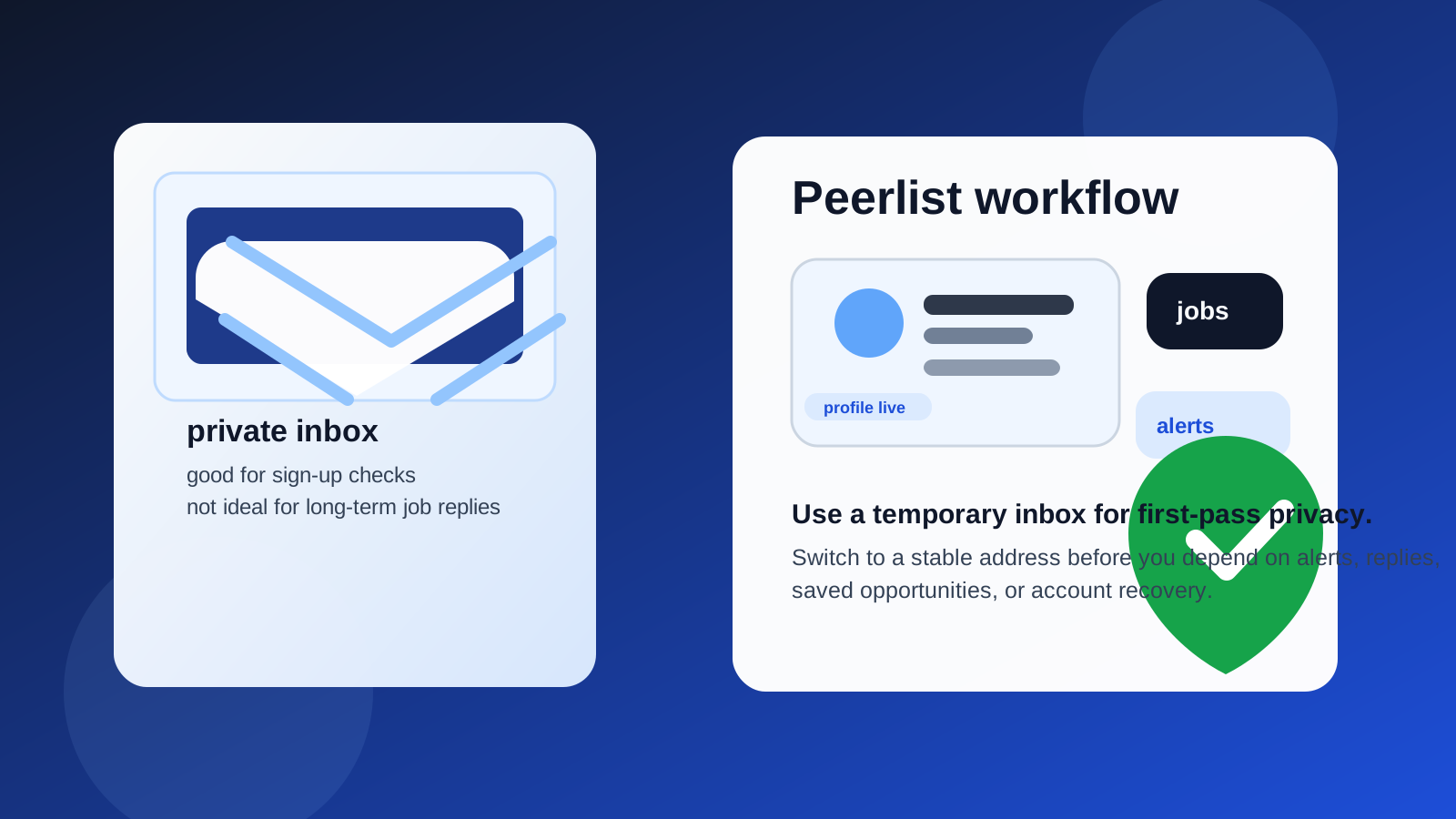
That is the real trade-off behind searches for temp email for Peerlist. People usually are not trying to game the platform. They are trying to keep control of their inbox while testing another professional network, another profile setup flow, and another stream of career emails that may or may not turn out to be worth keeping.
That instinct is reasonable. Professional networking and job-discovery platforms can create a surprising amount of email traffic even when they are useful: verification links, onboarding prompts, profile-completion reminders, recommended people, newsletters, job alerts, saved-search notifications, digest emails, and follow-up nudges. If you are already using LinkedIn, Wellfound, RemoteHub, or similar tools, adding one more source of inbox noise can get old quickly.
A temporary inbox gives you a buffer. It lets you look around without immediately tying your permanent email address to another service. But that buffer has limits. Once a platform shifts from casual testing to something you might actually depend on, a disposable address can become fragile fast.
Why people look for a temp email for Peerlist
The search intent here is usually practical, not shady. People want to know whether they can create an account, see the product, and protect their main inbox at the same time. That is especially common when:
- you are quietly exploring new job-search tools while still employed,
- you want to compare several networking or hiring platforms in one week,
- you do not want your primary inbox filled with another round of onboarding emails,
- you prefer to keep early-stage professional experiments separate from your long-term identity, or
- you are cautious about where your real address ends up after signing up for career sites.
In those situations, a burner inbox can feel like a simple privacy filter. It lets you collect the confirmation email, review the first messages, and judge the platform before you commit more personal information than necessary.
When a temporary inbox makes sense
1. You only want to test the signup flow
If your goal is just to create an account, verify the email, click around for a few minutes, and decide whether the platform is relevant, a temporary inbox is fine. That is a low-stakes use case, and it is exactly where a disposable address is most useful.
2. You are comparing multiple career platforms at once
Job boards, professional communities, talent platforms, and networking sites all want ongoing attention. If you are testing several of them in a short period, a temp inbox helps you avoid dumping every verification message and welcome sequence into the same personal account. You can keep the experiment contained.
3. You want short-term privacy before you trust the platform
Sometimes you are not sure whether a platform will be genuinely useful, whether it will email too often, or whether it will become one more account you never visit again. Using a temporary inbox early on is a sensible way to delay that trust decision until the platform earns it.
4. You are separating curiosity from commitment
That is often the healthiest way to think about disposable email. A temp inbox is for curiosity. A stable inbox is for commitment. If you are still in the curiosity stage, the disposable route is reasonable.
When a temp email becomes risky
1. You start depending on job alerts or saved opportunities
As soon as a platform becomes part of your real search process, missing an email stops being a minor inconvenience. A missed alert can mean a missed application window, a missed deadline, or simply a missed chance to follow up while a lead is still warm.
2. Your profile may generate real follow-ups
If you build out a profile, list your work, connect with people, or make yourself discoverable, the account can start attracting responses you actually care about. That is where temporary email stops being protective and starts being risky. If a founder, recruiter, hiring manager, or collaborator reaches out through an address you do not reliably monitor, the privacy win is not worth much.
3. Password resets and account recovery begin to matter
This is the classic disposable-email problem. A platform may feel optional on day one and important a month later. If you used an inbox you can no longer access, then password resets, login challenges, or recovery emails become a headache. That is a bad time to learn that your “temporary” account was more valuable than you expected.
4. You want continuity across a longer job search
Many people underestimate how messy a multi-month search can get. You may apply, pause, return, update your profile, revisit leads, and compare old conversations later. A temp inbox is weak at continuity. That matters more than it seems.
A safer way to use Anonibox here
If you want the privacy benefit without creating unnecessary risk, the best workflow is usually a two-stage one.
Step 1: Use a temporary inbox only for first-pass evaluation
Create an address with a service like Anonibox, use it to sign up, verify the account, and spend a short focused session deciding whether the platform is worth keeping. During that session, pay attention to the actual value:
- Does the platform seem active and relevant to your field?
- Are the opportunities strong enough to justify another account?
- Does the profile setup feel useful or like busywork?
- Would you care if you missed the next ten emails?
If the honest answer is no, the temporary inbox did its job. You protected your main email and learned what you needed.
Step 2: Switch to a stable address if the platform becomes real
If the answer is yes — if you think you may actually keep the profile, respond to people, track jobs, or return to the platform later — switch the account to a stable address you control and monitor consistently. That address does not have to be your oldest personal inbox. Many people prefer a dedicated professional alias or a separate job-search mailbox. The important part is reliability, not permanence for its own sake.
Step 3: Save any important first emails before they disappear
Even during early testing, do not assume you will remember everything. If the confirmation message, welcome link, or onboarding note matters, save the relevant details before the temporary inbox expires or gets cleared.
Should you use a temp email if you plan to apply for jobs through Peerlist?
Usually no — or at least not for long. Once you are applying to real roles, a disposable address becomes much harder to justify. Employers expect applicants to be reachable. Even if the platform itself is just one channel among many, the messages connected to applications, interview scheduling, profile questions, or next steps are too important to leave on an address that may disappear or go unchecked.
If you like keeping your primary life separate from your job search, the better move is a dedicated professional inbox rather than a temporary one. That gives you separation without sacrificing continuity.
What can go wrong if you keep the temp inbox too long?
- Missed follow-ups: someone replies after you stop watching the inbox.
- Lost access: you need a reset link or verification code later and cannot get it.
- Fragmented communication: some platforms send important updates only by email.
- Weaker professionalism: switching addresses in the middle of a serious opportunity can create friction.
- Confused recordkeeping: you forget which inbox was tied to which platform.
None of those problems show up during the first five minutes of testing, which is why people underestimate them. They show up later, when the platform is finally useful.
Better alternatives than a disposable inbox for long-term use
If your real goal is privacy rather than pure throwaway access, you have better long-term options than keeping a burner address attached forever.
Use a separate job-search email
This is the simplest option. Create one reliable inbox just for career tools, job boards, networking platforms, and recruiter communication. You still protect your main personal inbox, but you do not lose access to important messages.
Use an alias you can keep
If you prefer routing and filtering, a stable alias can work well. The key is that it must still be an address you control over time. Privacy is only useful if it does not break your ability to receive something important later.
Use folders and filters aggressively
Sometimes the problem is not identity exposure so much as clutter. If that is the case, automated filters, labels, or a dedicated job-search folder may solve most of the pain without requiring a disposable address at all.
Quick checklist: is a temp email for Peerlist a good idea?
- Yes if you only want to explore, verify, and judge the platform without immediate long-term commitment.
- Probably yes if you are testing several networking tools and want to reduce inbox noise during the research phase.
- Probably not if you expect meaningful job alerts, profile traffic, or professional follow-up.
- No if the account may become important for applications, conversations, or future recovery.
Final answer
A temp email for Peerlist is a smart short-term privacy move for early exploration, but it is a weak long-term foundation for a professional account you actually care about. Use it if you want to test the waters without giving every platform your main inbox on day one.
Then switch to a stable address as soon as the account starts holding real value. If one missed email could cost you an opportunity, delay a reply, break account recovery, or scatter your job-search recordkeeping, the disposable inbox has already outlived its safe role.
That balance is usually the right one: temporary privacy for curiosity, stable contact details for anything that becomes part of your real career workflow.