Yes — a temp email for Prismic can be useful when you are creating a test repository, checking invite flows, or verifying early setup emails without sending long-term CMS noise into your main inbox.
It is a poor choice for production repository owners, long-term admins, billing contacts, or anyone who may need reliable account recovery later.
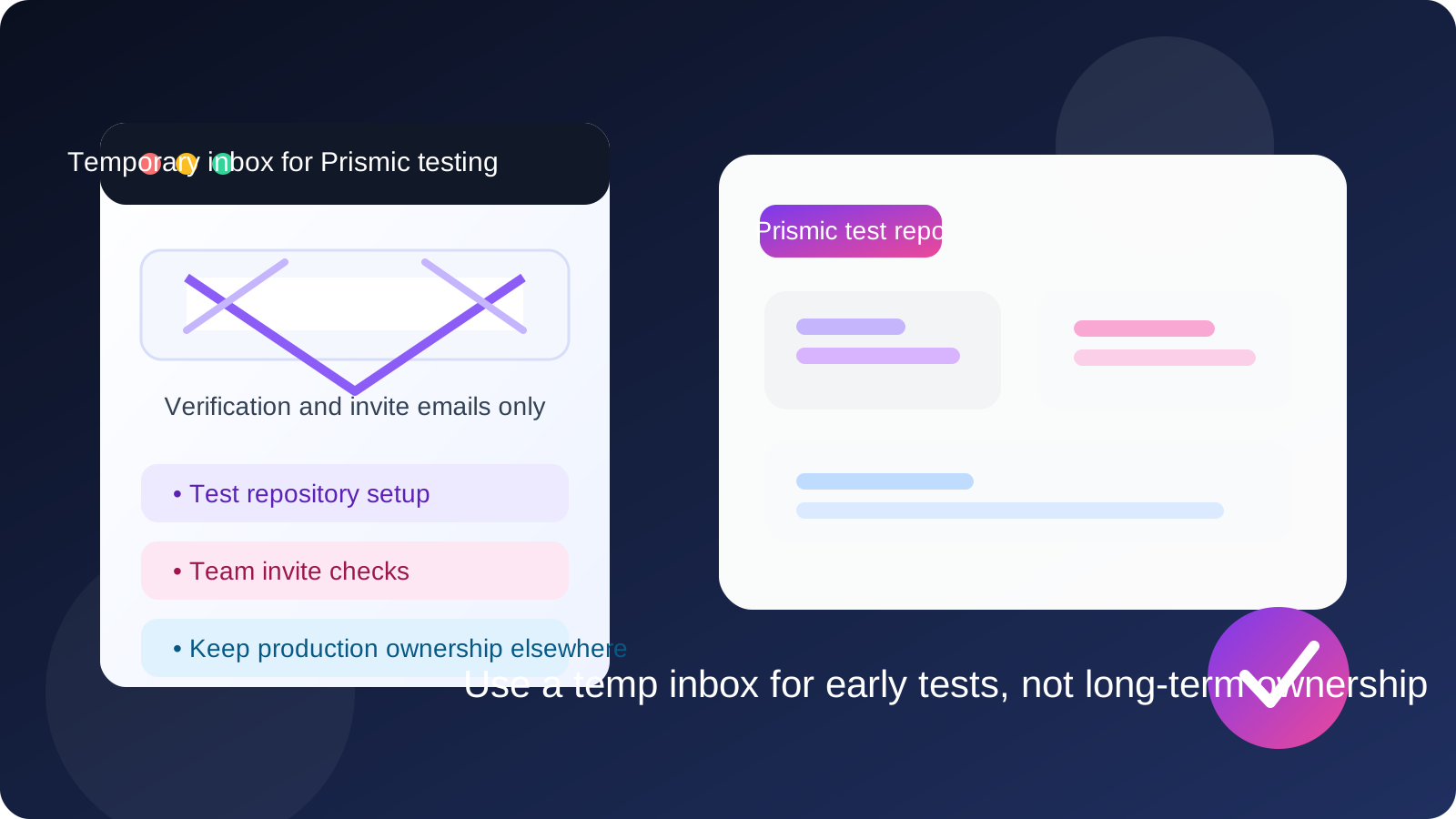
That split is what matters. Temporary inboxes are practical during short-lived evaluation and setup work, but they become risky when the account starts to matter operationally. If you are only testing a content model, reviewing the editor experience, or validating invite and verification emails, a disposable address can help. If you are about to connect a live site, invite your real team, or own the workspace long term, switch to a permanent inbox before the project gets serious.
Why people use a temp email for Prismic in the first place
Prismic sits in the part of the workflow where teams often move quickly: test a repository, explore the editing interface, try a content model, check previews, invite a teammate, and decide whether the setup fits the project. During that stage, people usually want speed and low friction. They do not always want one more SaaS tool feeding marketing emails, onboarding sequences, product updates, and follow-up messages into their main inbox forever.
That is the real value of a temporary address. It gives you a contained place to receive the emails that matter right now, such as verification, welcome, and invite messages, without turning a quick evaluation into a long tail of inbox clutter. For a privacy-minded workflow, that is often enough reason to use one.
When a temp email makes sense for Prismic
A temp inbox is usually most helpful when the repository is experimental rather than permanent. Good use cases include:
- Checking whether the signup flow works the way you expect
- Creating a short-lived test repository for a proof of concept
- Reviewing invite emails during a demo or training session
- Comparing Prismic with other headless CMS options before choosing one
- Testing editor and preview workflows without committing your main address immediately
In all of those cases, the key idea is the same: you are still in discovery mode. You want access to the messages needed to get through setup, but you do not yet want the account anchored to an inbox that will matter months later.
When a temp email is the wrong choice
Temporary email stops being a smart shortcut once the account crosses from testing into ownership. That usually happens faster than people expect. A disposable inbox is a bad fit if the Prismic account will be tied to:
- A production repository that your website or app depends on
- The primary admin or owner seat
- Long-term team access and permission management
- Billing, renewals, or contract conversations
- Security notifications or future account recovery
If losing access to the inbox would create cleanup work, confusion, or real business risk, you are already past the point where a temp address is the right tool.
A practical workflow that works well
If you want the privacy and inbox-control benefits without causing future problems, the best approach is to treat temporary email as an early-stage filter rather than a permanent identity. A simple workflow looks like this:
- Create the temporary address first. That keeps the entire experiment contained from the start.
- Use it for verification and initial access. Receive the first setup or invite emails there.
- Do the real evaluation quickly. Check whether the content modeling, editing, API-first workflow, and general authoring experience fit the project.
- Decide whether the repository is disposable or strategic. If it is just a test, keep the temp address. If it is becoming real, move to a permanent inbox early.
- Do not wait until the account matters. The safest time to switch is before the repository becomes the source of truth for anything important.
This gives you a clean boundary between experimentation and ownership, which is where most privacy mistakes happen.
What you should test during the short-lived phase
If you are going to use a temporary inbox, make the trial period count. Instead of letting the account sit, use that time to answer the questions that actually determine whether Prismic fits your workflow:
- Is the initial setup clear, or does the repository feel confusing right away?
- Can you model the kinds of content your site or app really needs?
- Does the editorial experience feel comfortable for the people who will use it?
- Are invites, previews, and handoffs easy to understand during testing?
- Would you trust this setup for a long-term team workflow, or is it better as a prototype tool?
A temp inbox is most useful when it supports a quick, focused decision. It is much less useful when it becomes an excuse to postpone choosing a proper ownership setup.
The privacy upside is real
There are good reasons privacy-conscious users like temporary email for SaaS testing. A short-lived inbox helps you:
- Keep product marketing and follow-up sequences out of your main inbox
- Separate vendor evaluation from day-to-day work communication
- Reduce the chance that old test signups keep reaching you months later
- Stay organized if you are comparing several CMS tools in the same week
That is especially useful if your main inbox already handles client work, production alerts, approvals, or recruiter conversations. There is no reason to let a one-hour CMS experiment compete with all of that attention unless the test becomes genuinely important.
The risks are also real
The mistake is assuming that “temporary” and “harmless” always go together. They do not. The biggest risk is not during signup. The biggest risk appears later, when the account is still around but the inbox is gone, unmonitored, or impossible to reuse.
That creates obvious problems:
- You may miss a critical notice tied to access or changes
- You may not be able to recover the account cleanly
- Future teammates may not know who controls the original inbox
- You can accidentally leave a live repository tied to a disposable identity
In other words, a temporary inbox is good at catching the first few emails. It is bad at being a durable operating address.
How Anonibox fits naturally into this kind of testing
If your goal is to keep early testing separate from your long-term inbox, a tool like Anonibox fits the job well. You can spin up a temporary address, receive the initial verification or invite message, and keep that short-lived workflow isolated from your everyday email. That is especially handy when you are comparing several tools in a row and do not want every signup to become a permanent subscription to updates and follow-ups.
The important part is discipline. Use the temporary address to reduce noise and protect privacy during the evaluation phase, then move important projects to a real mailbox once the account becomes part of a live workflow.
Good habits if you start with a temp email
If you decide to use a disposable inbox for Prismic, a few habits make the approach much safer:
- Document what you used. Even for a test, note which repository was created with which inbox.
- Do not treat the temp inbox as a long-term admin identity. That should be a hard rule.
- Switch early if the repository becomes promising. Do not wait until content, teammates, or production plans are already attached.
- Avoid mixing test and production purpose. A repository that starts as a throwaway often stops being throwaway faster than expected.
- Think beyond signup. Verification is only one moment in the lifecycle; ownership lasts much longer.
Common mistakes to avoid
The most common mistake is not using a temporary inbox at all. It is using one and then forgetting that the account still exists. People run a quick proof of concept, invite someone else, connect real work, and only later realize the original address was never meant to last.
Other avoidable mistakes include:
- Using the same disposable address for too many unrelated tests
- Leaving the repository owner seat on a throwaway inbox
- Ignoring when the project becomes operational instead of experimental
- Assuming account recovery will be easy later
Most of these problems disappear if you make one simple decision early: temporary inbox for temporary work, permanent inbox for permanent ownership.
So, should you use a temp email for Prismic?
Yes, if you are doing early CMS testing, short-lived repository experiments, or one-off invite checks and you want to protect your main inbox from unnecessary noise. No, if the account will matter later for production, team administration, billing, or recovery.
That is the clean answer. A temp inbox is a useful privacy tool for short-term evaluation. It is not a smart foundation for long-term CMS ownership. Use it to test fast, stay organized, and reduce clutter — then promote serious work to a real email address before the project turns into something you actually depend on.