Yes, a temp email for QuickMail can make sense when you are only testing the platform, verifying a low-stakes signup, or comparing outreach tools without feeding more trial mail into your main inbox.
No, it is a poor long-term choice once real sender mailboxes, live sequences, reply handling, team access, or account recovery depend on that inbox still being available.
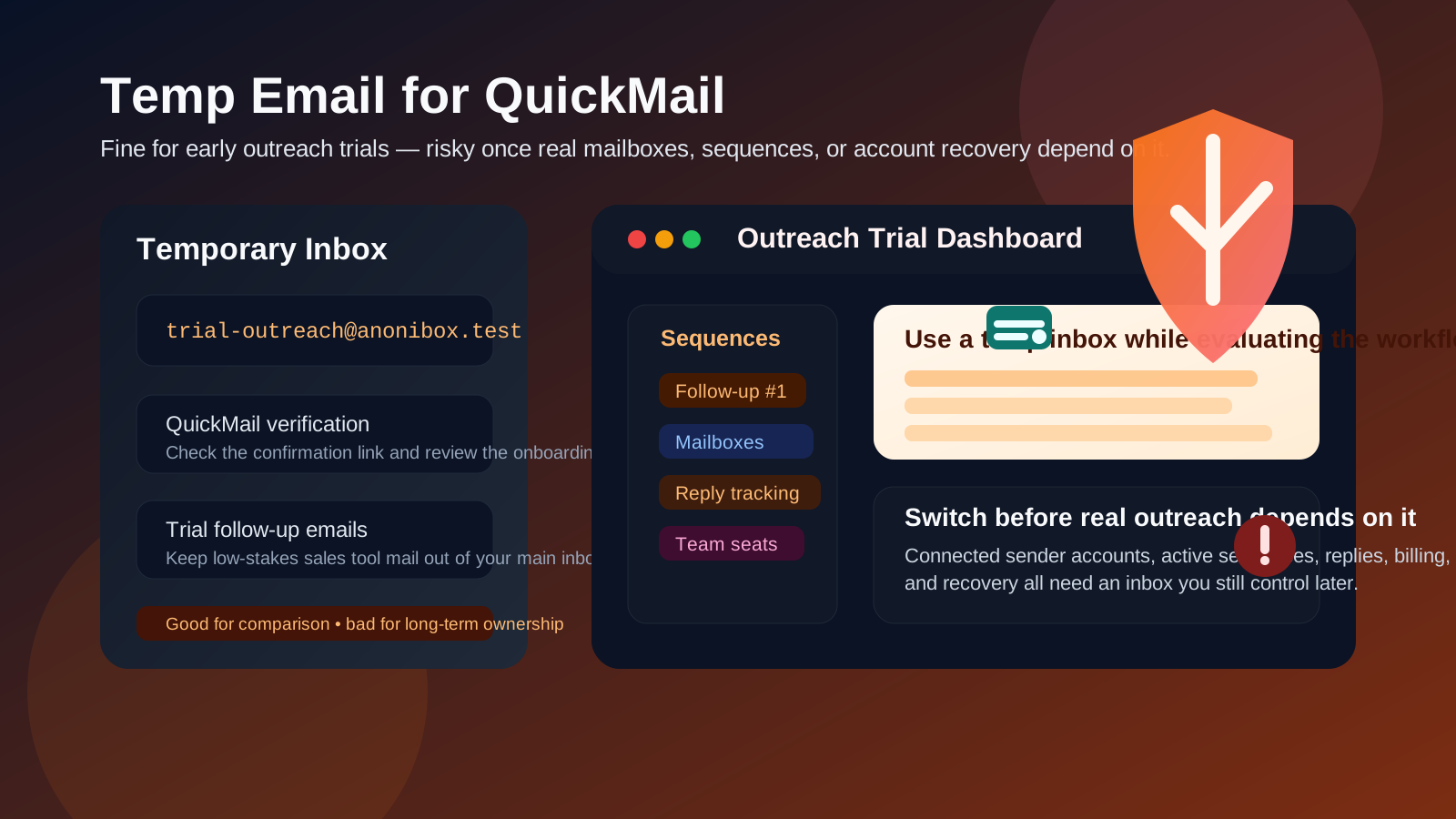
If you test sales engagement tools often, you already know how fast the signup noise piles up. One product trial turns into welcome emails, webinar invites, deliverability tips, upgrade prompts, sales follow-ups, and “just checking in” messages that keep landing long after you stopped caring. A temporary inbox can be a clean way to separate that early evaluation from your real work email.
QuickMail fits that pattern especially well because many people open an account in research mode. They want to see how the dashboard feels, how sequence setup works, whether mailbox connection looks straightforward, and whether the tool seems worth a deeper trial. In that stage, a disposable address can help you verify the account and inspect the workflow without giving another vendor permanent access to your everyday inbox.
That convenience disappears the moment the account starts mattering. If the QuickMail account becomes tied to real sender inboxes, active sequences, team collaboration, reply monitoring, deliverability settings, or a paid subscription, a burner address stops being tidy and starts becoming a weakness. The inbox behind the account becomes part of account ownership, and throwaway ownership is fragile ownership.
When a temp email for QuickMail makes sense
There are several normal situations where a temporary inbox is a reasonable choice.
- Early tool comparison: you are checking several outreach platforms and want to keep each trial separate from your main inbox.
- Low-stakes signup verification: you only need the confirmation email, the first login, and a short look around the product.
- Inbox hygiene: you want to avoid weeks of follow-up messages from a platform you may reject after one afternoon.
- Solo experimentation: you are exploring the interface before deciding whether it deserves a real account setup.
- Short-lived research: the account truly is temporary, and nothing important will depend on it later.
That is the right use case. You get the verification email and initial onboarding without letting another trial spill into your long-term inbox by default.
Why people look for a disposable inbox here
Most people searching this are not trying to game the system. They usually want one of three simple things: less email clutter, better privacy during evaluation, or a clean wall between casual testing and real outreach work.
That is sensible. Outreach teams, founders, recruiters, agencies, and freelancers often compare multiple platforms in bursts. You might look at QuickMail, then compare it with tools like Lemlist, Instantly.ai, Saleshandy, Woodpecker, Mixmax, or Klenty. If every comparison claims your main inbox immediately, the research becomes noisier than the decision itself.
Using Anonibox or another disposable inbox can reduce that friction during the first pass. The benefit is real. The catch is that the QuickMail account itself must stay low-stakes too.
Where a burner inbox becomes risky
The signup is not the dangerous part. The risk shows up later, when the account becomes operationally important.
1. Real sender mailboxes may get connected
If you start linking actual email accounts to the platform, the QuickMail account stops being a casual test. It becomes part of real outreach infrastructure. That setup should not depend on an inbox you may lose access to.
2. Sequences and campaign ownership can matter later
Even if the first test feels temporary, you may end up building useful sequence drafts, templates, lead segmentation ideas, or campaign logic that you want to revisit. When the account begins holding work you care about, disposable access becomes much less practical.
3. Replies and workflow continuity need stability
Some tools are easy to abandon. Outreach tools are trickier because account ownership can overlap with live conversations, follow-up planning, and reporting. If anything in the account influences ongoing work, a throwaway inbox becomes a brittle foundation.
4. Team access turns a personal shortcut into a shared problem
What feels clever for a solo test becomes messy once teammates, clients, or contractors need continuity. Shared tools need shared reliability, and that starts with an email address that will still exist when someone needs recovery, handoff, or verification later.
5. Account recovery is where disposable choices usually fail
The first login is easy. The real issue appears when you need a password reset, a security confirmation, or proof that you still control the account. A temporary inbox feels convenient right up until the service expects you to still have it.
6. Paid plans and billing notices deserve a real inbox
If you ever expect invoices, renewal notices, payment issues, or account warnings, disposable email is the wrong base layer. Anything with money attached deserves an inbox somebody actually monitors.
A practical rule of thumb
Use a temp email for QuickMail only if the account is temporary too.
If you are just evaluating the interface, testing the signup, or comparing outreach platforms, a disposable inbox is fine. If there is any realistic chance the account may turn into a real sending setup, a shared team tool, or a paid workflow, switch to a permanent inbox early or start with one from day one.
How to use a temp email for QuickMail without creating a mess
1. Decide whether this is a trial or a real account
Before you sign up, be honest about the goal. Are you only checking the product for twenty minutes, or do you already suspect it could become part of your outreach stack? The inbox choice should follow that answer.
2. Keep the first session focused
A temporary inbox works best when the evaluation is deliberate rather than open-ended. Move through a short checklist:
- Is the setup flow clear enough for your use case?
- Can you understand how the platform handles sequences and basic workflow?
- Does the product feel worth deeper testing before you connect anything real?
- Would this still be useful after the initial novelty wears off?
- Does the dashboard help you make a decision quickly, or just create more tabs to manage?
That is the sweet spot for disposable email: quick access, less noise, and a cleaner comparison process.
3. Save the few messages that matter
During early testing, you usually only need a small handful of emails: the verification message, maybe a welcome guide, and perhaps a setup note you want to compare later. Save those if they matter. Do not assume the inbox will still be around next week.
4. Do not connect real mailboxes until you switch
This is the big one. If you plan to attach real sender accounts, use a stable email address before you cross that line. The moment your QuickMail account becomes tied to live outreach work, the temporary inbox has outlived its safe role.
5. Switch before teammates or campaigns depend on the account
The best time to move from a burner inbox to a permanent one is before the account becomes important, not after. Early switching is clean. Late switching tends to happen after you already have active work, which is exactly when inconvenience becomes risk.
When a permanent inbox is the better choice from day one
- you expect to keep testing beyond a quick comparison
- you may connect real sender mailboxes
- you are likely to build sequences or drafts you want to preserve
- you may invite teammates or clients
- you want dependable access to billing, support, or security messages
- the account may become part of an actual outreach process instead of a throwaway experiment
If any of those sound true, the convenience of a disposable inbox is smaller than the cleanup you create for yourself later.
Realistic examples
Example 1: comparing outreach tools in one afternoon
You want to inspect two or three platforms, verify signups, browse the dashboard, and decide which one deserves a real pilot. A temp inbox is reasonable here because the account stays low-stakes and short-lived.
Example 2: solo experimentation before connecting anything real
If you only want to understand the workflow and do not plan to attach a real mailbox yet, a burner address can still be fine. The key is keeping the account disposable in practice, not just in theory.
Example 3: building a real outreach workflow
Once the account may hold live campaigns, team usage, or connected sender infrastructure, the disposable approach usually stops making sense. That is when a durable inbox should take over.
Common mistakes to avoid
- Using a throwaway inbox for a non-throwaway account: this is the most common mistake by far.
- Waiting too long to switch: people tell themselves they will update the address later, then later arrives after the account already matters.
- Thinking only about signup privacy: continuity and recovery are usually the bigger long-term issues.
- Connecting real mailboxes too early: if real sending depends on the account, disposable ownership is already a weak choice.
- Letting a solo test quietly turn into team infrastructure: that drift happens faster than people expect.
What this means in practice
If your goal is simple inbox protection during research, a temporary address is a perfectly practical tool. It lets you verify the account, read the first emails, and keep your permanent inbox cleaner while you decide whether QuickMail is worth more attention.
But if you already know the account may become important, start with a real inbox instead of pretending you will clean it up later. “Later” is exactly when recovery, billing, collaboration, and ownership become harder to untangle.
Final takeaway
A temp email for QuickMail is useful during short-lived outreach evaluation, low-stakes signup verification, and early product comparison.
It becomes risky once real sender accounts, active sequences, replies, billing, support, or team access depend on that inbox. Use temporary email for the trial phase if you want privacy and less spam, then switch to a stable address before the account turns into something you actually need to keep.