A temp email for ReviewTrackers can be useful for a short early trial, but it becomes risky once saved locations, review alerts, reply workflows, or shared access start to matter.
Use a disposable inbox for signup verification and first-pass product testing; switch to a permanent address before you rely on the tool for ongoing customer-feedback work.
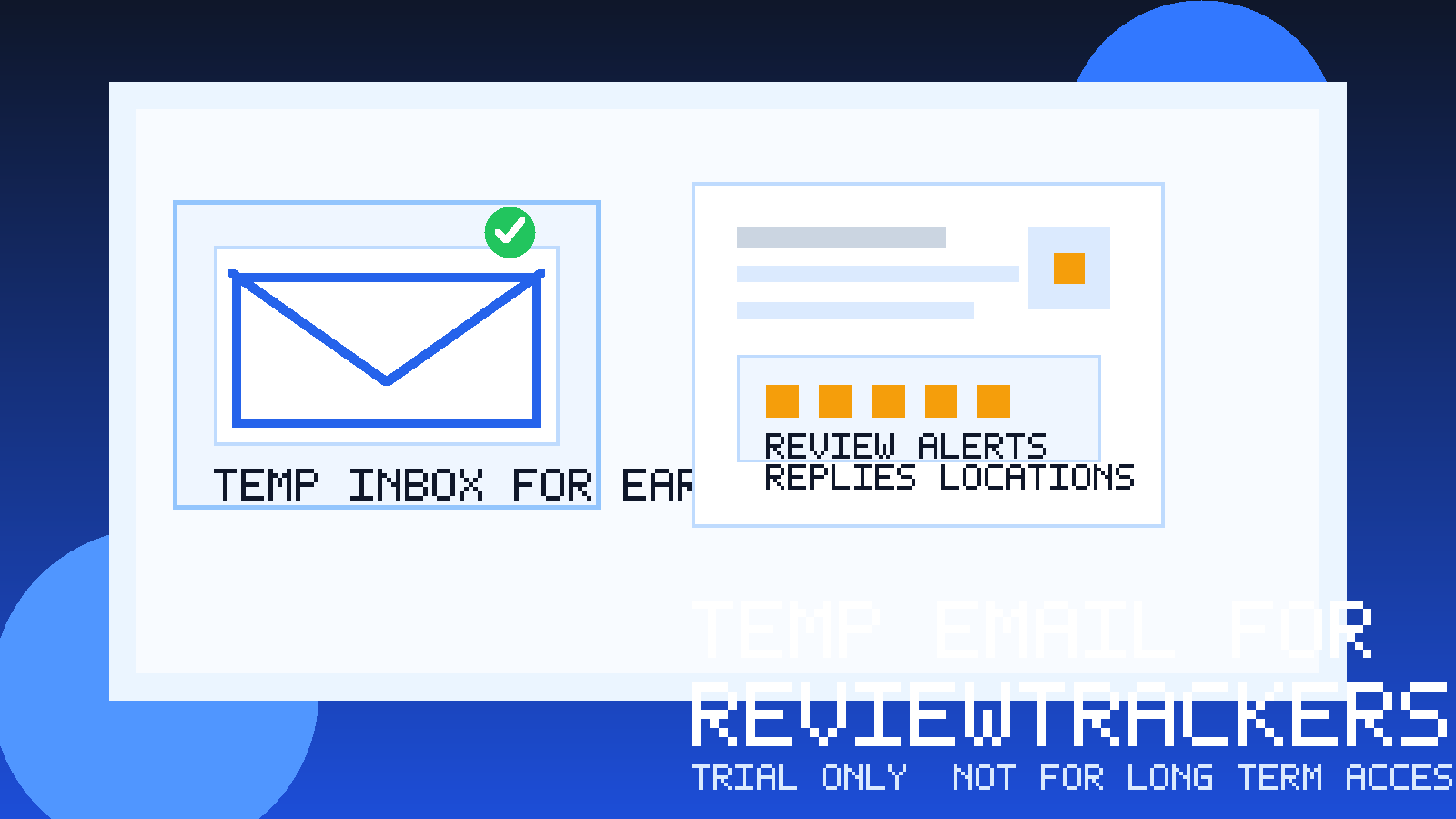
That balance matters because review monitoring software sits close to real business operations. In the early stage, you may just want to see how the dashboard feels, whether alerts are noisy, how location views are organized, and whether the reporting is usable. In that narrow window, a temporary inbox can be perfectly practical. You get the confirmation email, open the account, and keep vendor follow-up out of your main address while you decide whether the platform deserves a serious evaluation.
But ReviewTrackers-style tools stop being “just a trial” very quickly. Once you connect real locations, care about missed-review alerts, start testing responses, or involve teammates, the inbox behind the account becomes part of the workflow. That is when a throwaway address stops being convenient and starts becoming a liability.
When a temp email makes sense for ReviewTrackers
A temporary email is most useful at the top of the funnel, when your goal is simply to evaluate whether the product belongs on your shortlist.
- Fast verification: you can receive the signup email, confirm the account, and get inside the product without exposing your primary work inbox right away.
- Cleaner vendor research: if you are comparing several review management or local SEO tools at once, a temp inbox keeps one trial from filling the same mailbox you use for clients or operations.
- Better signal during early comparison: using a separate inbox helps you judge the software itself instead of getting pulled into every nurture sequence, webinar invite, and sales reminder.
- Short, low-stakes testing: if you only want to explore the interface, sample reports, and account setup flow, a disposable address can be enough.
This is the best use case for something like Anonibox: a quick, low-commitment test where inbox privacy matters more than long-term account continuity.
What you can realistically evaluate in an early trial
If you use a temp email for ReviewTrackers, focus on questions that can be answered in one or two short sessions. That keeps the test useful while avoiding the trap of building real workflow dependence on a disposable address.
1. Dashboard clarity
Can you understand the layout quickly? Review monitoring platforms often live or die on navigation. If the dashboard buries trends, locations, or review queues, the product may not be a fit no matter how good the sales pitch sounded.
2. Alert logic
Does the software explain how alerts work? Can you tell which events matter, how quickly updates appear, and whether the product seems designed for real operational use rather than just demo value?
3. Reporting style
Even without connecting every live source, you can often judge whether the reporting is readable, whether exports look useful, and whether the summaries would help a manager or client make decisions.
4. Multi-location usability
If the tool targets local brands, agencies, or franchise-style teams, test whether location organization feels manageable. A review platform that looks fine for one listing can become painful with ten, fifty, or hundreds.
5. Setup friction
Pay attention to what the trial requires before it becomes useful. If basic evaluation demands a lot of account linking, manual setup, or sales intervention, that is part of the product experience too.
Where a disposable inbox starts creating risk
The danger is not usually at signup. It shows up once the trial becomes meaningful and the email behind the account becomes operational.
Missed review alerts
If the platform begins sending live alerts about new reviews, response opportunities, or reputation issues, a temp inbox is a poor home for them. Those messages may become time-sensitive, and losing access can mean missing something a business actually needed to see.
Reply and workflow continuity
Review management is rarely a solo experiment for long. A location manager, marketer, agency teammate, or owner may need context later. If the account history is tied to a disposable mailbox that no one monitors anymore, continuity breaks fast.
Password recovery and ownership problems
One of the most common failure points is simple: the trial looked promising, then someone wanted to log back in a week later. If the recovery emails go to an expired or abandoned inbox, you are stuck recreating the account or asking support to untangle ownership.
Saved locations and configuration work
As soon as you enter real location data, configure views, tune notification settings, or create custom reporting habits, the account becomes more than a sandbox. At that point, protecting continuity matters more than protecting your primary inbox from marketing messages.
Team access and client trust
If you are an agency or internal marketing team, the login address signals seriousness. Using a disposable inbox is fine for a private product test, but not ideal once clients, stakeholders, or colleagues may depend on the account existing next month.
How to use a temp email for ReviewTrackers without creating future cleanup
If you want the privacy benefit without the usual downside, keep the workflow tight and intentional.
- Use the temp inbox only for initial verification. Do not treat it as the permanent account address by default.
- Decide the evaluation window in advance. For example: one afternoon, one business day, or one short internal comparison cycle.
- Avoid loading real operational dependency too early. Do not rely on the temp inbox for ongoing alerts, escalation paths, or anything that would be painful to lose.
- Document what you learn right away. Take notes on dashboard quality, alert usefulness, reporting, and pricing questions while the trial is fresh.
- Switch to a permanent inbox if the tool survives the shortlist. The more promising the tool becomes, the less suitable a disposable address becomes.
This is the cleanest pattern: temporary inbox for access, permanent inbox for adoption.
Signs it is time to switch to a real inbox
You should stop using a temp email for ReviewTrackers once any of the following becomes true:
- You want to keep the account beyond the first comparison round.
- You are connecting real locations, brands, or review sources.
- You care about missed alerts or regular email summaries.
- You are inviting teammates or showing the platform to a client.
- You expect billing, renewal, or ownership questions to matter.
- You would be annoyed if password recovery depended on an inbox you no longer control.
That transition point is important. A lot of messy SaaS cleanup starts because a quick trial quietly turned into a real account without anyone updating the contact address.
Is a burner inbox better than your main work email?
For pure experimentation, often yes. If you are evaluating several local SEO, listings, or reputation tools in a short period, using your main inbox for every trial can create weeks of low-value follow-up. A separate mailbox, or a temporary address through a tool like Anonibox, gives you breathing room.
But “better for the first day” is not the same as “better for the account lifecycle.” That is the distinction that matters. Early privacy and long-term ownership are different needs, and the smart move is to treat them differently.
A simple decision framework
Ask yourself these five questions before using a temp email for ReviewTrackers:
- Am I only comparing products, or am I already testing a real workflow?
- Will I need password recovery or ongoing alerts after today?
- Could another teammate need this account soon?
- Am I adding real locations, clients, or operational data?
- Would losing this inbox next week create friction?
If the answers point to a quick, low-stakes evaluation, a temp inbox is reasonable. If the answers point to ongoing ownership, team use, or business dependence, move to a permanent address early and save yourself the cleanup later.
Final takeaway
A temp email for ReviewTrackers is a practical option for short early trials when you want quick access without exposing your main inbox to vendor follow-up. It helps you verify the account, explore the interface, and compare review-management tools with less clutter.
It stops being a good idea once alerts, saved setups, reply workflows, location management, or team access become real. Use the temporary inbox to test, not to anchor the account. If the platform proves useful, switch to a permanent address before the trial turns into something your business depends on.