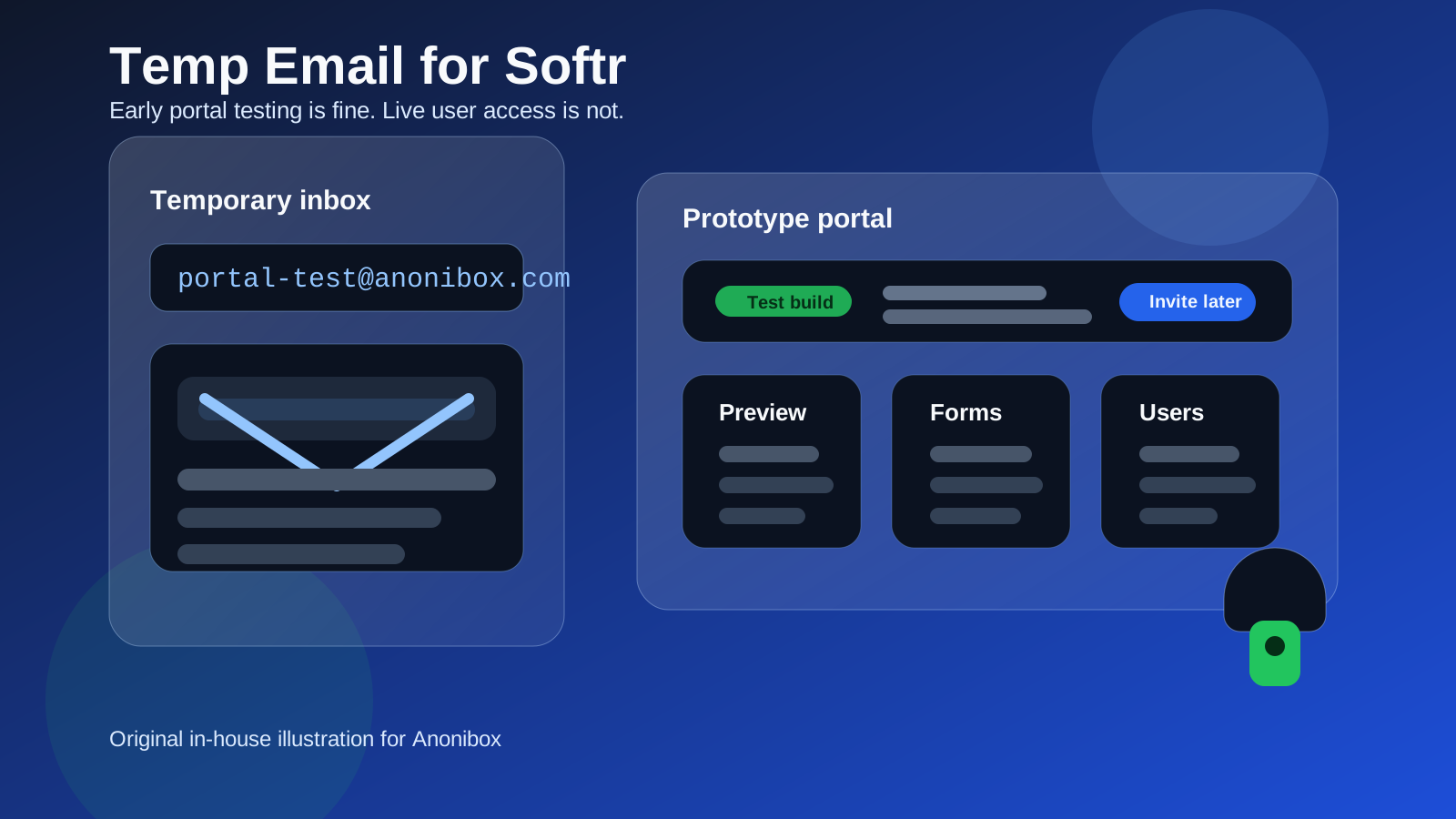
A temp email for Softr can be a smart choice when you are only doing an early test of a client portal, internal tool, or no-code app. It becomes a bad choice once you need reliable user invites, password resets, form notifications, or long-term workspace ownership.
If your goal is to preview the builder, compare templates, and avoid extra sales email while deciding whether Softr fits your workflow, a temporary inbox is fine. If you are about to launch something real, move to a stable email before other people, automations, or clients depend on the account.
Why people consider a temp email for Softr
Softr sits in a category where people often test several tools in a row. Someone building a small client portal, member area, internal dashboard, partner directory, or lightweight business app may compare Softr with options like Bubble, Webflow, Framer, Airtable-based setups, or membership tools such as Memberstack. That usually means multiple signups, multiple onboarding sequences, and a lot of follow-up email before a real project is even chosen.
That is the main reason a temporary inbox helps. You can open the product, confirm the account, look around, and decide whether the interface, templates, and publishing flow actually match your use case without committing your everyday inbox to another long nurture sequence.
When a temporary email makes sense
1. You are doing a first-look product evaluation
If you only want to see how Softr feels in practice, a temp email is reasonable. At that stage you are not choosing your permanent stack yet. You are just answering practical questions such as:
- Does the builder feel fast enough for your workflow?
- Can you get a portal or lightweight app layout running quickly?
- Do the templates point you in the right direction?
- Is the setup simpler than the alternatives you are comparing?
For that kind of evaluation, your real inbox does not need to absorb every welcome email, webinar invite, upgrade reminder, and follow-up sequence.
2. You are comparing multiple no-code tools in one week
This is one of the best use cases for Anonibox or another temporary inbox. When you test several platforms back to back, the email clutter becomes the annoying part of the process. A disposable address lets you keep your main inbox clean while still receiving the activation message you need to get into the product.
3. You are exploring templates before choosing a serious build path
Sometimes you are not even sure whether the project should become a real portal, an internal tool, a simple landing workflow, or something else entirely. A temp inbox is a low-friction way to explore before you tie the project to a permanent identity, a business address, or a client-facing account structure.
When a temp email becomes risky
1. You start inviting real users or teammates
The moment another person depends on that workspace, the account stops being disposable. Team invites, collaborator access, member onboarding, and shared ownership all work better when the main account lives on an inbox you actually control long term.
2. Your project has live form notifications or lead capture
If a Softr project is connected to a real form, application flow, booking request, waitlist, or intake process, you need dependable email delivery and easy recovery. A temporary inbox may disappear, expire, or simply be forgotten. That is fine for a toy project. It is not fine for a live workflow that collects leads or client messages.
3. You may need account recovery later
Password resets, login links, billing notices, security alerts, and product-change messages matter more than people think. A disposable inbox is convenient right up until you need to recover access two months later and realize the original address is gone.
4. The portal contains anything operationally important
If the app or portal supports a client process, staff process, membership process, or internal business workflow, treat the account as infrastructure. Infrastructure should not depend on a throwaway address.
A practical rule: use a temp email for evaluation, not for ownership
This is the cleanest way to think about it. A temporary email is good for evaluation. A permanent or role-based inbox is better for ownership.
That split keeps the benefits of both approaches:
- You can inspect Softr quickly without handing over your main address too early.
- You avoid sales-email buildup from tools you never adopt.
- You still move to a stable inbox before the project becomes real.
In other words, use the temp inbox to answer “Is this worth deeper attention?” Then switch before the answer becomes “Yes, this is part of our actual workflow.”
Best workflow if you want to test Softr privately
Step 1: Create the temporary inbox first
Generate the address before you sign up. That keeps the full trial or first-look evaluation separate from your everyday work inbox.
Step 2: Use it only for the first login and early exploration
Verify the account, open the builder, inspect a few relevant templates, and see whether the interface matches your use case. Focus on the product, not the promotional sequence around the product.
Step 3: Save anything you may need during the session
If there is a confirmation message, setup instruction, or initial link you may need again during the same day, save it somewhere safe. Temporary inboxes are best when you assume they are temporary.
Step 4: Decide quickly whether Softr is a real candidate
Do not leave the project in a gray area for too long. If it is not a fit, walk away and let the throwaway inbox stay disposable. If it is a fit, move the account to a stable address before you invite users, connect production workflows, or depend on future recovery emails.
Step 5: Use a proper long-term email for live work
For serious use, a dedicated business inbox or role-based email is usually better than either your personal inbox or a disposable one. That gives you cleaner ownership, better continuity, and less chaos if the project changes hands.
Common mistakes to avoid
- Testing becomes production by accident: a quick experiment turns into a live portal, but the login still belongs to a throwaway inbox.
- Forgetting invite and recovery risk: the tool works fine until you need a reset link or an important account notice.
- Using the temp inbox for real lead flows: this is one of the easiest ways to miss a valuable message.
- Comparing tools without notes: the inbox stays clean, but you forget what actually made one platform better than another.
Who should and should not do this?
A temp email is a good fit for:
- freelancers comparing no-code tools for a future client build
- founders testing an internal tool or lightweight portal idea
- agencies doing fast platform comparisons before recommending a stack
- privacy-conscious users who want to avoid unnecessary follow-up email during research
A temp email is a poor fit for:
- live customer portals
- member-facing apps
- shared team workspaces
- anything that depends on dependable notifications or future recovery
So, should you use a temp email for Softr?
Yes, if you are doing a genuine first-look evaluation and want less inbox spam while comparing tools. No, if the account is about to become the home for real users, real form messages, real operations, or anything you may need to recover later.
The safest pattern is simple: use Anonibox naturally at the beginning, then switch to a stable inbox the moment the project stops being disposable. That gives you privacy during research without creating a mess for future-you when the build starts to matter.
Final takeaway
A temp email for Softr is most useful during the earliest stage of portal or no-code app testing. It helps you verify the account, inspect the product, and avoid long-term inbox clutter while you compare options. Just do not confuse a disposable evaluation workflow with a durable operating setup. Once the account matters, the email should matter too.