Yes — a temp email for Getform can be useful when you only want to verify an account, inspect the dashboard, test a draft endpoint, and send a few harmless sample submissions without tying another tool to your main inbox yet.
No — a disposable inbox is a poor long-term choice once real submissions, lead alerts, billing notices, account recovery, or team ownership depend on that address.
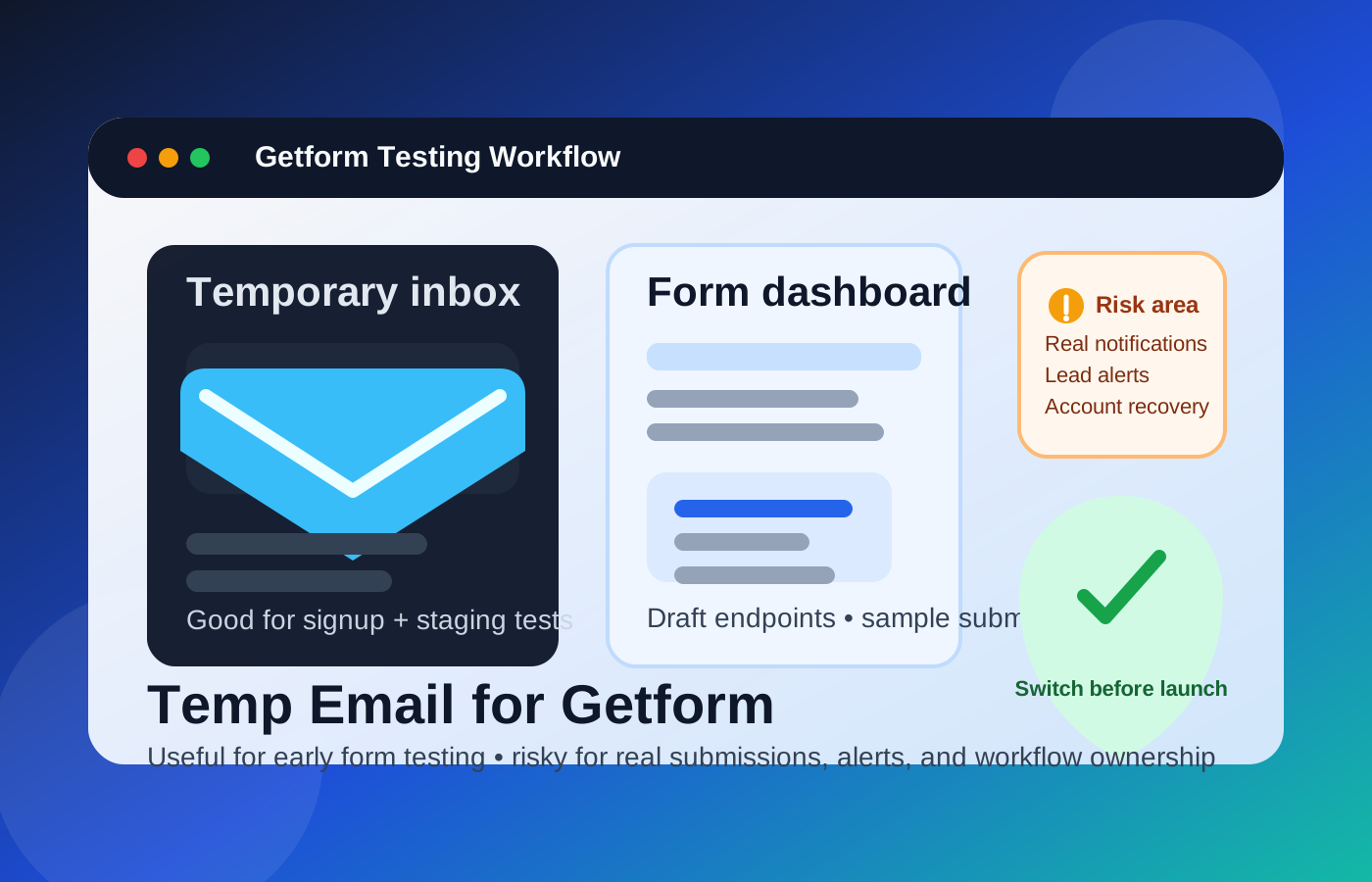
That split is what matters most. In the earliest testing phase, the account email is mostly just a signup credential and a place to catch the first verification or onboarding message. Later, the same address can become the fallback for missed notifications, lost-password recovery, billing notices, and internal handoffs. A temporary inbox can be sensible for the first stage and risky for the second.
People usually search for a temp email for Getform because they want to test a form backend quickly without adding another long vendor sequence to their primary inbox. They might be wiring up a static site contact form, experimenting with a landing page, validating a proof of concept, or comparing multiple form-capture tools before choosing one for production. In that situation, a temporary inbox from a service like Anonibox can be a neat privacy layer: it helps you get through signup and early setup while keeping your long-term inbox cleaner.
The problem begins when a test account quietly turns into a real workflow. Form backends often start as “just one endpoint for a draft page,” then become part of a client handoff, a lead capture path, or an internal ops flow. If the email behind the account disappears at that point, the convenience you gained at the start can create avoidable problems later.
Why temporary email can make sense during Getform testing
Getform fits the kind of tool people often evaluate in batches. Someone comparing options may look at hosted form backends, no-backend form handlers, and lightweight lead-capture tools all in the same afternoon. Each one wants an email address before you can inspect dashboards, notifications, integrations, submission storage, or spam controls. If you hand your main address to every platform you test, your inbox fills up with trial nudges, product tours, webinar invites, and follow-up sales email surprisingly fast.
A temporary inbox helps in a few practical ways:
- Less inbox clutter: the early trial stays separate from your everyday work email.
- More privacy: you do not commit your permanent address before you know the tool is worth keeping.
- Cleaner comparisons: if you are testing more than one form service, it is easier to keep verification and onboarding messages from blending together.
- Faster triage: when a tool is not a fit, you can walk away without carrying months of leftover vendor email.
That is especially useful for developers, marketers, founders, agencies, and anyone building draft forms for staging sites or prototype projects.
When a temp email for Getform is usually fine
1. Early account evaluation
If you have not connected a real workflow yet, the risk is low. You are simply checking whether the product feels usable, whether the dashboard makes sense, and whether the account is worth taking seriously. In that phase, a temporary inbox is often enough.
2. Staging or proof-of-concept forms
A temp inbox also makes sense when the form itself is not yet real. Maybe the page is internal, the submissions are fake, or the endpoint is part of a staging environment that will never be public. If no real customer, candidate, client, or lead is relying on that workflow, a disposable inbox can be an acceptable shortcut during setup.
3. Comparing form backends side by side
Many people do not evaluate one service in isolation. They may compare Getform with tools like Formspree, Formcarry, Netlify Forms, or other lightweight submission handlers. A separate temporary inbox for each trial can make those comparisons easier to manage, especially when you only want the first verification message and a small number of setup emails.
4. Protecting your main inbox from low-value follow-up
Sometimes you already suspect you will not keep the tool. You still want to test it honestly, but you do not want another platform promoting upgrades and drip sequences to your main inbox for months afterward. That is exactly where temporary email helps.
Where temporary email becomes a bad idea
The moment the form stops being a test and starts being part of a real workflow, the account email matters more than people think.
Real submission alerts need a monitored inbox
Form tools are often useful because they trigger action. Someone fills out a contact form, a demo request, a quote request, a job inquiry, or a lead magnet signup, and the account owner needs to know. If the notification path depends on an inbox you no longer control or monitor, submissions can become easy to miss.
Lead capture is not a throwaway workflow
Once a form is part of a public landing page, an agency site, a SaaS waitlist, or a business contact flow, the underlying account is operational. Even if leads are also routed elsewhere, the platform email may still matter for account changes, warnings, quota notices, and backup recovery. A disposable inbox is weak exactly where reliability becomes important.
Account recovery and billing can bite later
Temporary email is often fine right up until you need it again. Password resets, suspicious-login alerts, ownership changes, plan notices, and billing messages are all much more important than they seem during the first hour of testing. If the inbox is gone by then, recovery becomes harder than it needed to be.
Team ownership and client handoff get messy
A form backend that begins as one person’s experiment can become a shared asset. A teammate may need access. A client may inherit the setup. A contractor may need to document ownership. That transition is far smoother when the account sits on a stable inbox rather than a throwaway address nobody fully owns anymore.
A better workflow: test with temporary email, launch with a permanent inbox
The safest approach is staged rather than extreme.
- Create the temporary inbox before signup. That keeps the entire evaluation process separated from your regular inbox from the start.
- Use it only for verification and early exploration. Confirm the account, inspect the dashboard, and send a few sample submissions.
- Keep the environment low-stakes. Use draft forms, staging pages, or fake test entries while the inbox is temporary.
- Switch to a durable monitored inbox before anything goes live. Do this before the form collects real leads, real contact requests, or business-critical entries.
- Confirm notifications and recovery after the switch. Make sure the long-term owner can actually receive important account messages.
This workflow gives you the privacy advantage at the beginning without leaving the production account attached to a fragile email address later.
Common mistakes people make
- Leaving the temp inbox attached after launch: acceptable for testing, risky for production.
- Sending paid or real traffic to a form too early: if real people are submitting information, the account email should already be permanent.
- Assuming notifications alone are enough: even if submissions route somewhere else, the account inbox still matters for recovery and administrative alerts.
- Ignoring future handoff needs: if a teammate or client may need the account later, set ownership up cleanly from the start.
- Waiting to switch until after there is a problem: it is much easier to fix ownership before a missed alert or recovery issue appears.
What to use instead when the form may become important
If privacy still matters but the workflow may go live, a separate permanent inbox is usually better than a disposable one. That can be a project-specific address, a team alias, or another inbox you control long-term. You still keep trial clutter out of your personal email, but you do not create the continuity problems that come with temporary inboxes.
This is usually the best fit for agencies managing client forms, solo founders collecting early leads, marketers running landing pages, and developers setting up contact or intake forms that may stick around longer than expected.
Quick checklist before you use a temp email for Getform
Before signing up, ask yourself:
- Am I only testing, or is this form about to handle real submissions?
- Would missed notifications cost me leads, replies, or opportunities?
- Will someone else need access later?
- Could billing, plan notices, or recovery emails matter next month?
- Would a dedicated permanent inbox solve this better than a disposable one?
If this is still a draft or staging exercise, temporary email is usually reasonable. If the form is heading toward real business use, the smarter move is to switch early to a long-term monitored address.
Final verdict
A temp email for Getform is useful for early account verification, dashboard exploration, staging-form tests, and first-pass comparisons when you want to protect your main inbox from extra vendor noise.
It becomes a poor choice once real submissions, lead alerts, billing notices, recovery, or team ownership depend on that account. Use temporary email for evaluation, then move to a stable inbox before the workflow starts affecting real people or real business. That gives you the privacy benefit up front without creating avoidable problems later.