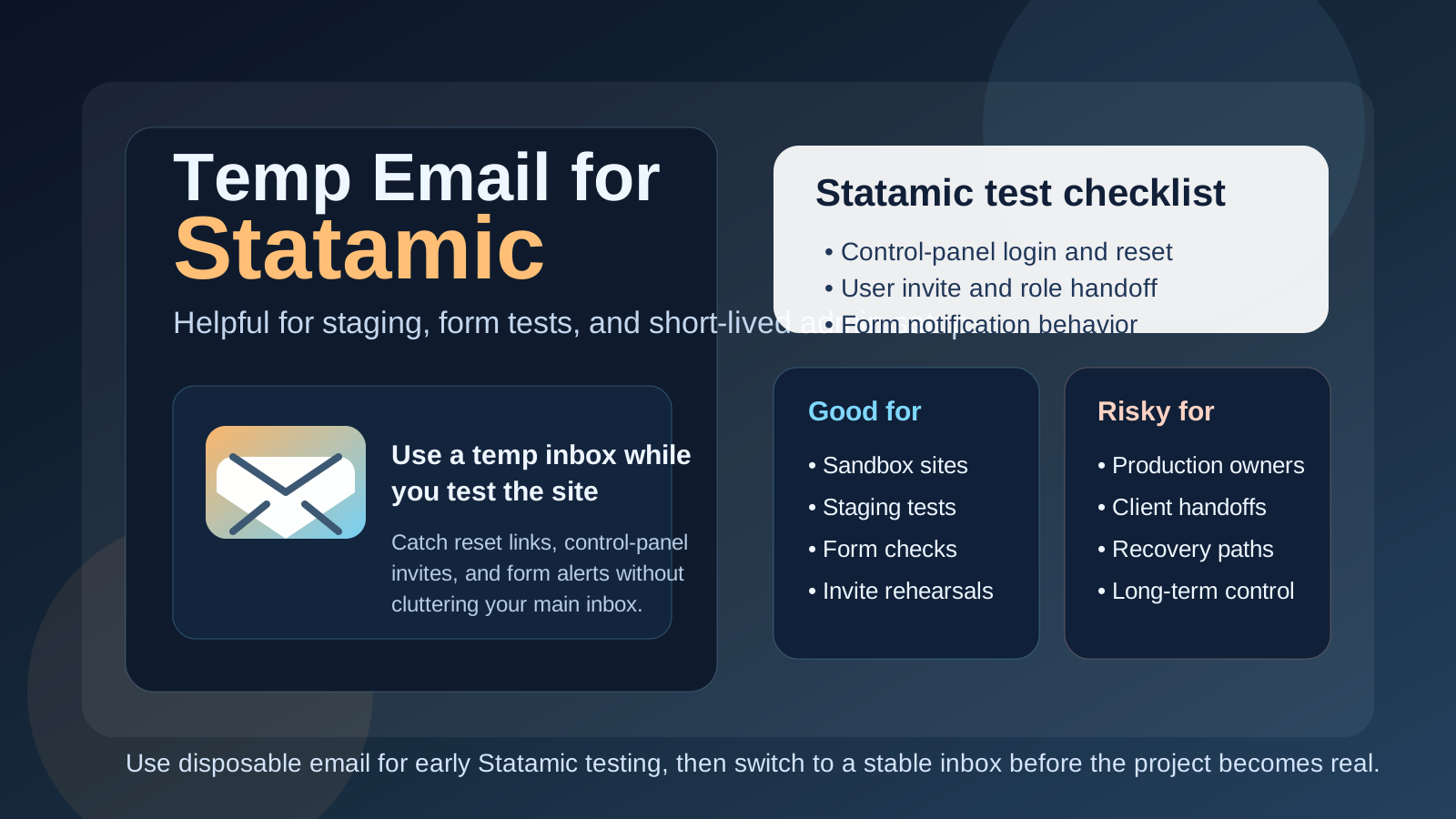
Yes, you can use a temp email for Statamic when you are testing a new site, checking the control panel, or verifying a short-lived staging workflow. It is useful for early evaluation and low-stakes setup, but it is a poor choice for the long-term admin owner because resets, invites, and recovery messages can disappear with the inbox.
That means a temporary inbox is helpful during the testing phase, not something you should leave attached once the site becomes real, shared, or client-facing.
Why this question comes up with Statamic
Statamic often gets evaluated in a hands-on, practical way. Teams spin up a project, log into the control panel, create a few users, test forms, review how content is modeled, and see whether the editorial experience feels right. Agencies may also build quick proofs of concept before deciding whether the stack is a fit for a client site.
That kind of evaluation naturally creates email events. You may need a verification message, a password reset, an invite for another editor, or a notification from a form test. If you are doing this across several prototypes or client demos, your main inbox can get noisy fast. A temporary inbox gives you a clean place to catch those messages without turning your real address into a dumping ground for projects that may never go live.
That is where a service like Anonibox makes sense. You can isolate the experiment, receive the important setup messages, and decide later whether the site deserves a permanent project inbox.
When a temp email makes sense for Statamic
A temp email is most useful when the Statamic environment is clearly disposable, exploratory, or short-lived. Good examples include:
- Testing the control panel before committing to the stack
- Checking password reset or login-related email behavior
- Trying a quick staging setup for an internal prototype
- Reviewing editor invites before a real team rollout
- Testing form submissions and notifications on a sandbox site
- Keeping agency demos or draft builds separate from your daily inbox
In those cases, the inbox is only supporting evaluation. You are not trusting it with long-term ownership. That is the right boundary.
When a temp email is the wrong choice
The risk starts when a temporary inbox stays attached after the project stops being temporary. Statamic sites can move from test build to real production site faster than people expect, especially in agency, freelance, or internal-marketing workflows. A demo becomes a pilot, the pilot becomes the real site, and suddenly the original admin address matters a lot more than it did on day one.
A temp email is a bad fit if it is tied to:
- The main owner or super-admin account
- A production site that a team depends on
- Client handoff and long-term support workflows
- Password recovery for key editorial users
- Security notifications or account-change alerts
- Vendor support, billing, or other durable operational records
Once the site is important, the inbox connected to it should be boring, stable, and fully under your control. Disposable mailboxes are great for reducing clutter, but they are not a dependable foundation for production ownership.
A simple rule that keeps you out of trouble
If the Statamic account exists to test something, a temp email is usually reasonable. If the account exists to own something, recover something, or hand off something real, use a permanent address instead.
That rule works because it forces you to think about the purpose of the account before you create it. It also prevents the common mistake of treating a convenient testing shortcut like a long-term operating decision.
How to use a temp email for Statamic safely
1. Decide whether this is a test site or a real site
Before you create the account, be honest about the project. Is it a one-hour prototype, a short-lived staging build, a feature test, or the beginning of a real client deliverable? If it could become the long-term home of the site, start with a stable inbox from the beginning.
2. Use one disposable inbox per project
Do not mix multiple sites into the same temp inbox. If you do, verification links, password resets, and notification tests blur together quickly. One inbox per project keeps the trail clear and reduces mistakes when you are juggling several builds.
3. Save important links immediately
Temporary inboxes are useful precisely because they are lightweight, so do not assume those messages will be sitting there forever. If you need a verification link, an invite, or a reset URL, grab it right away and store whatever notes matter for the test.
4. Move to a permanent inbox before inviting real people
The best time to switch is before the site becomes shared. Do it before you invite clients, before you start onboarding real editors, and before the site is treated like a durable publishing system. The earlier you make the switch, the cleaner the ownership story will be later.
What to test while the temp inbox is still attached
If you are using a temporary email during a Statamic evaluation, make that testing window count. The goal is not just to prove that one email arrives. The goal is to learn whether the site and its account flows behave the way your team actually needs them to behave.
Control-panel login and recovery
Check how easy it is to create the first user, access the control panel, and recover access if you trigger a reset. If the reset flow is awkward, delayed, or confusing during testing, it will be even more annoying once the site is live and editors are under deadline pressure.
User invites and role handoffs
If your project will involve editors, marketers, or clients, test the invite path early. Can you add someone cleanly? Do the messages make sense? Is the first-login experience clear enough for a non-technical user? A disposable inbox helps you see the flow from the recipient side instead of only from the admin side.
Form notification behavior
Statamic projects often involve forms, lead capture, or simple contact workflows. A temp inbox is useful for testing whether those messages arrive, how they are formatted, and whether the notification logic works. That is a good use case because the test is temporary by nature.
Staging vs production boundaries
Early testing should answer an operational question too: which inboxes belong to staging and which belong to production? Using a temp email on staging is often perfectly fine. Using one for the final owner account on production usually is not. Testing is a good time to define that boundary clearly.
Client handoff readiness
If you build sites for clients, ask yourself whether the current inbox setup would make sense six months after launch. If the answer is no, do not leave the temporary address in place longer than necessary. A project is not truly handoff-ready if the ownership and recovery path still depends on a disposable mailbox.
Common mistakes people make
- Leaving the temp inbox attached for too long: the demo quietly becomes the real site.
- Using the same inbox for multiple projects: messages become difficult to separate.
- Testing signup but not recovery: the reset path often matters more than the first login.
- Inviting real collaborators too early: a quick prototype suddenly carries real team dependence.
- Confusing privacy with permanence: a disposable inbox reduces clutter, but it does not replace durable account ownership.
Temp email vs separate project inbox
It helps to separate two different tools:
- Temp email: best for short-lived testing, evaluation, and disposable staging work
- Separate permanent project inbox: best for ongoing admin control, editor notifications, recovery, and client ownership
People sometimes treat those as interchangeable, but they solve different problems. Temporary email is about low-friction early testing. A permanent project inbox is about long-term control. For serious Statamic work, you may use both, just at different stages of the project.
A practical workflow that works well
- Create a temporary inbox for the initial Statamic sandbox or staging build.
- Use it to test login, password reset, invites, and form notifications.
- Decide whether the site is disposable, ongoing, or clearly headed toward production.
- If the project survives the test phase, move the owner account to a permanent inbox you control.
- Only then invite real collaborators or depend on the address for long-term operations.
This approach gives you the convenience of fast testing without creating a hidden recovery or ownership problem later. It is simple, practical, and much safer than leaving a disposable inbox in charge out of habit.
Quick checklist before you decide
- Is this site just a test, or could it become production?
- Will anyone else depend on this account later?
- Do you need to keep recovery emails long term?
- Are you testing forms or invite flows that only need a short-lived inbox?
- Have you planned when to switch to a permanent address?
If the answers point to short-lived evaluation, a temp inbox is fine. If they point to ownership, continuity, or handoff, use a stable address instead.
Final takeaway
A temp email for Statamic is a smart choice when you are evaluating the CMS, testing control-panel flows, or checking short-lived staging and form behavior. It keeps your main inbox cleaner and lets you verify the email-driven parts of setup without giving every prototype a permanent place in your real mail history.
But once the site starts looking like something you will keep, share, support, or hand off, switch to a permanent inbox immediately. Temporary email is great for early CMS testing. It is not the right home for production admins, team continuity, or account recovery.