A temp email for TalentCards is useful for early frontline training evaluation, learner invite testing, and short-lived demo accounts, but a permanent inbox is safer for team rollouts, learner access, and account recovery.
Use a disposable inbox when you want to inspect the sign-up and email flow quickly without feeding your main address into another long vendor sequence. Switch to a stable inbox as soon as the account matters to real admins, learners, or long-term ownership.
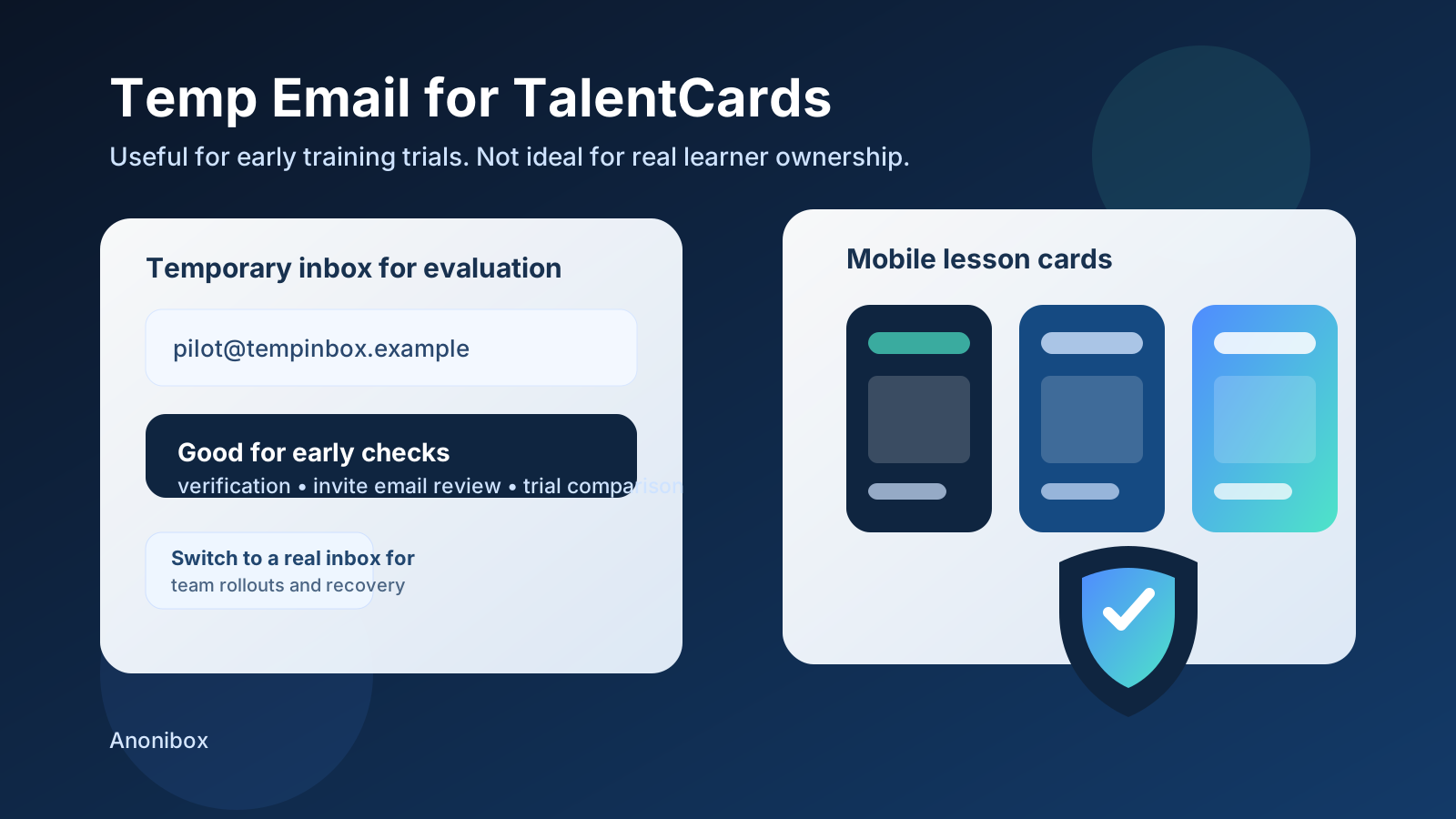
If you are testing TalentCards, email often enters the workflow earlier than people expect. You may need it to create the initial account, verify ownership, test learner invitations, confirm onboarding instructions, or see how a short pilot behaves before your team commits to a broader rollout. That is why people look for a temp email for TalentCards in the first place: they want a low-friction way to evaluate the platform without filling a real work inbox with reminders, promo sequences, and follow-up sales emails before they know whether the tool fits.
That can be sensible. But it is only sensible for the early stage. A temporary inbox is a helpful testing tool, not a good foundation for a training system that may later involve managers, real learners, compliance-sensitive content, or shared administrative ownership. The smart move is to use disposable email where the account is genuinely temporary, then move to a durable address before the account becomes important.
Why people use a temp email for TalentCards
Frontline learning tools are usually evaluated under time pressure. A team may want to test mobile delivery, preview lesson cards, confirm invite emails, and see whether the platform feels lightweight enough for deskless workers. During that stage, people often create several trial accounts, compare different training platforms, and abandon the ones that do not make the shortlist. A temp inbox helps keep that process tidy.
It also reduces the cost of curiosity. You can check the product, receive the confirmation email you need, and move on without immediately tying every experiment to the same long-term inbox. That is where Anonibox fits naturally: it lets you receive the message you need for a quick evaluation while keeping early-stage testing separate from the inbox that handles your real work.
When a temp email for TalentCards makes sense
1. Early sign-up and demo verification
If your only goal is to get into the product, confirm that the account works, and look around, a temporary inbox is usually fine. This is especially true when you are comparing multiple training tools and do not yet know which one deserves a serious pilot. A disposable inbox lets you verify access and judge the interface before you commit anything more permanent.
2. Testing learner invite and onboarding flows
Training platforms are not only about admin dashboards. The email experience matters too. You may want to see how invite emails look, whether the instructions are easy to follow, and whether the learner journey feels clear on first contact. A temp inbox is useful when that is the scope of the test.
3. Short-lived sandbox or QA accounts
If your team wants to test card formatting, sample course behavior, or a quick pilot with dummy users, disposable email can help isolate those tests from your main work addresses. That makes it easier to run several passes without mixing throwaway users with accounts that may later be retained.
4. Comparing frontline learning platforms without long-term inbox clutter
TalentCards may be one option among many. If you are also evaluating tools such as EdApp, Axonify, or other mobile-first training products, it is practical to keep each early evaluation in its own lane. A temporary inbox keeps the comparison cleaner and helps you avoid months of follow-up from products that never move beyond the trial phase.
When a temporary inbox becomes a bad idea
The convenience of disposable email is real, but so is the risk of letting a temporary setup quietly become permanent. That is the point where a useful shortcut starts creating avoidable problems.
1. Real team rollouts
Once a pilot turns into an actual rollout, the inbox behind the admin account matters. Training schedules, learner access, platform notices, and recovery messages should not depend on a temporary mailbox that might disappear when you need it most.
2. Shared admin ownership
If more than one person will manage the environment, a throwaway inbox is the wrong anchor. Teams change, responsibilities move, and access questions always show up later than you expect. A durable shared or team-controlled address is safer for anything beyond personal testing.
3. Learner access and ongoing support
If the account is tied to real learner invites, employee access, or recurring training use, continuity matters more than convenience. You do not want an important admin account linked to an inbox that no one can recover, audit, or rely on later.
4. Account recovery and security follow-up
Recovery flows are easy to ignore when everything is new and working. They matter when something breaks. If you may ever need to reset access, verify ownership, or respond to a security prompt later, the account should already be attached to a permanent inbox.
5. Compliance or records-sensitive training
Some learning programs are casual. Others are tied to onboarding, safety, process change, or proof of completion. Even if TalentCards is only one piece of the workflow, you should not leave critical ownership on an address that was meant to be temporary from the start.
A safe workflow for using temp email with TalentCards
You do not have to choose between total caution and total convenience. The best approach is phased.
- Start with a temp inbox for low-stakes sign-up, demo access, and quick invite testing.
- Document what you learn while the trial is fresh: email timing, clarity of learner instructions, admin friction, and any early setup blockers.
- Decide whether the account will matter. If it was just a product check, let it expire. If the test is turning into a real pilot, move the account to a durable address immediately.
- Reserve permanent inboxes for durable ownership, especially anything linked to live learners, shared admins, or important reporting.
This workflow gives you the speed of disposable email during evaluation without carrying the risk into the stage where continuity actually matters.
What to test during a TalentCards evaluation
If you are using a temporary inbox, use that time well. Do not stop at “the email arrived.” A better test asks practical questions that help you decide whether the platform fits your rollout needs.
- Does the sign-up or verification email arrive quickly and clearly?
- Are learner invitation messages easy to understand on first read?
- Does the onboarding flow feel simple enough for busy frontline staff?
- Can you easily tell what needs to happen next from the email alone?
- Would a real admin be comfortable managing this at scale?
- Does the early experience suggest the tool is light enough for short mobile lessons without adding unnecessary process overhead?
Those checks are more valuable than a basic “trial created successfully” result. They tell you whether the platform feels realistic for actual deployment, which is the point of a good evaluation.
Common mistakes to avoid
Treating an early test account like it will never matter
This is the most common mistake. Teams often create something “just to look around,” then reuse it for a pilot, then keep it for a live rollout. If that starts happening, move to a permanent inbox before the account becomes harder to disentangle.
Using the same disposable inbox for every vendor
If you are comparing several training tools, mixing all confirmation and invite emails into one throwaway inbox can make the test harder to interpret. Separate signups create cleaner evidence and reduce confusion.
Ignoring the learner-facing email experience
Admins sometimes focus only on the dashboard, but adoption often rises or falls on the clarity of the first invite and the simplicity of the next steps. Use the temporary inbox to evaluate that experience directly.
Waiting too long to switch to a real inbox
The best time to upgrade from temporary to permanent is earlier than most teams think. If the account is heading toward a genuine pilot, shared ownership, or any kind of long-lived training initiative, make the change before it becomes a recovery headache.
Should you use a temp email for TalentCards?
Yes, if the account is truly temporary. A disposable inbox is practical for early sign-up checks, learner invite testing, and quick product comparisons. It keeps your main inbox cleaner and lets you evaluate the email-driven part of the experience without committing too early.
No, if the account is becoming operational. The moment TalentCards is tied to real learners, shared administrators, or ongoing access that someone may need to recover later, a permanent inbox is the safer and more responsible choice.
Final takeaway
A temp email for TalentCards is a useful tool for the evaluation phase because it helps you inspect sign-up, invitation, and onboarding flows without turning one short test into months of inbox noise. That is the upside.
The discipline is knowing where the line is. Disposable email works best for temporary accounts. Once the account starts to matter for team rollouts, learner access, or recovery-sensitive ownership, switch to a real inbox and treat it like part of the training infrastructure. Used that way, temporary email is not careless at all. It is simply a clean way to separate experimentation from production responsibility.