A temp email for Totara is fine for a short, low-stakes product evaluation where you only need account verification, a look around the admin workspace, and a quick sense of whether the platform belongs on your shortlist.
It becomes a poor choice once admin ownership, learner access, compliance tracking, SSO setup, or account recovery starts depending on that inbox.
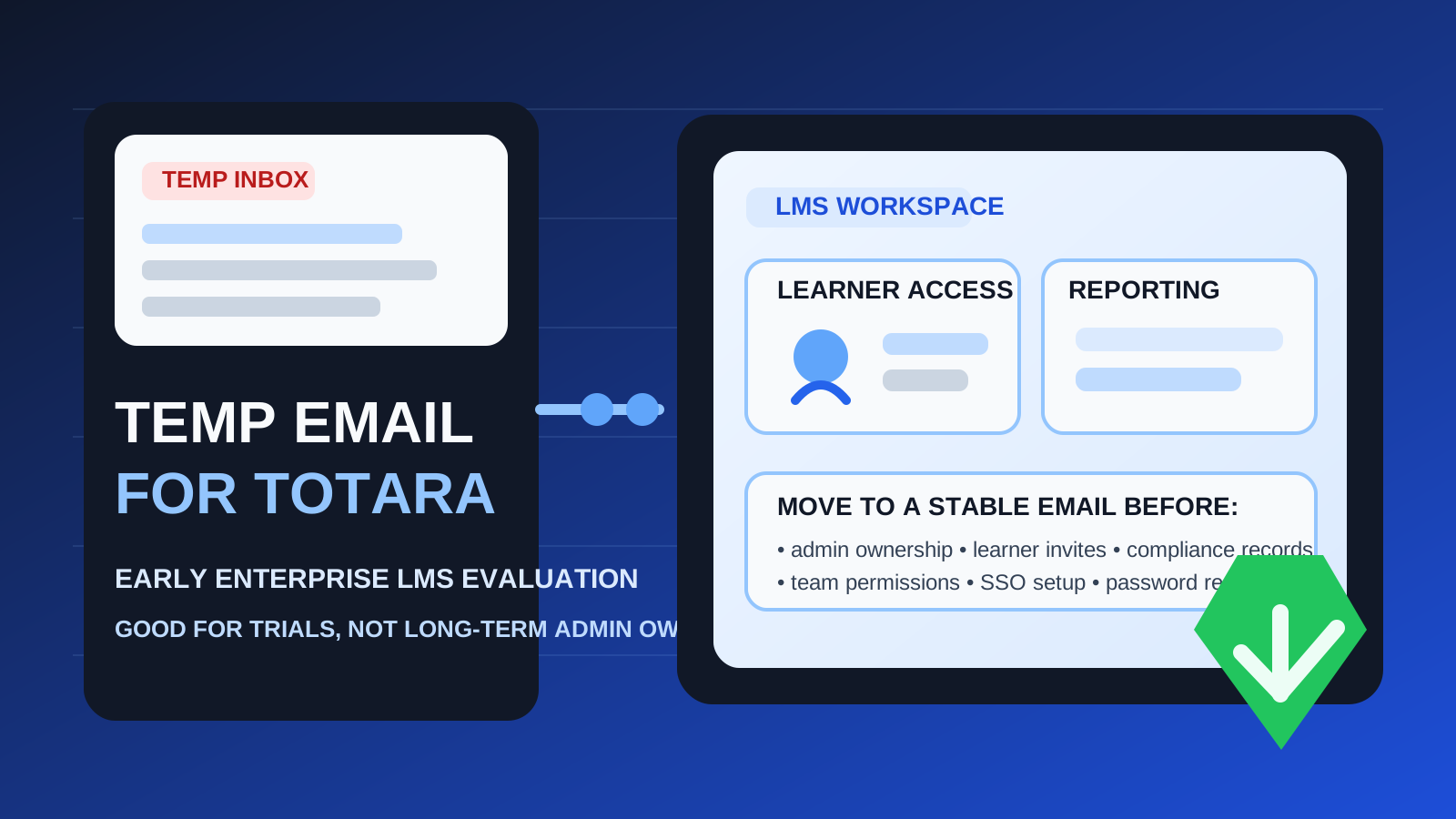
That is the practical answer behind most searches for temp email for Totara. People want a clean way to sign up, verify the account, and inspect the platform without sending another wave of vendor follow-ups, onboarding sequences, and demo reminders into a permanent inbox. For early research, that makes sense. For long-term ownership, it usually does not.
Totara sits in a category where the email behind the account starts to matter faster than people expect. Learning platforms are not just brochureware. Once a workspace becomes useful, it can quickly touch learner records, team permissions, course assignments, reporting, SSO, compliance workflows, and recovery paths. That is why the right answer is not a simple yes or no. It depends on whether you are still evaluating the tool or already moving toward real use.
If you only want to compare platforms, a disposable inbox can be a smart buffer. If the account may become operational, switch to a stable work-owned address before the account becomes important.
Why someone would use a temp email for Totara
The main appeal is control. During vendor research, you often need access before you have decided whether a product is worth deeper attention. A temporary inbox lets you receive the verification email, the first welcome messages, and any basic setup instructions without tying the whole process to your main work account.
That can be especially useful if you are comparing several learning platforms at once. A tool like Anonibox gives you a separate inbox for low-stakes testing, which helps keep trial traffic from getting mixed into real employee onboarding, customer communications, or day-to-day internal work.
Used carefully, a temporary inbox can help with:
- first-pass evaluation when you only want to inspect the product
- vendor comparison across several LMS or learning-platform options
- inbox hygiene so speculative trials do not create long-term clutter
- short-lived research where the account is meant to stay temporary
That is the healthy use case: you are testing the platform, not establishing durable ownership.
When a temporary inbox makes sense
You are running a quick shortlist review
If your team is simply deciding whether Totara deserves a serious pilot, a temp inbox can be a reasonable starting point. You can verify the account, open the workspace, review the interface, and decide whether the product seems relevant before committing a permanent address.
You want to keep trial follow-up out of your main inbox
Learning software vendors often send a lot of post-signup email: product tours, implementation guidance, webinar invites, “book a demo” nudges, feature announcements, and trial-expiry reminders. If you are in the comparison phase, keeping that traffic separate is practical.
You are evaluating alone
A disposable inbox is safest when the account is truly personal and temporary. If only one person is looking around and no one else is depending on the workspace, the operational risk stays low.
Where the temp-email approach starts to break down
Totara becomes much more than a trial the moment the account starts holding value. That is where a burner inbox stops being clever and starts being fragile.
1. Admin ownership matters
Every serious learning platform ends up needing a clear owner. Someone controls settings, roles, permissions, integrations, and the overall shape of the workspace. If that owner account is tied to a throwaway inbox, the foundation is weak from the start.
2. Learner access and enrollment raise the stakes
Once a platform starts touching real learners, the account is no longer disposable. Even if learner emails are managed separately, the core admin account still controls access, configuration, and the workflows people rely on. That is too important to anchor to an inbox that may disappear.
3. Compliance, reporting, and internal records are durable
Many organizations use LMS platforms for training records, progress tracking, mandatory learning, certifications, or partner enablement. Those are not casual experiments. Even during a pilot, reporting and ownership can become meaningful very quickly.
4. Recovery paths only matter after something goes wrong
The biggest weakness of a temp inbox often shows up later. Password resets, suspicious-login alerts, verification prompts, access approvals, and other recovery steps all assume you still control the address on file. If you do not, a useful account becomes much harder to manage.
5. Shared teams make temporary ownership messy
Once HR, L&D, enablement, operations, or customer education teams start to collaborate, nobody wants the platform owner inbox to be an old throwaway signup detail. Clear ownership matters more than inbox convenience at that point.
A simple rule that works
Use a temp email for Totara only while the account is disposable in every other sense too.
If the workspace is just a test, a temporary inbox is fine. If the workspace might become a pilot, a shared evaluation, or the beginning of a real implementation, move to a stable work-owned address early. That one rule prevents most of the avoidable cleanup later.
How to evaluate Totara safely with a temp inbox
1. Decide whether this is research or real rollout
Before signup, ask the honest question: are you just looking, or do you already suspect this may become the real platform? If the answer is “just looking,” a temp inbox is reasonable. If the answer is “this might become our pilot,” start with a durable inbox instead.
2. Keep the first session focused
Do not wander through the platform aimlessly. Go in with a shortlist of what you want to learn:
- Does the admin experience feel understandable?
- Does the learning structure match your organization’s needs?
- Does the product look appropriate for internal training, compliance, or customer education?
- Would your team actually want to keep exploring it after this session?
A focused evaluation makes it easier to keep the account temporary if the answer is no.
3. Avoid attaching real workflows too early
If you are using a temporary inbox, keep the test low stakes. Avoid treating the workspace like a real implementation before you have stabilized ownership. The more real process you attach to the account, the more expensive the cleanup becomes.
4. Save any critical setup details immediately
During trial mode, save the information that actually matters: the login path, onboarding notes, useful configuration observations, and anything you would need if you recreate the workspace under a permanent address later.
5. Switch before the account becomes socially sticky
The best time to move to a permanent inbox is before teammates join, before anyone depends on the account, and before the workspace accumulates too much value. Early migration is boring, which is exactly why it works better.
When a permanent inbox is clearly the better choice
Skip the temp-email step and start with a stable address if any of these are already true:
- you expect to run a real pilot instead of a simple evaluation
- other admins or stakeholders may need access
- the account may end up tied to learner access or reporting
- you care about a clean recovery and security path later
- the workspace belongs to a company process rather than one evaluator’s curiosity
In those situations, the privacy benefit of a burner inbox is smaller than the operational risk it creates.
Common mistakes to avoid
Letting a trial account become the real account
This is the most common mistake. The signup starts as a quick test, the platform seems promising, and the team keeps using the original workspace without fixing the underlying account ownership.
Confusing inbox cleanliness with account safety
Keeping vendor email out of your main inbox is useful. That does not mean a disposable inbox is the right long-term foundation for software your team may actually rely on.
Waiting for a problem before migrating
Once a password reset, admin handoff, or access issue appears, the wrong inbox becomes an urgent problem. Fixing ownership early is easier than fixing it under pressure.
Adding people before stabilizing the owner address
The moment shared access enters the picture, the stakes go up. If multiple people will rely on the workspace, the owner email should already be durable and monitored.
A practical decision checklist
Before you use a temp email for Totara, ask yourself:
- Is this just a first-pass evaluation?
- Will anyone else need access soon?
- Could this workspace turn into a real pilot?
- Would losing access to the inbox create pain later?
- Am I trying to reduce inbox clutter, or am I unintentionally avoiding proper account ownership?
If the account is genuinely temporary, a disposable inbox is fine. If the account may become meaningful, a permanent address is the better choice.
Final takeaway
A temp email for Totara is useful when you want to evaluate the platform quickly, compare it with other LMS options, and keep early-stage vendor messages out of your main inbox.
It becomes risky once admin ownership, learner access, compliance reporting, team collaboration, or account recovery depends on that inbox. Use a temporary address for low-stakes exploration, then move to a stable work-owned address before the platform becomes part of real learning operations.
That way, you get the privacy and inbox-control benefits of a disposable inbox without turning a simple trial shortcut into a long-term ownership problem.