Yes — you can use a temp email for Valamis when you are only evaluating the platform, requesting a demo, or testing the first signup flow.
It is not a good idea to keep a disposable address attached to a real admin account, live learner access, account recovery, or anything your team will depend on later.
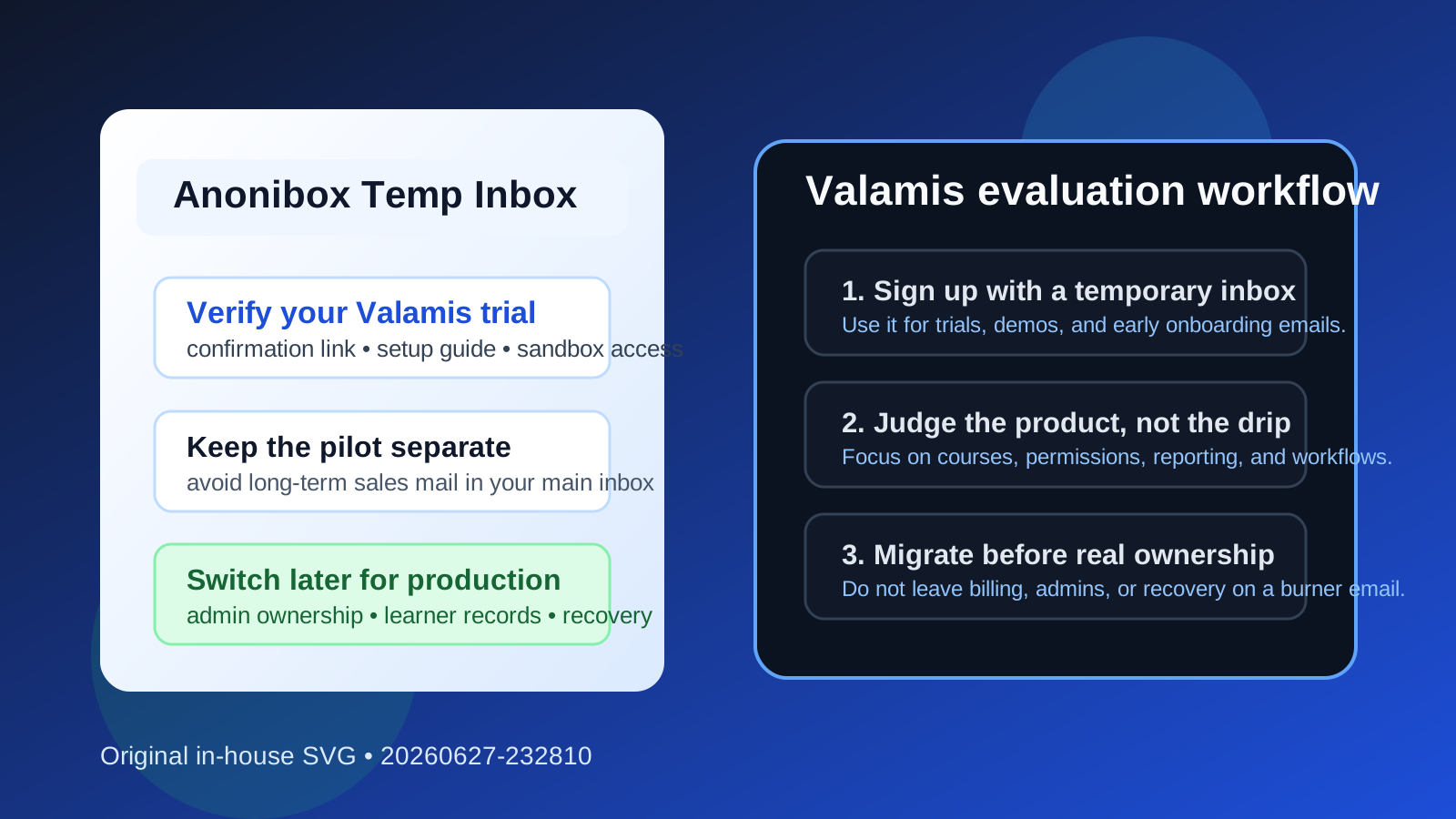
That is the short answer, but the useful answer is more specific. If you are comparing learning platforms, trying out onboarding workflows, or checking whether Valamis is worth a deeper conversation, a temporary inbox can keep the early stage clean. You still receive the verification email, welcome message, and setup instructions you need. You just do not hand over your primary work inbox before the product has earned that level of trust.
That matters because software evaluations rarely stop at one message. A simple form fill often turns into onboarding sequences, webinar invitations, pricing follow-ups, meeting prompts, and long sales nurture emails. If multiple people on your team are reviewing LMS, LXP, or customer-training tools at the same time, those messages stack up fast. A temporary inbox lets you separate early research from long-term ownership.
Why people look for a temp email for Valamis
Most teams do not search for this because they want to hide forever. They search for it because they want control. During the first hours of a software evaluation, you usually need only a few things: a confirmation link, maybe a password setup email, perhaps a product-tour note, and sometimes a calendar invite or trial activation message. What you usually do not need yet is a months-long marketing sequence going to a shared operations inbox or a senior admin’s permanent address.
For learning platforms in particular, this comes up during internal training pilots, partner education reviews, customer academy projects, or employee onboarding experiments. One person may be testing content structure. Another may be checking user roles. Someone else may be evaluating reporting or learner journeys. A temporary inbox helps you get through the first gate without mixing trial traffic with long-term account administration.
When a temp email makes sense
Using a temporary address for Valamis can be practical in a few common situations.
- Early product evaluation: You want to see the interface, setup flow, and first-run experience before introducing the vendor to your real work inboxes.
- Demo or sandbox requests: You need the first confirmation email, but you are not ready to tie the evaluation to a permanent admin identity.
- Shortlisting multiple platforms: If you are comparing several learning systems at once, separate inboxes make it easier to keep each trial organized.
- Avoiding inbox clutter: You want product access without turning one trial into months of generic follow-up.
- Privacy during internal research: Sometimes a team is exploring tools before a budget or project is fully approved. A disposable address keeps that early discovery stage lightweight.
If that is your situation, a service like Anonibox can be a sensible way to handle the first step. You get the message you need, then decide whether the platform deserves a real operational account.
When it stops being a good idea
A temporary inbox is best for evaluation, not ownership. Once a Valamis account starts to matter to real people, the risks change. That is the moment to move to a stable, team-controlled email address.
You should not keep a disposable email attached to the account if the platform is going to hold any of the following:
- live learner enrollments or employee access
- real onboarding programs or customer education content
- administrator permissions or role management
- billing, contracts, or renewal notices
- password resets or account-recovery workflows
- integrations your team depends on long term
That is the line people sometimes forget. A burner inbox is useful for reducing noise in the trial phase. It becomes a liability when the account turns into infrastructure. If someone loses access and the only recovery path goes to a disposable address that no one monitors anymore, you have created an avoidable problem.
A practical workflow that keeps the evaluation clean
1. Create the temporary inbox before signup
Do this first, not halfway through the process. If the whole point is to keep the evaluation segmented, it helps to decide up front that the trial will stay separate from your main inbox until you have a reason to merge it.
2. Use it only for early access messages
Think in narrow terms: verification link, welcome email, setup guide, maybe the first product-tour message. Those are the emails that matter in the beginning. You are not trying to build a permanent home for the account yet.
3. Evaluate the product on substance
Once you are in, stop thinking about the inbox and start judging the platform. For a learning platform review, useful questions include:
- Is the setup experience clear, or does the product feel heavy right away?
- Can admins understand roles, permissions, and content structure quickly?
- Does the learner experience feel clean on desktop and mobile?
- Are reporting and completion views useful for real teams?
- Would this platform still make sense once more stakeholders join the process?
That is the real work. The inbox is just a gatekeeper to the evaluation, not the evaluation itself.
4. Decide early whether the platform is a real contender
If Valamis looks promising after the first review, do not wait too long to move the account to a proper address. The earlier you switch, the lower the chance that key notices, billing information, or recovery messages keep landing in the wrong place.
5. Migrate to a stable team-owned email before rollout
Ideally, the final account should live on a monitored address that outlasts any single employee. That gives your team a much better foundation for administration, recovery, and future ownership changes.
What to watch out for during the trial
Using a temp email is simple, but there are still a few mistakes worth avoiding.
Do not forget the expiration problem
Disposable inboxes are good at being temporary. That is the advantage and the limitation. If you leave the evaluation sitting for too long, you may lose easy access to a message you later wish you had saved. Keep the useful setup notes, links, or credentials you genuinely need.
Do not treat a temporary inbox like a shared team system
If multiple stakeholders are testing the platform, decide who owns the evaluation. A disposable inbox can keep the trial clean, but it does not replace a real team process for documenting findings, saving important links, or deciding whether to continue.
Do not confuse lower commitment with lower caution
A temporary inbox reduces inbox clutter. It does not guarantee anything about the vendor, the account, or the platform’s security model. You should still evaluate permissions, recovery flows, and operational fit the same way you would with any other SaaS tool.
Signs it is time to switch away from the burner address
Move to a permanent address as soon as any of these become true:
- Your team wants to invite real admins or learners.
- The vendor is discussing pricing, procurement, or contract terms.
- You are configuring integrations or deeper account settings.
- You expect the account to remain active after the evaluation window.
- You care about long-term recovery and continuity.
In other words, keep the disposable email for the curiosity phase. Drop it before the dependency phase.
Why this approach works well for software comparisons
The biggest benefit is clarity. When you evaluate several platforms, a temporary inbox strategy makes it easier to compare products without letting every vendor camp in your main inbox. Instead of losing track of which email belongs to which trial, you create clean boundaries. That can make the shortlisting process calmer, faster, and easier to audit later.
It also helps with stakeholder expectations. If your team is exploring options quietly before a broader rollout decision, keeping early vendor outreach contained is often more practical than letting every experiment turn into a chain of follow-up mail. You still get access. You just preserve more control over how much attention each tool gets.
Final verdict
Using a temp email for Valamis is a sensible move when you are in the early evaluation stage and mainly need access, verification, and first-run guidance. It helps you avoid clutter, keep vendor outreach contained, and compare tools without immediately committing your main inbox.
It stops being sensible once the account becomes operational. If the platform is moving toward real admin ownership, learner access, billing, or recovery responsibility, switch to a stable team-controlled email before that dependence grows. Used that way, a temporary inbox is not a shortcut or a gimmick. It is simply a clean way to separate early product testing from long-term account ownership.