A temp email for TrackerRMS is useful for early ATS and CRM evaluation, demo signups, and low-stakes workflow testing.
It becomes risky once the account supports shared recruiter activity, live candidate pipelines, team ownership, or recovery you may need later.
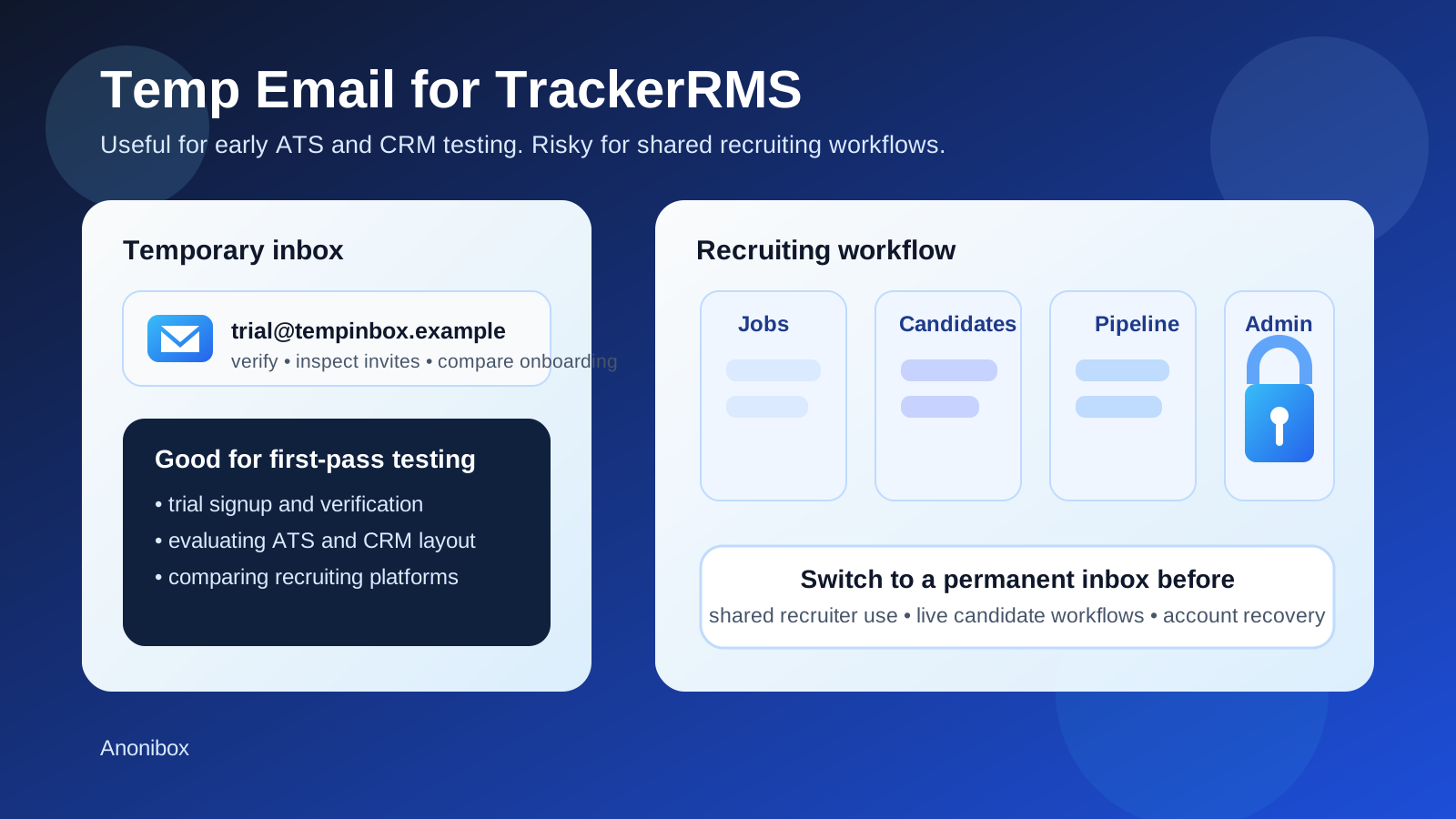
If you are evaluating TrackerRMS, email gets involved much earlier than many teams expect. Even if your main goal is to compare applicant tracking, CRM workflows, candidate pipeline views, or recruitment-automation features, you still run into inbox-dependent steps like account verification, recruiter invites, password resets, candidate notifications, and ownership changes. That is why people search for a temp email for TrackerRMS in the first place. They want to look around, test the basics, and avoid committing a primary work inbox to another long stream of vendor and product email before they know whether the platform belongs on the shortlist.
That instinct is reasonable. A disposable inbox can be a smart tool during early evaluation, especially when an agency or internal recruiting team is comparing several ATS and recruiting CRM platforms at once. A service like Anonibox lets you receive the verification message, inspect the early setup flow, and move on without feeding extra onboarding mail into a mailbox that already handles real candidates and clients.
The important part is knowing when temporary convenience stops being a good trade. A throwaway inbox works well for a throwaway evaluation. It becomes fragile once the account starts holding real recruiter activity, shared team context, long-lived pipelines, or administrative responsibility. In other words, temporary email is helpful for learning the product. It is much less helpful for running the work.
Why people use temporary email with TrackerRMS
Recruiting software trials can get noisy fast. One signup often leads to verification emails, onboarding checklists, webinar invites, product tours, booking prompts, and follow-up sequences from both the platform and the sales team. If you are reviewing multiple recruiting tools during the same week, your inbox fills up before you have even made a serious buying decision.
That is where temporary email helps. It gives you a controlled inbox for the first stage of testing so you can focus on the product itself instead of the communication overhead around it.
- Inbox control: you can isolate setup and onboarding mail from your everyday recruiting inbox.
- Cleaner tool comparisons: each trial can have its own inbox, which makes evaluation easier to track.
- Low-friction testing: you can verify the account, inspect basic workflows, and decide whether the platform deserves deeper attention.
- Better privacy during early research: you do not have to share your long-term address with every vendor before you know whether the product fits.
When a temp email for TrackerRMS makes sense
1. First-look product evaluation
If you simply want to see how TrackerRMS feels, a temporary inbox is usually fine. This is the stage where you are asking basic questions: does the dashboard make sense, does the recruiter workflow feel intuitive, are the ATS and CRM features presented clearly, and is the setup process smooth enough to justify a proper pilot?
At that point, the account is still low-stakes. You are not yet depending on it for real teams, real clients, or live candidate records.
2. Short-lived sandbox or proof-of-concept testing
Some teams create a trial only to validate assumptions. They want to check how jobs, candidates, notes, tasks, and communication flows behave before investing more time. If the environment is clearly temporary and you know it will be discarded after the evaluation, using a disposable inbox is a sensible match.
3. Comparing recruiting CRM and ATS platforms side by side
TrackerRMS is not usually evaluated in isolation. Teams often compare it with products such as Crelate, Vincere, BrightMove, Bullhorn, or Loxo. During that comparison phase, separate inboxes make it easier to isolate messages, activation steps, and early onboarding friction from one tool to the next.
4. Testing email-triggered behavior
Sometimes the point of the trial is not only the interface. You may want to inspect verification timing, reset flows, invite behavior, or notification wording. A temporary inbox is a practical way to test those email-driven edges without mixing them into an operational mailbox.
When temporary email becomes risky
The risk with temporary email is not that it fails immediately. The risk is that a temporary account quietly stops being temporary. Recruiting teams do this all the time: they create something “just to test,” then keep using it because the trial turns into a pilot, the pilot turns into a team workspace, and the team workspace starts holding real activity.
1. Shared recruiting workflows
If more than one recruiter, coordinator, sourcer, or manager depends on the account, the inbox behind it should be stable. Shared recruiting work always outlives the first person who created the account. That means ownership, recovery, and access continuity matter more than the convenience of a disposable address.
2. Live candidate and client activity
The moment you start treating the environment like a real recruiting workspace, temporary email becomes a weak foundation. Candidate records, notes, tasks, outreach sequences, and workflow settings are too important to tie to an inbox that may disappear or become inaccessible.
3. Admin continuity and account recovery
Password resets and ownership confirmation do not feel important until something breaks. But once an account carries real value, recovery becomes critical. If you may need to confirm ownership later, reset access, or pass admin control to another person, a durable inbox is the safer choice.
4. Long-running pilots that behave like production
Teams often say an environment is “just a pilot” long after it has become central to daily work. If recruiters are returning to it every week, if stakeholders depend on it, or if it stores real process decisions, the account has already crossed into long-lived territory. The inbox should reflect that.
A smart workflow for using temp email with TrackerRMS
You do not need to choose between reckless experimentation and premature commitment. The safest approach is usually phased.
- Start with a temporary inbox for low-stakes signup, first-pass evaluation, and initial workflow exploration.
- Document what matters early, including setup friction, verification timing, invite behavior, and any parts of the product that feel especially strong or weak.
- Decide quickly whether the account will matter. If the product is not a fit, let the account go. If the platform is moving forward into a real pilot, switch to a permanent inbox before the account becomes operational.
- Reserve stable inboxes for stable ownership, especially for admins, shared teams, and environments that may contain live recruiting work.
This keeps your evaluation lightweight without letting a disposable setup turn into a long-term dependency.
What to test during an early TrackerRMS evaluation
If you are already using a temp inbox, make the evaluation count. Do not stop at “the email arrived.” Use the trial to answer practical questions your team actually cares about.
- How quickly do verification and reset emails arrive?
- Is the onboarding process clear for a recruiter who is seeing the tool for the first time?
- Do invite and permission flows make sense if more teammates join later?
- How easy is it to understand the difference between candidate workflow, CRM workflow, and admin setup?
- Which parts of the account still feel safely disposable, and which parts already look like shared infrastructure?
Those questions produce a much better signal than a shallow feature tour. They help you decide whether the product deserves a deeper rollout or should stay in the rejected pile.
Common mistakes to avoid
Treating every recruiting account like a throwaway
Not every proof of concept stays temporary. If the platform starts gaining momentum internally, move the account to a stable inbox earlier than you think you need to.
Letting one recruiter own everything through a disposable address
Even if only one person creates the trial, recruiting systems rarely stay single-owner for long. Team continuity matters, and that includes continuity of the inbox behind the account.
Optimizing only for inbox cleanliness
A temporary inbox solves clutter. It does not solve ownership, collaboration, or recovery. Those require a real address that the right people can access over time.
Keeping a disposable address attached after real workflow setup begins
The danger point is usually not signup day. It is the moment real jobs, real candidate records, or real process settings start accumulating. That is when you should migrate, not after you are already locked into the old setup.
Should you use a temp email for TrackerRMS?
Yes, if the account is truly temporary. A disposable inbox is a practical way to test signup, inspect early workflow design, and compare TrackerRMS against other recruiting systems without turning every experiment into a permanent inbox relationship.
No, if the account is becoming meaningful. Once the platform is tied to shared recruiting workflows, team collaboration, admin ownership, or candidate activity that matters beyond the trial, a stable inbox is the safer choice.
Final takeaway
A temp email for TrackerRMS works well when you want a clean, low-commitment way to evaluate the platform. It helps you verify the account, inspect the onboarding flow, and compare recruiting software without sending extra clutter into your main work mailbox.
The key is discipline. Use temporary email for experimentation, then switch to a permanent inbox before the account becomes important to people, pipelines, or recovery. Used that way, temporary email is not sloppy at all. It is simply a smart boundary between early testing and real recruiting operations.