Yes, you can use a temp email for Umbraco when you are testing a new CMS setup, checking editor flows, or evaluating a short-lived staging environment. It is useful for early experimentation, but it is a poor choice for production admins, long-term team ownership, account recovery, and any workflow your site will actually depend on.
That makes temporary email a practical tool for quick Umbraco testing, not a safe long-term inbox for the people and systems responsible for keeping a real site running.
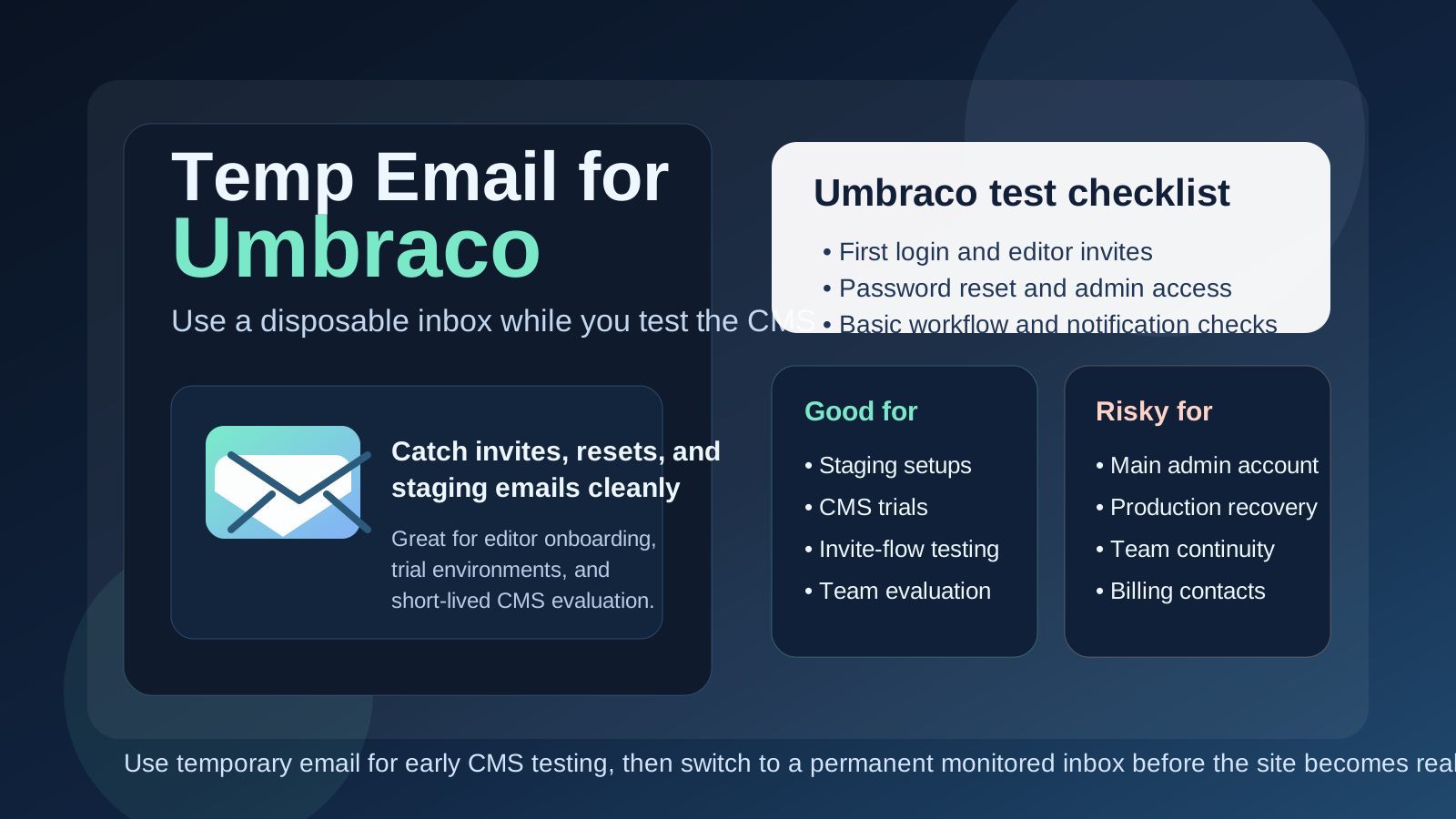
Why people look for a temp email for Umbraco
Umbraco usually enters the picture when a team is building something more deliberate than a casual consumer account. An agency may be setting up a proof of concept for a client. A developer may be reviewing the editorial experience. A content team may want to see how user roles, notifications, or invite flows behave before anyone commits to a full rollout. Even when the goal is simple, the setup often creates more inbox traffic than people expect.
You may need an email address for account creation, environment access, editor invites, password resets, trial access, contact forms, staging notifications, or vendor follow-up. If you are comparing several CMS options at the same time, those messages pile up quickly. A disposable inbox gives you a clean way to receive the messages you need without tying your permanent address to every experiment.
That is where a tool like Anonibox fits naturally. It helps isolate the early testing phase so you can evaluate Umbraco’s email-dependent workflows without immediately turning your everyday inbox into a holding pen for every trial, sandbox, and one-off admin account.
When a temp email makes sense for Umbraco
Temporary email is most helpful when the work is clearly limited, exploratory, or non-production. Good examples include:
- Testing a fresh Umbraco install before your team decides whether to keep it
- Reviewing editor onboarding and invite flows in a staging environment
- Checking password reset, account confirmation, or basic notification behavior
- Comparing Umbraco against other CMS platforms during a shortlist process
- Keeping trial requests, sandbox messages, and vendor follow-up out of your primary inbox
- Running short-lived agency or client demos before there is a real owner for the site
In those situations, the inbox exists to support evaluation rather than long-term ownership. That is the sweet spot for a disposable address.
When a temp email is a bad idea
The trouble starts when a temporary setup choice quietly becomes permanent. This happens more often than people admit. A staging environment survives longer than expected, the temporary admin becomes the main admin, or a quick demo evolves into the real project because everyone is busy and the early shortcuts never get revisited.
A temp email is the wrong tool if it controls or receives messages for:
- The main administrator or primary site owner
- Production editor invites or long-term user management
- Password recovery for important accounts
- Security notices, account changes, or login alerts
- Billing, hosting, licensing, or vendor communication
- Any live website your team or client is depending on
Once the site matters, inbox stability matters too. If an address can disappear, become inaccessible, or stop being monitored, it should not sit behind the keys to a production CMS.
A simple rule that prevents most problems
If the account exists to test something, a temp email can be fine. If the account exists to own something, recover something, or coordinate something important, use a permanent inbox you control.
That one rule is enough to avoid most of the messy situations people later describe as “nobody remembers who set this up” or “we can’t reset the admin account now.” Temporary email solves short-term clutter. It does not solve long-term accountability.
How to use a temp email for Umbraco safely
1. Decide whether the environment is truly disposable
Before you sign up or create users, ask a blunt question: is this a throwaway test, or is there a realistic chance this becomes the real project? If there is any serious chance the same environment will survive into production, start with a permanent monitored inbox instead of planning a migration you may never complete.
2. Keep one inbox per environment
Using the same disposable inbox for several CMS tests sounds efficient until confirmation emails, reset links, and invites all blur together. One environment or project per inbox makes it much easier to tell which messages belong to which setup.
3. Save the messages you actually need
During early testing, you usually only need a handful of emails: the verification message, the first login details, a reset link, or an invite. Capture those quickly. Temporary inboxes are useful because they are lightweight, but that also means you should not treat them like permanent archives.
4. Switch before real people depend on it
The right moment to move away from a temp inbox is before the environment becomes shared, client-facing, or operationally important. Do it before you invite the wider team, before you document the environment as “official,” and definitely before the site becomes business-critical.
What to test while you still have the disposable inbox
If you are going to use a temp email during the evaluation stage, make the most of that window. The goal is not just confirming that one email arrives. The goal is seeing whether Umbraco’s email-dependent workflows behave the way your team expects.
Account creation and first access
Test the full first-login experience. Does the initial access flow feel clear? Do invite or setup messages arrive promptly? Does anything about the process create friction for non-technical editors? Early confusion here usually gets worse at scale, not better.
Password resets and recovery
Do not stop after the first login. Trigger a reset on purpose. Recovery flows are among the most important email-driven paths in any CMS because they tend to matter most when something has already gone wrong.
Editor and admin invites
If your future workflow involves more than one user, test how user invitations and permissions feel in practice. It is better to discover now whether the process is smooth, confusing, or too dependent on one shared account.
Notifications and workflow emails
Depending on your setup, you may want to see how approval messages, basic notifications, or environment-related emails behave. You are not just checking deliverability. You are checking whether the messages make sense to the humans who will receive them later.
Overall workflow fit
The bigger question is whether Umbraco fits the way your organization actually works. Can editors navigate it comfortably? Does user management feel manageable? Are there hidden email dependencies that could become fragile later? A temp inbox helps you test these questions cleanly, but it should not hide the long-term ownership decisions underneath them.
Common mistakes people make
- Leaving the temp email in place too long: the test environment quietly becomes the real environment.
- Using one inbox for multiple projects: reset links and invites get mixed together.
- Forgetting who controls the original account: later, no one knows which inbox owns the first admin.
- Testing only login, not recovery: the reset path often matters more than the first welcome email.
- Using a disposable inbox for production governance: convenience during setup becomes risk during operations.
Temp email vs a separate permanent project inbox
It helps to separate two different privacy tools:
- Temp email: good for early testing, short-lived signups, and low-stakes experiments
- Separate permanent project inbox: good for real ownership, team continuity, security alerts, and account recovery
People sometimes treat those as interchangeable, but they solve different problems. A temp inbox reduces short-term clutter and exposure. A permanent project inbox creates long-term control. For serious Umbraco use, you often want both at different stages rather than expecting one inbox strategy to do everything.
A practical workflow that works well
- Create a temporary inbox for the proof of concept, trial, or staging environment.
- Use it to test account access, password resets, invites, and basic notification behavior.
- Decide whether the environment is disposable, ongoing, or likely to become production.
- If the project survives the test phase, move ownership to a permanent monitored inbox.
- Only then tie real team operations, long-term admins, and recovery responsibility to that account.
This keeps your evaluation clean without turning a convenient shortcut into a future access problem.
Where Anonibox fits in the process
Anonibox is most useful at the front of the workflow. It helps you isolate early CMS experiments, catch verification messages, and keep trial clutter out of your main inbox while you decide whether Umbraco is the right fit. That is a real practical benefit when multiple environments and vendors are competing for attention at the same time.
What it should not become is the permanent home for a production CMS account. If the environment matters, the inbox behind it should be stable, monitored, and intentionally owned by the right person or team.
Final takeaway
A temp email for Umbraco is a smart move when you are evaluating the platform, testing editorial workflows, or setting up a short-lived staging environment. It keeps your main inbox cleaner and helps separate low-stakes experiments from the rest of your work.
But once Umbraco becomes a real site with real editors, real recovery needs, and real operational ownership, switch to a permanent inbox immediately. Temporary email is excellent for early CMS testing. It is the wrong foundation for production administration, team continuity, and account recovery.