Yes — a temp email for Kontent.ai can be useful for early signups, test spaces, and one-off team invites when you want to keep your main inbox private.
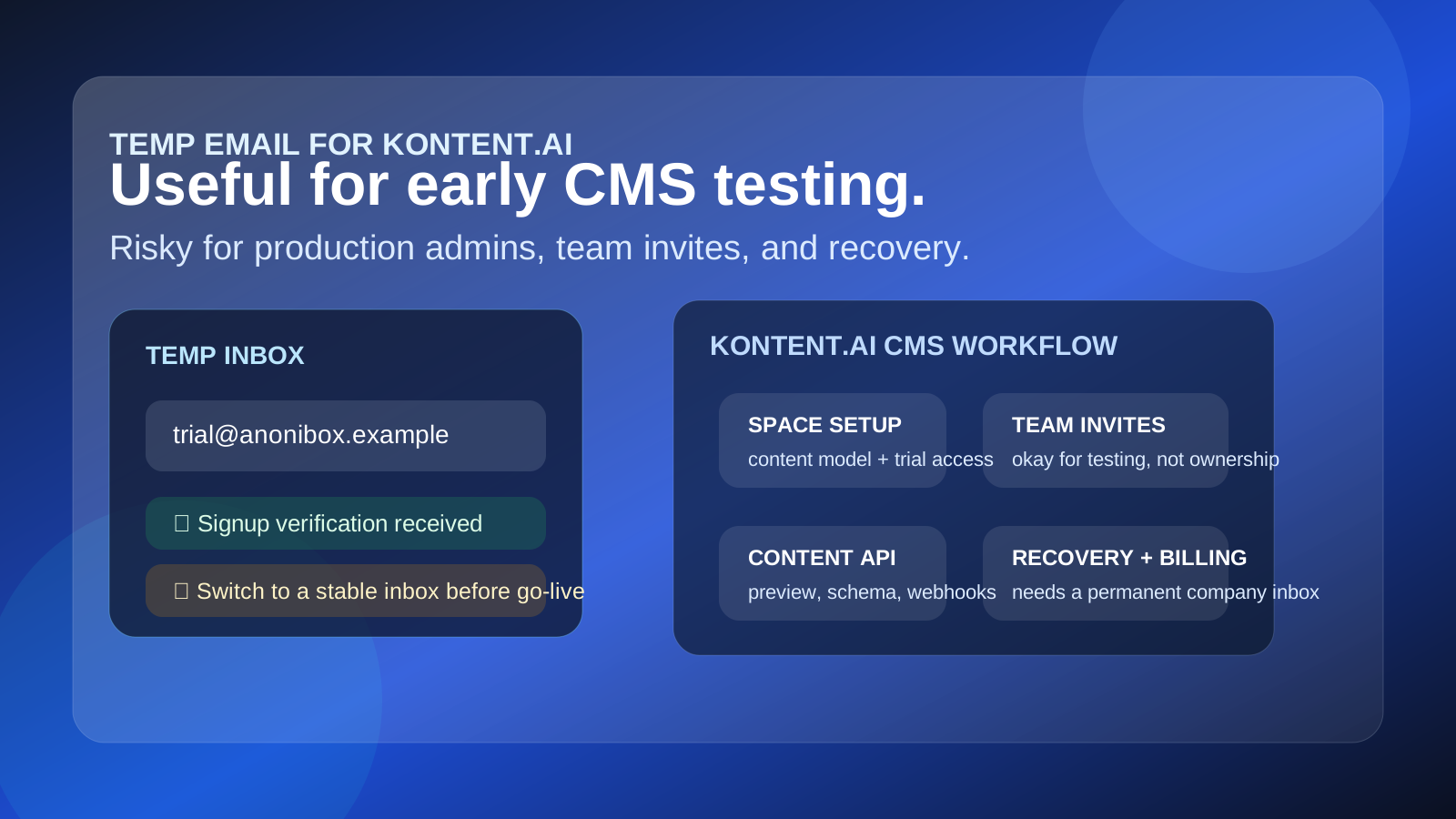
It works well for short CMS evaluations, but it is a poor long-term address for production admins, billing, shared ownership, or account recovery.
Why people look for a temp email for Kontent.ai
Kontent.ai sits in the headless CMS category, which means teams often evaluate it before they commit to content modeling, API integrations, editor roles, localization workflows, and long-term governance. In practice, that evaluation stage usually starts with a signup form, a verification email, and a stream of onboarding messages.
If you are comparing several CMS platforms at once, that email trail gets noisy fast. You may receive space setup confirmations, walkthroughs, invite prompts, webinar links, nurture emails, and repeated requests to book a demo before you even know whether the product belongs on your shortlist.
That is the simple reason a temporary inbox can help. It lets you verify the account, inspect the first-run experience, and decide whether the platform is worth deeper effort without immediately tying the whole evaluation to your primary work inbox. If you use a tool like Anonibox for early research, the first phase stays cleaner and easier to manage.
When a temporary inbox makes sense
A temp email is most helpful during the low-stakes part of the evaluation. That usually includes the first login, first workspace creation, or a quick look at the product before more people get involved.
- Opening a fresh trial to review the onboarding flow
- Testing whether space creation and email verification are straightforward
- Checking the admin UI before connecting real teams or production content
- Comparing multiple headless CMS tools without sending every vendor into your main inbox
- Keeping one-off demos separate from your normal procurement or operations mail
That use case is reasonable because the early phase is mostly about learning. You are not yet making the temp inbox the permanent home for the CMS. You are using it as a low-friction gatekeeper while you figure out whether the platform deserves more time.
When a temp email becomes a bad idea
The risk starts when a trial turns into a real project. A headless CMS is not just another app with a casual login. Once content editors, developers, marketers, and admins depend on it, the email address tied to the account becomes operationally important.
A temporary address is a poor fit for these situations:
- Primary admin ownership of a live or soon-to-be-live workspace
- Billing contacts or plan management
- Shared editorial environments with multiple teammates
- Password resets and account recovery
- Longer proofs of concept that require stable communication
- Production workflows where invite history and ownership matter
If the inbox disappears, or if no one on the team can reliably access it later, the convenience you gained at signup turns into recovery friction. That is why a temp email works best at the start, not as the permanent backbone of CMS administration.
How to use a temp email for Kontent.ai without making a mess
1. Use it only for the first checkpoint
Think of the temporary address as a screening tool. Open the account, verify the email, and explore the product. If Kontent.ai immediately looks wrong for your needs, you protected your main inbox. If it looks promising, you can still switch to a stable address before the trial becomes operational.
2. Save the messages that actually matter
During the first session, you usually only need a few things: the verification message, perhaps the first invite email, and maybe an onboarding link worth sharing later. Capture those right away. Temporary inboxes are useful because they stay disposable, but that also means you should not assume every message will remain available forever.
3. Keep testing separate from ownership
It is fine to open a trial with a temporary inbox. It is not fine to leave the entire project hanging off that inbox once teammates, stakeholders, or clients are depending on it. The moment ownership becomes shared or business-critical, move the account to a stable address the right people control.
4. Do not confuse privacy with permanence
A temp inbox can reduce inbox clutter and limit unnecessary vendor follow-up, but it does not solve every security or governance problem. It is only one layer in a broader decision about who owns the account, how recovery works, and how the team manages access over time.
What to evaluate inside a Kontent.ai trial
If you are going to use a temporary inbox for the first stage, make that stage count. Focus on the product questions that actually decide whether the CMS is worth deeper adoption.
Content model flexibility
Can your team structure content types cleanly? Look at fields, references, taxonomy options, reusable components, and whether the modeling experience feels precise instead of clumsy.
Editor experience
Headless CMS decisions are not only technical. Editors still need a sane daily workflow. Review how intuitive the interface feels for people who create, update, localize, or review content regularly.
Localization and workflow controls
If your team publishes across regions or approval layers, test localization support, versioning, review flow, and role-based access carefully. These details often matter more than the landing page copy that sold you on the trial.
API and integration fit
Check whether the CMS feels realistic for your stack. Developers will care about APIs, SDKs, webhooks, preview behavior, and how content gets into your frontend or broader marketing stack. A smooth early trial should make these paths legible, not mysterious.
Invite and permission management
This is especially relevant to the temp-email question. Review how team invites work, how roles are assigned, and what happens when responsibility shifts between people. If the platform seems likely to become a shared workspace, you should plan the switch to a durable inbox quickly.
Practical benefits of using a temp email early
- Less inbox clutter: you avoid long nurture sequences from a platform you may reject in a day.
- Cleaner comparison: one inbox per vendor can make trial notes easier to manage.
- Better separation: early CMS research does not immediately blend into your normal work communication.
- Faster first-pass screening: you can verify the account, inspect the dashboard, and move on without overcommitting.
These benefits are real, but only if you keep the scope modest. The temp inbox should help you learn faster, not tempt you into careless long-term ownership.
Common mistakes to avoid
- Leaving the temp inbox attached too long: if the platform reaches shortlist status, move to a stable address before the trial grows roots.
- Using one disposable inbox for every vendor: that defeats the organizational advantage and makes messages harder to track.
- Inviting a whole team before switching ownership: shared workspaces deserve a real admin contact.
- Ignoring recovery implications: if an account reset depends on an inbox you no longer control, the problem becomes urgent at the worst possible time.
- Judging the product by email polish instead of workflow quality: the best CMS for your team is not the one with the prettiest nurture sequence.
When to switch to a permanent address
You should move off the temporary address as soon as the trial becomes serious enough to involve actual ownership or continuity. Good trigger points include:
- You want multiple teammates in the workspace
- You are planning a longer proof of concept
- You are discussing plans, contracts, or procurement
- You are building real content models that may survive into production
- You would care if a password reset went to the wrong place
At that stage, a stable company-controlled inbox is simply more professional and safer. It reduces future cleanup, preserves accountability, and makes recovery less painful.
A simple rule of thumb
If the question is, “Do I just want to see how Kontent.ai works?” a temporary inbox is reasonable. If the question is, “Will this account matter next month?” the answer is usually no — do not leave it on a temporary address.
That rule keeps the workflow honest. Use a temp inbox for exploration, not for permanent administration.
Final takeaway
A temp email for Kontent.ai is useful for early CMS testing because it helps you verify the account, review the onboarding flow, and compare the product without flooding your main inbox. That is the right moment for a temporary address.
But as soon as the account starts to matter for team invites, admin continuity, billing, or recovery, switch to a stable email your organization actually controls. That balance gives you the privacy and convenience of a temporary inbox without creating a future ownership headache.