A temp email for WorkRamp is useful for early LMS and enablement testing, learner invite checks, and short-term demos, but a permanent inbox is safer for production admins, real learner access, and account recovery.
If you only need to test signup flows, email notifications, or a proof-of-concept workspace, a disposable inbox can keep the trial separate from your everyday mailbox. Once the account starts to matter for real training programs, shared ownership, or long-term records, switch to a stable address you control.
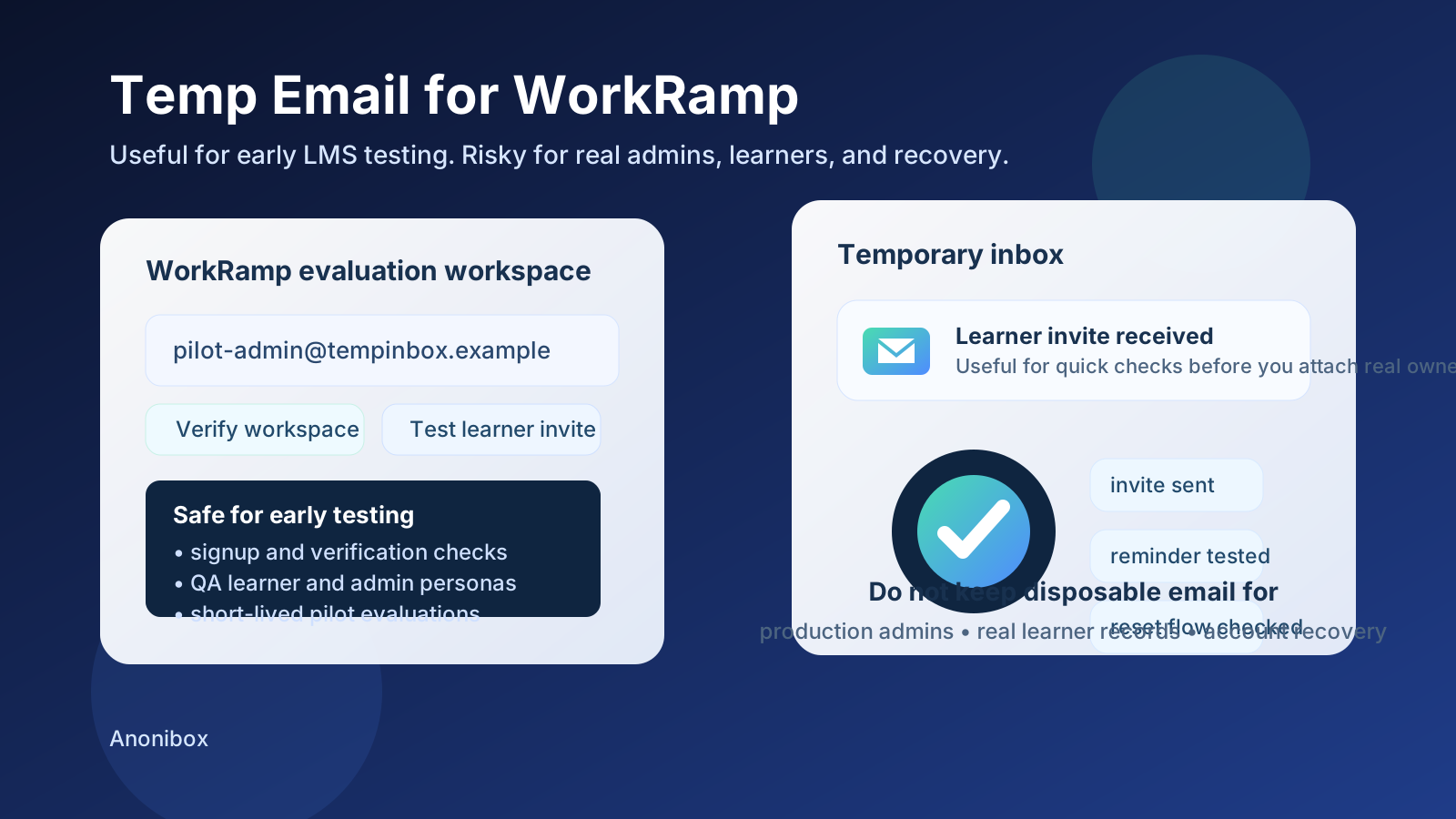
People look for a temp email for WorkRamp because early evaluation is usually messy. A training or enablement team may spin up multiple test users, trigger invite emails, review onboarding copy, compare learner journeys, or check whether reminders and completion messages land as expected. That does not always justify tying everything to a personal or shared production inbox on day one.
WorkRamp can sit in several workflows at once: internal learning, sales enablement, partner education, and customer training. That makes the email question more important than it first appears. A temporary inbox can be a practical tool during the first round of testing, but it becomes a bad foundation once the account holds real admin responsibility, learner data, or long-lived training records.
Why people use a temp email for WorkRamp
Most LMS and enablement evaluations start before a team is ready to commit. You may just want to see how quickly a workspace can be created, how the first welcome message looks, whether learner invitations are clear, or how certification and reminder emails behave. In that early stage, a disposable inbox gives you some breathing room.
That is where a tool like Anonibox is handy. You can receive the verification email, inspect the first onboarding steps, and keep low-stakes tests out of the inbox that already handles your real work. It is a simple way to separate experimentation from long-term account ownership.
When a temp email for WorkRamp makes sense
1. Early platform evaluation
If your goal is just to evaluate the product, a temporary inbox is often enough. You can sign up, verify the account, and review the first-run experience without committing your main address to another long vendor sequence. This is especially useful if you are comparing WorkRamp against other LMS, customer education, or enablement tools at the same time.
2. Testing learner invitation and notification flows
Email matters in training software. Learners may receive invitations, reminders, completion notices, and certification messages. Before you decide whether a platform is a fit, it is reasonable to test how those messages look and how the links behave. A throwaway inbox is fine when the goal is to inspect the workflow rather than build a lasting learner record.
3. Staging, sandbox, and QA users
Training teams often need a few short-lived accounts to simulate different roles. Maybe you want one admin, one manager, and a few learner personas. Maybe you want to confirm how a course assignment appears or how overdue reminders are phrased. Temporary inboxes keep those checks isolated, and they make cleanup easier when the test is over.
4. Pilot setup before wider internal rollout
Sometimes the first person evaluating WorkRamp is not the same person who will own it later. In that case, a temporary inbox can reduce clutter during the exploratory phase. The key is treating it as temporary on purpose, not letting it accidentally become the address tied to a live program months later.
When a temporary inbox becomes a bad idea
The convenience of a disposable inbox can hide the bigger question: what happens if this account stops being temporary? That is when the risk shows up.
1. Production admins and workspace owners
If the account controls the real workspace, use a permanent address. Admins may handle user permissions, course publishing, integrations, reporting, and security settings. Losing access because the original inbox was disposable is an avoidable problem.
2. Real learner access and completion records
Once real employees, partners, or customers are involved, email stops being just a signup detail. It becomes part of how people access content, reset passwords, receive reminders, and confirm progress. A temporary inbox is a poor fit for accounts tied to courses that matter, certifications that may be referenced later, or any learning record that needs durability.
3. Shared training teams
Enablement and L&D work is rarely owned by one person forever. Teammates change, responsibilities shift, and programs get handed off. If the original login depends on an inbox that disappears, the handoff becomes harder than it should be. Shared ownership needs a durable address and a clear recovery path.
4. Billing, SSO, integrations, and account recovery
The more important the account becomes, the more you need a stable inbox. Billing notices, security alerts, domain verification, integration updates, and recovery messages all matter later, not just during signup. A temporary inbox works best when there is nothing important to recover in the future.
A safe workflow for using temp email with WorkRamp
You do not need to choose between total caution and total convenience. The safest approach is phased.
- Start with a temporary inbox for low-stakes evaluation and basic email-flow testing.
- Review the critical messages, such as verification, learner invites, password-reset emails, or reminder notices.
- Document what you learn while the test is still fresh: timing, clarity, link behavior, and any friction in the onboarding path.
- Decide quickly whether the account matters. If the test is over, abandon it. If the platform is moving into a real pilot or rollout, update the account to a permanent address before people start depending on it.
This gives you the convenience of disposable email without letting a throwaway test account quietly turn into infrastructure.
What to check during early WorkRamp testing
If you are using a temp email for WorkRamp, do not stop at “the message arrived.” Treat the test like product research.
- Signup speed: How quickly can you create the workspace and confirm the account?
- Email clarity: Are invitations and onboarding messages easy to understand on first read?
- Learner experience: Do the email links send users to the right place without confusion?
- Reminder behavior: Are nudges and follow-ups useful, or do they feel noisy?
- Role separation: Can you tell the difference between what belongs in a short-lived test and what should move to a permanent admin account?
That makes the temporary inbox part of a practical evaluation process, not just a disposable shortcut.
Common mistakes to avoid
Treating a pilot like a toy forever
Many teams say they are “just testing” and then keep building inside the same workspace. If the test starts to involve real users, real courses, or real ownership, the temporary phase is over even if no one formally announces it.
Using one inbox for every persona
If you use the same disposable inbox for admin testing, learner invites, and reminder checks, it gets harder to separate what happened. Distinct test roles are easier to understand when the incoming messages are not all mixed together.
Forgetting to save the useful observations
Temporary inboxes are not meant to be archival systems. If a welcome email reveals a confusing step, or a reminder flow shows a problem, write it down immediately. Do not assume the message will still be there when someone asks about it later.
Keeping temporary email tied to something operational
The longer a temporary inbox stays attached to an important workspace, the more likely it is to create unnecessary cleanup. Moving to a durable address early is usually easier than waiting until recovery or ownership becomes urgent.
Should you use a temp email for WorkRamp?
Yes, if the use case is truly temporary. A disposable inbox is sensible for early evaluation, invite testing, password resets, QA users, and short-lived demos. It helps keep your real inbox cleaner while you figure out whether the platform is worth a deeper rollout.
No, if the account is becoming important. Once WorkRamp is tied to production admins, real learners, shared team workflows, certifications, or recovery-sensitive access, a permanent inbox is the safer choice.
Final takeaway
A temp email for WorkRamp is a practical tool when you are still exploring. It lets you verify the account, inspect the learner and admin email flows, and compare the platform without immediately committing your primary inbox to a long chain of follow-ups.
The important part is knowing when to stop treating the account like a test. If the workspace is about to support real training programs, shared admins, or long-term learner records, move to a stable email address before convenience turns into preventable account risk. Used that way, temporary email is not reckless. It is just good evaluation hygiene.