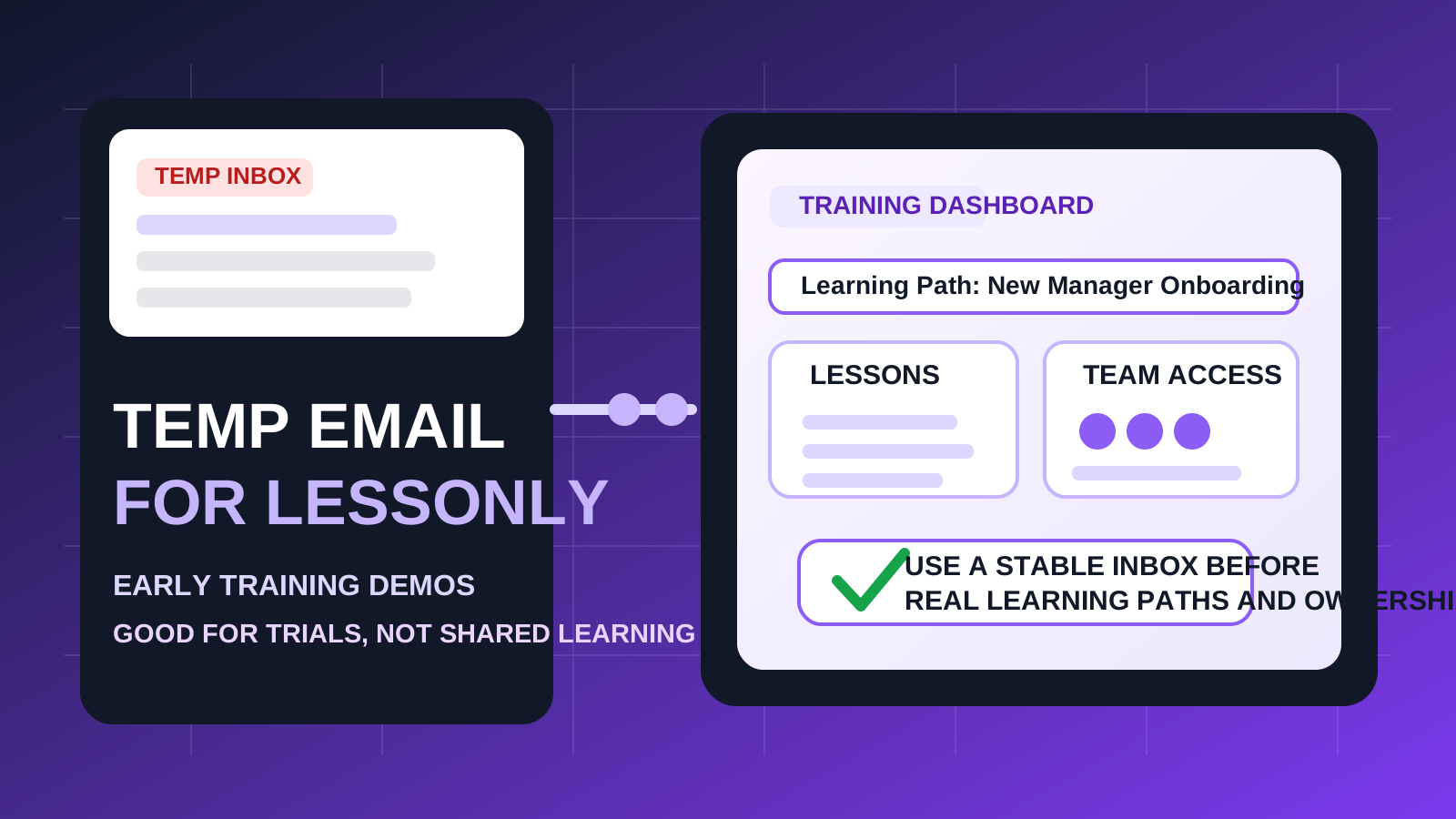
A temp email for Lessonly can be useful for a quick demo, trial signup, or low-stakes training-platform evaluation.
It becomes a bad fit once real learning paths, manager coaching, shared enablement content, or long-term account recovery start to matter.
If you are comparing sales enablement or training platforms, it is easy to rack up more follow-up email than actual product insight. The moment you request a demo, start a trial, or open a workspace, you often get welcome emails, setup checklists, webinar invites, learning-content nudges, admin prompts, and sales follow-ups. A temporary inbox can keep that early noise away from your main address while you decide whether the product deserves serious time.
Lessonly fits that pattern. You may want to verify the signup, explore the interface, preview how lessons and paths are organized, and see whether the workflow feels right before you let another platform live permanently in your inbox. That is where a temporary email can help. But once the account starts holding real team structure, coaching materials, assigned training, or progress records, a throwaway inbox stops being tidy and starts being fragile.
When a temp email for Lessonly makes sense
There are a few situations where using a temporary inbox is practical rather than reckless.
- Fast product comparison: you are evaluating Lessonly next to tools such as Spekit, Showpad, Highspot, or Seismic and want to keep each trial separate.
- One-person evaluation: you only want to inspect the dashboard, basic workflow, and initial setup before deciding whether the tool is worth deeper review.
- Inbox hygiene: you do not want your main address tied to another enablement vendor until you know the product is relevant.
- Low-stakes testing: you are not yet assigning real learners, uploading important content, or treating the account like a long-term system.
In that early stage, disposable email does what it is supposed to do. It helps you receive the first messages you need without handing your long-term inbox over to every tool you test for thirty minutes.
Why people use temp email for training and enablement tools
Training platforms usually try to prove value quickly. That means the first few hours often come with a burst of communication: account verification, quick-start steps, path-building suggestions, best-practice prompts, and meeting-booking nudges. If your team is reviewing several platforms in the same week, the email clutter alone can make trials feel heavier than they really are.
A temp email keeps that first-touch experience contained. You can verify the account, judge the onboarding, and move through the product without mixing one more trial sequence into the inbox you actually use for work every day.
Where a disposable inbox becomes risky
Lessonly is not just another newsletter signup. It is the kind of platform that can become part of onboarding, training, coaching, and shared knowledge workflows. That changes the risk profile quickly.
1. Learning paths may matter later
A quick demo is easy to discard. A real training setup is not. If you create learning paths, practice lessons, onboarding sequences, or role-based content that you may revisit later, tying them to a temporary inbox creates an avoidable recovery problem.
2. Team assignments and shared access need continuity
As soon as managers, trainers, or teammates are involved, the account is no longer a private sandbox. Invitations, role changes, learner assignments, and admin permissions are much easier to manage when the account belongs to a stable email address you actually control long term.
3. Coaching and feedback workflows are not disposable
Enablement tools often become useful because they help teams practice, review, and improve. Once feedback, lesson ownership, or training milestones start living inside the platform, the account matters more than the original signup convenience.
4. Account recovery is the obvious weak point
The most common failure is not during signup. It happens later, when you need a reset link, a security confirmation, or a way back into an account that turned out to be more important than expected. A temporary inbox works until the platform expects you to still have it.
A simple rule of thumb
Use a temp email for Lessonly if you are testing the product. Do not use one if you expect the account to support real team learning, shared materials, or ongoing ownership.
That line is simple, but it solves most of the confusion. Disposable inboxes are good for filtering and first impressions. Stable inboxes are better for systems that may become part of onboarding, training, or revenue enablement.
How to evaluate Lessonly safely with a temp inbox
1. Decide whether this is a trial or a rollout
Before you sign up, be honest about the goal. If you only want to understand the product, compare the interface, and see whether it belongs on your shortlist, a temporary email is reasonable. If you already suspect the account may become a real training workspace, start with a permanent email instead.
2. Save the important first-day messages
During early evaluation, you usually only need a few emails:
- the verification link
- welcome or onboarding messages
- any setup instructions worth reviewing later
- notes about admin setup, content import, or demo scheduling
Capture what matters while the inbox is fresh. Do not treat a disposable account like a reliable archive.
3. Test the product on purpose
Do not sign up casually and then leave half-built content behind. Move through the product deliberately. For example, you might review:
- how easy it is to create or organize lessons
- whether practice, feedback, or coaching flows feel natural
- how clearly the platform handles learner assignments
- whether reporting and completion tracking are useful
- how well the tool fits your actual onboarding or enablement process
A temporary inbox works best when the evaluation itself is focused. The goal is not just to avoid spam. The goal is to make a faster, cleaner decision.
4. Switch to a permanent email before the account matters
The safest moment to move away from a disposable inbox is before anyone else depends on the account. Do it before real team members join, before meaningful content lives there, and before the platform becomes part of an actual workflow.
When a stable inbox is the better choice from day one
Start with a permanent email if any of the following are true:
- you expect to keep using the workspace after the initial trial
- you plan to invite colleagues, managers, or trainers
- you will upload or build content you may need later
- you care about preserving completion records or training structure
- you want a dependable recovery path for admins or owners
- you are evaluating the platform for a real rollout, not just curiosity
In those cases, the small privacy win from a temp inbox is usually outweighed by the inconvenience it creates later.
Realistic examples
Example 1: solo comparison across several platforms
You are comparing Lessonly with a handful of enablement tools and only want to see which one deserves a deeper demo. A disposable inbox is reasonable here. You can verify the account, explore the workflow, and avoid letting every vendor camp in your main inbox for months.
Example 2: trial content for internal decision-making
If you are building a few sample lessons just to understand the product, a temp inbox may still work, as long as you accept that the account itself should remain temporary too. Do not build anything you would be upset to lose.
Example 3: real onboarding or sales training setup
This is where the temporary approach usually stops making sense. If the platform may store useful materials, learner assignments, or team structure, start with a stable inbox and avoid the cleanup later.
Common mistakes to avoid
- Using a throwaway inbox for a non-throwaway account: the biggest mistake is creating something valuable in an account you may not be able to recover.
- Waiting too long to switch: once the workspace starts looking useful, move to a stable email early instead of promising yourself you will fix it later.
- Ignoring team dependencies: as soon as another person joins, the account stops being just your private test.
- Thinking only about spam: inbox clutter is annoying, but ownership and recovery are more important once a tool matters.
- Leaving trial content in limbo: if the evaluation becomes serious, recreate or migrate cleanly rather than keeping a half-temporary setup alive.
A better workflow for temp email and training software
- Use a temp inbox for shortlisting and first-pass evaluation.
- Verify the account and inspect the onboarding flow.
- Test the core features in one focused session.
- Decide quickly whether the platform is disposable to you or strategically useful.
- If it is useful, move to a permanent inbox before team access, learning paths, and recovery become important.
This keeps your privacy strategy realistic. You get the inbox protection you want during early research without pretending a disposable address is appropriate for every stage of product adoption.
Final takeaway
A temp email for Lessonly is useful for early demos, quick platform comparisons, and low-stakes evaluation.
It is the wrong long-term choice once the account starts holding real team learning paths, shared content, coaching workflows, or recovery responsibility. Use a temporary inbox to decide whether Lessonly deserves attention, then switch to a stable address before the account turns into something you actually need to keep.