A temp email for ZITADEL is useful for early identity testing, signup verification, and invite flows, but it becomes risky once real users, admins, or recovery depend on that inbox.
Use it for disposable proofs of concept and QA accounts, then move to a durable mailbox before the project becomes a real shared identity system.
That is the practical answer. Identity platforms often begin as experiments: a developer wants to validate registration, a team wants to compare several auth stacks, or a product lead wants to see whether email verification and reset flows feel solid enough for a demo app. In that stage, a temporary inbox can genuinely help. You get the messages you need, you keep your main mailbox cleaner, and you avoid turning every short-lived test into long-term email clutter.
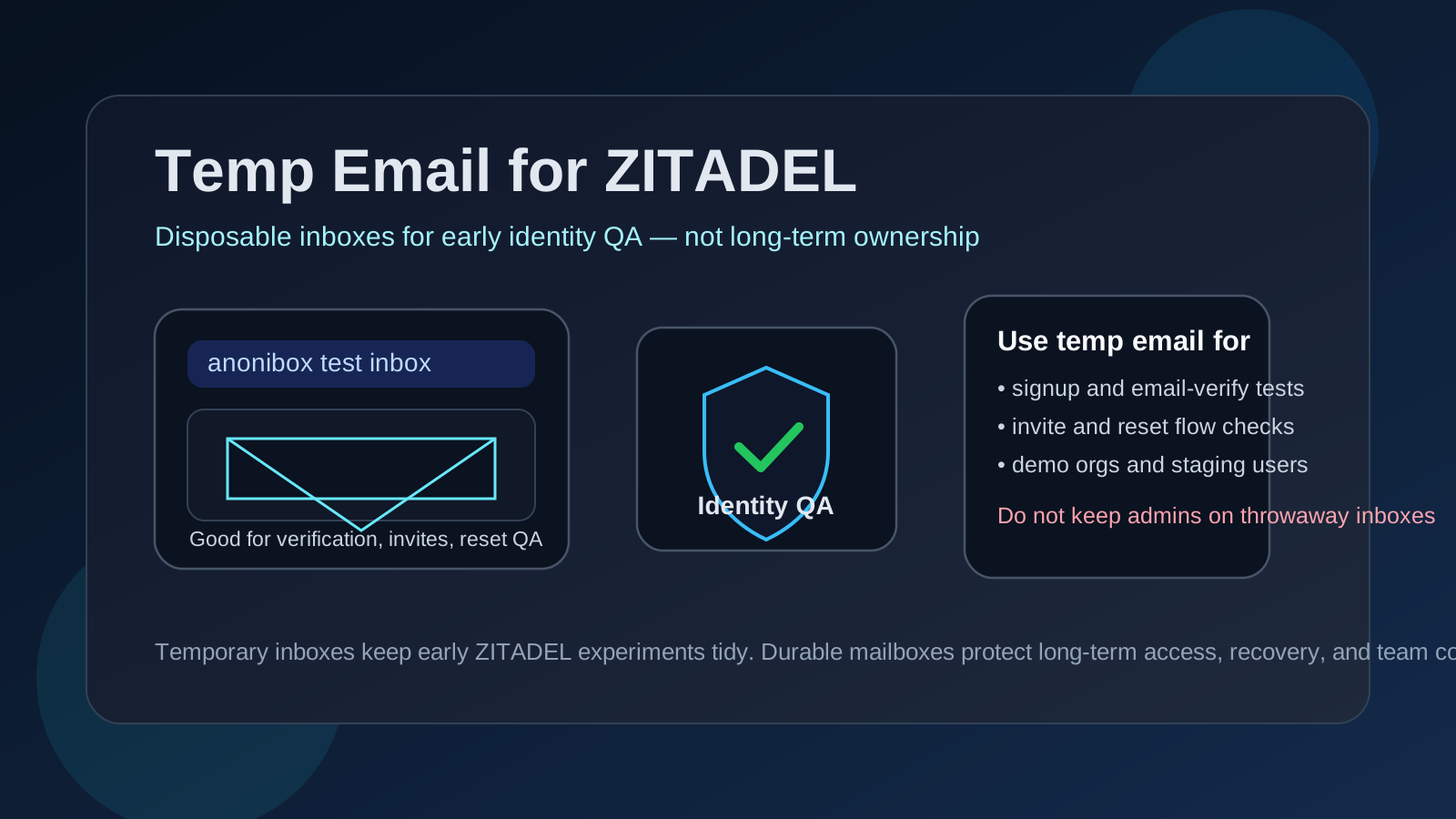
The catch is that identity experiments have a habit of becoming permanent before anyone says so out loud. A harmless prototype becomes staging. Staging becomes the build a client sees. An account created quickly during setup becomes the account everyone assumes can always recover access later. That is where a disposable inbox stops being helpful and starts becoming fragile.
If you already use Anonibox to separate low-stakes signups from your normal inbox, ZITADEL is a reasonable place to apply the same habit. Just keep the rule clear: temporary inboxes are fine for temporary testing, not for long-term ownership.
Why people look for a temp email for ZITADEL
Most people searching this are not trying to game anything. They usually want a cleaner workflow while they test identity features, compare providers, or build an early proof of concept.
Common reasons include:
- testing sign-up and email verification without using a main work address
- checking invite, onboarding, or organization-style access flows
- running password-reset and recovery QA
- creating short-lived demo users for a staging app
- comparing ZITADEL with other identity tools before making a real commitment
- keeping workshop, hackathon, or prototype messages out of a daily inbox
Those are all reasonable use cases. Identity testing often creates more mail than people expect: verification messages, welcome emails, reset links, follow-up notices, and repeated tests while the app changes. A disposable inbox gives you a controlled place to watch those messages land without mixing them into everything else.
When a temp email for ZITADEL makes sense
A temporary inbox works best when the account is truly disposable in practice.
1. You are evaluating ZITADEL for the first time
If the goal is simply to see whether ZITADEL belongs on your shortlist, a temp inbox is a practical tool. You can complete account verification, inspect the first-run experience, and decide whether the product fits your use case before you tie another identity project to a permanent mailbox.
2. You are testing email-driven user journeys
Identity systems are not just about admin screens. Real users experience verification links, reset flows, invitations, and account-related emails. If you only need to confirm whether those messages arrive and whether the flows feel usable, a temporary mailbox is a clean way to do it.
3. You need short-lived demo or QA users
Many teams create throwaway users for proof-of-concept builds, internal walkthroughs, or staging QA. If those users only exist to prove the flow works, a temp inbox is a sensible fit. It helps keep test identities separate from real users and reminds everyone that the account is not meant to last.
4. You are comparing identity providers side by side
It is common to compare several auth platforms in one burst of research. Without separate inboxes, welcome sequences and verification messages from multiple vendors start to blur together. A temporary inbox can make the ZITADEL evaluation easier to isolate and easier to review later.
When it becomes a bad idea
The risk shows up when the mailbox stops being tied to a throwaway user and starts being tied to something important.
A temp email is the wrong choice when the account may end up connected to:
- production sign-in for real customers or staff
- long-lived administrator access
- shared team ownership or handoffs
- recovery steps you may genuinely need later
- security or operational communication that should not disappear
- client-facing environments that may survive past the initial demo
That distinction matters because identity tooling becomes foundational quickly. A throwaway inbox might feel harmless when you are only checking a verification email. It feels much less harmless when an important admin login, a real support path, or an account-recovery question points back to a mailbox nobody controls anymore.
A practical workflow that keeps testing fast without creating long-term risk
1. Treat the temp inbox as a test-user tool, not an ownership tool
This is the most important rule. Using a temporary mailbox for a disposable test user is one thing. Using one for the identity that could later represent ownership, administration, or recovery is another. If the account might matter after the testing window, start with a durable mailbox or migrate early.
2. Create the inbox before you begin the workflow
Generate the temporary address first so every verification message, invite, or reset email lands in the same place. That makes the evaluation cleaner and keeps the whole test run easier to review.
3. Record what you actually learn
The mailbox can be disposable, but your findings should not be. Capture whether verification arrived promptly, whether reset links worked, whether invite flows felt smooth, and whether the user experience matched what your team needs. That way the inbox stays temporary instead of quietly becoming the only record.
4. Switch before the environment matters
The best time to move to a durable mailbox is before the account becomes important. If the prototype survives, if another teammate needs dependable access, or if the environment is being treated as more than a quick experiment, migrate the critical identities while the change is still easy and obvious.
ZITADEL-specific situations where temporary email can help
Email verification and first-login testing
This is the cleanest use case. You want to know whether a new user can sign up, receive a verification message, and complete the first login flow without confusion. A temp inbox lets you observe that experience directly without dragging a permanent mailbox into another early-stage auth setup.
Invite and onboarding checks
If you are testing how invited users experience access, a temporary inbox can help you validate the message content, link behavior, and onboarding flow. That is especially useful when your goal is QA rather than long-term account ownership.
Password-reset and recovery-flow QA
Reset emails are part of the real user journey, so they deserve testing. A temporary inbox is fine when you are proving the flow works. The mistake is allowing the same disposable mailbox to remain attached to any identity that may later need genuine recovery.
Demo organizations or staged app environments
Many teams create demo spaces, staged builds, or internal previews that need a handful of fake users. That is a reasonable place to use temp email. Just make sure those users stay clearly marked as test accounts and do not get confused with any account that matters to support, operations, or production rollout.
Best practices if you use a temp email with ZITADEL
- Use one temp inbox per test scenario when possible. It is easier to understand results when each inbox maps to one user or one environment.
- Label test users clearly. Avoid mixing disposable accounts with long-lived admins or real customer identities.
- Keep at least one durable admin path. Even if you use throwaway users for QA, long-term access should always point to a mailbox your team controls.
- Document the flows you validated. Save the observations, not the dependency on the disposable inbox.
- Decide early whether the project is still experimental. Once the answer becomes “this might actually last,” the mailbox strategy should change too.
Signs you have outgrown the temporary inbox
If any of these become true, it is time to stop relying on a temp mailbox for that ZITADEL path:
- the environment now has real stakeholders or real user traffic
- more than one teammate needs stable access
- the same identity is starting to look like a long-term admin account
- you would be frustrated if the mailbox vanished today
- support, recovery, or operational continuity now depends on that account
That last point is the simplest test. If losing the inbox would be mildly annoying, temporary may still be fine. If losing it would create recovery trouble, ownership confusion, or a security headache, the temporary phase is over.
Final answer
A temp email for ZITADEL is a good fit for early testing: email verification, invite checks, reset-flow QA, demo users, and short-lived identity experiments. It keeps your inbox cleaner and makes side-by-side provider testing easier to manage.
But it should stay in the testing lane. Once the account could matter for real users, admin access, or recovery, move to a mailbox your team controls for the long term. That gives you the speed of a disposable workflow without letting a temporary shortcut become a permanent identity problem.