Yes — a temp email for PropelAuth is useful when you are testing B2B authentication flows, organization invites, or a demo app and do not want another long-term software signup in your main inbox.
No — it becomes a bad long-term choice once the account controls production tenants, shared admin access, billing, security notices, or recovery your team may need later.
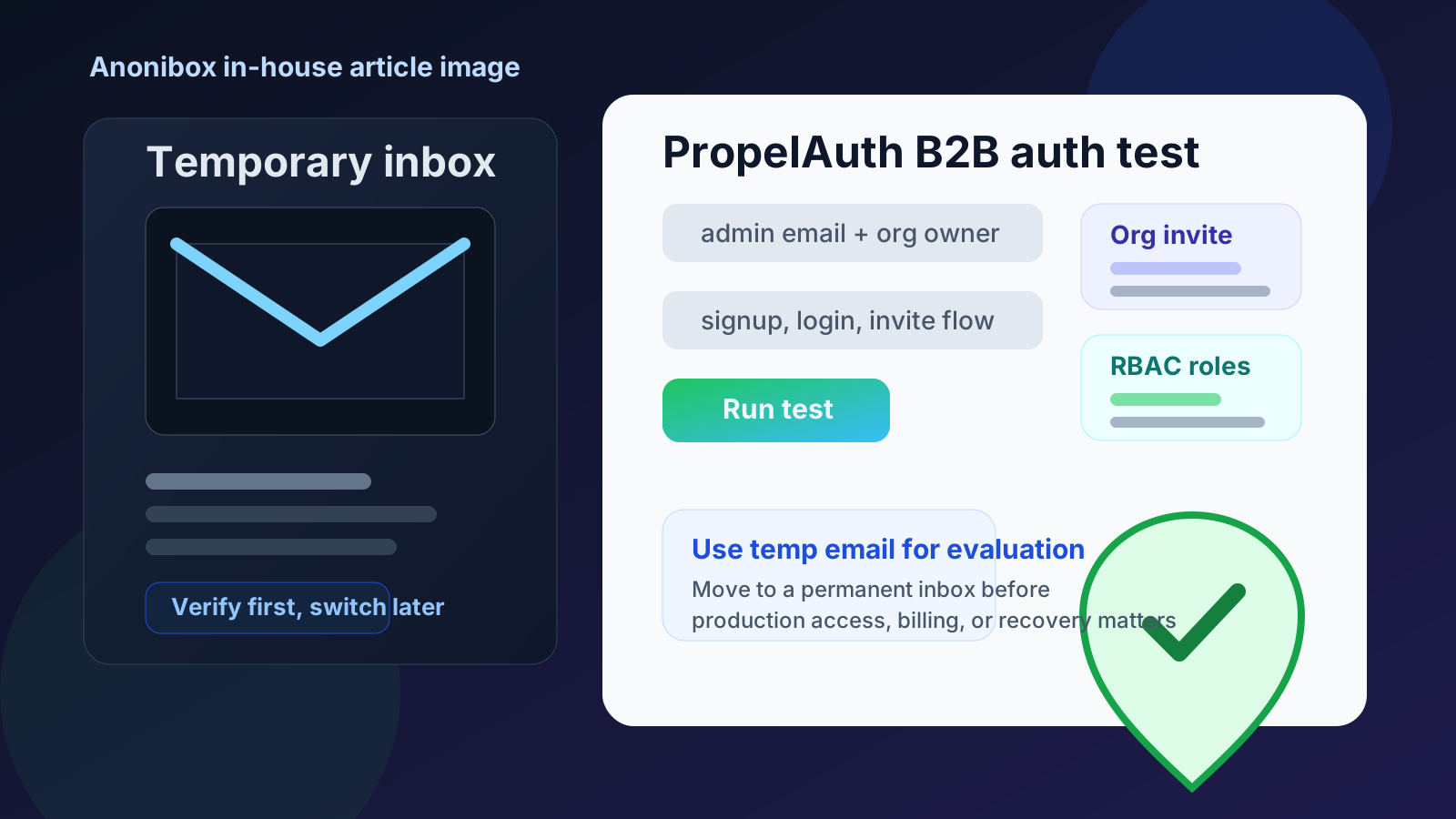
That is the real answer. PropelAuth sits in the category of developer tools people often try before they know whether the project will stay small, grow into a shared product, or become serious customer-facing infrastructure. A team might want to test hosted sign-up flows, evaluate organization management, compare B2B auth providers, or see how role-based access and enterprise login options feel before committing. In that early phase, a temporary inbox can be practical. It lets you receive the verification message, welcome email, and initial invite without turning every experiment into a permanent email relationship.
If you already use a service like Anonibox to keep low-stakes signups separate from your main mailbox, PropelAuth is a sensible place to use the same habit. The important part is understanding where temporary email helps and where it starts creating risk.
Why people look for a temp email for PropelAuth
Most people searching this are not trying to hide anything. They simply want clean separation while they test a product. PropelAuth is built for B2B authentication, which means early evaluation can involve several email-sensitive workflows at once: account verification, organization creation, team invites, role setup, login testing, and possibly trial-related follow-up from the vendor side.
That makes temporary email appealing for a few clear reasons:
- you want to explore the dashboard before deciding whether PropelAuth belongs in your stack
- you need to test signup, login, password reset, or verification flows in a demo app
- you want to inspect organization invites and team onboarding without tying the test to your primary inbox
- you are comparing PropelAuth with Auth0, Clerk, WorkOS, or another identity provider
- you expect trial email, onboarding nudges, or sales follow-up and would rather keep that separate
Those are all reasonable motives. The temporary inbox is useful because the project itself may still be temporary.
When a temp email for PropelAuth makes sense
A temp inbox is most helpful when the account is clearly exploratory rather than operational. Good examples include:
- opening a quick test account to review the product fit for a B2B SaaS build
- running through hosted signup and login flows in a staging or throwaway app
- checking how organization creation and invite emails behave
- evaluating roles, permissions, or admin ergonomics during a short proof of concept
- testing enterprise-facing features before deciding whether a deeper implementation is worth the effort
In those cases, the disposable address acts like a buffer. You get the emails you need for evaluation, but you do not automatically connect a maybe-never-used trial to the inbox that already handles your daily work.
What to evaluate while you still have the temporary inbox attached
If you are using a temp email for PropelAuth, use that period intentionally. Do not stop at “the verification email arrived.” The real value is in testing how the product behaves in the workflows that matter to a B2B app.
1. Signup and hosted authentication flow quality
Check whether the first-run experience feels clear. Can you move from signup to login to a usable dashboard without confusion? If you care about polished hosted UIs or a faster launch path, this is the moment to see whether the defaults actually help or just look good in marketing copy.
2. Transactional email behavior
Look at how the product handles the emails that matter early: verification, password reset, login links if relevant, and organization-related messages. Are they prompt? Easy to understand? Do they create the right experience for a future customer? Temporary email is especially handy here because you can test those flows without mixing them into the inbox that already receives real client or production traffic.
3. Organization setup and team invites
PropelAuth is centered on B2B use cases, so organizations are not a side detail. They are part of the product’s core shape. If your app needs team onboarding, shared workspaces, organization membership, or invite-driven growth, test that carefully. See what the invite experience feels like from the recipient side, how obvious role assignment is, and whether the setup model would make sense to a real admin rather than just a developer doing a quick demo.
4. Roles, permissions, and admin boundaries
Many identity tools look simple until you start thinking about who can do what. Use the early evaluation period to ask harder questions. Does the admin model feel predictable? Can you imagine supporting customers with multiple roles and organizations? Will future teammates understand the setup without tribal knowledge? A temporary inbox helps you start that evaluation, but it should not remain the long-term owner once those questions matter.
5. Enterprise-facing paths like SSO or deeper account structure
If enterprise login, SSO, or organization-level controls are part of your roadmap, the important thing is not just whether the feature exists. It is whether the product’s structure fits your future customers. A temp inbox is fine while you are proving that out. It is not ideal once the account becomes the real administrative home for those workflows.
When a temp email is the wrong choice
A temporary inbox stops being smart when the account stops being disposable. That usually happens earlier than people expect.
Do not keep the temp email attached if any of these become true:
- the PropelAuth account is now tied to a real product roadmap
- multiple teammates depend on the same admin workspace
- production users, customer organizations, or live sign-in flows are involved
- billing, plan changes, contracts, or security notices matter
- you may need dependable account recovery later
Once the account matters operationally, convenience is no longer the priority. Durable ownership is. The inbox attached to identity infrastructure should be one you actually monitor and control.
A practical workflow that keeps the benefits without the risk
Start with the temporary inbox only for evaluation
Create the temporary address first, then use it to verify the initial account and receive early setup mail. This keeps the trial isolated from your permanent mailbox.
Use the first session to answer specific product questions
Can you get the core auth flow running quickly? Does organization onboarding make sense? Are role and permission concepts clear enough for your team? Does the product feel like a fit for the way your B2B app is structured? Those are the questions worth answering while the account is still low-stakes.
Save important details outside the inbox
If you generate app IDs, configuration notes, organization setup decisions, or invite links worth remembering, save them in your documentation right away. Temporary inboxes are good at short-term access, not long-term memory.
Promote the account to a permanent email early
If the test succeeds, do not wait until billing or production rollout to switch. Change to a stable, monitored address as soon as the account starts looking real. That transition is much easier before more admins, more customers, or more security-sensitive workflows pile onto the account.
Common mistakes to avoid
Using a temp inbox for shared admin ownership
This is a messy pattern. One person opens the account with a disposable address, the product starts to matter, and nobody formalizes ownership. Months later the team needs recovery, access review, or a clean handoff, and the original inbox is either forgotten or no longer practical.
Assuming email convenience matters more than recovery
It does not, at least not once the tool is important. The whole point of identity software is access control. That means the mailbox behind the account matters more than it does for many ordinary SaaS trials.
Letting trial habits leak into production planning
Temporary email is a testing tool. It should not quietly become part of your permanent security model. If PropelAuth makes the shortlist, your email strategy should mature with the project.
Forgetting the human side of org invites
For B2B products, it is not enough that invites technically work. They need to be understandable and dependable for real people. Test them with that mindset, then move the account to a durable inbox once the workflow starts to matter.
How this fits with a broader privacy workflow
Developers and founders often need different layers of separation during evaluation. A temp inbox can isolate the first account signup. A dedicated project inbox can take over if the product survives the trial. That layered approach is usually better than either extreme of “use your main inbox for everything” or “keep a disposable address attached forever.”
That is where Anonibox fits naturally. It is useful for early, low-stakes separation: testing a product, verifying an account, receiving the first few emails, and keeping noise out of your main mailbox. Once the account starts carrying real responsibility, switch to a durable address and treat the platform like infrastructure instead of just another trial.
Final answer
Using a temp email for PropelAuth is a good idea when you are still in evaluation mode: testing B2B auth flows, checking organization invites, exploring hosted UIs, or comparing identity platforms for a demo app.
It is a poor long-term choice once the account controls production access, real customer organizations, shared admin workflows, billing, or recovery. Use the temp inbox for the trial, then move to a permanent monitored mailbox as soon as PropelAuth becomes something your team actually depends on.