Yes — using a temporary email generator for DNS filtering software free trials is a practical way to compare protective DNS tools without turning your main inbox into a long vendor follow-up list.
It lets you receive the verification email, activate the trial, and review onboarding details first, while keeping your real address for the shortlist vendors that actually earn a deeper evaluation.
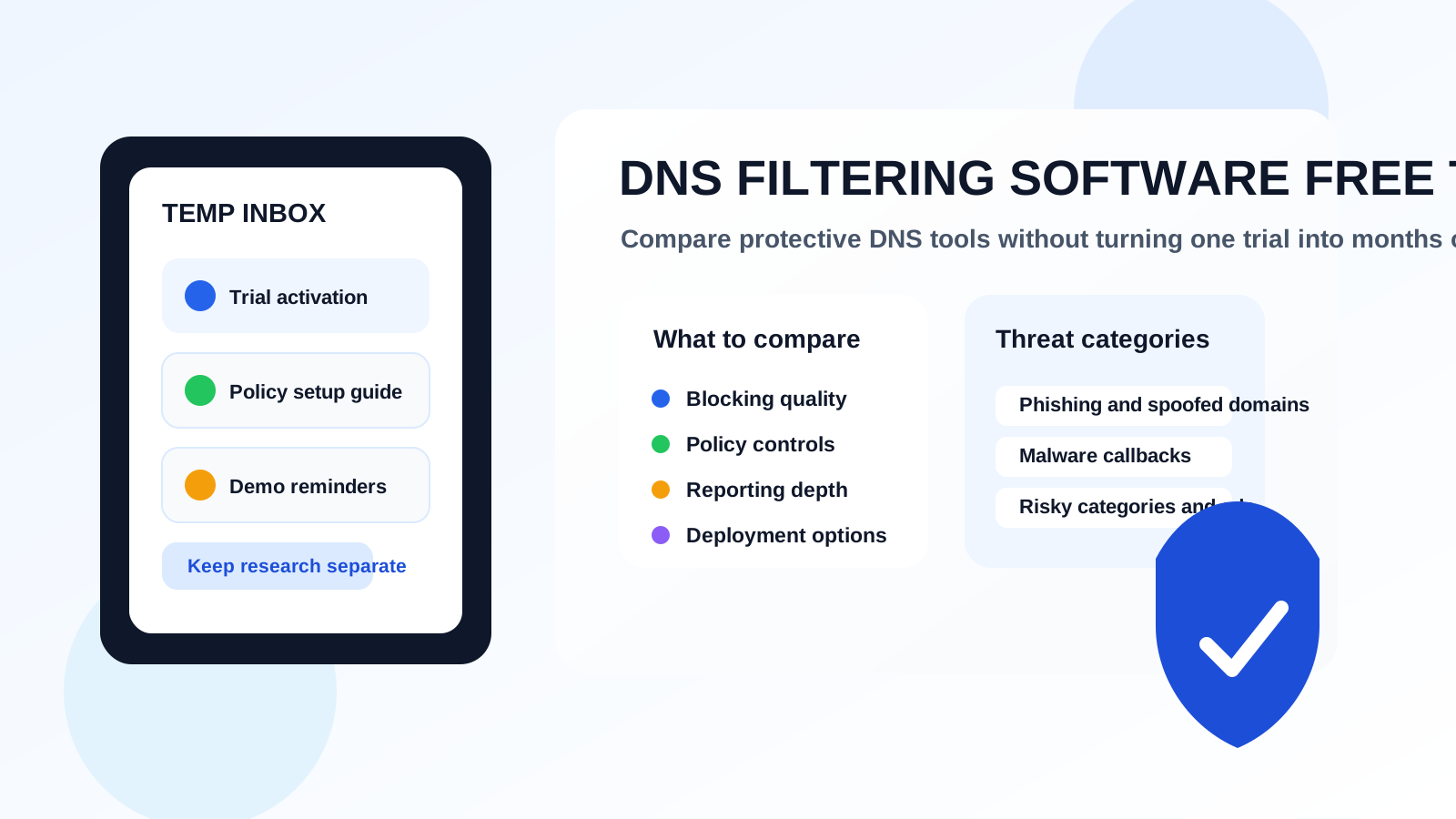
DNS filtering trials are usually gated behind an email form because vendors want to send setup guides, policy templates, deployment instructions, webinar invites, and sales follow-ups as soon as you register. That is normal, but it can get noisy fast when you are comparing multiple tools at once. If you are testing options for a business, school, MSP, family-safety setup, or remote workforce, a temporary inbox can keep the research phase cleaner and easier to manage.
The idea is not to hide forever or avoid legitimate vendor conversations. It is to separate early-stage evaluation from long-term inbox clutter. You can verify the account, inspect the product, and decide whether the platform deserves your permanent work address later. That is especially useful when you are still screening several protective DNS vendors and have not committed to a proof of concept yet.
Why this use case fits DNS filtering trials so well
Protective DNS products often promise broad coverage: malicious domain blocking, category controls, phishing protection, roaming clients, identity-aware policy rules, and reporting that helps IT teams see what is being blocked and why. Those are meaningful differences, but you usually cannot judge them from the marketing page alone. You need to create an account, log in, and see how the product actually feels.
That first signup is also when the email stream begins. Even a short trial can trigger welcome and verification emails, “book a demo” nudges, onboarding playbooks, integration checklists, free assessment offers, and ongoing nurture campaigns after the trial ends. If you test four or five vendors in a week, that follow-up multiplies quickly. A temporary inbox gives you room to evaluate policy controls, reporting, deployment flow, and day-one usability before deciding which vendors should get your long-term contact information.
When a temporary inbox is a smart choice
A temporary email workflow makes the most sense when you are still in the comparison stage. Good examples include screening several DNS filtering platforms before you narrow the shortlist, checking whether the product has a real self-serve trial or just a demo request form, reviewing documentation and default policies, testing whether the admin experience suits a lean IT team, and keeping exploratory vendor outreach separate from your main procurement inbox.
It is especially handy when a vendor wants an email address before revealing basic product behavior. You can sign up, confirm the account, and inspect the console without immediately giving every vendor a permanent line into your work inbox.
When not to rely on temporary email
There is also a point where temporary email stops being the right tool. Once a DNS filtering product becomes a serious finalist, you will usually want to switch to a stable address that belongs to the right decision-maker or administrator. The same applies if you are about to begin a formal proof of concept, connect production identity systems, negotiate pricing, or assign long-term ownership.
In other words, use a temporary inbox for evaluation hygiene, not for ongoing account administration. If you are going to rely on a vendor for real policy enforcement or tenant-level changes, the account should eventually live under an address your team controls long term.
How to use a temporary email generator for DNS filtering software free trials
1. Generate the inbox before you open vendor signup forms
Start with a clean address so the trial stays separate from your primary inbox. If you are using Anonibox or a similar tool, create the address first and keep the inbox open in another tab while you register.
2. Use the temporary address for verification and initial onboarding
Most DNS filtering vendors only need an email address for account confirmation and the first run of onboarding messages. That is the ideal moment for a temporary inbox. Save any activation links, initial setup notes, or trial credentials you actually need.
3. Evaluate the product before you respond to sales pressure
Do not let follow-up emails drive the process. Drive it from your own checklist. Ask whether the console is understandable, whether policy design is flexible, and whether the product genuinely solves the filtering problem you care about.
4. Promote only the finalists to a permanent contact channel
When one or two vendors stand out, move those conversations to your normal work email. That keeps your permanent inbox reserved for the products that made the cut.
What to evaluate inside the DNS filtering trial
The strongest trials are the ones that let you answer real buying questions quickly. Instead of judging the product by the email campaign around it, focus on the product itself.
Policy controls
Can you create category-based rules easily? Is it simple to make exceptions? Can you set different policies for users, devices, offices, or groups? A good protective DNS tool should feel manageable, not brittle.
Threat blocking quality
Look for clear handling of phishing domains, newly seen malicious infrastructure, command-and-control callbacks, typo-squatting, and risky categories. The product does not need to promise perfection, but it should explain what it blocks and how.
Deployment options
Different organizations need different rollout paths. Some want network-level forwarding. Others need roaming clients for remote workers. Schools may care about device coverage and SafeSearch controls. MSPs often care about multi-tenant visibility. The trial should make those paths legible.
Reporting and investigation
Good reports are not just decorative. You should be able to tell what was blocked, when, for whom, and why. If the reporting is too shallow, the platform may create more support friction than it saves.
Privacy and logging posture
Because DNS data can be sensitive, pay attention to how the vendor talks about logging, retention windows, administrative access, and who can view query history. You do not need to assume guarantees that are not stated, but you should understand the operational trade-offs before moving further.
Trial limitations
Some free trials are true self-serve experiences. Others are really demo funnels with restricted features. That difference matters. If you cannot meaningfully test policy logic or reporting during the trial, the evaluation may not be worth deeper effort.
A practical comparison workflow
If you are comparing multiple DNS filtering platforms, keep the workflow simple:
- Create one temporary inbox for the first round of signups.
- Register for the vendors that appear most relevant to your environment.
- Save only the important onboarding emails and activation links.
- Score each platform on policy controls, deployment ease, reporting, and privacy posture.
- Discard the tools that feel too limited, too noisy, or too sales-led.
- Move finalists to your permanent inbox for formal conversations.
This approach keeps the trial stage focused on product quality rather than inbox management. That sounds small, but it helps a lot when you are juggling multiple security vendors at once.
Common mistakes to avoid
- Using your real work inbox for every exploratory signup: this creates clutter before you even know which vendor matters.
- Forgetting to save the important messages: temporary inboxes are useful, but only if you capture the activation details you need.
- Keeping a disposable address attached too long: once you enter a serious evaluation or buying phase, move to a stable address your team owns.
- Confusing marketing polish with product quality: a strong nurture sequence does not mean the console, policy engine, or reporting are strong.
- Ignoring operational fit: the best DNS filtering platform is not just the one with the most features. It is the one your environment can actually deploy and manage well.
Quick checklist before you keep a vendor on the shortlist
- Did the trial make it easy to verify the account and reach the console?
- Can you understand default blocking categories without reading a long sales PDF?
- Does the product show enough evidence when something gets blocked?
- Can you picture how remote devices, branch locations, or different user groups would be handled?
- Did the vendor earn a deeper conversation, or just send more email than everyone else?
If you cannot answer those questions clearly after a trial, the platform may not deserve a second round. That is exactly why keeping the first pass inside a temporary inbox helps: it lets you filter vendors based on product fit instead of inbox fatigue.
How Anonibox fits naturally
Anonibox fits this workflow best at the very beginning, when you want to test quickly without inviting every vendor into your primary mailbox forever. That is useful for security software in general, but DNS filtering is an especially clean match because so many trials begin with the same gated-email pattern. You get the verification link, you review the setup flow, and you decide whether the platform deserves more attention.
Used that way, a temporary inbox is not a gimmick. It is just a tidy evaluation habit. It helps you keep early research separate from real vendor relationships, which is exactly what many teams need during first-pass comparison work.
Final takeaway
A temporary email generator for DNS filtering software free trials workflow is a smart way to compare protective DNS tools without letting every signup spill into your long-term inbox. It gives you enough access to verify accounts, explore the console, and judge whether the product is worth deeper testing.
Once a vendor proves it belongs on the shortlist, switch to a permanent address and continue the evaluation normally. Until then, keeping the noisy first round inside a temporary inbox makes the research phase cleaner, faster, and easier to control.