Yes—using a temporary inbox for password sharing software free trials is a practical way to compare team vault tools without feeding your main email into months of vendor follow-up.
It works best for early evaluation, email verification, and first-run onboarding, then you should switch to a permanent address before real team rollout, shared credentials, or account ownership matters.
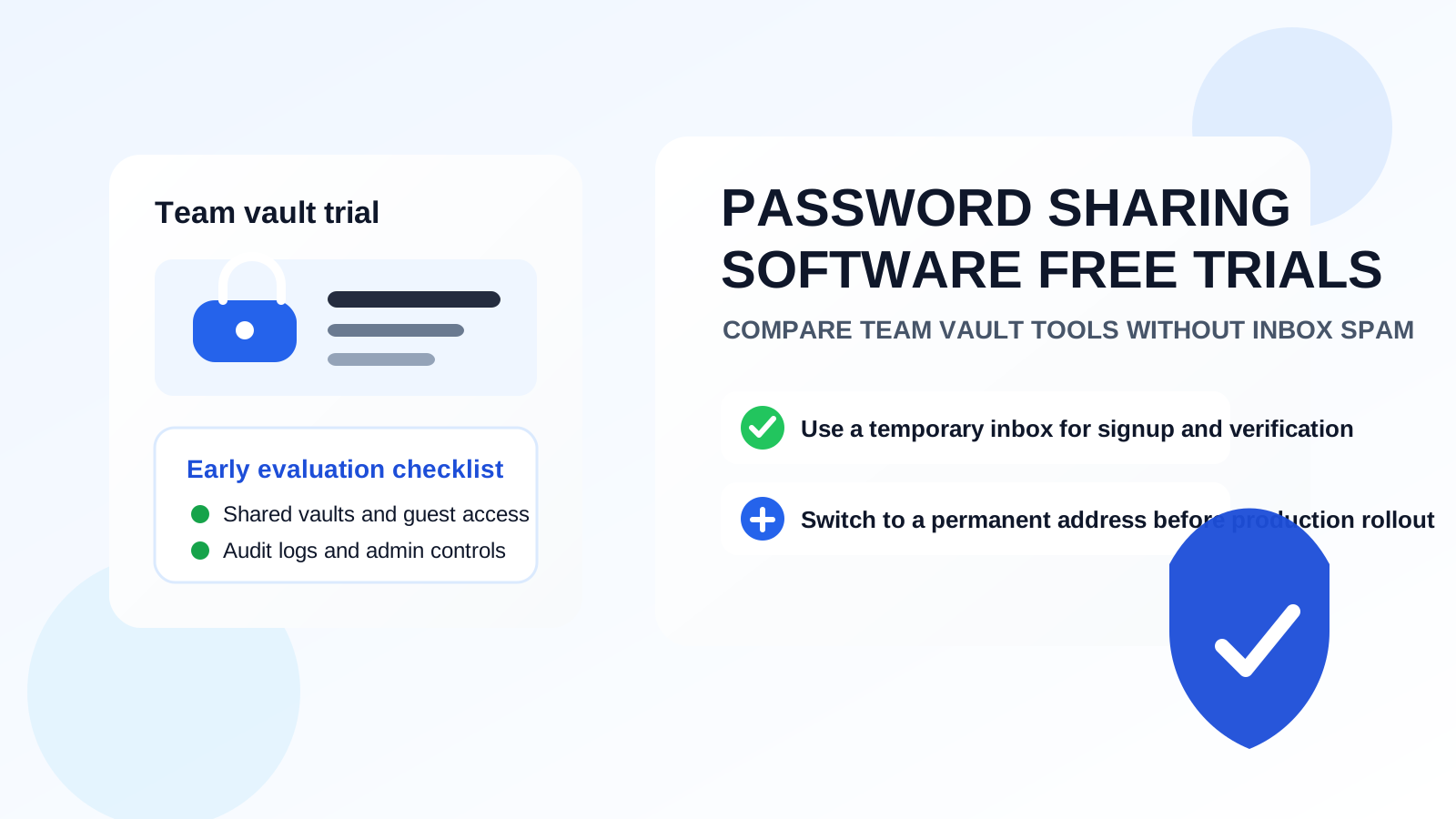
If you are researching shared password vaults, admin password-sharing tools, or team credential platforms, you will notice the same pattern fast: nearly every vendor wants an email before you can test anything meaningful. That makes sense. They need a way to send verification links, welcome messages, setup checklists, extension install instructions, and demo reminders. The problem is that once you sign up for several tools at once, your main inbox can turn into a long chain of nurture campaigns before you have even decided which product is worth deeper evaluation.
That is where a temporary email generator for password sharing software free trials workflow helps. A temporary inbox lets you verify the trial, collect the first important messages, and keep your everyday email separate while you compare the basics. You still get access to the product. You just avoid giving every vendor permanent access to the inbox you use for work, billing, and important logins.
Why this use case makes sense
Password sharing software is often evaluated by small teams, agencies, IT admins, founders, and operations leads who want a secure way to share credentials without throwing passwords into chat, documents, or sticky notes. During the evaluation phase, people are not usually ready to commit to one vendor. They may test three or four products in the same week to compare usability, admin controls, browser extensions, shared vaults, guest access, and audit visibility.
That creates the perfect conditions for inbox clutter. Each trial may trigger onboarding emails, feature tours, webinar invites, pricing prompts, account manager outreach, and “just checking in” sequences. Using a temporary inbox for the first stage helps you separate product research from long-term vendor communication until you know which platform deserves a real company address.
When a temporary inbox is appropriate
A temporary inbox is most useful when you are still in the shortlist stage and the main goal is comparison.
- Testing usability: you want to click around the dashboard, install the extension, and see whether the sharing model makes sense.
- Comparing several vendors at once: you do not want multiple sales and onboarding sequences landing in your primary inbox.
- Running a low-stakes pilot: you need to see basic setup flow before deciding whether the product is worth team involvement.
- Protecting personal or general-purpose email: you want vendor outreach separated from the inboxes that matter every day.
That said, the tool should stay in the evaluation lane. Once you are about to invite coworkers, connect production workflows, or assign admin ownership, a permanent address is the better choice.
When you should switch away from a temporary email
Password sharing software stops being a simple trial the moment it starts holding important access. That is the point where convenience should give way to continuity and accountability.
Switch to a permanent address before you:
- Invite teammates to shared vaults
- Store production credentials
- Set up billing or procurement
- Enable admin ownership, SSO, or SCIM
- Depend on the account for long-term recovery
A temporary inbox is useful for discovery. It is not a smart foundation for a system that may eventually hold cloud logins, database access, domain registrars, or client credentials.
How to use a temporary inbox during password sharing software free trials
1. Generate the inbox before you start comparing tools
Create the temporary address first so every trial begins inside the same privacy boundary. If you are testing several tools at once, some people prefer one dedicated inbox per vendor for extra separation. Others use one short-term evaluation inbox for the whole comparison. Either approach can work as long as you stay organized.
2. Use it for verification and initial onboarding only
Most trials only require a few emails at the start: the verification link, a welcome message, extension setup instructions, and maybe a checklist for the first shared vault or first guest user. Save what matters, then judge the product on the product itself rather than on how many campaign emails it can send.
3. Evaluate the features that actually matter
For password sharing tools, early evaluation should focus on core buying questions instead of marketing polish. Ask practical questions like:
- Can you create shared vaults or collections cleanly?
- How easy is it to share credentials without exposing the raw password more than necessary?
- Are permissions clear for admins, editors, and read-only users?
- Does the browser extension feel reliable in normal use?
- Are audit logs, access history, and revocation controls easy to understand?
- Can you add temporary collaborators or guest users safely?
- Does the vendor make account recovery and ownership transition clear?
Those are the questions that decide whether a tool is viable. The inbox is just the gate to the trial, not the reason to choose it.
4. Move the winner to a permanent address before rollout
Once one product becomes the serious favorite, switch to a stable address your team controls. That is the right time to handle procurement, team invites, admin ownership, and anything tied to long-term support. If you use Anonibox for the initial screening phase, treat it as a clean buffer between research and commitment—not as the permanent identity of the account.
The biggest benefits
- Less inbox clutter: shortlist comparisons stop spilling promotional follow-up into your main email.
- Better privacy: your everyday address does not have to be shared with every vendor you test.
- Cleaner comparisons: it is easier to keep evaluation messages separate from normal work.
- Faster decision-making: you can test, compare, and eliminate tools without dragging unwanted follow-up along with you.
Mistakes to avoid
Using a temporary inbox after the trial becomes real
This is the biggest one. If the account starts to matter operationally, move it to a permanent address. Shared password systems are not the place to get casual about account recovery.
Judging the tool by its email campaign
Some vendors are loud in the inbox and weak in the product. Others barely email at all but have solid admin controls. Focus on the vault model, permission structure, auditability, and day-to-day usability.
Forgetting to capture important setup messages
Temporary inboxes are helpful because they are disposable. That also means you should save any extension links, setup steps, or support references you may need during the comparison window.
Testing with real production credentials too early
Use low-risk sample accounts during trial evaluation. There is no reason to load a fresh trial with the keys to your live infrastructure just because the interface looks promising.
A practical evaluation checklist
If you are comparing password sharing tools, this short checklist keeps the trial grounded:
- Does the sharing workflow reduce copy-paste and unsafe chat sharing?
- Can admins revoke access quickly when a person leaves or a project ends?
- Is the permission model simple enough for nontechnical teammates to follow?
- Do browser and mobile experiences feel consistent?
- Is there a clean path from solo trial to team rollout?
- Are you comfortable switching the shortlisted account to a permanent address later?
If a product fails those tests, it probably does not matter how polished the signup flow was.
Who this workflow is best for
This approach tends to work especially well for consultants, agencies, startup operators, small IT teams, and security-conscious evaluators who want to explore several options without committing their main inbox too early. It is also useful for anyone who already separates research activity from long-term accounts as a general privacy habit.
It is less useful if you already know which vendor you are buying, if the trial is really just a formality before procurement, or if you need immediate team-wide collaboration with stable ownership from day one.
Bottom line
A temporary inbox is a smart way to handle password sharing software free trials when you are still comparing options and trying to keep vendor outreach under control.
Use it for signup, verification, and early product evaluation. Then, once a tool becomes the real contender, move to a permanent address before you invite teammates, add billing, or trust the platform with credentials that matter. That keeps your trial process cleaner, your main inbox quieter, and your decision-making focused on whether the product is actually good enough to use.